
OpenDeck
Open & present HTML decks
Được thiết kế cho iPhone, iPad, Mac, iPod touch
Miễn phí
- Độ tuổi4+
- Danh mụcHiệu Suất
- Nhà phát triểnSinisha Djukic
- Ngôn ngữTiếng Anh
- Kích thước10,0 MB
Liên kết đến trang App Store chính thức
Download.org không lưu trữ tệp nào của OpenDeck. Nút này mở trang ứng dụng trên App Store, nơi Sinisha Djukic phát hành ứng dụng. Trang được kiểm tra lần cuối: 12/11/2026.
Ảnh chụp màn hình
Giới thiệu
Nhà phát triển chưa cung cấp nội dung này bằng ngôn ngữ của bạn.
OpenDeck is a viewer for self-contained HTML *documents* ("decks"), analogous to a PDF reader or a web browser opening a local page. Decks are content the user explicitly imports (via Files, AirDrop, or the share sheet) — they are not code downloaded to change the app's own features, and the app ships no in-app store or remote-content fetch.
Each deck renders inside a sandboxed, cross-origin iframe served from an isolated origin (a custom deck:// scheme on iOS/macOS). The sandbox withholds top-level navigation, so a deck can never replace or reach the app shell or the native bridge. The app's functionality is fixed; decks cannot alter it. (Ref: Guideline 2.5.2.)
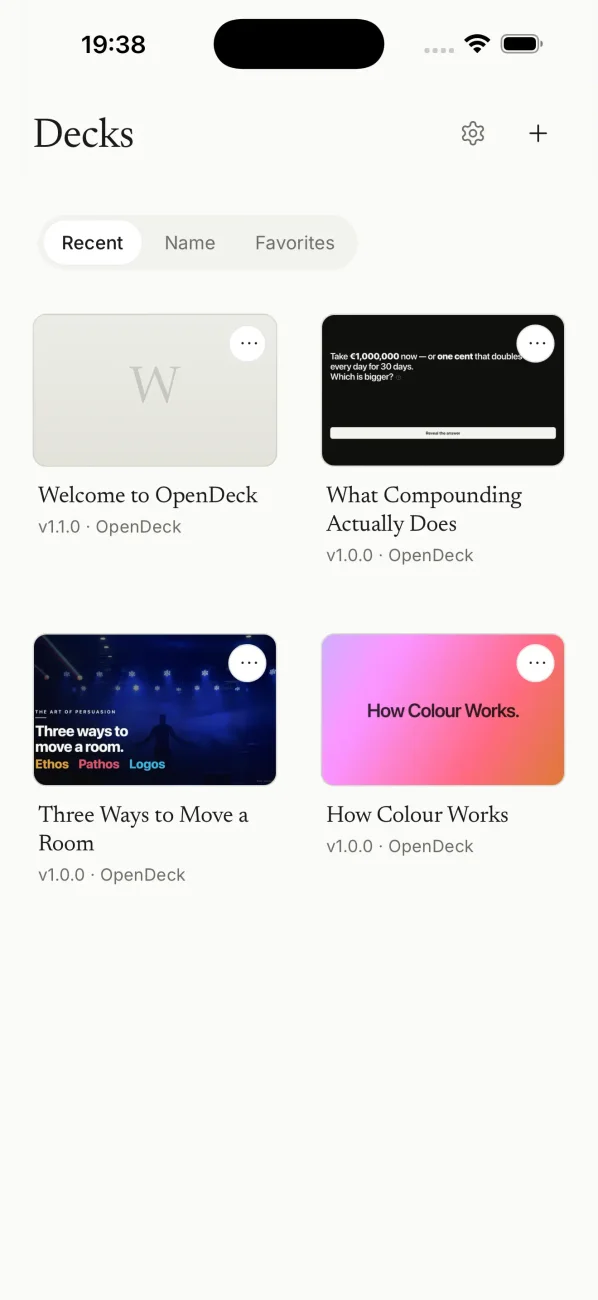
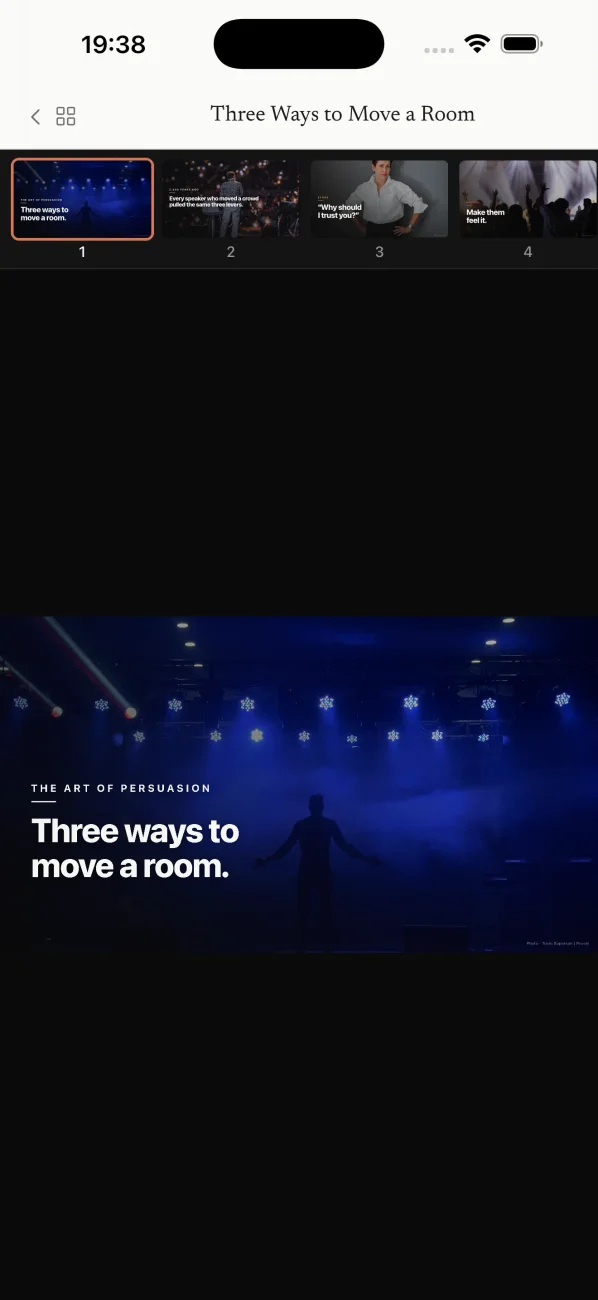
To test presenting: on first launch the app preloads a short "Welcome" deck plus three example decks (illustrative HTML presentations) — open any of them from the library and move through the slides by tapping the screen (iPhone/iPad), using the on-screen arrow controls or the thumbnail rail, or pressing the left/right arrow keys.
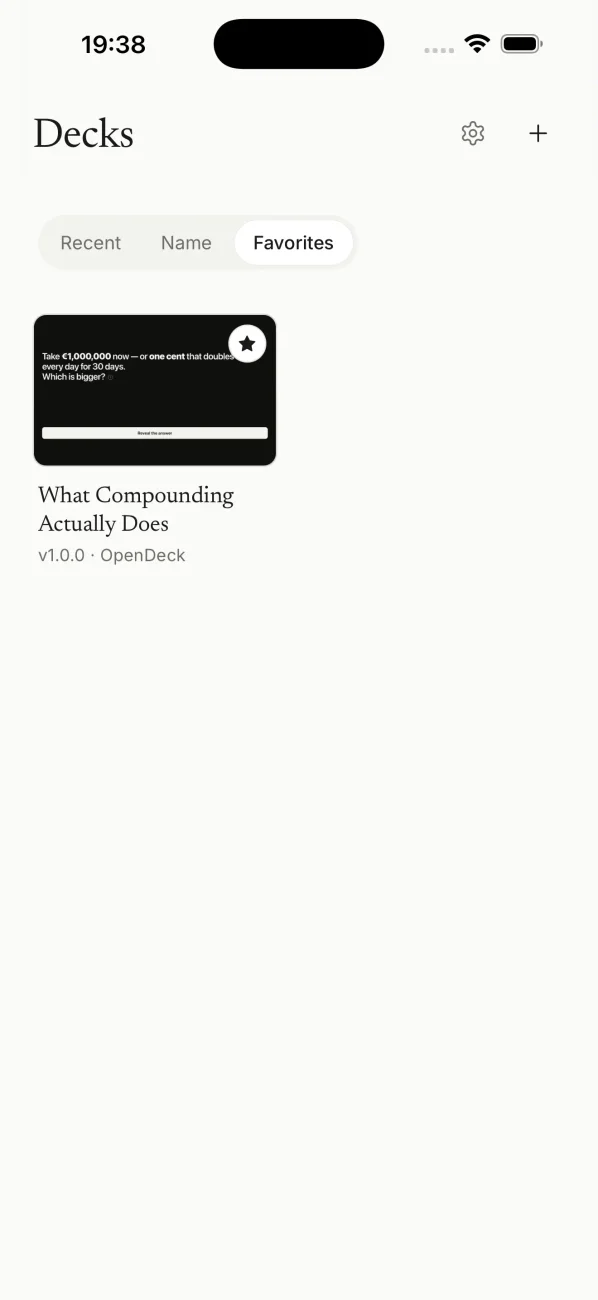
To test import: ready-made .deck files are downloadable from the "Examples" section of the home page at https://open-deck.org (smallest is "What Compounding Actually Does", 0.3 MB — direct link: https://open-deck.org/downloads/compounding.deck). Download one on the device, then open it via the system Share sheet → OpenDeck, or from the Files app — it is added to the library. Note: those three decks are also preloaded, and decks are content-addressed, so re-importing one simply refreshes it rather than duplicating; to watch a brand-new deck appear, first delete it from the library (••• → Delete) and then import the downloaded file. (AirDrop'ing any .deck to the device and choosing OpenDeck works too.)
The bundled example decks are first-party sample content; any photographs in them are licensed stock imagery (Pexels License, which permits commercial and in-app use).
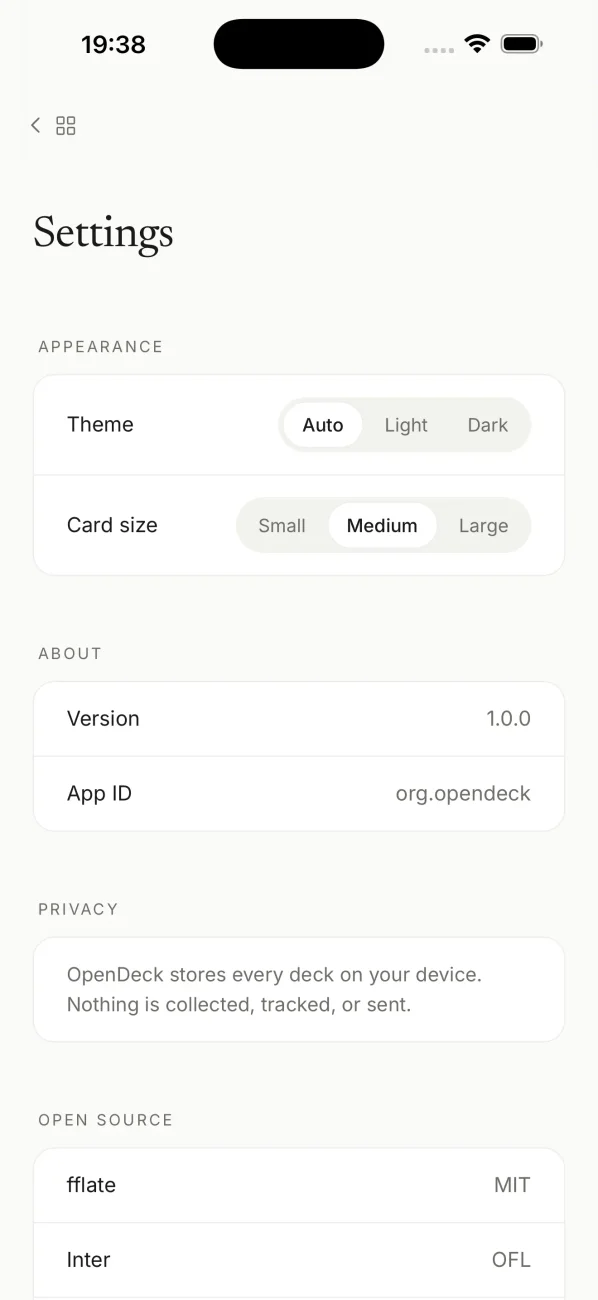
The app collects no data and makes no network requests; everything is stored on-device.
Quyền riêng tư của ứng dụng
Những gì Sinisha Djukic khai báo trên App Store về cách ứng dụng này xử lý dữ liệu.
-
Dữ liệu không được thu thập
Nhà phát triển không thu thập bất kỳ dữ liệu nào từ ứng dụng này.
Phương thức đảm bảo quyền riêng tư có thể khác nhau, chẳng hạn như tuỳ theo các tính năng bạn sử dụng hoặc độ tuổi của bạn.
Thông tin
- Người bán
- Sinisha Djukic
- Danh mục
- Hiệu Suất
- Phiên bản
- 1.0.0
- Cập nhật
- 30/06/2026
- Phát hành
- 30/06/2026
- Kích thước
- 10,0 MB
- Yêu cầu
- iOS 15.0 trở lên
- Độ tuổi
- 4+
- Giá
- Miễn phí
- Ngôn ngữ
- Tiếng Anh
- Bản quyền
- © Sinisha Djukic
Có thể bạn cũng thích
-
 Webly : HTML ViewerHiệu Suất
-
 SumSlide — PPTX EditorHiệu Suất
-
 Neatbase: Personal DatabaseHiệu Suất
-
 OpenNow - Markdown HTMLHiệu Suất
-
 HLL Pdf ReaderHiệu Suất
-
 SocratusHiệu Suất
-
 Marp Slide: Markdown PPTTạo và trình chiếu
-
 HTML Editor - Local FilesHiệu Suất
-
 Anycap: Capture & BookmarksHiệu Suất
-
 Simple Slide: Tạo Slide NhanhTạo và trình chiếu dễ dàng