
OpenDeck
Open & present HTML decks
Conçue pour iPhone, iPad, Mac, iPod touch
Gratuit
- Classification d’âge4+
- CatégorieProductivité
- DéveloppeurSinisha Djukic
- LanguesAnglais
- Taille10,0 Mo
Renvoie vers la page App Store officielle
Download.org n’héberge aucun fichier de OpenDeck. Le bouton ouvre la page de l’application sur App Store, où Sinisha Djukic la publie. Fiche vérifiée pour la dernière fois le 12/11/2026.
Captures d’écran
À propos
Le développeur n’a pas fourni ce texte dans votre langue.
OpenDeck is a viewer for self-contained HTML *documents* ("decks"), analogous to a PDF reader or a web browser opening a local page. Decks are content the user explicitly imports (via Files, AirDrop, or the share sheet) — they are not code downloaded to change the app's own features, and the app ships no in-app store or remote-content fetch.
Each deck renders inside a sandboxed, cross-origin iframe served from an isolated origin (a custom deck:// scheme on iOS/macOS). The sandbox withholds top-level navigation, so a deck can never replace or reach the app shell or the native bridge. The app's functionality is fixed; decks cannot alter it. (Ref: Guideline 2.5.2.)
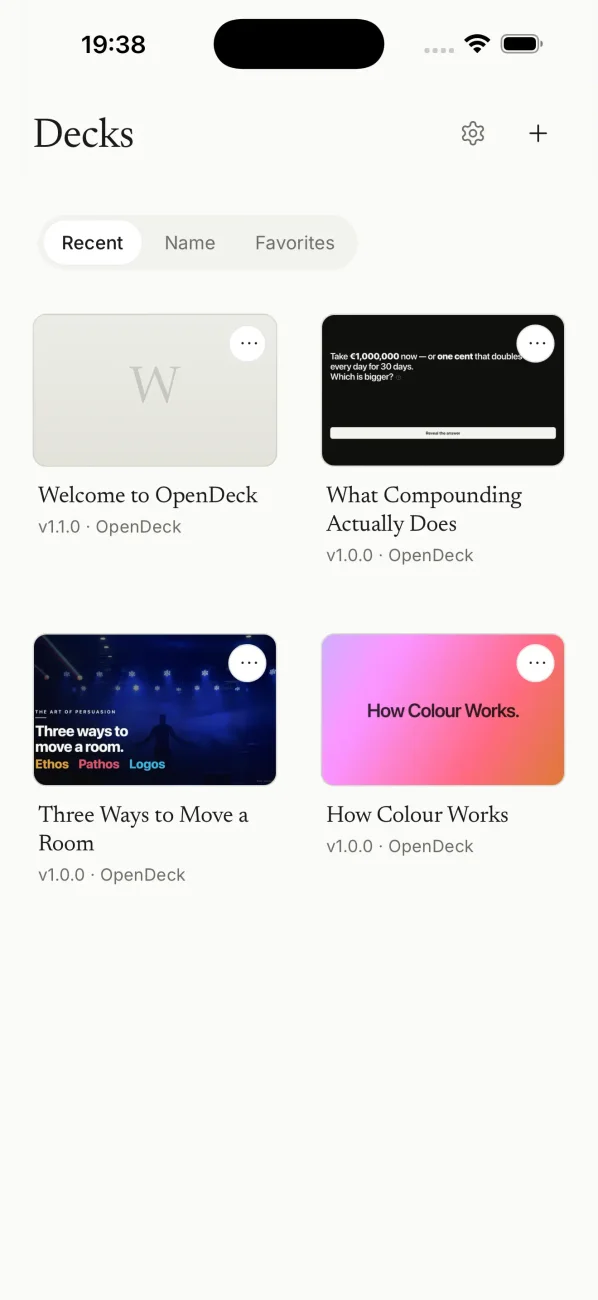
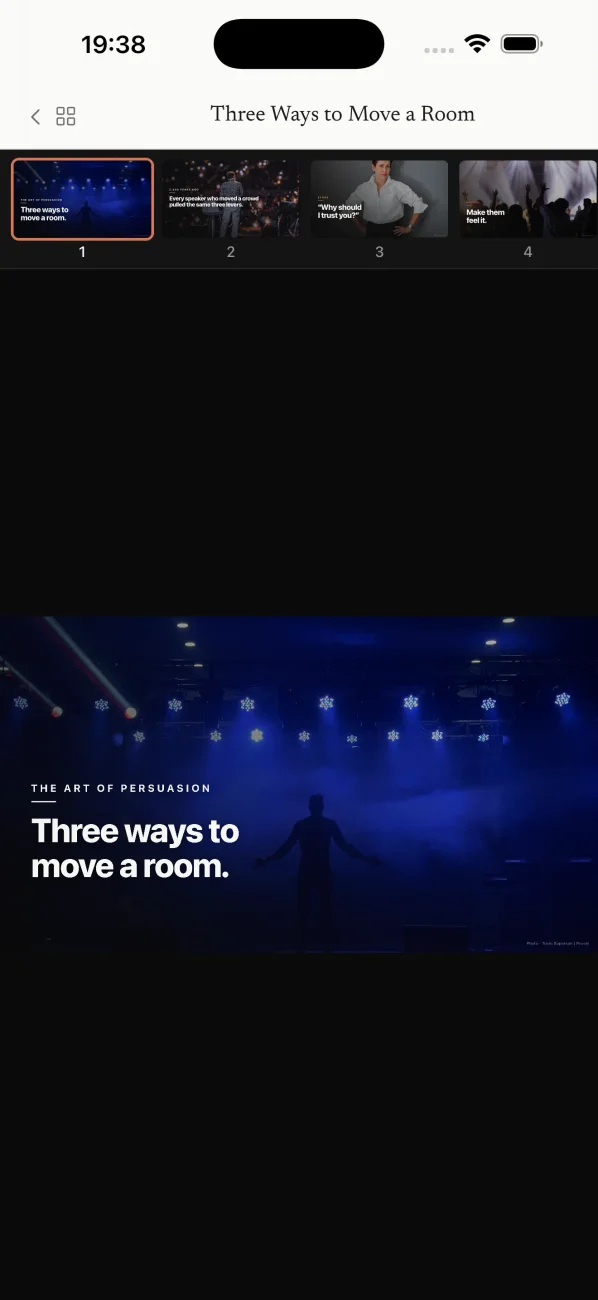
To test presenting: on first launch the app preloads a short "Welcome" deck plus three example decks (illustrative HTML presentations) — open any of them from the library and move through the slides by tapping the screen (iPhone/iPad), using the on-screen arrow controls or the thumbnail rail, or pressing the left/right arrow keys.
To test import: ready-made .deck files are downloadable from the "Examples" section of the home page at https://open-deck.org (smallest is "What Compounding Actually Does", 0.3 MB — direct link: https://open-deck.org/downloads/compounding.deck). Download one on the device, then open it via the system Share sheet → OpenDeck, or from the Files app — it is added to the library. Note: those three decks are also preloaded, and decks are content-addressed, so re-importing one simply refreshes it rather than duplicating; to watch a brand-new deck appear, first delete it from the library (••• → Delete) and then import the downloaded file. (AirDrop'ing any .deck to the device and choosing OpenDeck works too.)
The bundled example decks are first-party sample content; any photographs in them are licensed stock imagery (Pexels License, which permits commercial and in-app use).
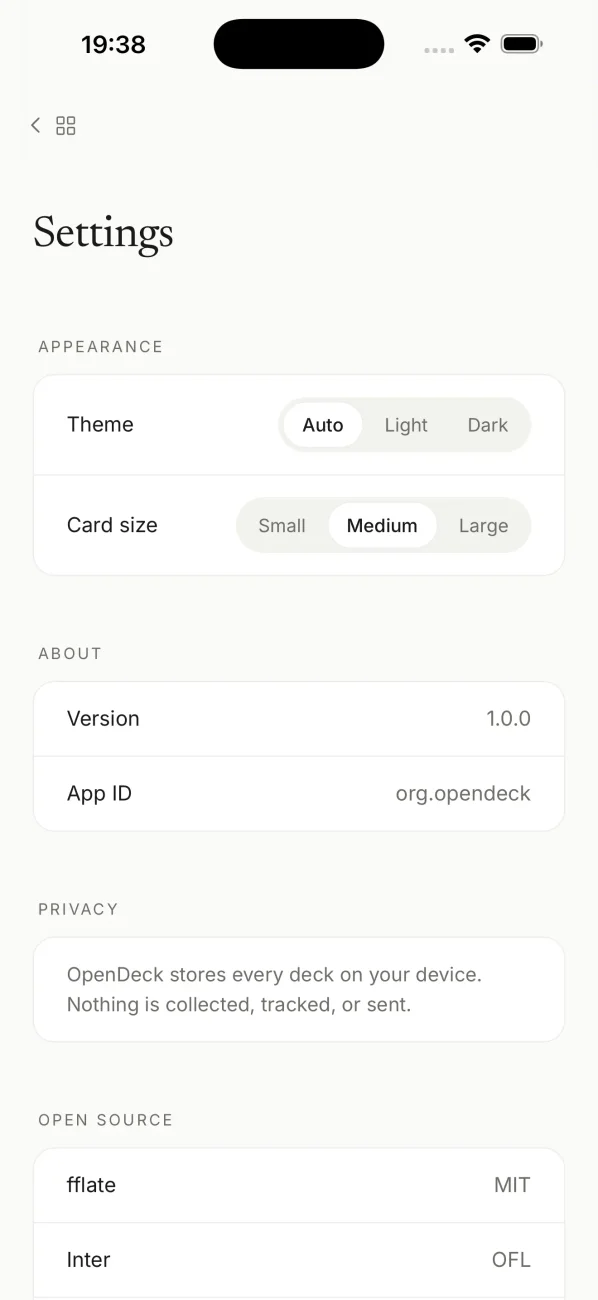
The app collects no data and makes no network requests; everything is stored on-device.
Confidentialité de l’application
Ce que Sinisha Djukic déclare sur l’App Store au sujet du traitement des données par cette application.
-
Données non collectées
Le développeur ne collecte aucune donnée à partir de cette application.
Les pratiques en matière de confidentialité peuvent varier, notamment en fonction des fonctionnalités que vous utilisez ou de votre âge.
Informations
- Vendeur
- Sinisha Djukic
- Catégorie
- Productivité
- Version
- 1.0.0
- Mis à jour
- 30/06/2026
- Publié
- 30/06/2026
- Taille
- 10,0 Mo
- Nécessite
- iOS 15.0 ou version ultérieure
- Classification d’âge
- 4+
- Prix
- Gratuit
- Langues
- Anglais
- Copyright
- © Sinisha Djukic
Vous aimerez peut-être aussi
-
 Webly : HTML ViewerProductivité
-
 SumSlide — PPTX EditorProductivité
-
 Neatbase: Personal DatabaseProductivité
-
 OpenNow - Markdown HTMLProductivité
-
 HLL Pdf ReaderProductivité
-
 SocratusProductivité
-
 Marp Slide: Markdown PPTCréez et présentez sur mobile
-
 HTML Editor - Local FilesProductivité
-
 Anycap: Capture & BookmarksProductivité
-
 Slide Facile: Créer des SlidesCréez et présentez avec aise