
- 対象年齢4+
- カテゴリ仕事効率化
- 開発元Sinisha Djukic
- 言語英語
- サイズ10.0 MB
App Storeの公式ページにリンクしています
Download.orgはOpenDeckのファイルを一切ホストしていません。ボタンを押すと、Sinisha Djukicが公開しているApp Storeのアプリページが開きます。ページの最終確認:2026/11/12。
スクリーンショット
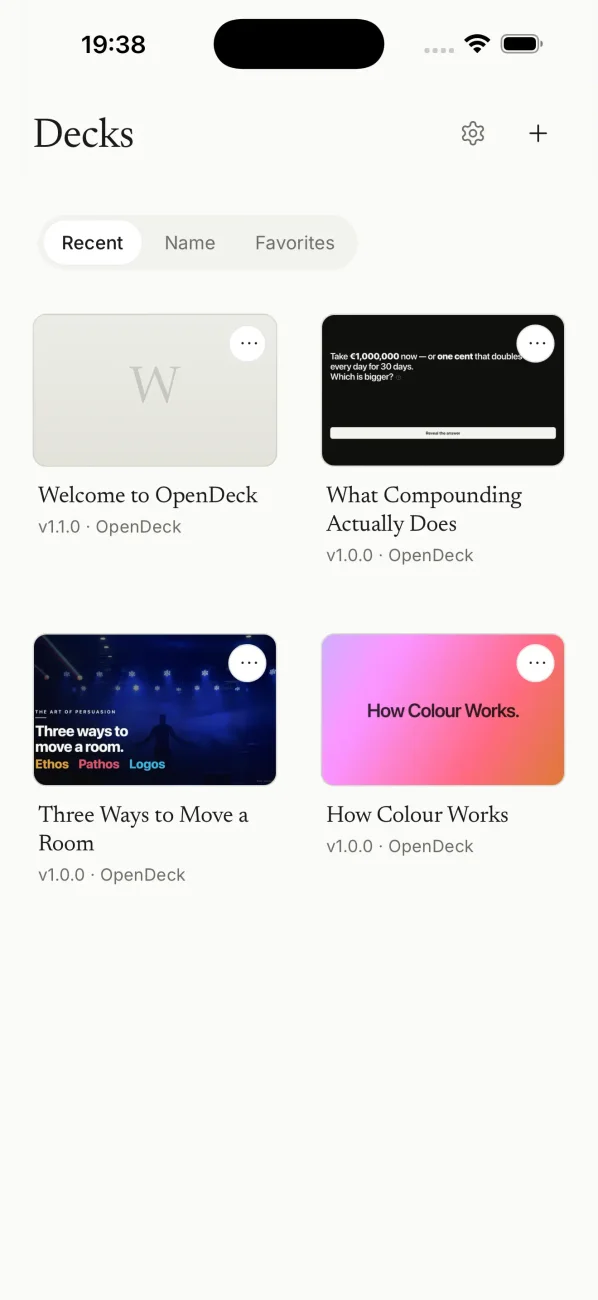
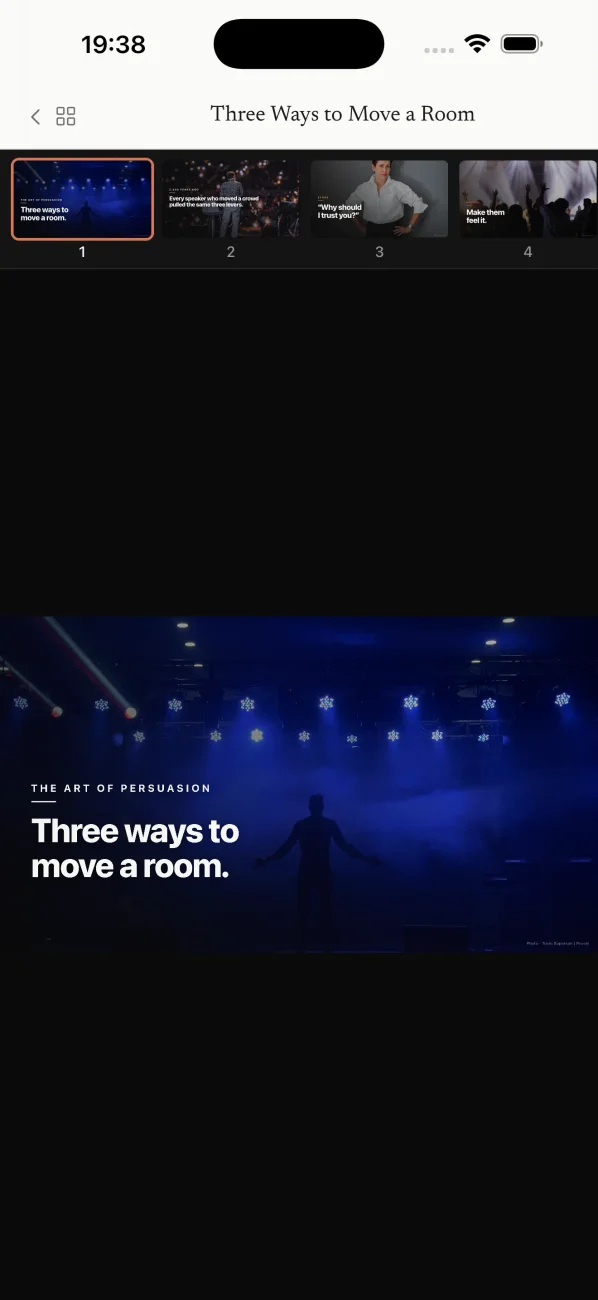
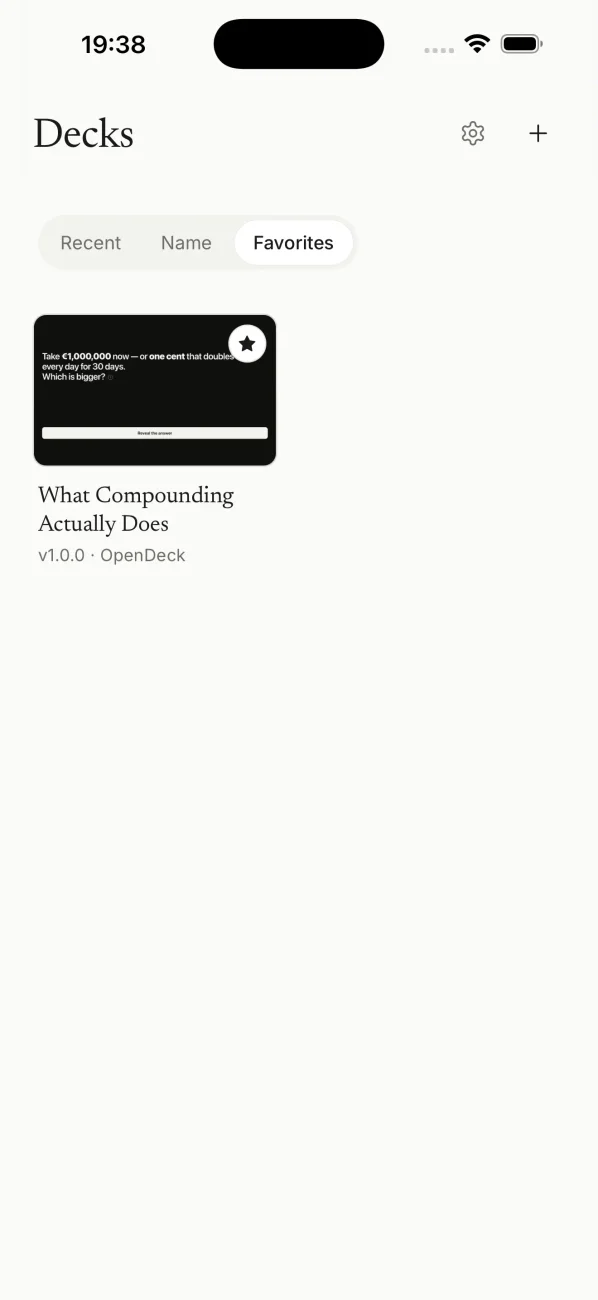
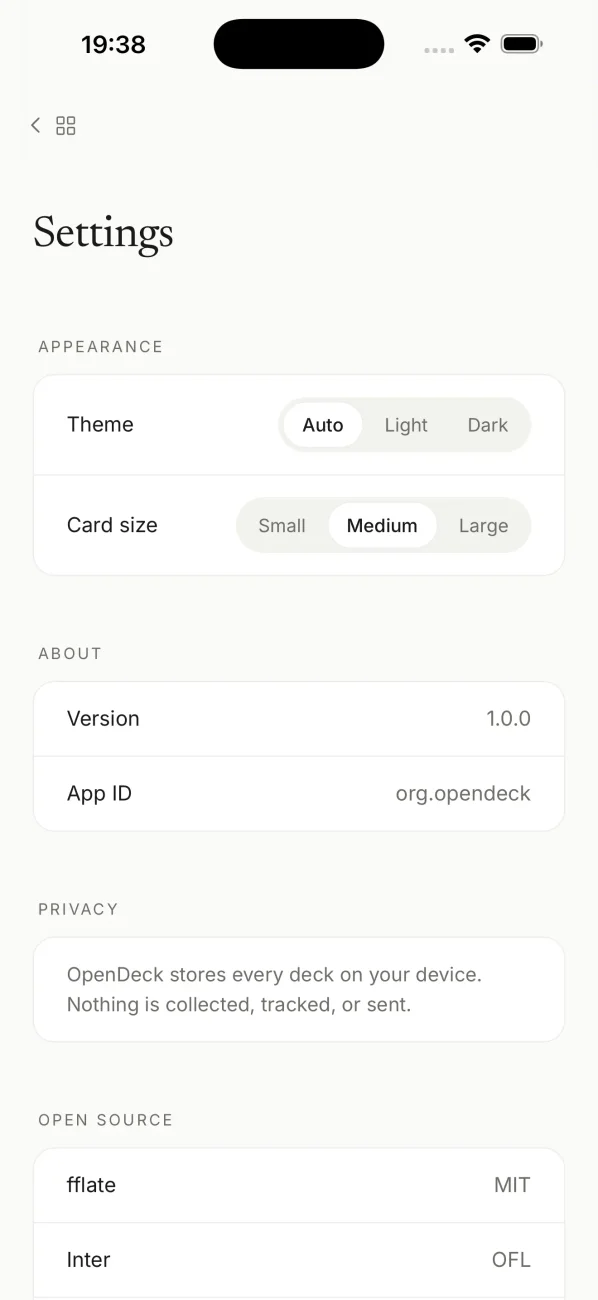
概要
開発元はこのテキストをお使いの言語で提供していません。
OpenDeck is a viewer for self-contained HTML *documents* ("decks"), analogous to a PDF reader or a web browser opening a local page. Decks are content the user explicitly imports (via Files, AirDrop, or the share sheet) — they are not code downloaded to change the app's own features, and the app ships no in-app store or remote-content fetch.
Each deck renders inside a sandboxed, cross-origin iframe served from an isolated origin (a custom deck:// scheme on iOS/macOS). The sandbox withholds top-level navigation, so a deck can never replace or reach the app shell or the native bridge. The app's functionality is fixed; decks cannot alter it. (Ref: Guideline 2.5.2.)
To test presenting: on first launch the app preloads a short "Welcome" deck plus three example decks (illustrative HTML presentations) — open any of them from the library and move through the slides by tapping the screen (iPhone/iPad), using the on-screen arrow controls or the thumbnail rail, or pressing the left/right arrow keys.
To test import: ready-made .deck files are downloadable from the "Examples" section of the home page at https://open-deck.org (smallest is "What Compounding Actually Does", 0.3 MB — direct link: https://open-deck.org/downloads/compounding.deck). Download one on the device, then open it via the system Share sheet → OpenDeck, or from the Files app — it is added to the library. Note: those three decks are also preloaded, and decks are content-addressed, so re-importing one simply refreshes it rather than duplicating; to watch a brand-new deck appear, first delete it from the library (••• → Delete) and then import the downloaded file. (AirDrop'ing any .deck to the device and choosing OpenDeck works too.)
The bundled example decks are first-party sample content; any photographs in them are licensed stock imagery (Pexels License, which permits commercial and in-app use).
The app collects no data and makes no network requests; everything is stored on-device.
アプリのプライバシー
このアプリのデータの取り扱いについて、Sinisha DjukicがApp Storeで申告している内容です。
-
データの収集なし
開発元はこのアプリからデータを収集しません。
プライバシーの取り扱いは、ご利用の機能やお客様の年齢などに応じて異なる場合があります。
情報
- 販売元
- Sinisha Djukic
- カテゴリ
- 仕事効率化
- バージョン
- 1.0.0
- 更新日
- 2026/6/30
- リリース
- 2026/6/30
- サイズ
- 10.0 MB
- 必要条件
- iOS 15.0以降
- 対象年齢
- 4+
- 価格
- 無料
- 言語
- 英語
- 著作権
- © Sinisha Djukic
こちらもおすすめ
-
 Webly : HTML Viewer仕事効率化
-
 SumSlide — PPTX Editor仕事効率化
-
 Neatbase: Personal Database仕事効率化
-
 OpenNow - MD/HTMLビューアすぐ開いて、いつでも続きから
-
 HLL Pdf Reader仕事効率化
-
 Socratus仕事効率化
-
 Marpスライド:Markdownでかんたんスライド作成スマホで作成、そのまま発表
-
 HTML Editor - Local Files仕事効率化
-
 Anycap: Capture & Bookmarks仕事効率化
-
 シンプルスライド: スマホでスライド作成プレゼン資料をかんたん作成、そのまま発表