Pixel Studio: Animation Maker
Draw & animate pixel art
Diseñada para iPhone, iPad, iPod touch
- Clasificación por edad4+
- CategoríaDiseño gráfico
- DesarrolladorMark Fairless
- IdiomasInglés
- Tamaño46,7 MB
Es posible que Pixel Studio: Animation Maker no esté disponible en App Store en este momento
No se pudo acceder a la ficha de la tienda en nuestra última comprobación. El enlace sigue llevando a la página oficial de App Store.
Capturas de pantalla
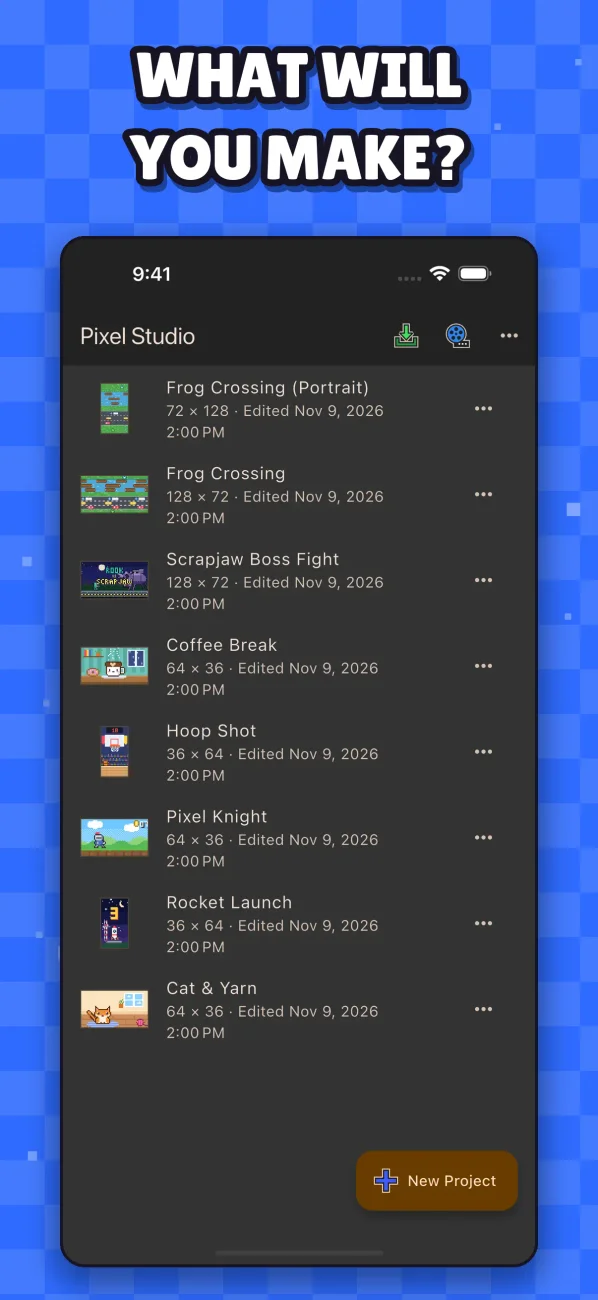
Acerca de
El desarrollador no ha proporcionado este texto en tu idioma.
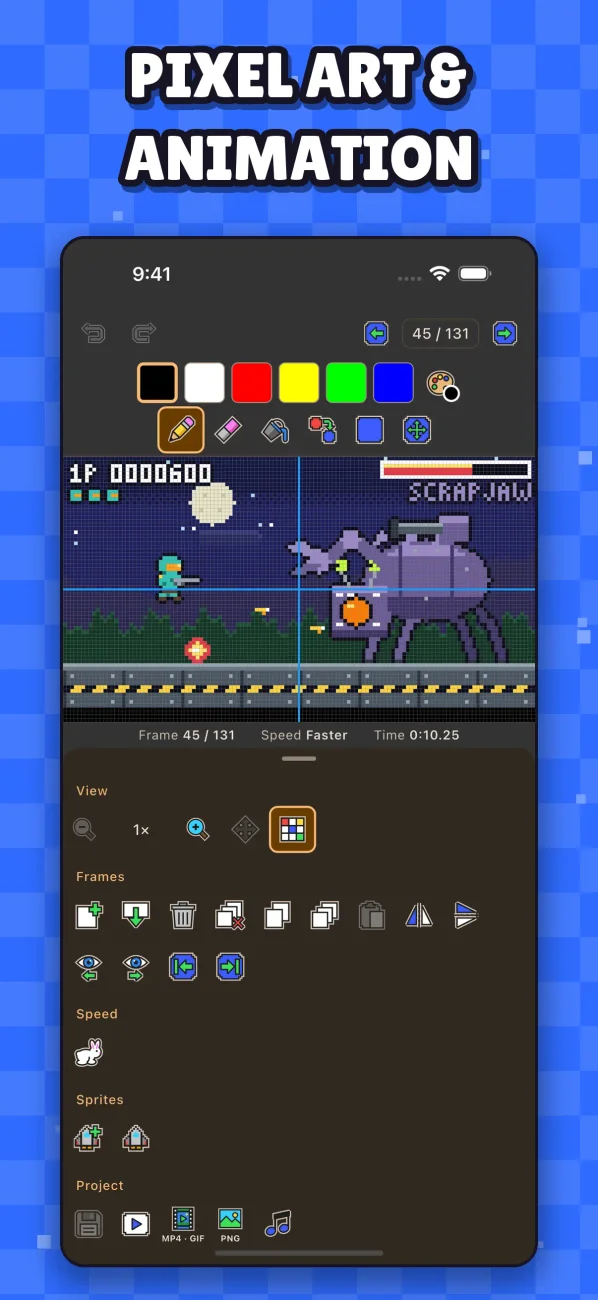
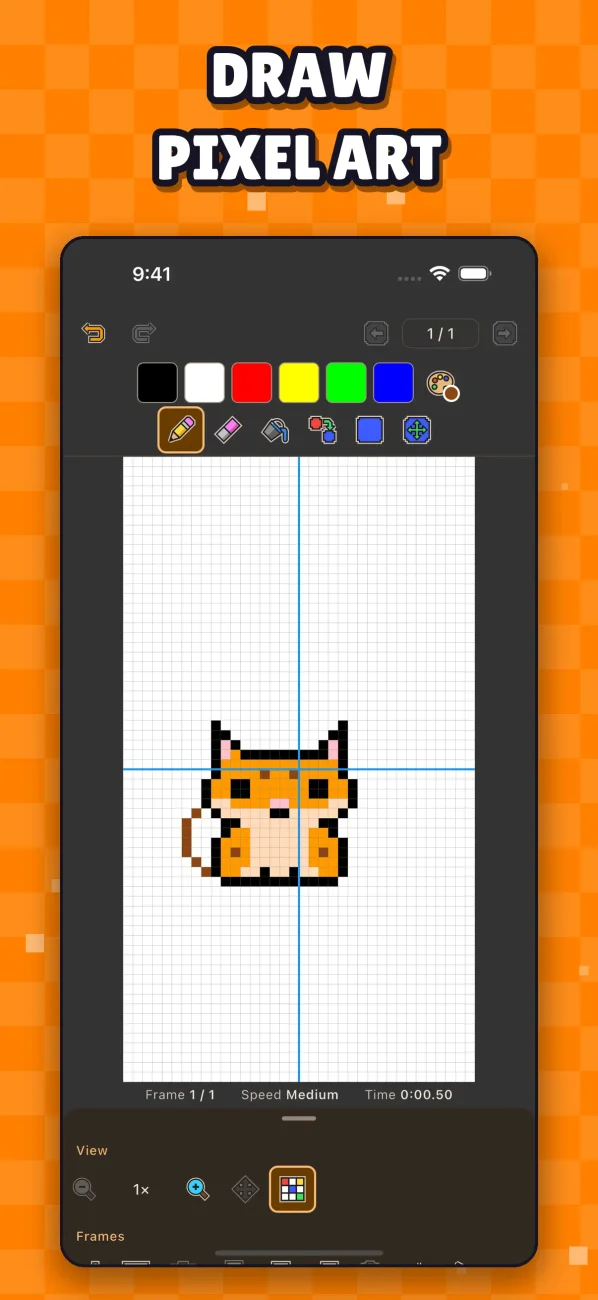
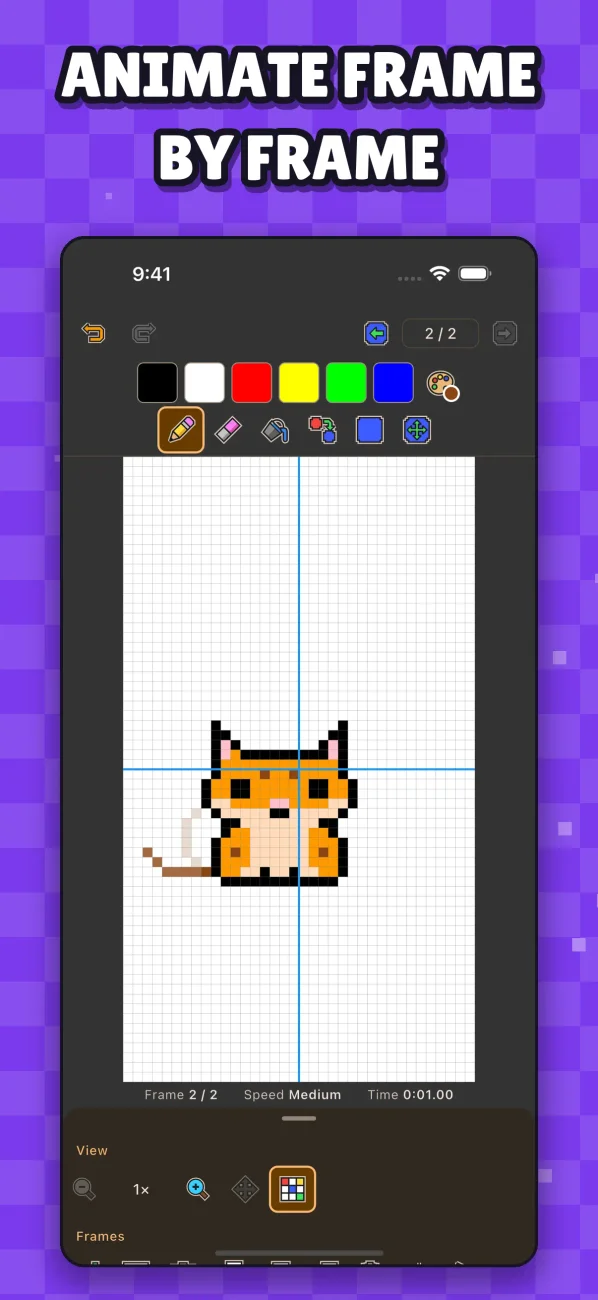
Pixel Studio is a pixel art editor and animation maker. Draw on a pixel grid, add frames, and watch your art come to life, then save it as a video or a GIF to share.
DRAW
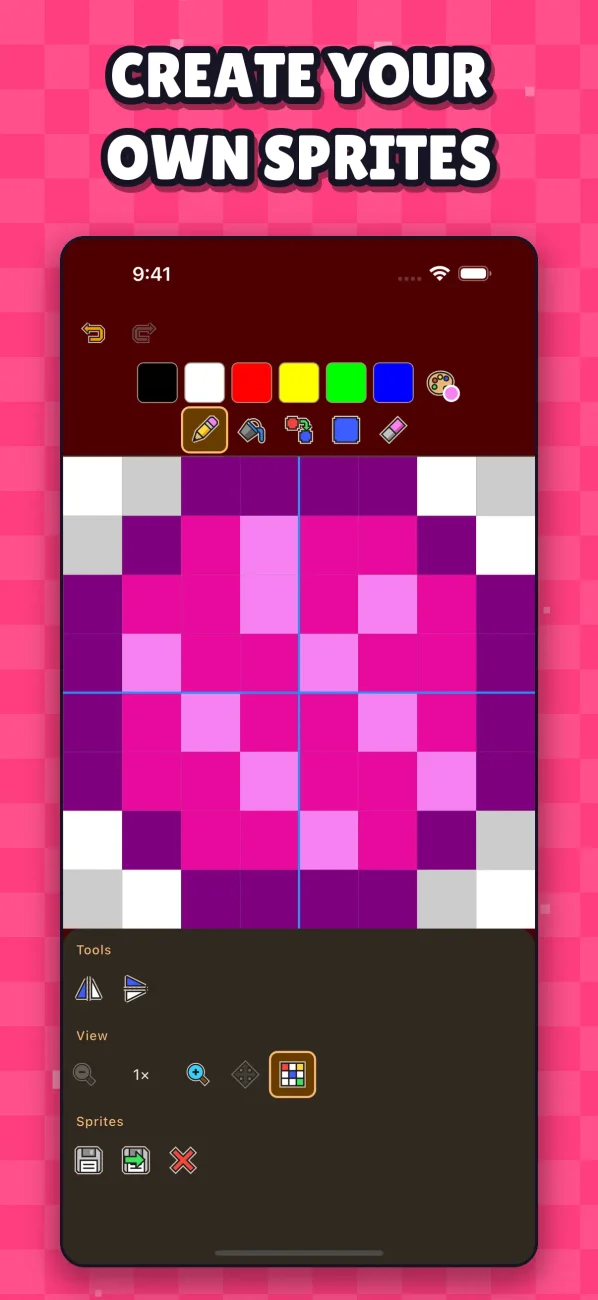
• Pencil, eraser, fill, and eyedropper tools on a crisp pixel grid
• A full palette, plus as many custom colors as you like
• Landscape or portrait canvases in three sizes
• Pinch to zoom, and tap with two or three fingers to undo or redo
ANIMATE
• Add, copy, paste, flip, and delete frames
• Peek at up to five earlier or later frames while you draw, to line up every movement
• Set the speed of the whole animation or just part of it
• Preview the animation as you work
SPRITES
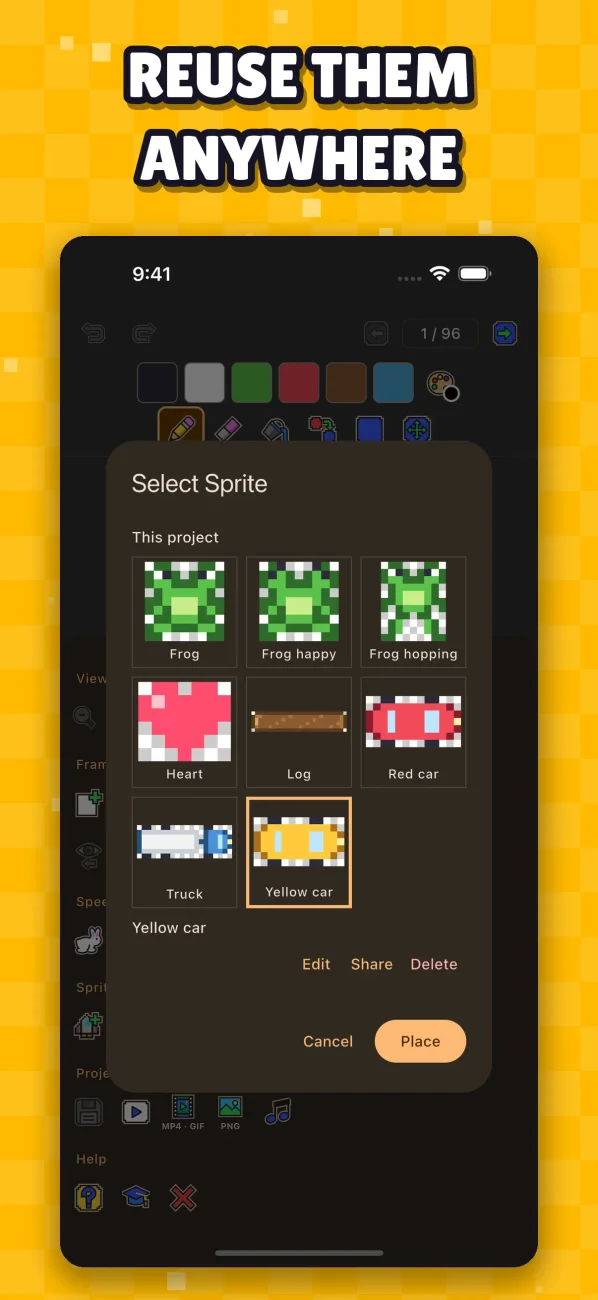
• Draw a sprite once, then place it in any frame
• Import sprites from an image or a sprite sheet
• Keep sprites to one project, or share them with all of them
MOVE PIXELS
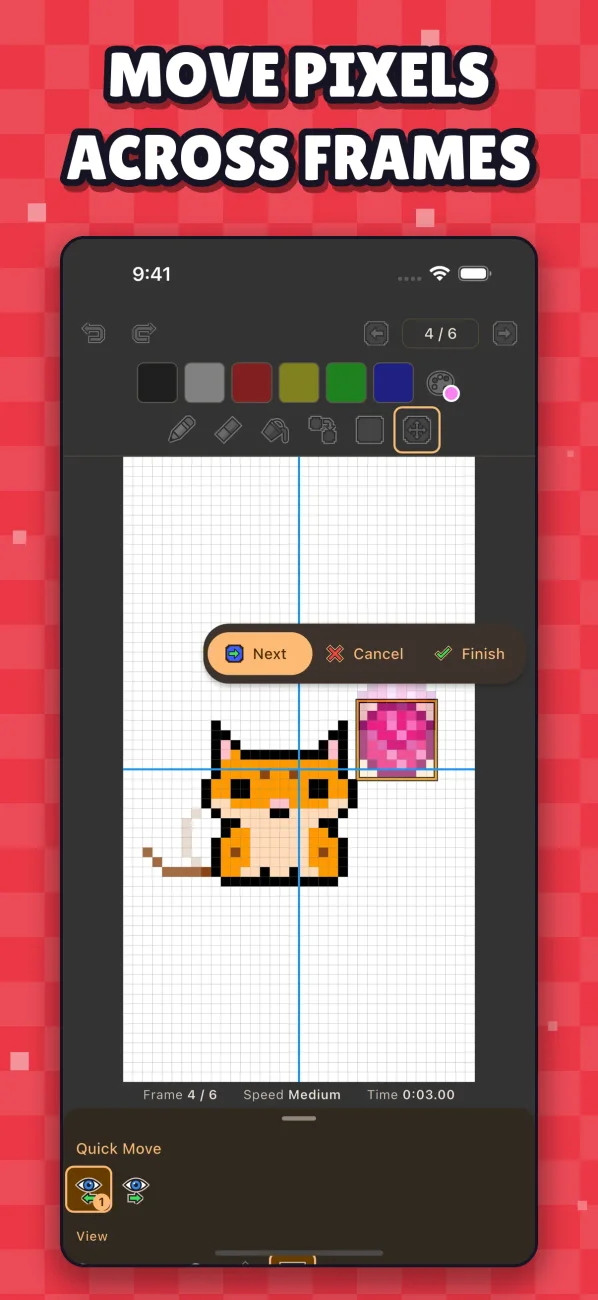
• Select any part of a frame and move it
• Quick Move carries it across the frames that follow, one step at a time, for smooth motion without redrawing
EXPORT AND SHARE
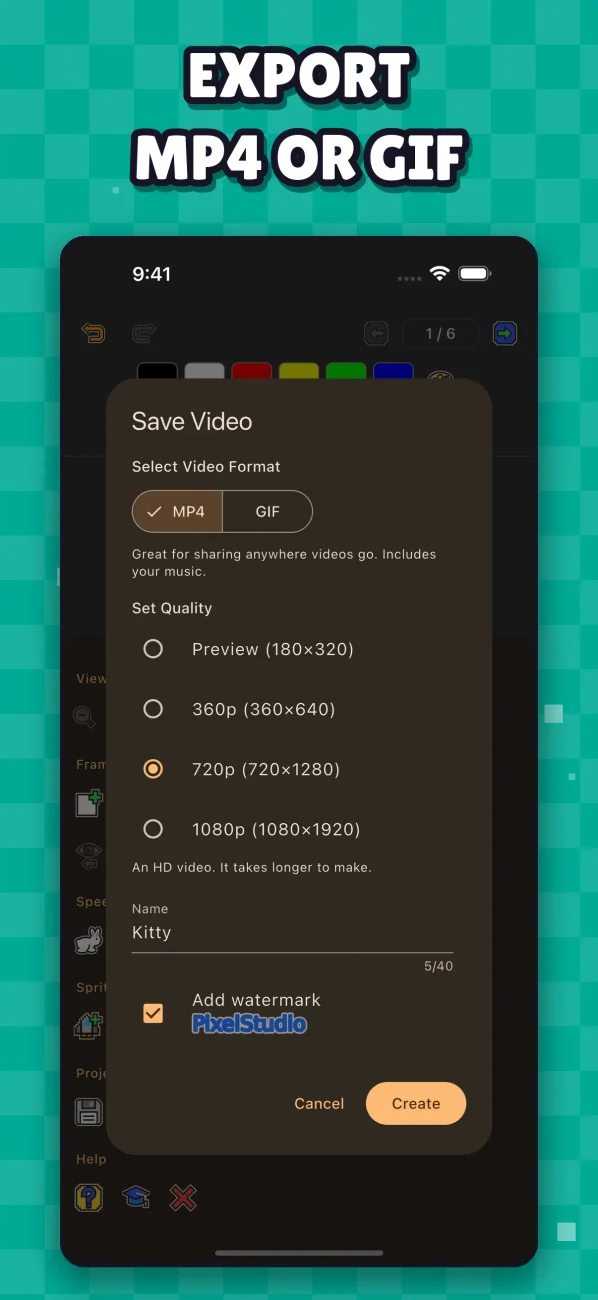
• Create MP4 videos, with your own music, or looping GIFs
• Choose the quality, from a quick preview to 1080p
• Save any frame as a PNG image
• Export projects as files, to back them up or open them on another device
APPLE PENCIL
• Draw with Apple Pencil and use your finger for the eyedropper
• See where you'll draw as Apple Pencil hovers over the canvas
• Double-tap Apple Pencil to undo
GET STARTED FAST
• A guided tour and built-in help explain every tool
• A demo project, Frog Crossing, shows how an animation is put together
Privacidad de la aplicación
Lo que Mark Fairless declara en App Store sobre cómo esta aplicación gestiona los datos.
-
Datos no vinculados a ti
Pueden recopilarse, pero no se vinculan a tu identidad.
- Ubicación
- Identificadores
- Datos de uso
- Diagnóstico
Las prácticas de privacidad pueden variar, por ejemplo, según las funciones que uses o tu edad.
Información
- Vendedor
- Mark Fairless
- Categoría
- Diseño gráfico
- Versión
- 2.0.0
- Actualizado
- 14/11/2026
- Publicado
- 14/11/2026
- Tamaño
- 46,7 MB
- Requiere
- iOS 15.0 o posterior
- Clasificación por edad
- 4+
- Idiomas
- Inglés
- Copyright
- © 2026 FairWare
Quizá también te guste
-
 PIXIO Pixel StudioDiseño gráfico
-
 MonetCam: Foto a PinturaCámara Efecto Acuarela AI
-
 Pixen - pixel art editorDiseño gráfico
-
 MOV to MP4 - Video Converter 3Diseño gráfico
-
 AR Cartoon: Draw & Trace ArtDiseño gráfico
-
 Cascadeur: 3D animationDiseño gráfico
-
 Dreamerland - AI Imágenes ArteGenerador de Arte y Vídeo IA
-
 Resprite: pixel art studioPixel art and sprite editor
-
 Pixquare - Pixel Art Studio#1 pixel art editor
-
 FLYP - Diseño ModaEstudio moda marca