Pixel Studio: Animation Maker
Draw & animate pixel art
Designed for iPhone, iPad, iPod touch
Free
- Age rating4+
- CategoryGraphics & Design
- DeveloperMark Fairless
- LanguagesEnglish
- Size46.7 MB
Links to the official App Store page
Download.org hosts no file of Pixel Studio: Animation Maker. The button opens its official App Store page, published by Mark Fairless. Listing last checked on Nov 16, 2026.
Screenshots
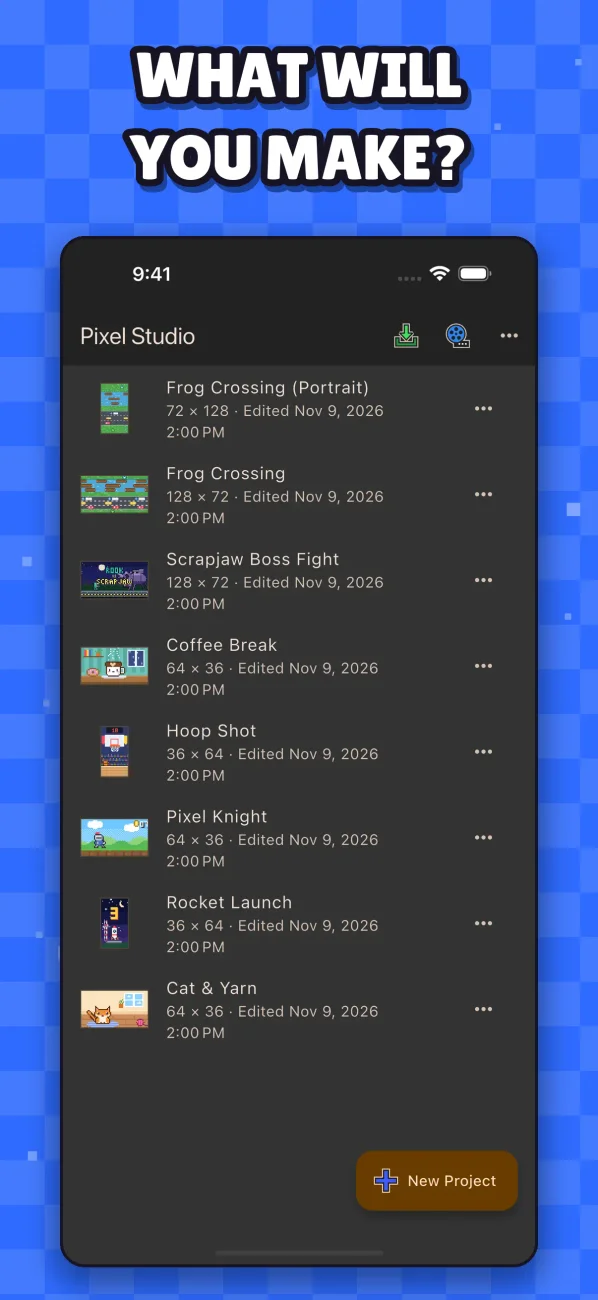
About
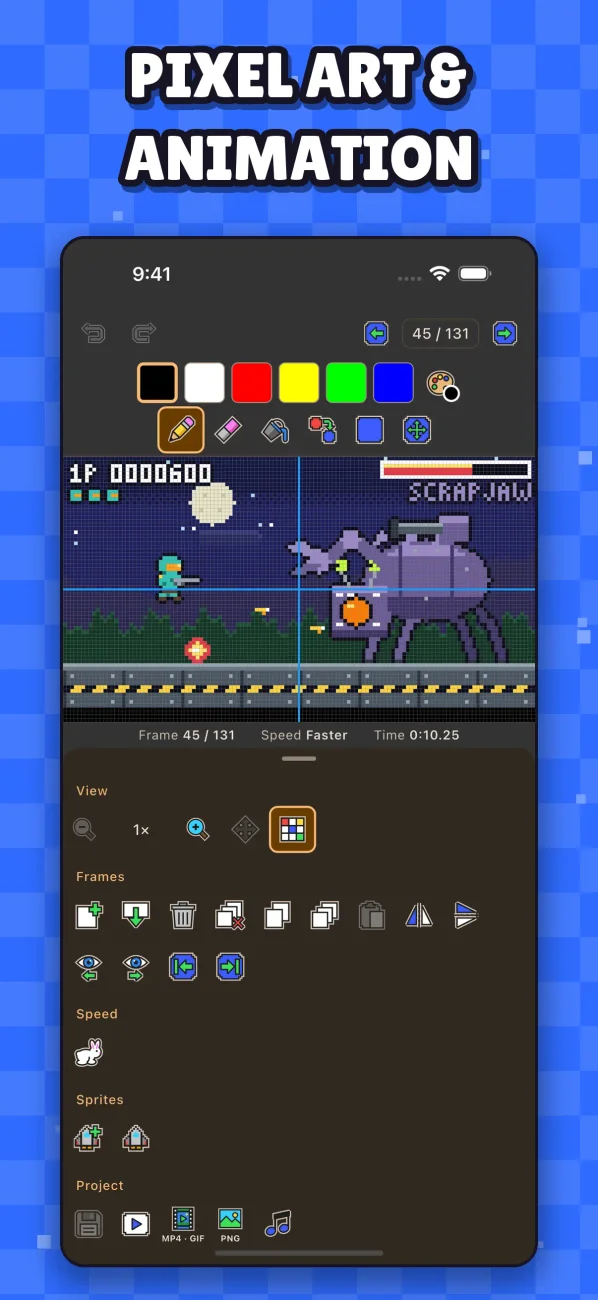
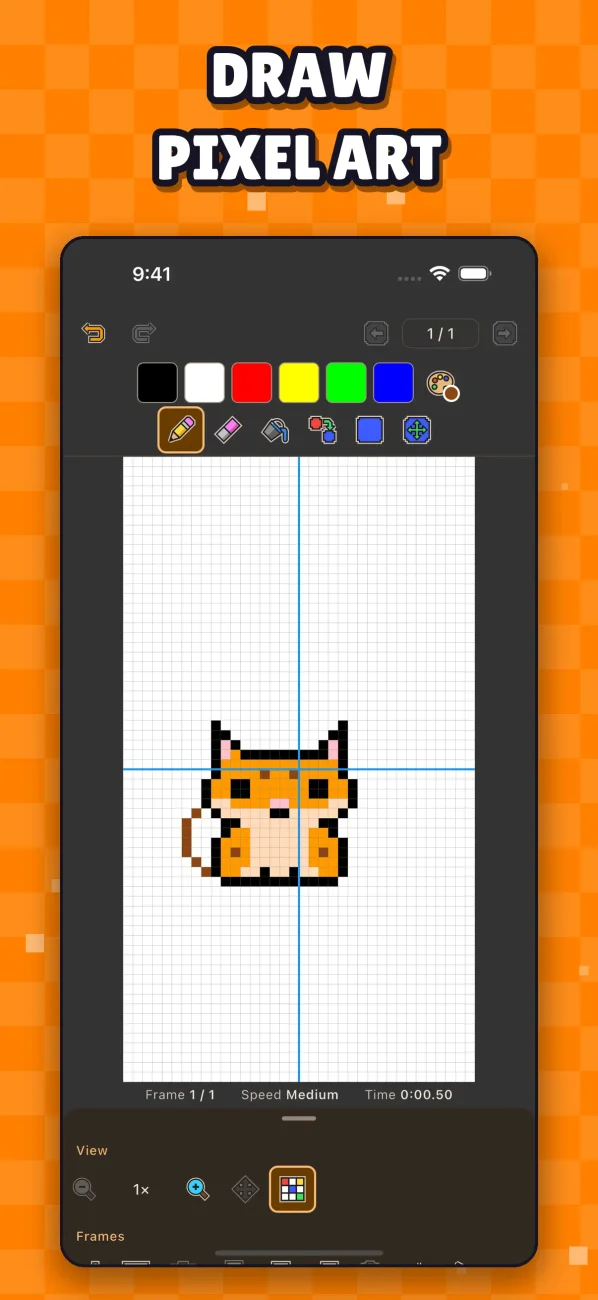
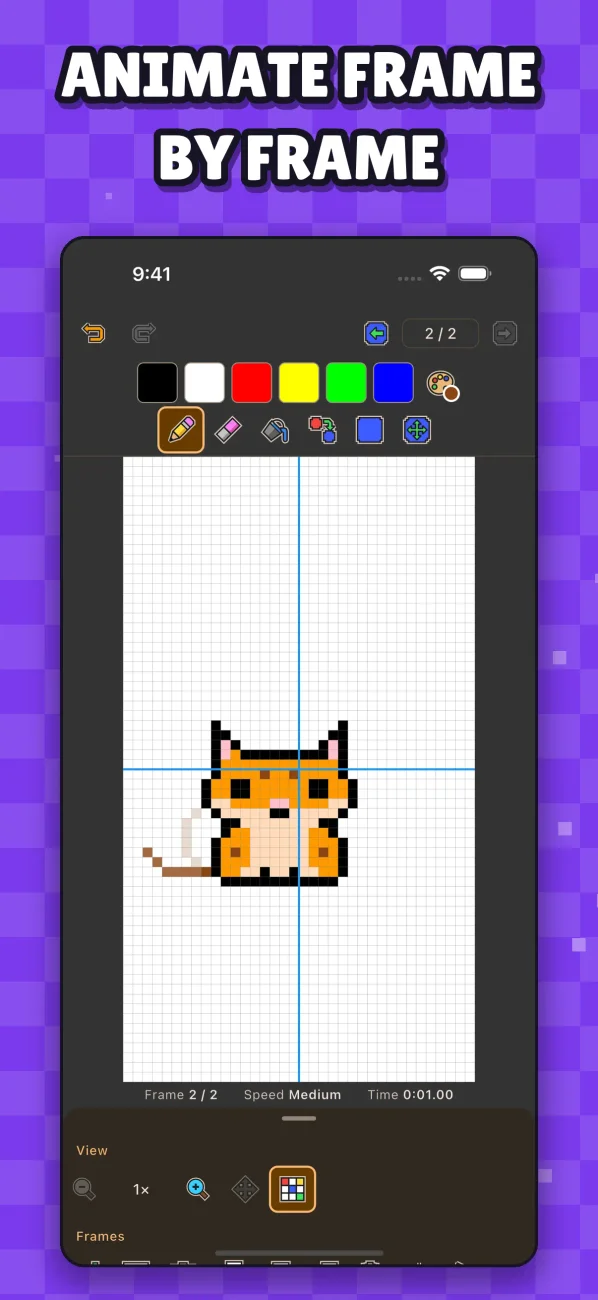
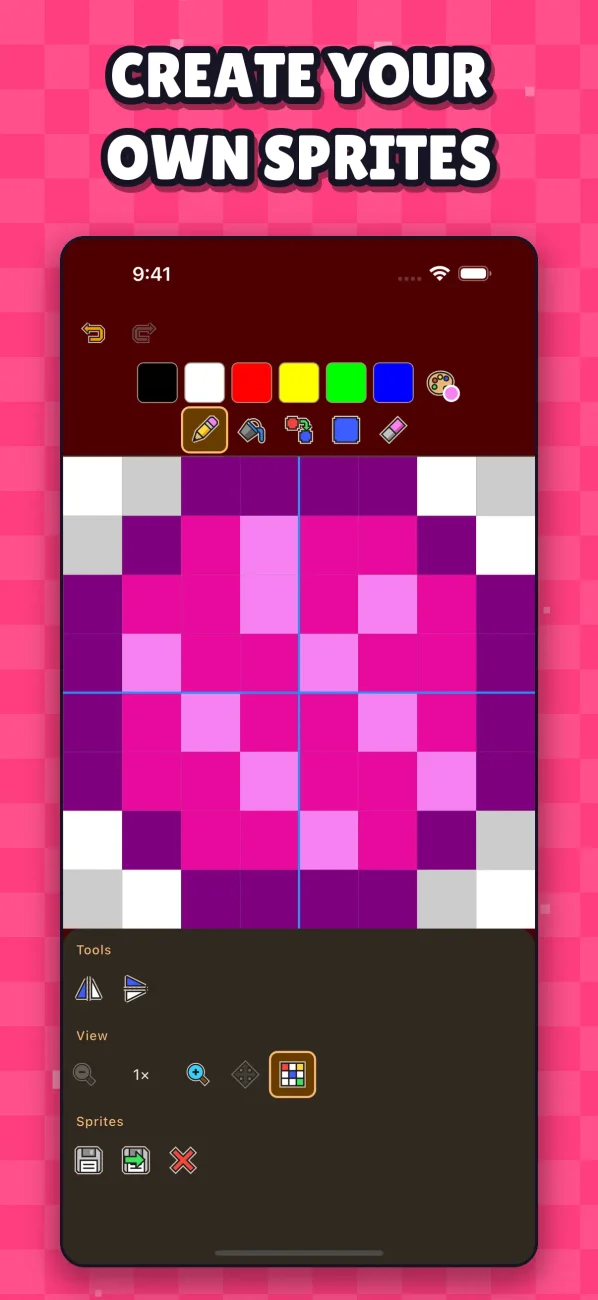
Pixel Studio is a pixel art editor and animation maker. Draw on a pixel grid, add frames, and watch your art come to life, then save it as a video or a GIF to share.
DRAW
• Pencil, eraser, fill, and eyedropper tools on a crisp pixel grid
• A full palette, plus as many custom colors as you like
• Landscape or portrait canvases in three sizes
• Pinch to zoom, and tap with two or three fingers to undo or redo
ANIMATE
• Add, copy, paste, flip, and delete frames
• Peek at up to five earlier or later frames while you draw, to line up every movement
• Set the speed of the whole animation or just part of it
• Preview the animation as you work
SPRITES
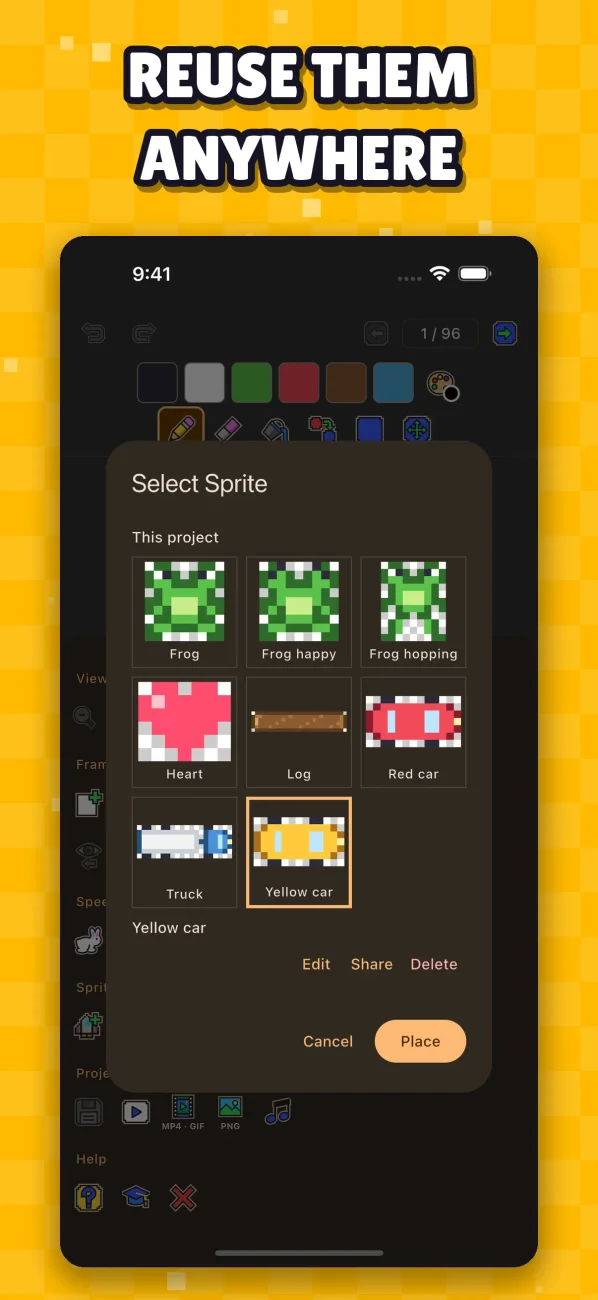
• Draw a sprite once, then place it in any frame
• Import sprites from an image or a sprite sheet
• Keep sprites to one project, or share them with all of them
MOVE PIXELS
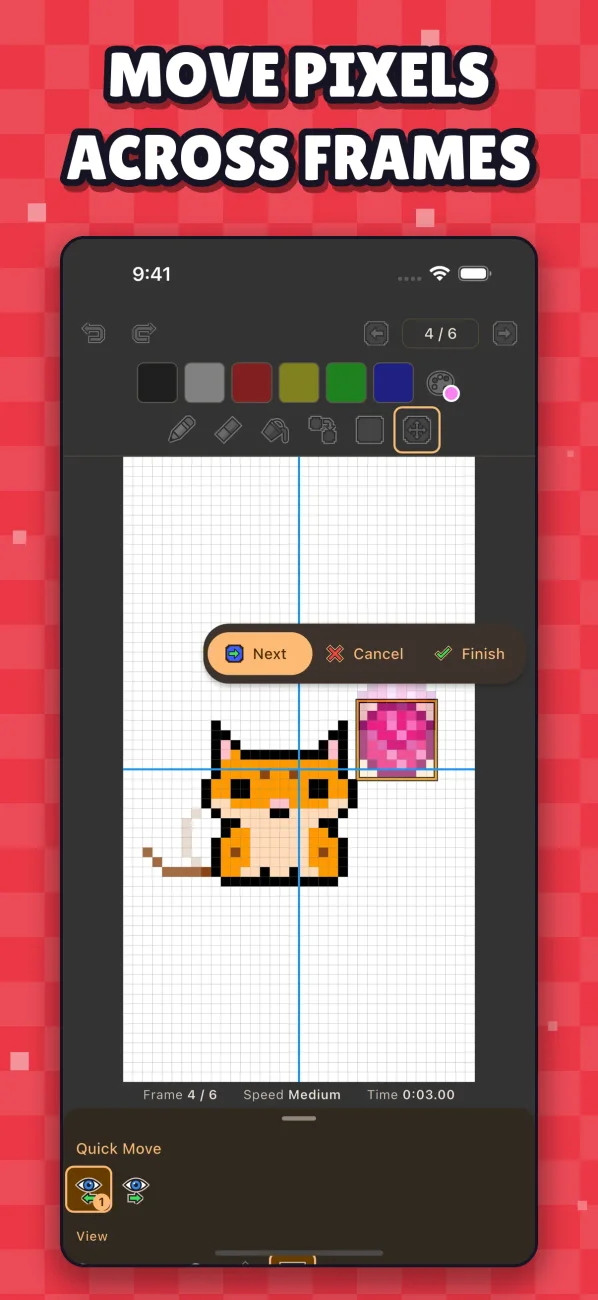
• Select any part of a frame and move it
• Quick Move carries it across the frames that follow, one step at a time, for smooth motion without redrawing
EXPORT AND SHARE
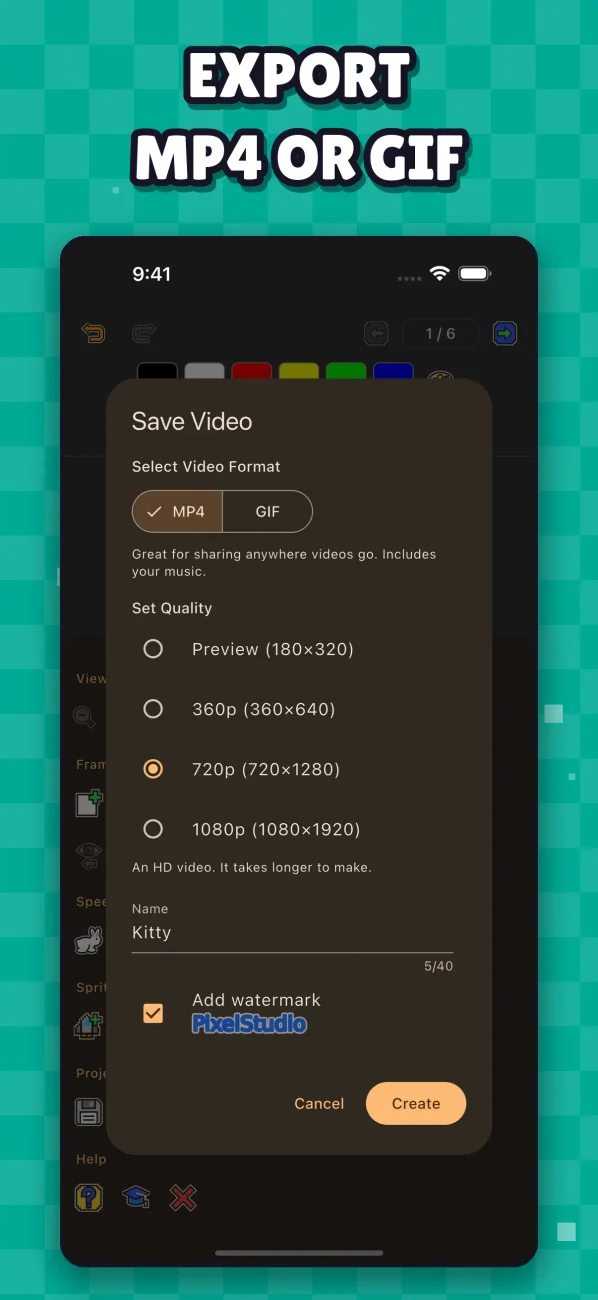
• Create MP4 videos, with your own music, or looping GIFs
• Choose the quality, from a quick preview to 1080p
• Save any frame as a PNG image
• Export projects as files, to back them up or open them on another device
APPLE PENCIL
• Draw with Apple Pencil and use your finger for the eyedropper
• See where you'll draw as Apple Pencil hovers over the canvas
• Double-tap Apple Pencil to undo
GET STARTED FAST
• A guided tour and built-in help explain every tool
• A demo project, Frog Crossing, shows how an animation is put together
App privacy
What Mark Fairless declares on the App Store about how this app handles data.
-
Data not linked to you
May be collected but is not linked to your identity.
- Location
- Identifiers
- Usage data
- Diagnostics
Privacy practices may vary, for example with the features you use or your age.
Information
- Seller
- Mark Fairless
- Category
- Graphics & Design
- Version
- 2.0.0
- Updated
- Nov 14, 2026
- Released
- Nov 14, 2026
- Size
- 46.7 MB
- Requires
- iOS 15.0 or later
- Age rating
- 4+
- Price
- Free
- Languages
- English
- Copyright
- © 2026 FairWare
You might also like
-
 PIXIO Pixel StudioPixel art & animation studio
-
 MonetCam: Photo to PaintingYour Watercolor Effect Camera
-
 Pixen - pixel art editorHandcrafted pixel art editor
-
 MOV to MP4 - Video Converter 3Graphics & Design
-
 AR Cartoon: Draw & Trace ArtTrace and draw cartoons easily
-
 Cascadeur: 3D animationAnimate with AI and Physics
-
 Dreamerland - AI Art & VideoImage Generator & Anime Maker
-
 Resprite: pixel art studioPixel art and sprite editor
-
 Pixquare - Pixel Art Studio#1 pixel art editor
-
 FLYP - Fashion Design StudioFashion Studio for Brands