Pixel Studio: Animation Maker
Draw & animate pixel art
iPhone, iPad, iPod touch向けに設計
無料
- 対象年齢4+
- カテゴリグラフィック/デザイン
- 開発元Mark Fairless
- 言語英語
- サイズ46.7 MB
App Storeの公式ページにリンクしています
Download.orgはPixel Studio: Animation Makerのファイルを一切ホストしていません。ボタンを押すと、Mark Fairlessが公開しているApp Storeのアプリページが開きます。ページの最終確認:2026/11/16。
スクリーンショット
概要
開発元はこのテキストをお使いの言語で提供していません。
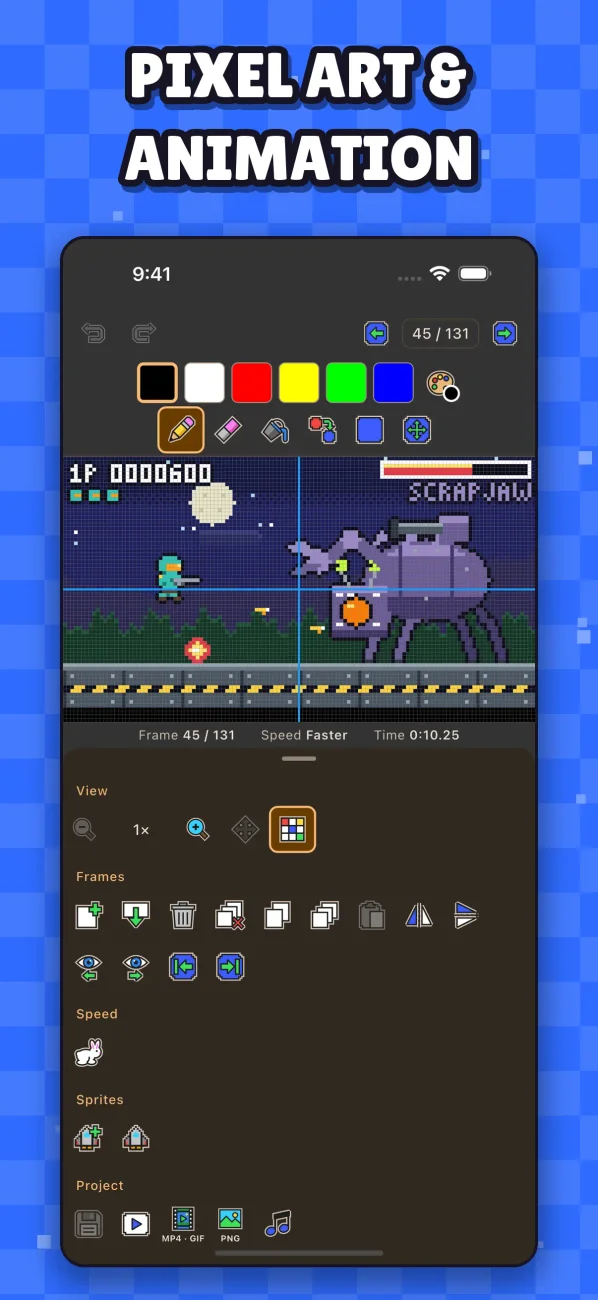
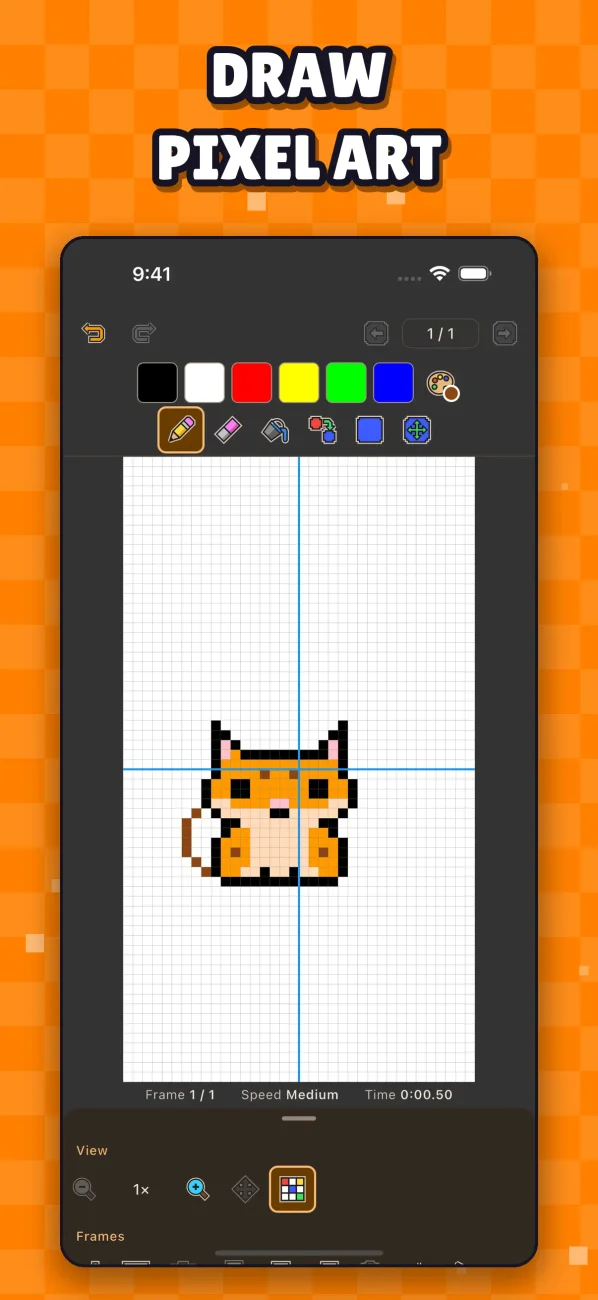
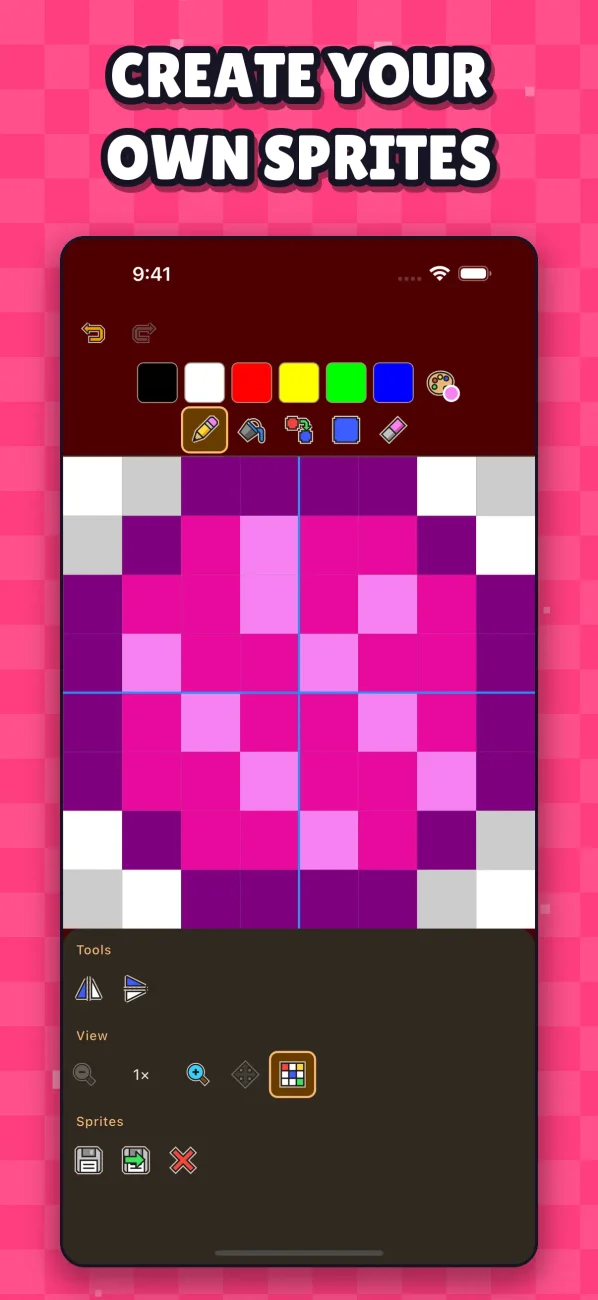
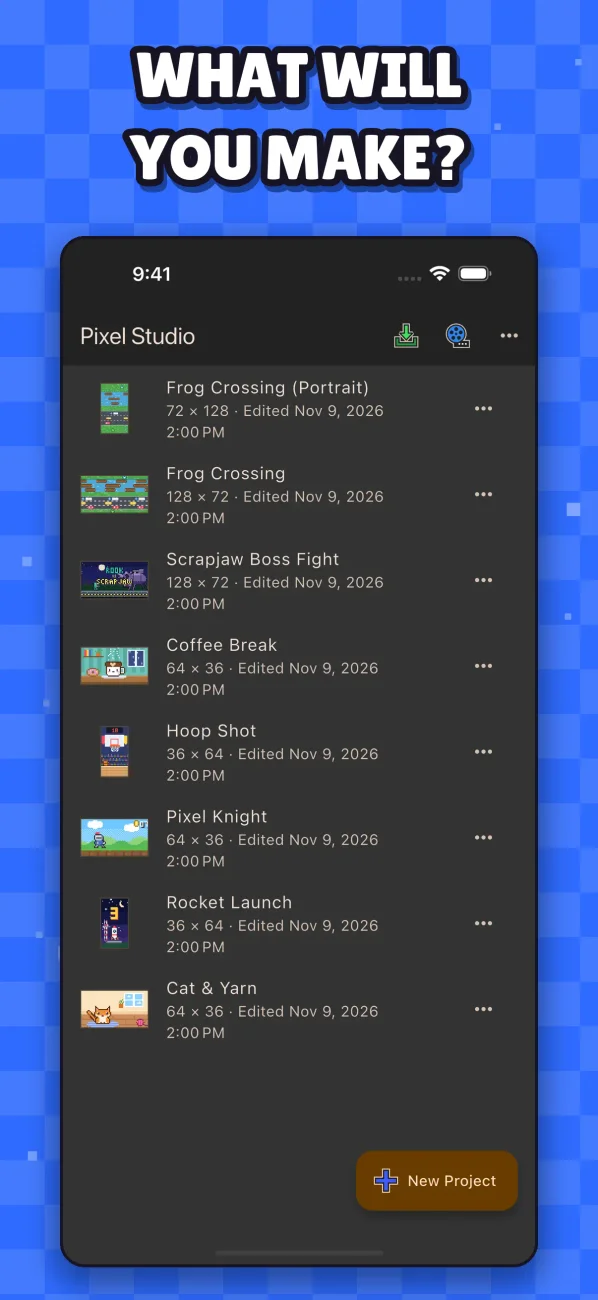
Pixel Studio is a pixel art editor and animation maker. Draw on a pixel grid, add frames, and watch your art come to life, then save it as a video or a GIF to share.
DRAW
• Pencil, eraser, fill, and eyedropper tools on a crisp pixel grid
• A full palette, plus as many custom colors as you like
• Landscape or portrait canvases in three sizes
• Pinch to zoom, and tap with two or three fingers to undo or redo
ANIMATE
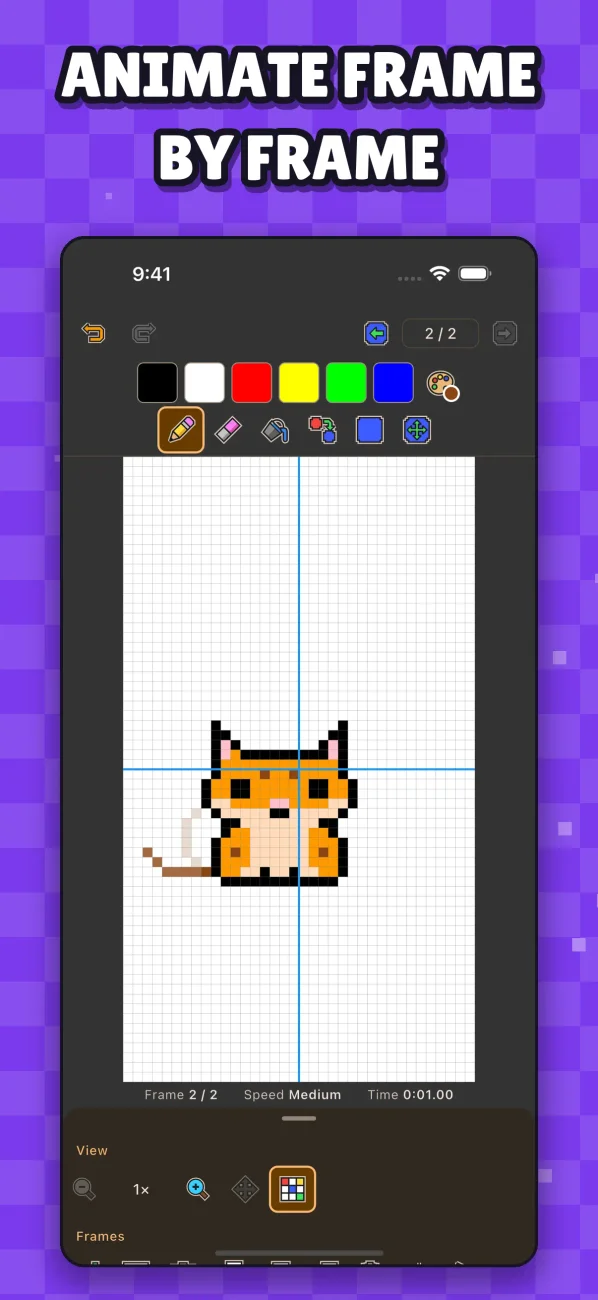
• Add, copy, paste, flip, and delete frames
• Peek at up to five earlier or later frames while you draw, to line up every movement
• Set the speed of the whole animation or just part of it
• Preview the animation as you work
SPRITES
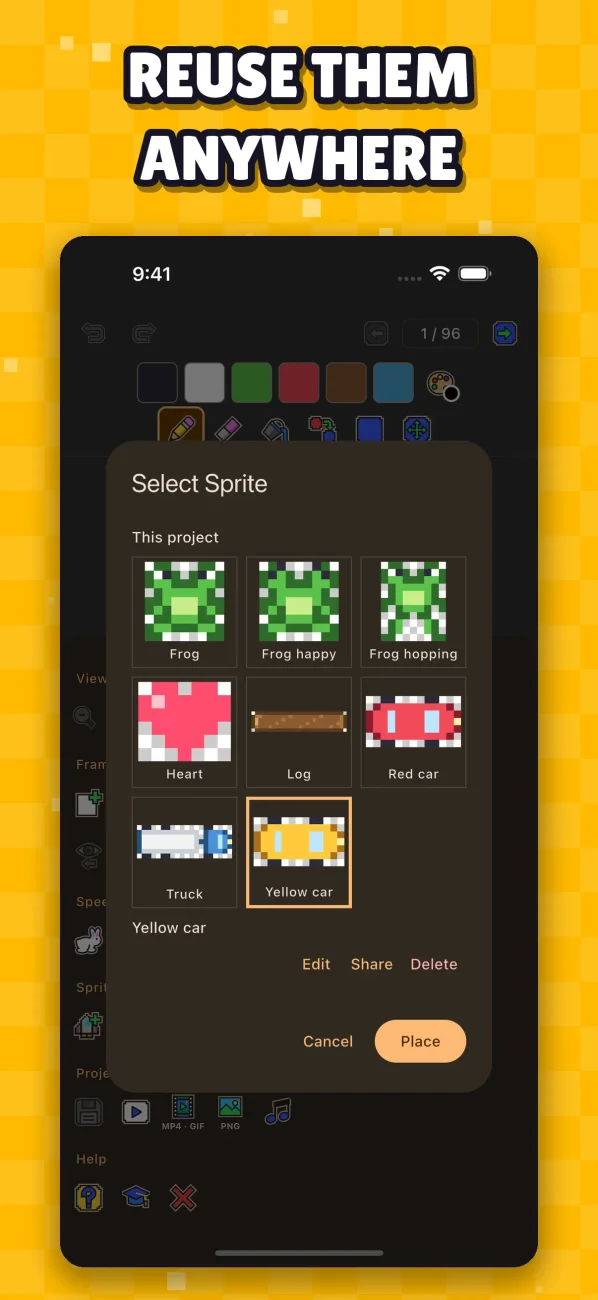
• Draw a sprite once, then place it in any frame
• Import sprites from an image or a sprite sheet
• Keep sprites to one project, or share them with all of them
MOVE PIXELS
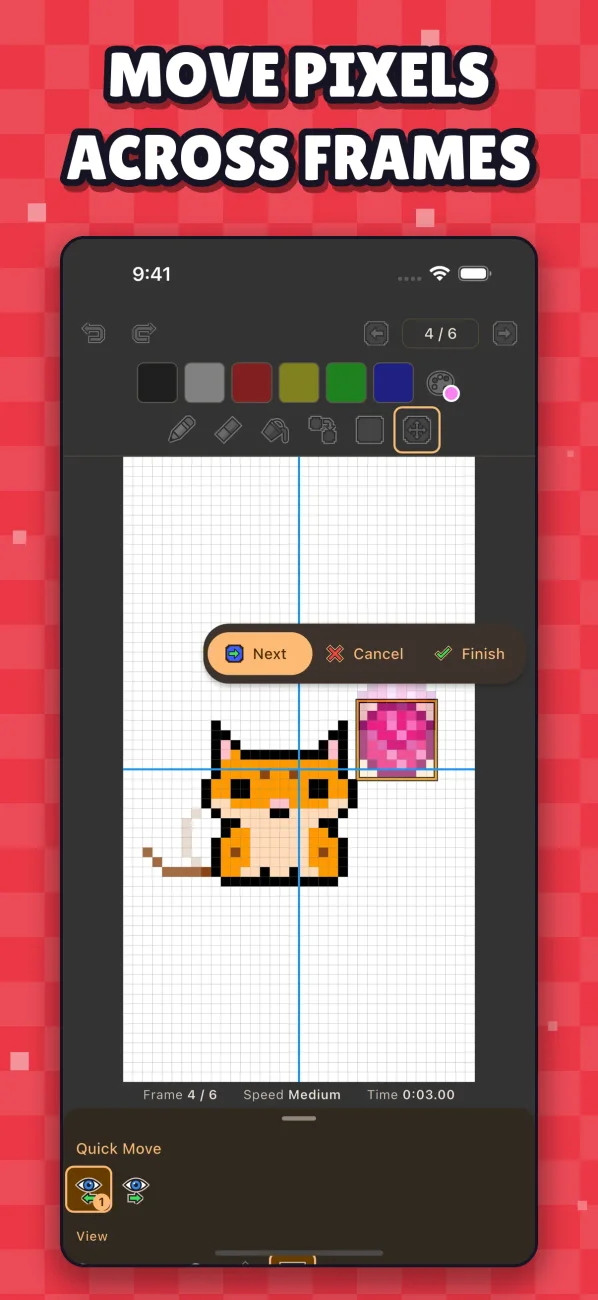
• Select any part of a frame and move it
• Quick Move carries it across the frames that follow, one step at a time, for smooth motion without redrawing
EXPORT AND SHARE
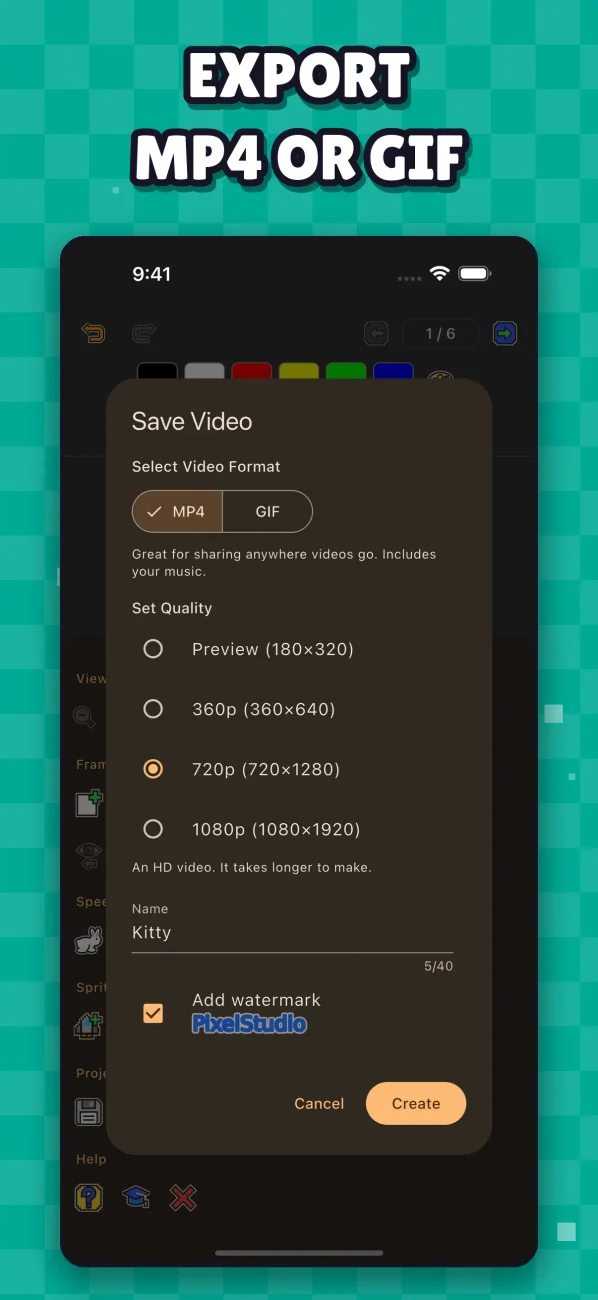
• Create MP4 videos, with your own music, or looping GIFs
• Choose the quality, from a quick preview to 1080p
• Save any frame as a PNG image
• Export projects as files, to back them up or open them on another device
APPLE PENCIL
• Draw with Apple Pencil and use your finger for the eyedropper
• See where you'll draw as Apple Pencil hovers over the canvas
• Double-tap Apple Pencil to undo
GET STARTED FAST
• A guided tour and built-in help explain every tool
• A demo project, Frog Crossing, shows how an animation is put together
アプリのプライバシー
このアプリのデータの取り扱いについて、Mark FairlessがApp Storeで申告している内容です。
-
ユーザーに関連付けられないデータ
収集される場合がありますが、ユーザーの識別情報には関連付けられません。
- 位置情報
- ID
- 使用状況データ
- 診断
プライバシーの取り扱いは、ご利用の機能やお客様の年齢などに応じて異なる場合があります。
情報
- 販売元
- Mark Fairless
- カテゴリ
- グラフィック/デザイン
- バージョン
- 2.0.0
- 更新日
- 2026/11/14
- リリース
- 2026/11/14
- サイズ
- 46.7 MB
- 必要条件
- iOS 15.0以降
- 対象年齢
- 4+
- 価格
- 無料
- 言語
- 英語
- 著作権
- © 2026 FairWare
こちらもおすすめ
-
 PIXIO Pixel Studioグラフィック/デザイン
-
 モネカメラ: 写真を油絵に加工,お絵描き人工知能写真を絵にするアプリ,印象派,モネ,油絵フィルター
-
 Pixen - pixel art editorグラフィック/デザイン
-
 どうが圧縮変換 - movからmp4 動画からmp3音声抽出サイズからフォーマットまで何でも変換 webm mkv 対応
-
 AR Cartoon: Draw & Trace Artグラフィック/デザイン
-
 Cascadeur: 3D animationグラフィック/デザイン
-
 Dreamerland: 画像生成AI・AIイラスト・動画動画生成AI・写真加工・アバター作成・アニメ風
-
 Resprite: pixel art studioPixel art and sprite editor
-
 Pixquare - かんたんドット絵アプリピクセルアートエディターNo.1
-
 FLYP - ファッションデザインスタジオブランドのファッションスタジオ