Pixel Studio: Animation Maker
Draw & animate pixel art
Được thiết kế cho iPhone, iPad, iPod touch
Miễn phí
- Độ tuổi4+
- Danh mụcĐồ Họa & Thiết Kế
- Nhà phát triểnMark Fairless
- Ngôn ngữTiếng Anh
- Kích thước46,7 MB
Liên kết đến trang App Store chính thức
Download.org không lưu trữ tệp nào của Pixel Studio: Animation Maker. Nút này mở trang ứng dụng trên App Store, nơi Mark Fairless phát hành ứng dụng. Trang được kiểm tra lần cuối: 16/11/2026.
Ảnh chụp màn hình
Giới thiệu
Nhà phát triển chưa cung cấp nội dung này bằng ngôn ngữ của bạn.
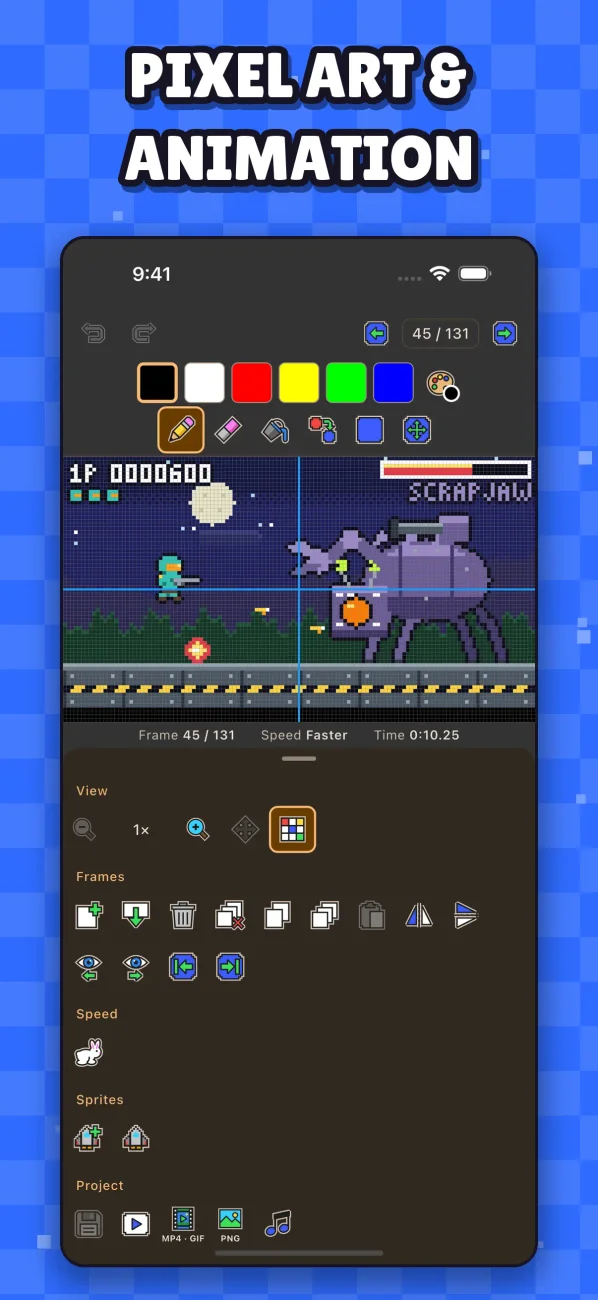
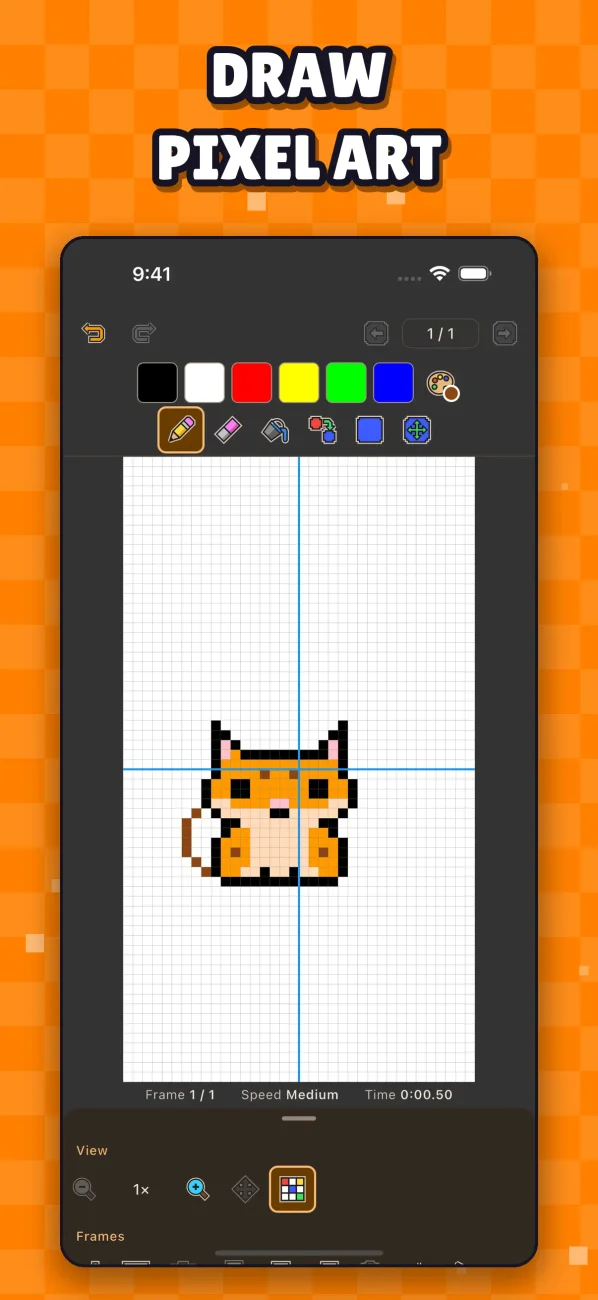
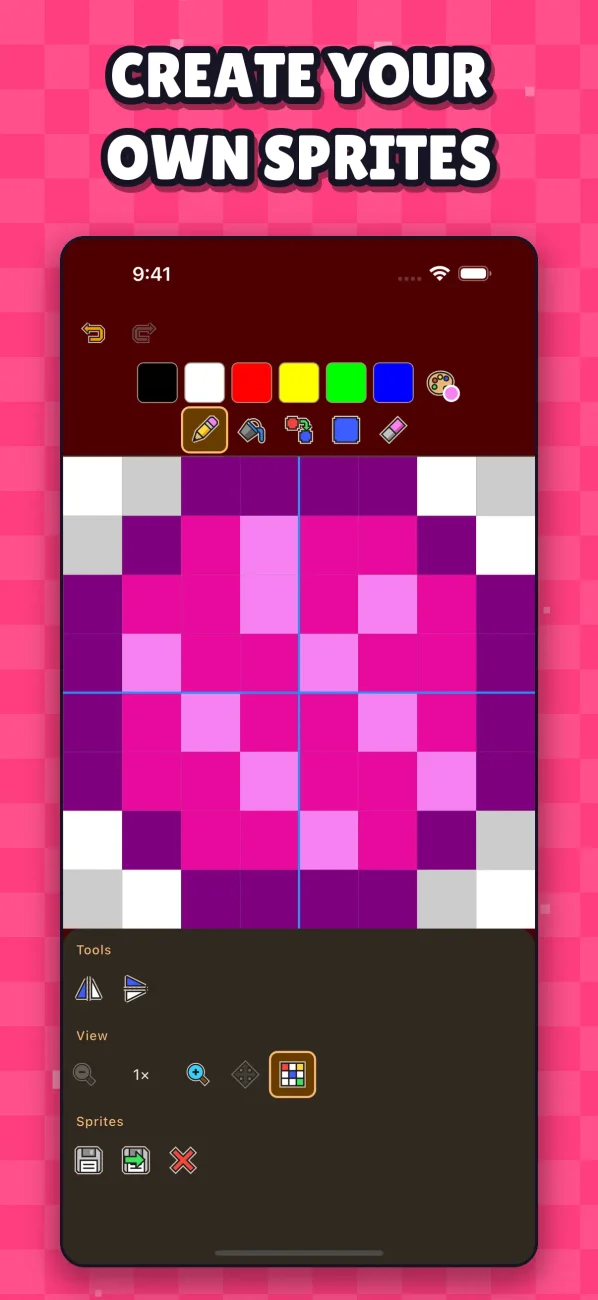
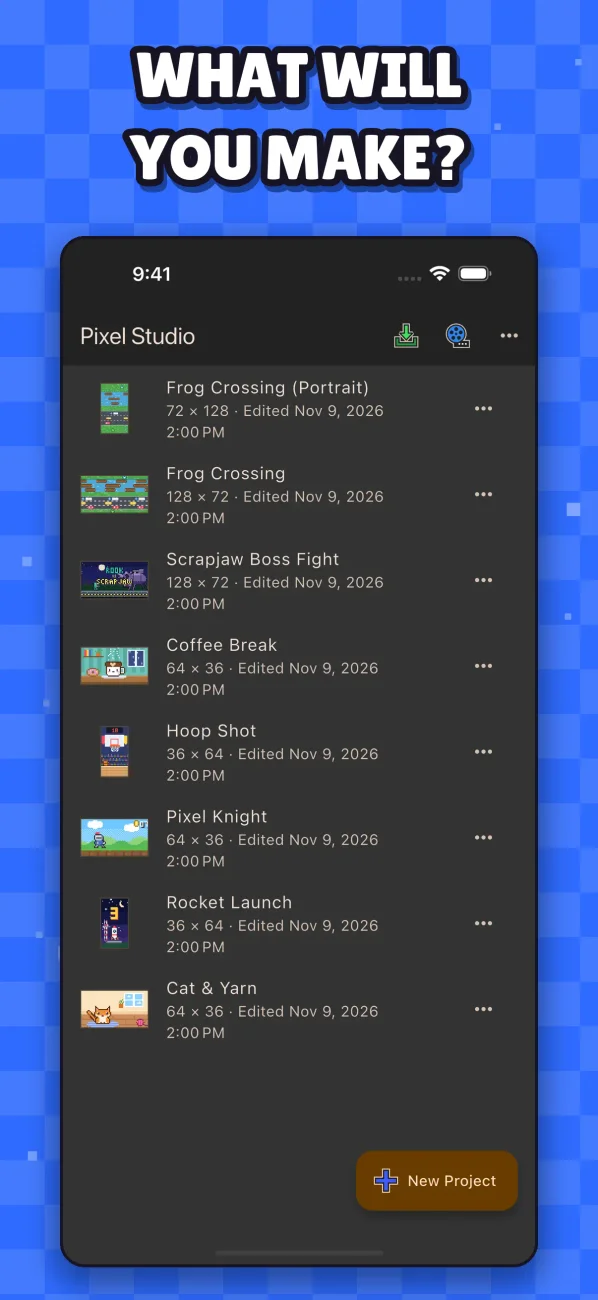
Pixel Studio is a pixel art editor and animation maker. Draw on a pixel grid, add frames, and watch your art come to life, then save it as a video or a GIF to share.
DRAW
• Pencil, eraser, fill, and eyedropper tools on a crisp pixel grid
• A full palette, plus as many custom colors as you like
• Landscape or portrait canvases in three sizes
• Pinch to zoom, and tap with two or three fingers to undo or redo
ANIMATE
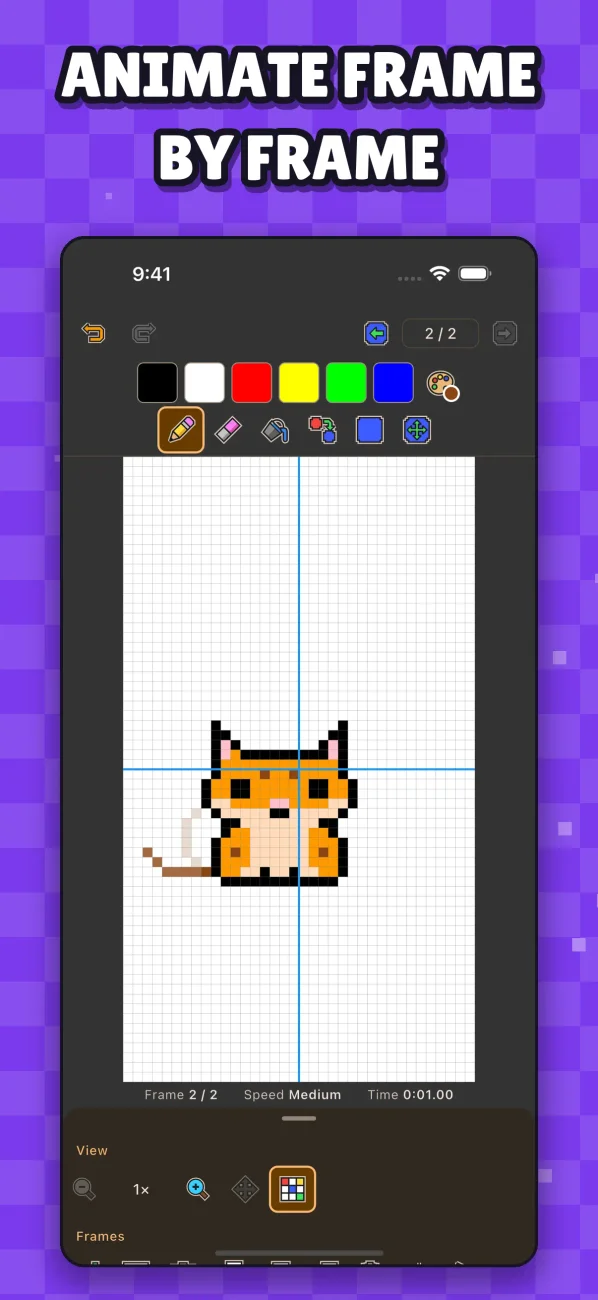
• Add, copy, paste, flip, and delete frames
• Peek at up to five earlier or later frames while you draw, to line up every movement
• Set the speed of the whole animation or just part of it
• Preview the animation as you work
SPRITES
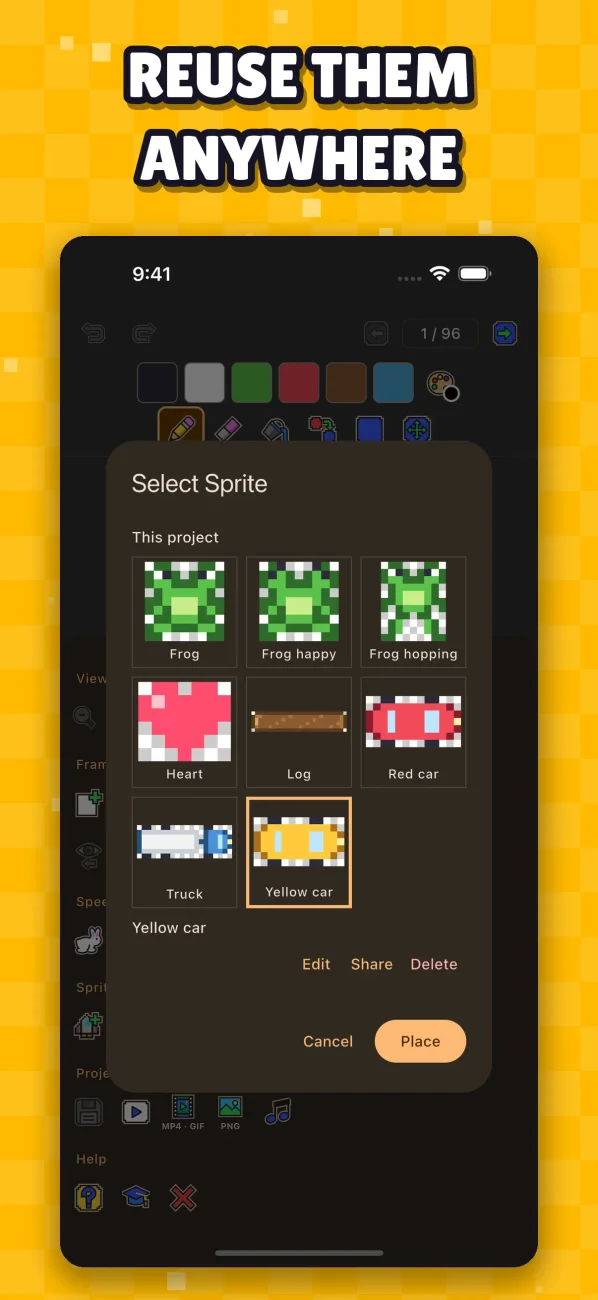
• Draw a sprite once, then place it in any frame
• Import sprites from an image or a sprite sheet
• Keep sprites to one project, or share them with all of them
MOVE PIXELS
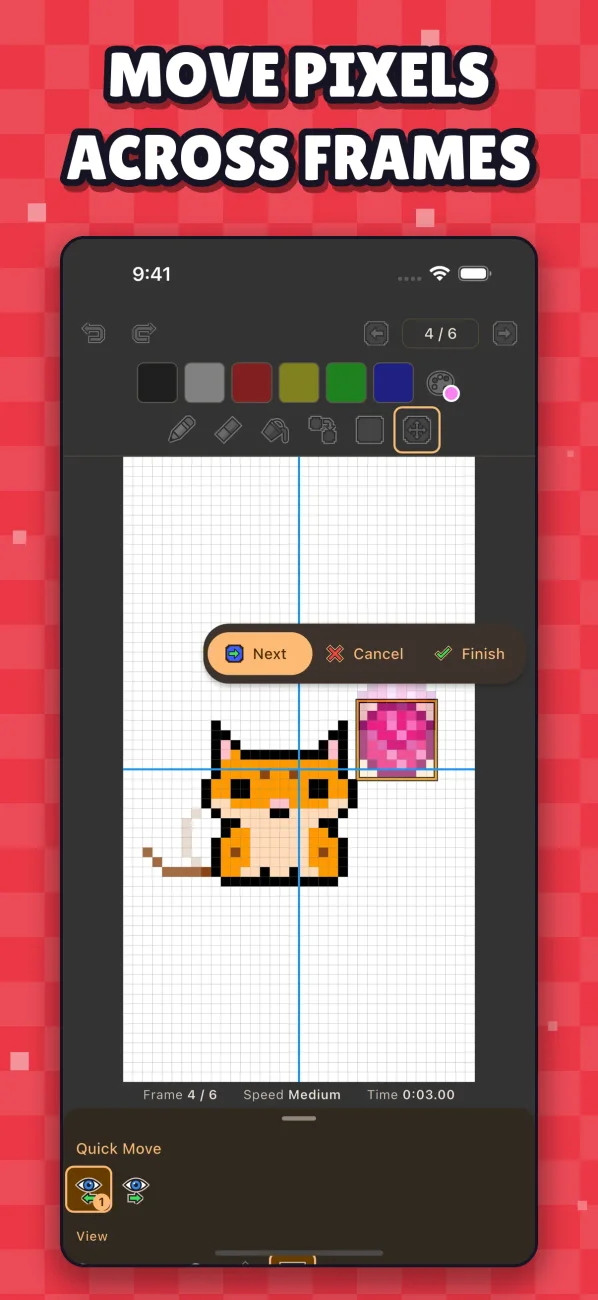
• Select any part of a frame and move it
• Quick Move carries it across the frames that follow, one step at a time, for smooth motion without redrawing
EXPORT AND SHARE
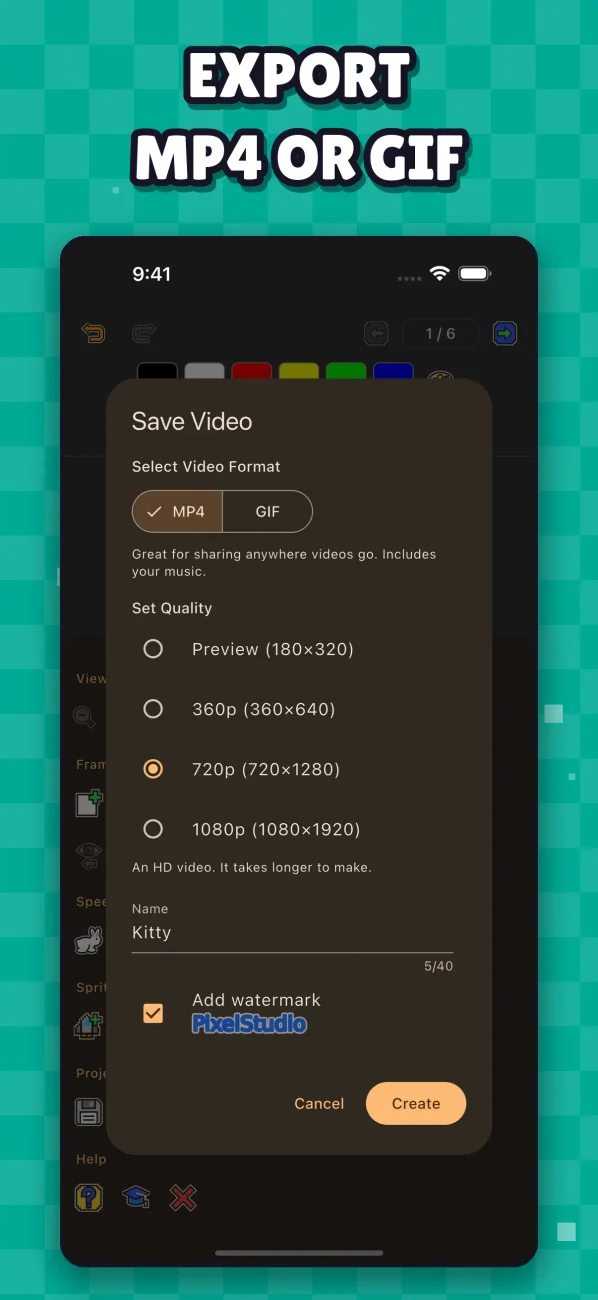
• Create MP4 videos, with your own music, or looping GIFs
• Choose the quality, from a quick preview to 1080p
• Save any frame as a PNG image
• Export projects as files, to back them up or open them on another device
APPLE PENCIL
• Draw with Apple Pencil and use your finger for the eyedropper
• See where you'll draw as Apple Pencil hovers over the canvas
• Double-tap Apple Pencil to undo
GET STARTED FAST
• A guided tour and built-in help explain every tool
• A demo project, Frog Crossing, shows how an animation is put together
Quyền riêng tư của ứng dụng
Những gì Mark Fairless khai báo trên App Store về cách ứng dụng này xử lý dữ liệu.
-
Dữ liệu không liên kết với bạn
Có thể được thu thập nhưng không liên kết với danh tính của bạn.
- Vị trí
- Mã định danh
- Dữ liệu sử dụng
- Chẩn đoán
Phương thức đảm bảo quyền riêng tư có thể khác nhau, chẳng hạn như tuỳ theo các tính năng bạn sử dụng hoặc độ tuổi của bạn.
Thông tin
- Người bán
- Mark Fairless
- Danh mục
- Đồ Họa & Thiết Kế
- Phiên bản
- 2.0.0
- Cập nhật
- 14/11/2026
- Phát hành
- 14/11/2026
- Kích thước
- 46,7 MB
- Yêu cầu
- iOS 15.0 trở lên
- Độ tuổi
- 4+
- Giá
- Miễn phí
- Ngôn ngữ
- Tiếng Anh
- Bản quyền
- © 2026 FairWare
Có thể bạn cũng thích
-
 PIXIO Pixel StudioĐồ Họa & Thiết Kế
-
 MonetCam: Ảnh thành Tranh vẽCamera Hiệu ứng Màu nước AI
-
 Pixen - pixel art editorĐồ Họa & Thiết Kế
-
 MOV to MP4 - Video Converter 3Đồ Họa & Thiết Kế
-
 AR Cartoon: Draw & Trace ArtĐồ Họa & Thiết Kế
-
 Cascadeur: 3D animationĐồ Họa & Thiết Kế
-
 Dreamerland: Tạo ảnh AI artTrình tạo video và hình ảnh
-
 Resprite: pixel art studioĐồ Họa & Thiết Kế
-
 Pixquare - Pixel Art StudioĐồ Họa & Thiết Kế
-
 FLYP - Fashion Design StudioĐồ Họa & Thiết Kế