Pixel Studio: Animation Maker
Draw & animate pixel art
Conçue pour iPhone, iPad, iPod touch
- Classification d’âge4+
- CatégorieGraphisme et design
- DéveloppeurMark Fairless
- LanguesAnglais
- Taille46,7 Mo
Pixel Studio: Animation Maker n’est peut-être pas disponible sur App Store pour le moment
La fiche de la boutique était inaccessible lors de notre dernière vérification. Le lien mène toujours à la page App Store officielle.
Captures d’écran
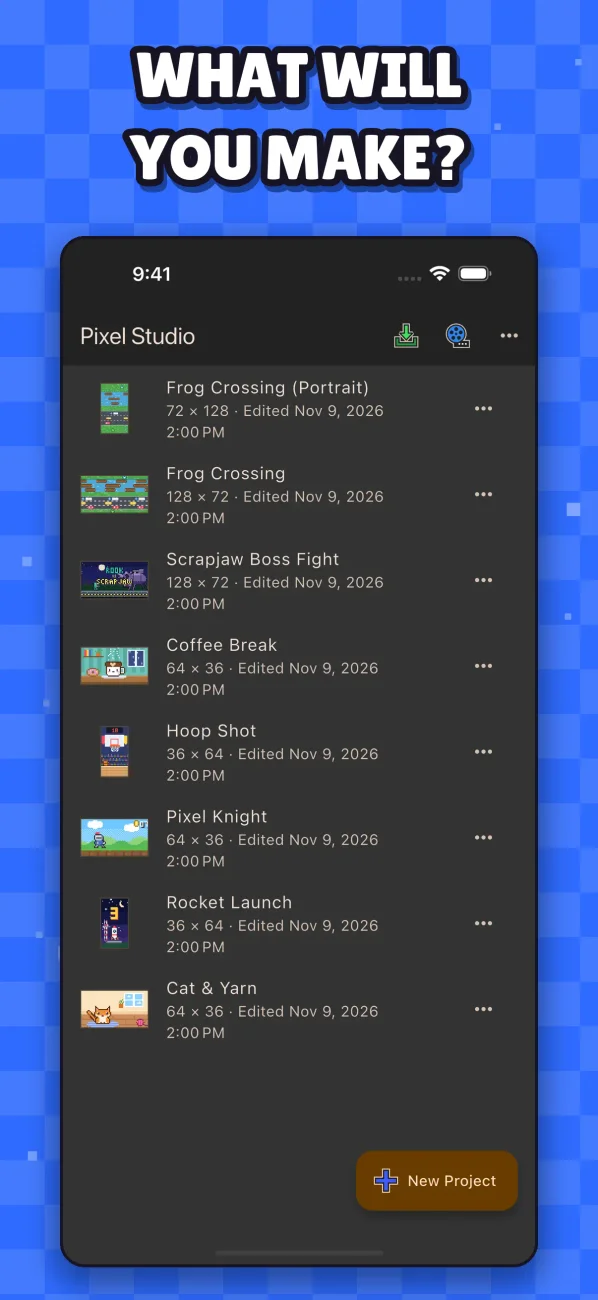
À propos
Le développeur n’a pas fourni ce texte dans votre langue.
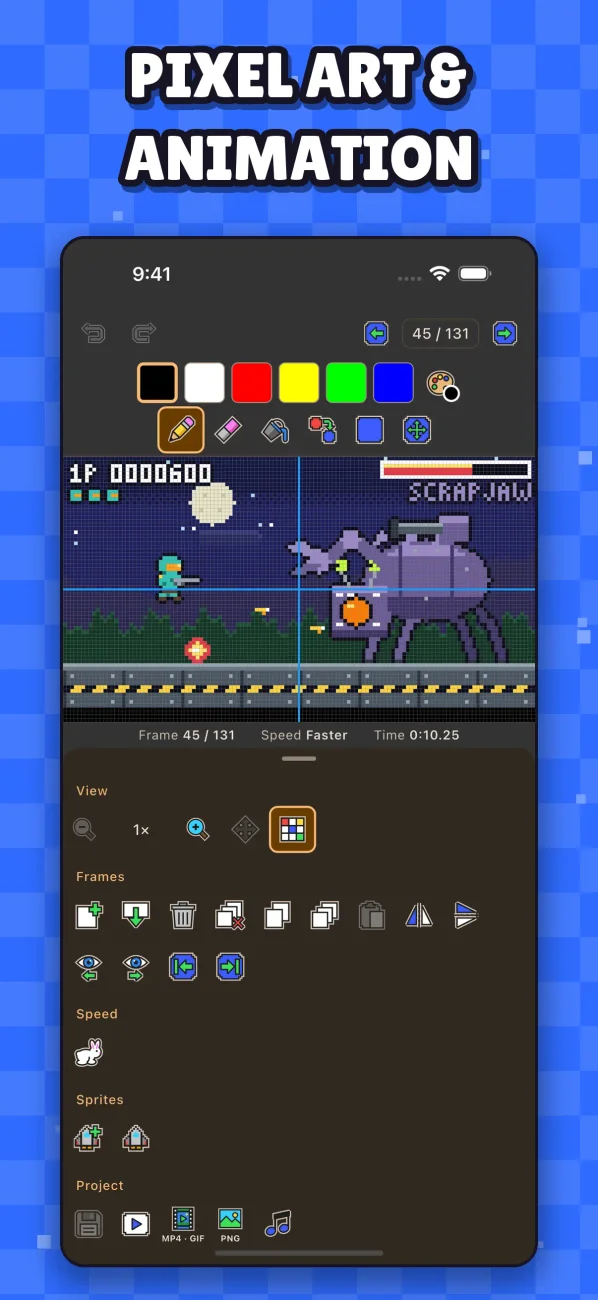
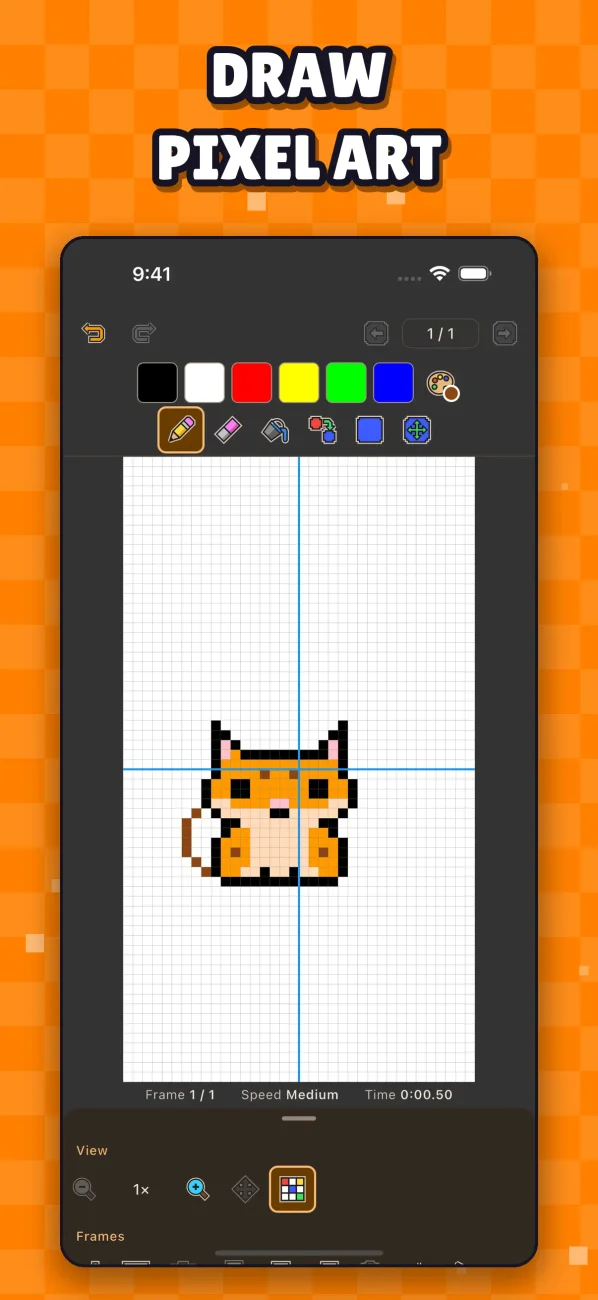
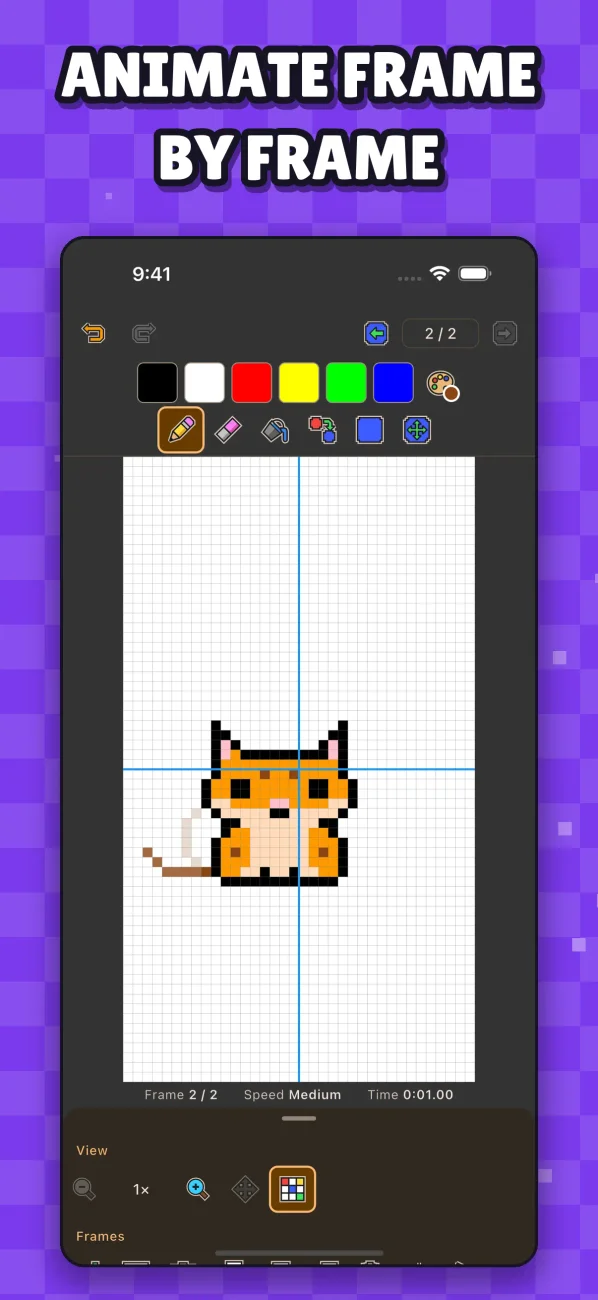
Pixel Studio is a pixel art editor and animation maker. Draw on a pixel grid, add frames, and watch your art come to life, then save it as a video or a GIF to share.
DRAW
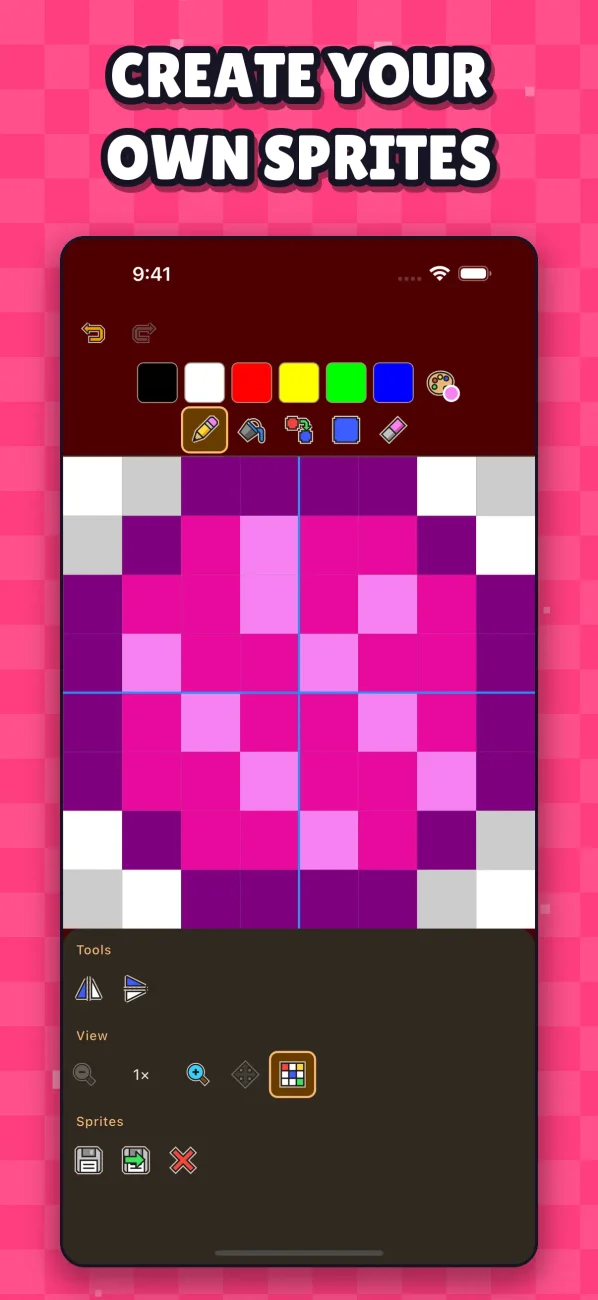
• Pencil, eraser, fill, and eyedropper tools on a crisp pixel grid
• A full palette, plus as many custom colors as you like
• Landscape or portrait canvases in three sizes
• Pinch to zoom, and tap with two or three fingers to undo or redo
ANIMATE
• Add, copy, paste, flip, and delete frames
• Peek at up to five earlier or later frames while you draw, to line up every movement
• Set the speed of the whole animation or just part of it
• Preview the animation as you work
SPRITES
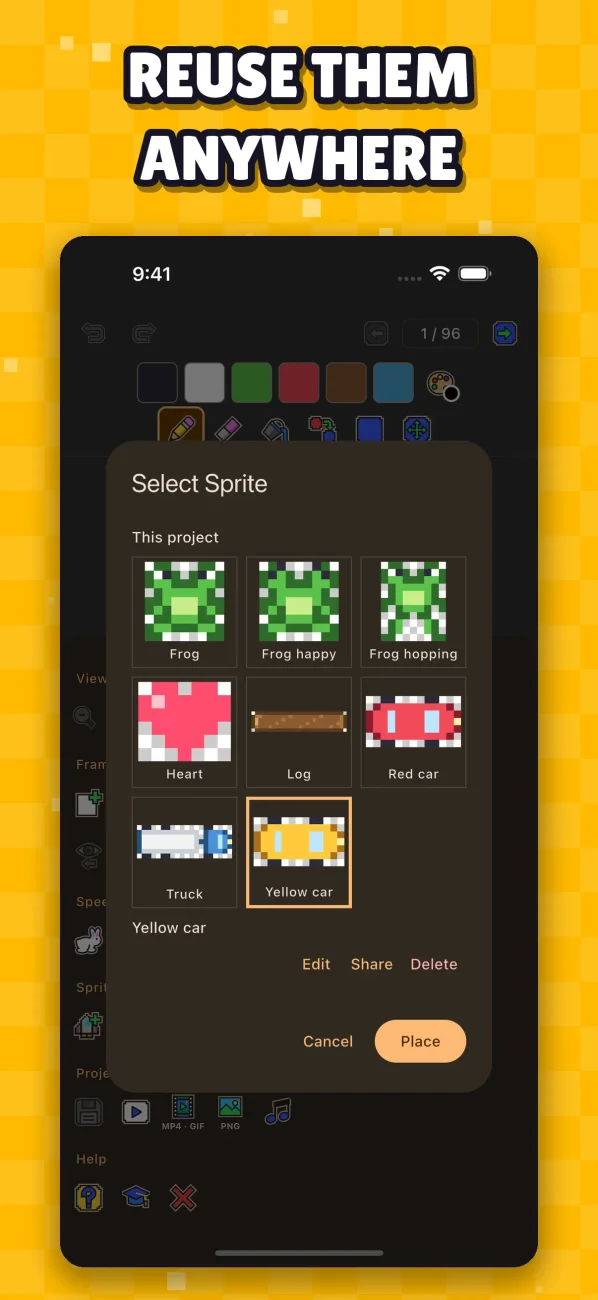
• Draw a sprite once, then place it in any frame
• Import sprites from an image or a sprite sheet
• Keep sprites to one project, or share them with all of them
MOVE PIXELS
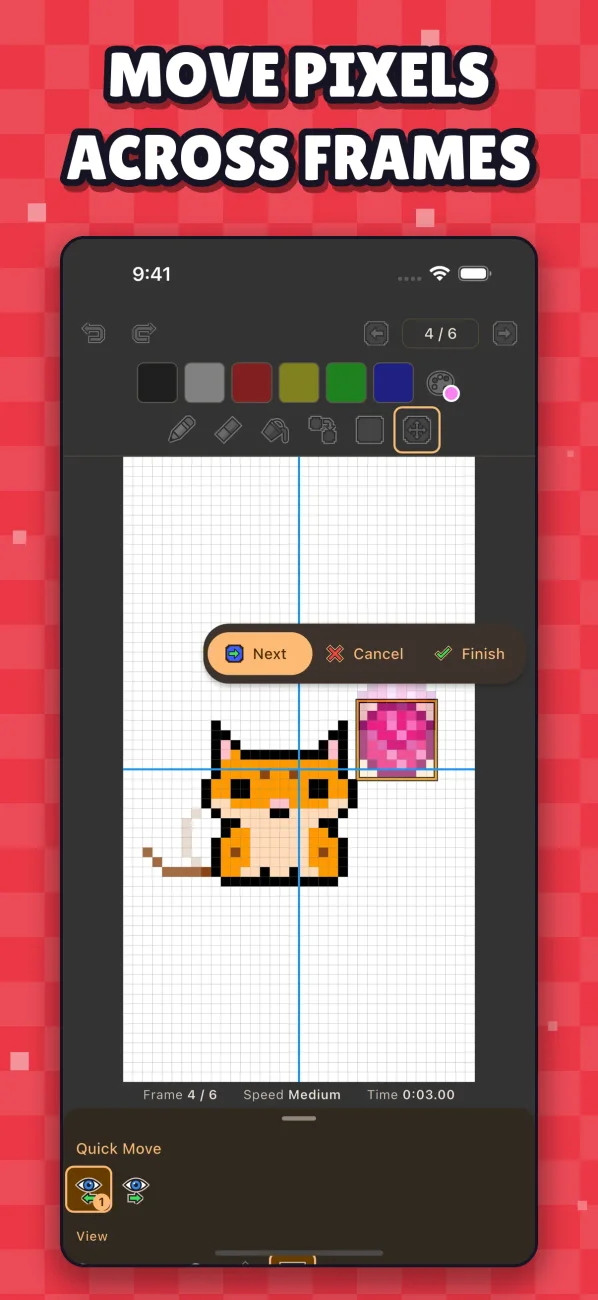
• Select any part of a frame and move it
• Quick Move carries it across the frames that follow, one step at a time, for smooth motion without redrawing
EXPORT AND SHARE
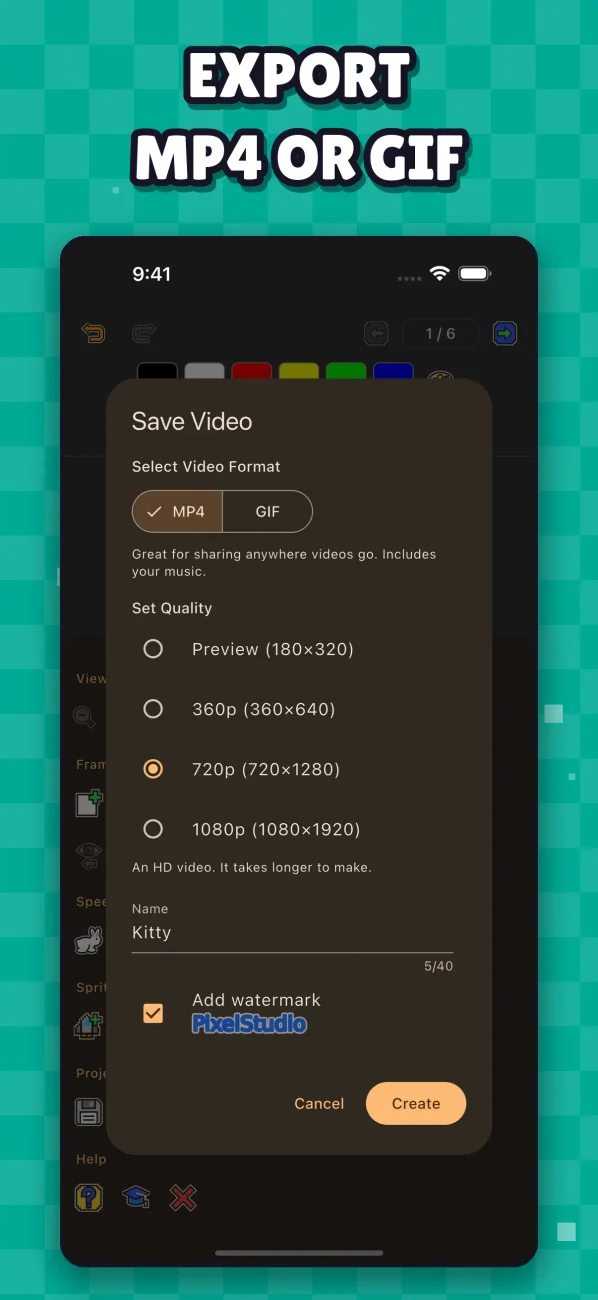
• Create MP4 videos, with your own music, or looping GIFs
• Choose the quality, from a quick preview to 1080p
• Save any frame as a PNG image
• Export projects as files, to back them up or open them on another device
APPLE PENCIL
• Draw with Apple Pencil and use your finger for the eyedropper
• See where you'll draw as Apple Pencil hovers over the canvas
• Double-tap Apple Pencil to undo
GET STARTED FAST
• A guided tour and built-in help explain every tool
• A demo project, Frog Crossing, shows how an animation is put together
Confidentialité de l’application
Ce que Mark Fairless déclare sur l’App Store au sujet du traitement des données par cette application.
-
Données n’établissant aucun lien avec vous
Peuvent être collectées, mais ne sont pas liées à votre identité.
- Emplacement
- Identifiants
- Données d’utilisation
- Diagnostic
Les pratiques en matière de confidentialité peuvent varier, notamment en fonction des fonctionnalités que vous utilisez ou de votre âge.
Informations
- Vendeur
- Mark Fairless
- Catégorie
- Graphisme et design
- Version
- 2.0.0
- Mis à jour
- 14/11/2026
- Publié
- 14/11/2026
- Taille
- 46,7 Mo
- Nécessite
- iOS 15.0 ou version ultérieure
- Classification d’âge
- 4+
- Langues
- Anglais
- Copyright
- © 2026 FairWare
Vous aimerez peut-être aussi
-
 PIXIO Pixel StudioGraphisme et design
-
 MonetCam: Photo en PeintureCaméra Effet Aquarelle AI
-
 Pixen - pixel art editorGraphisme et design
-
 MOV to MP4 - Video Converter 3Graphisme et design
-
 AR Cartoon: Draw & Trace ArtGraphisme et design
-
 Cascadeur: 3D animationGraphisme et design
-
 Dreamerland:Generateur d’imageDessin anime IA photo & Avatan
-
 Resprite: pixel art studioPixel art and sprite editor
-
 Pixquare - Pixel Art Studio#1 pixel art editor
-
 FLYP - Studio ModeStudio mode pour votre marque