Pixel Studio: Animation Maker
Draw & animate pixel art
iPhone, iPad, iPod touch için tasarlandı
Ücretsiz
- Yaş sınırı4+
- KategoriGrafik ve Tasarım
- GeliştiriciMark Fairless
- Dillerİngilizce
- Boyut46,7 MB
Resmi App Store sayfasına bağlanır
Download.org, Pixel Studio: Animation Maker için hiçbir dosya barındırmaz. Düğme, uygulamanın App Store üzerindeki sayfasını açar; uygulamayı orada Mark Fairless yayınlar. Sayfanın son kontrolü: 16.11.2026.
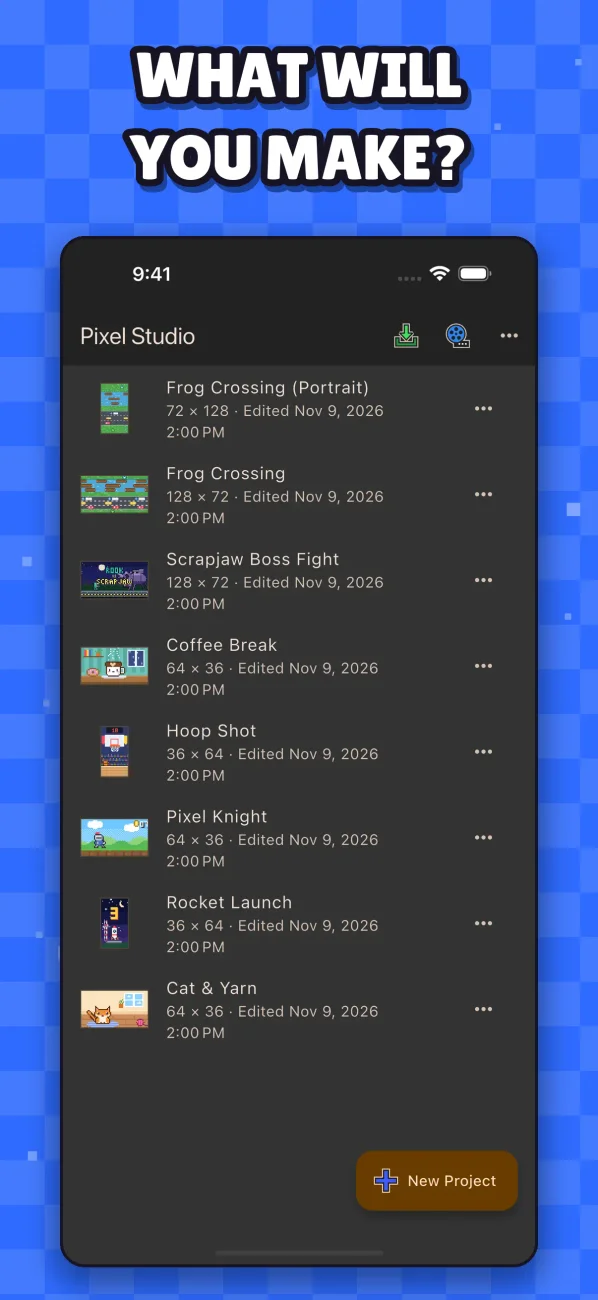
Ekran görüntüleri
Hakkında
Geliştirici bu metni dilinizde sunmamış.
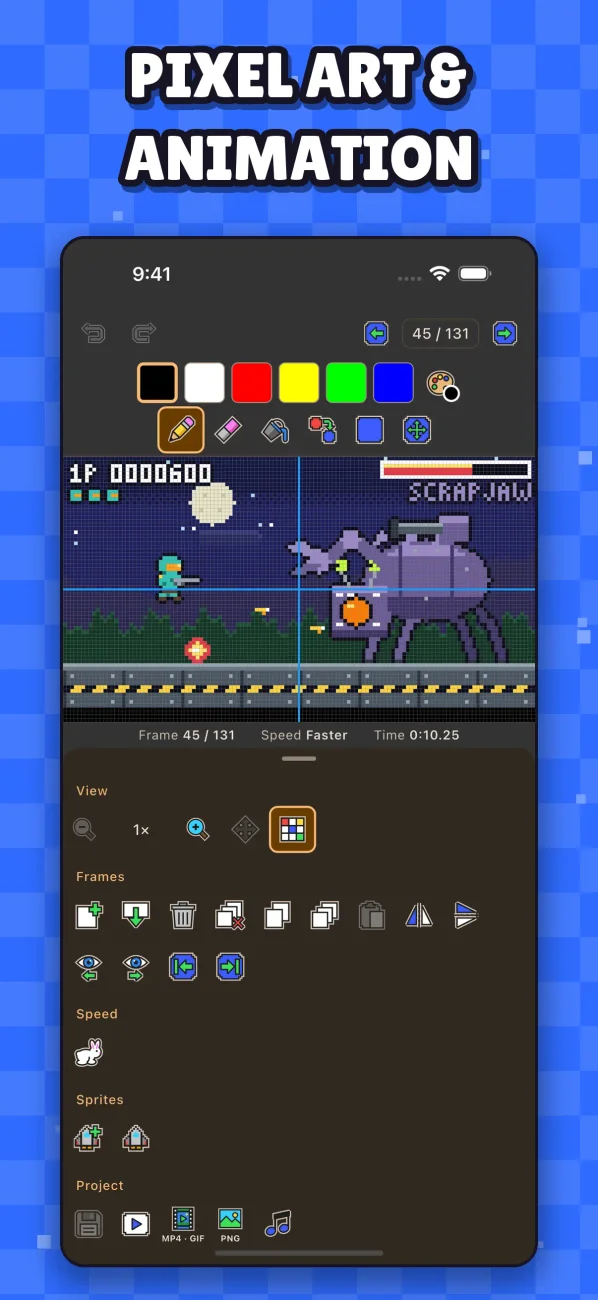
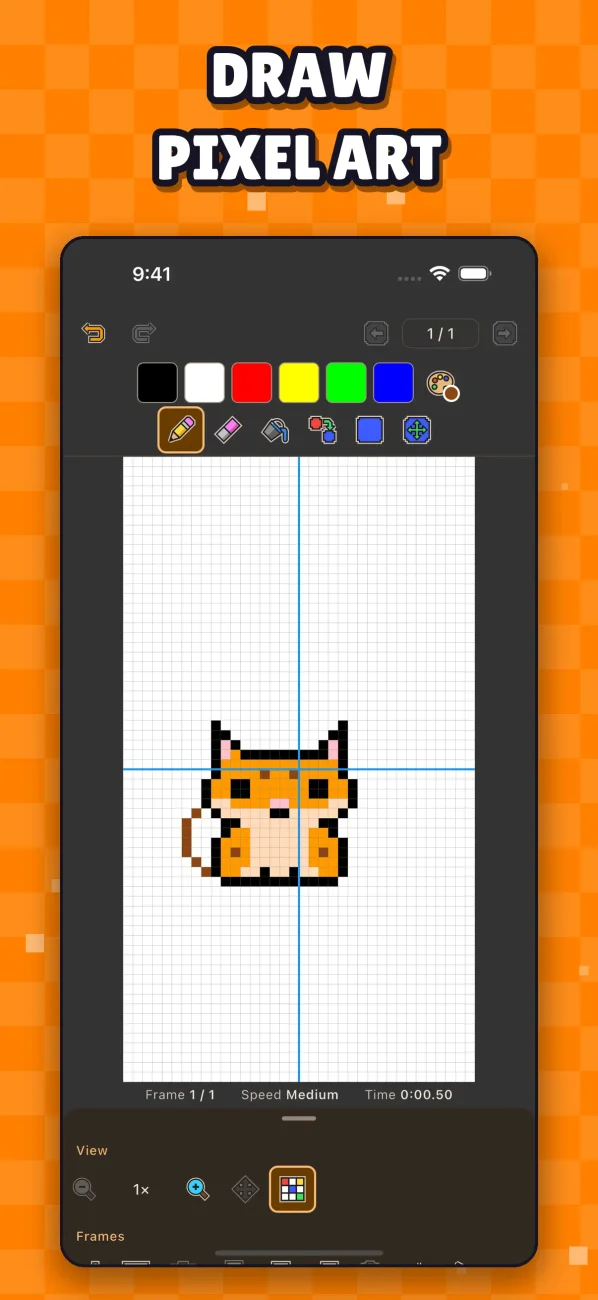
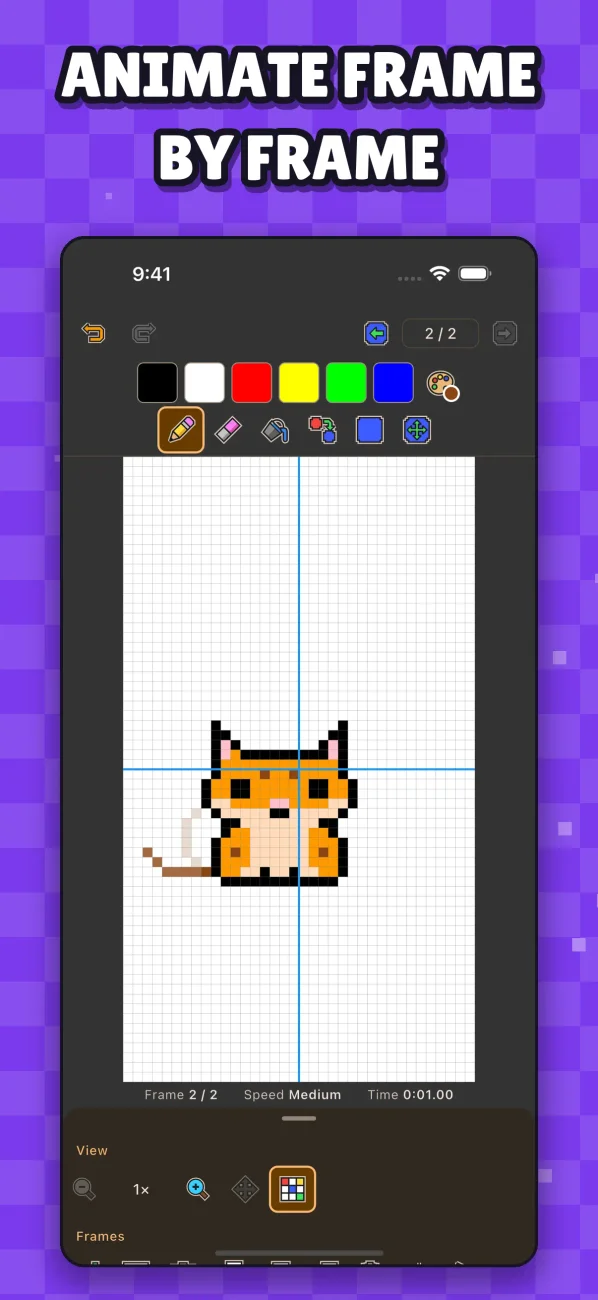
Pixel Studio is a pixel art editor and animation maker. Draw on a pixel grid, add frames, and watch your art come to life, then save it as a video or a GIF to share.
DRAW
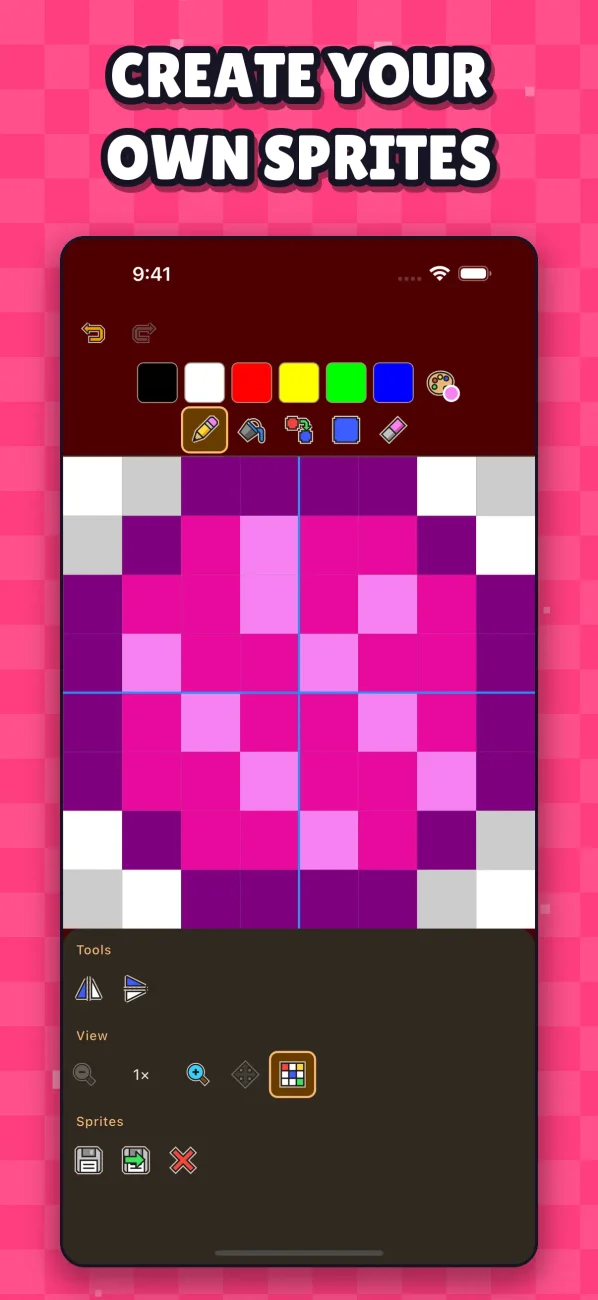
• Pencil, eraser, fill, and eyedropper tools on a crisp pixel grid
• A full palette, plus as many custom colors as you like
• Landscape or portrait canvases in three sizes
• Pinch to zoom, and tap with two or three fingers to undo or redo
ANIMATE
• Add, copy, paste, flip, and delete frames
• Peek at up to five earlier or later frames while you draw, to line up every movement
• Set the speed of the whole animation or just part of it
• Preview the animation as you work
SPRITES
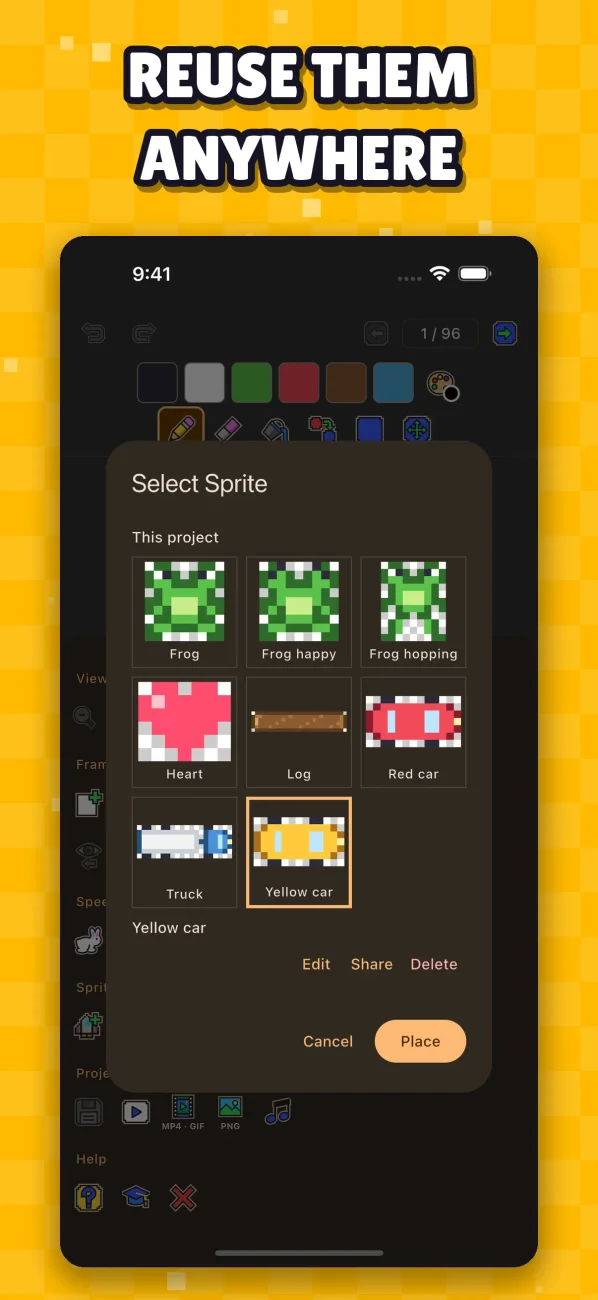
• Draw a sprite once, then place it in any frame
• Import sprites from an image or a sprite sheet
• Keep sprites to one project, or share them with all of them
MOVE PIXELS
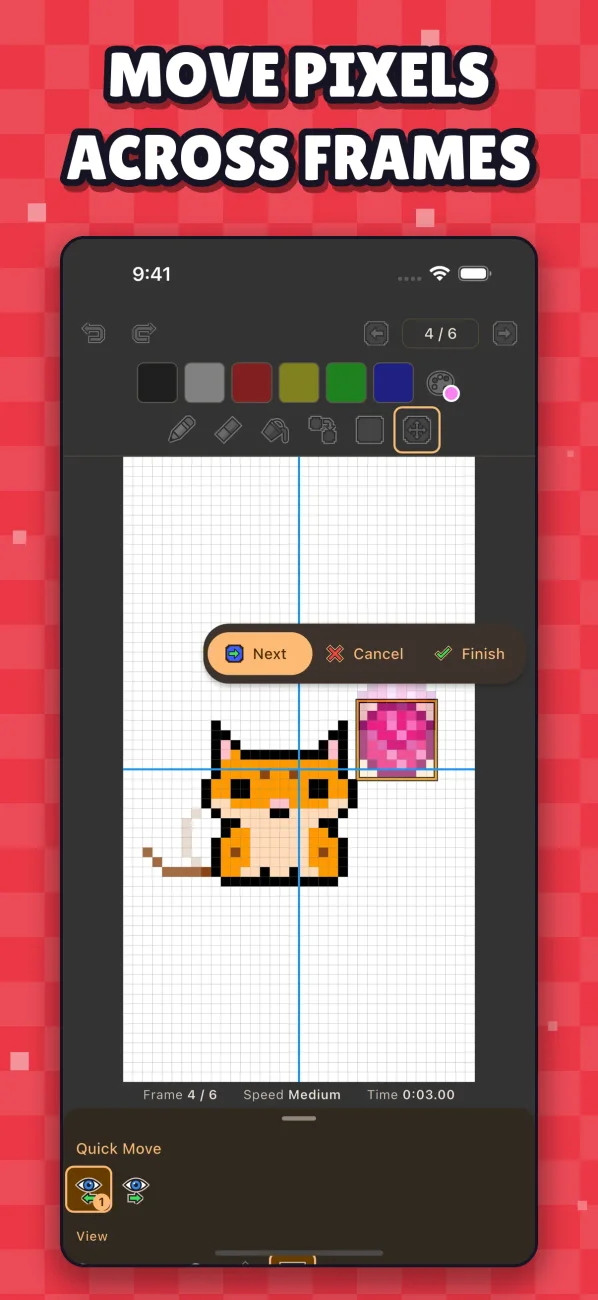
• Select any part of a frame and move it
• Quick Move carries it across the frames that follow, one step at a time, for smooth motion without redrawing
EXPORT AND SHARE
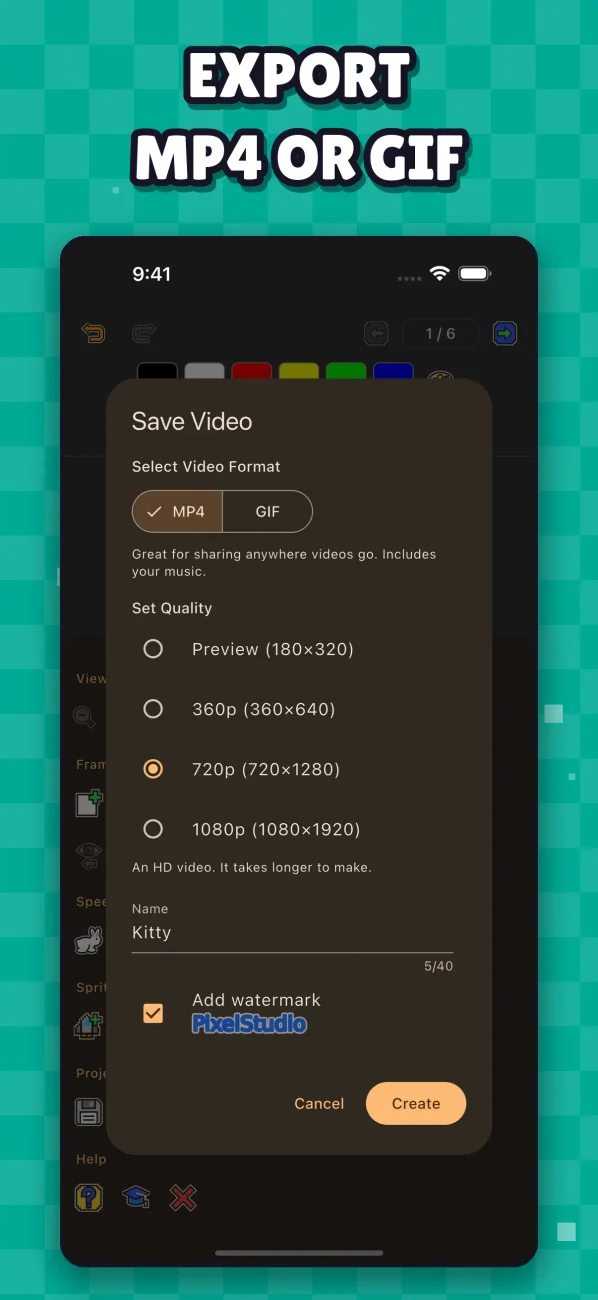
• Create MP4 videos, with your own music, or looping GIFs
• Choose the quality, from a quick preview to 1080p
• Save any frame as a PNG image
• Export projects as files, to back them up or open them on another device
APPLE PENCIL
• Draw with Apple Pencil and use your finger for the eyedropper
• See where you'll draw as Apple Pencil hovers over the canvas
• Double-tap Apple Pencil to undo
GET STARTED FAST
• A guided tour and built-in help explain every tool
• A demo project, Frog Crossing, shows how an animation is put together
Uygulama gizliliği
Bu uygulamanın verileri nasıl işlediği hakkında Mark Fairless tarafından App Store üzerinde yapılan beyan.
-
Sizinle ilişkilendirilmeyen veriler
Toplanabilir ancak kimliğinizle ilişkilendirilmez.
- Konum
- Tanımlayıcılar
- Kullanım verileri
- Tanılama
Gizlilik uygulamaları, örneğin kullandığınız özelliklere veya yaşınıza göre değişiklik gösterebilir.
Bilgiler
- Satıcı
- Mark Fairless
- Kategori
- Grafik ve Tasarım
- Sürüm
- 2.0.0
- Güncellendi
- 14.11.2026
- Yayın tarihi
- 14.11.2026
- Boyut
- 46,7 MB
- Gereksinim
- iOS 15.0 veya sonrası
- Yaş sınırı
- 4+
- Fiyat
- Ücretsiz
- Diller
- İngilizce
- Telif hakkı
- © 2026 FairWare
Bunları da beğenebilirsiniz
-
 PIXIO Pixel StudioGrafik ve Tasarım
-
 MonetCam: Fotoğraf ResimSulu Boya Efekti Kamera AI
-
 Pixen - pixel art editorGrafik ve Tasarım
-
 MOV to MP4 - Video Converter 3Grafik ve Tasarım
-
 AR Cartoon: Draw & Trace ArtGrafik ve Tasarım
-
 Cascadeur: 3D animationGrafik ve Tasarım
-
 Dreamerland: Yapay Zeka ResimResimler sanat, Dövme Ve Video
-
 Resprite: pixel art studioPixel art and sprite editor
-
 Pixquare - Pixel Art StudioGrafik ve Tasarım
-
 FLYP - Fashion Design StudioGrafik ve Tasarım