- Clasificación por edad17+
- CategoríaUtilidades
- DesarrolladorHVN Studio
- IdiomasInglés
- Tamaño48,2 MB
Enlaza a la página oficial de App Store
Download.org no aloja ningún archivo de Screen Mirroring . El botón abre la página de la aplicación en App Store, donde la publica HVN Studio. Ficha comprobada por última vez el 12/11/2026.
Capturas de pantalla

Acerca de
El desarrollador no ha proporcionado este texto en tu idioma.
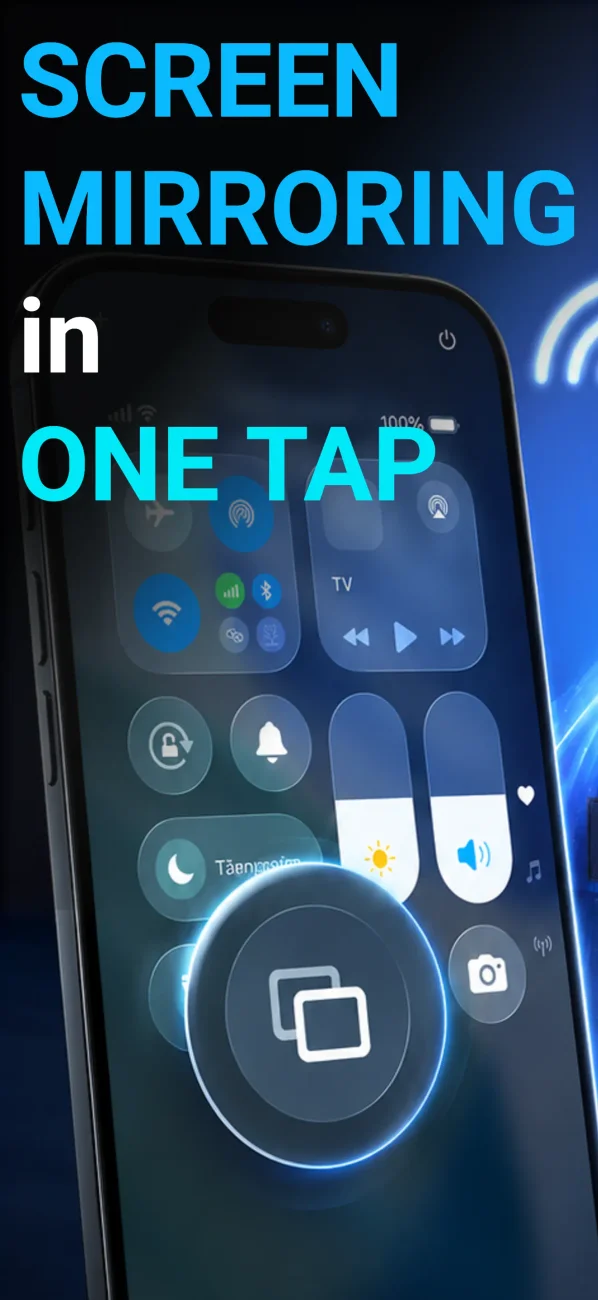
Most casting apps promise every TV and explain nothing. This one starts by finding what is actually on your Wi-Fi, then tells you plainly what each device can and cannot do — before you tap anything.
SEND TO YOUR TV
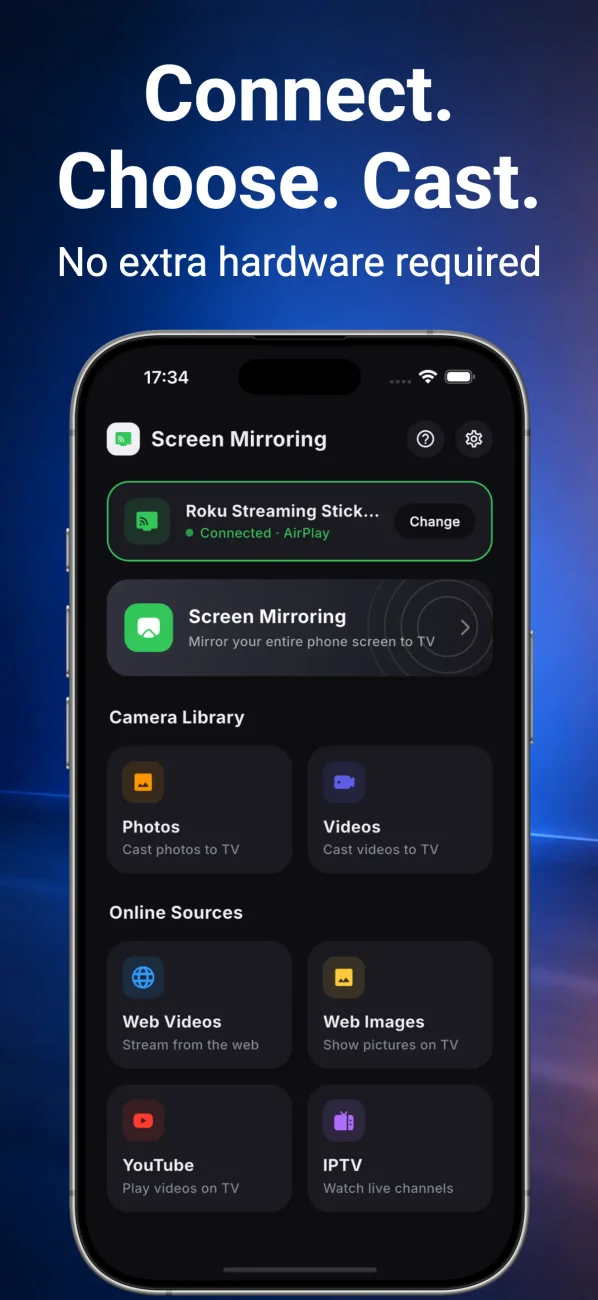
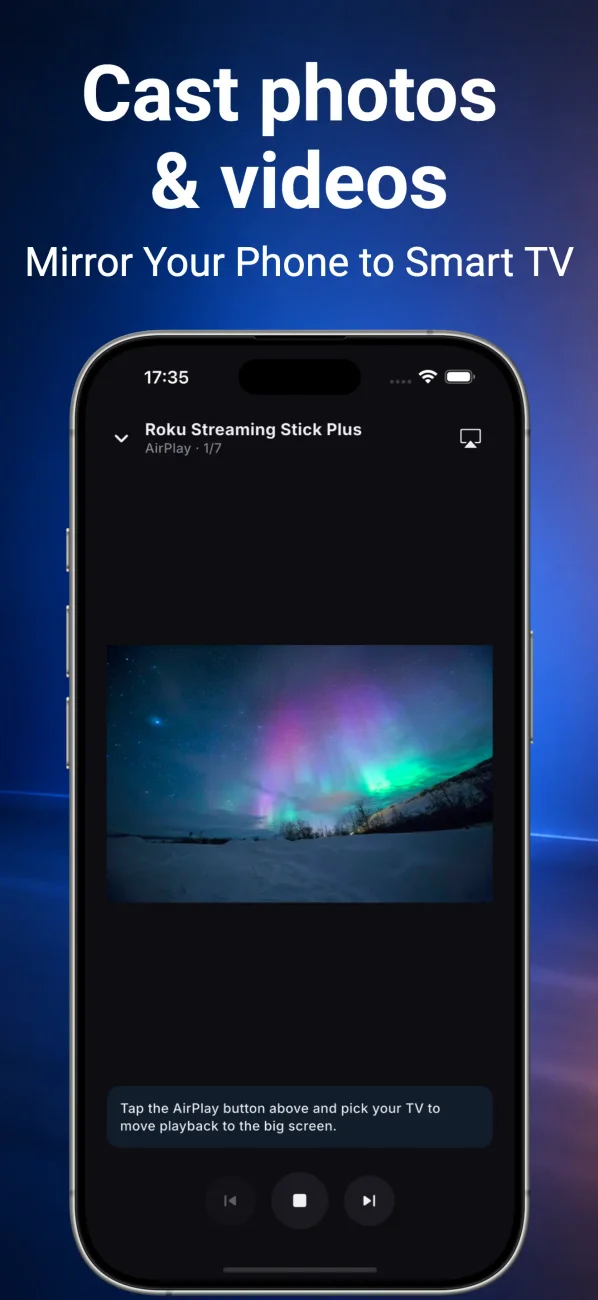
• Photos and videos from your camera roll, at full resolution
• Anything playing on a web page — open the site in the built-in browser and the videos and images on it become castable
• YouTube, handed to the TV's own YouTube app so it streams at full quality
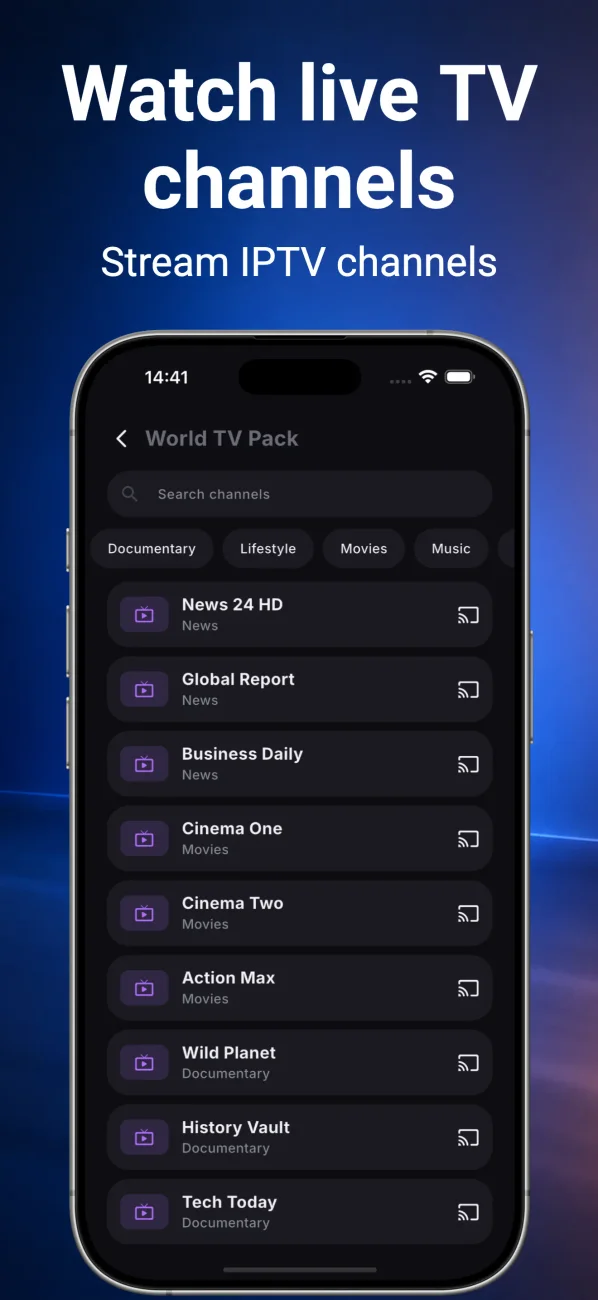
• Live TV from any M3U playlist you already have
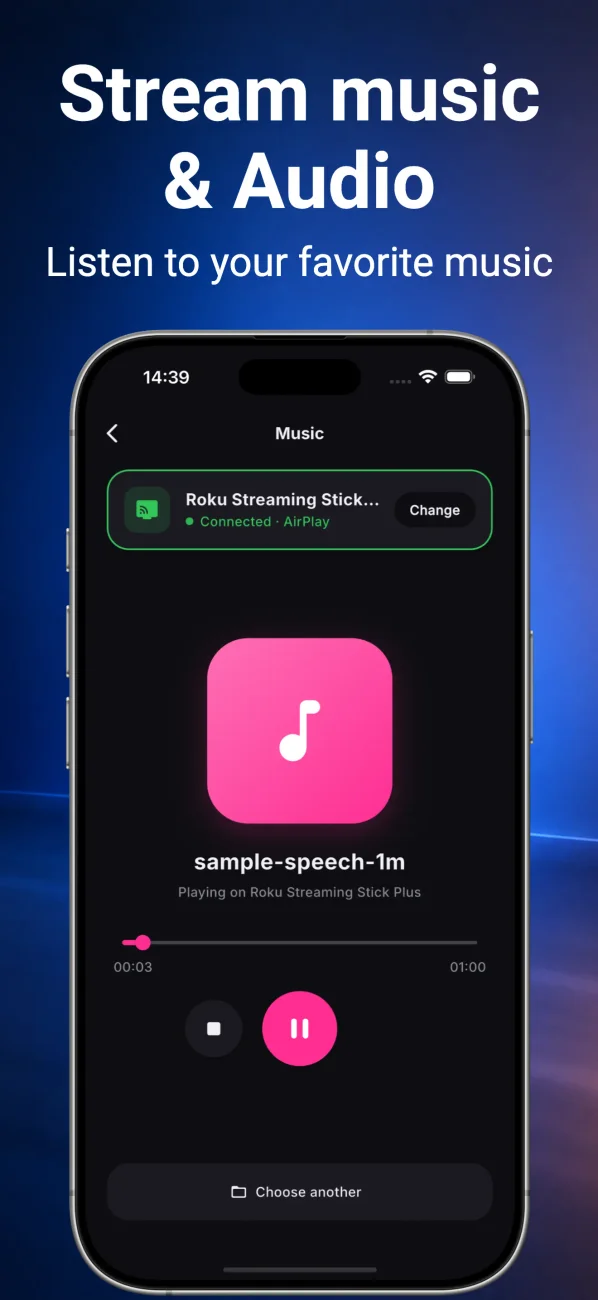
• Music from Files or iCloud Drive
PRESENTATION MODE
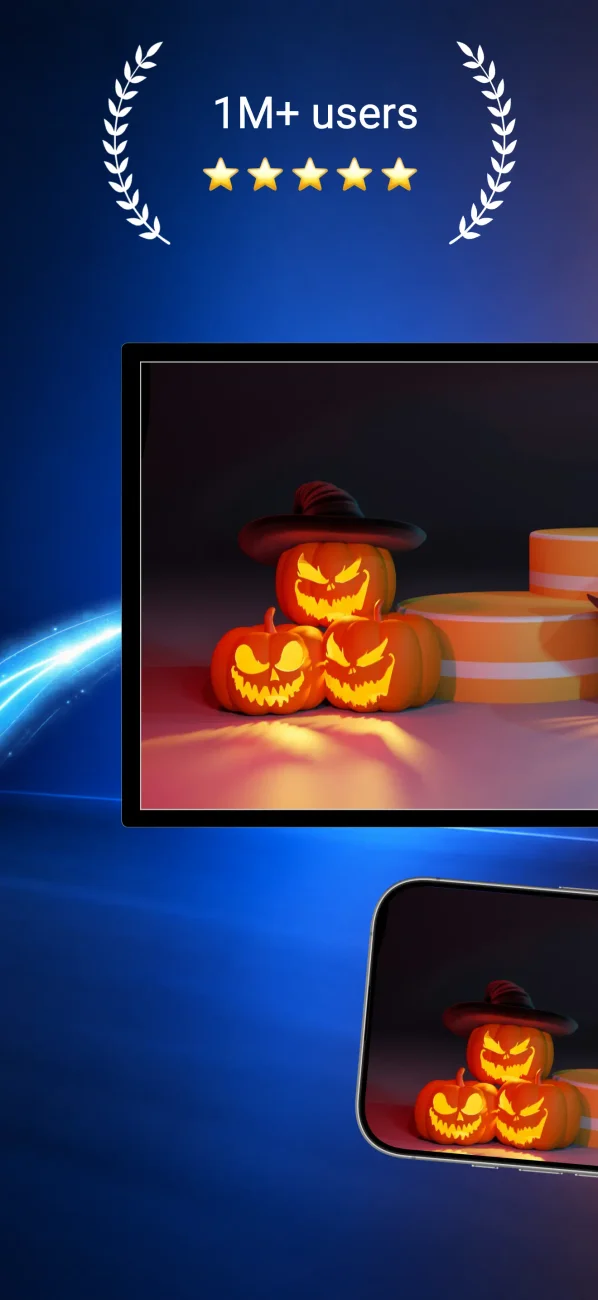
Something no other casting app does. Turn on Screen Mirroring from Control Centre, then open a photo here. Your TV shows it full-screen on black while your phone keeps the controls — your notifications, messages and home screen stay off the television. Nothing is re-encoded on the way, so what the TV shows is the original picture. Works with any TV or player that can receive AirPlay.
SLIDESHOW
Set 5, 10 or 30 seconds and let an album play itself on the big screen. Videos in the album play through in full instead of being cut off, and it loops when it reaches the end.
HONEST ABOUT YOUR TV
Screen mirroring on iPhone belongs to AirPlay — Apple gives no app a way around that, whatever the App Store says. So instead of pretending, this app shows you where the AirPlay switch lives on your kind of TV, then confirms on screen when mirroring is actually running. Devices that first need a receiver app installed on them are listed too, along with what they need. You find out what works before you buy, not after.
PRIVACY
No account. No sign-up. Nothing is uploaded anywhere. Your phone serves the files straight to your TV over your own Wi-Fi, and stops when you do.
WORKS WITH
Smart TVs and streaming players that receive AirPlay — most sets from 2019 onwards. Devices that support casting. Televisions that speak DLNA.
REQUIREMENTS
iPhone and TV on the same Wi-Fi network. Not a guest network — those block devices from seeing each other, which is the single most common reason a TV does not appear.
This app is not affiliated with, endorsed by or sponsored by any television or streaming-device manufacturer.
Novedades
Versión 1.0.3 · 9/10/2026
Fix some bugs and improve performance
Privacidad de la aplicación
Lo que HVN Studio declara en App Store sobre cómo esta aplicación gestiona los datos.
-
Datos usados para rastrearte
Pueden usarse para rastrearte en aplicaciones y sitios web propiedad de otras empresas.
- Datos de uso
-
Datos no vinculados a ti
Pueden recopilarse, pero no se vinculan a tu identidad.
- Identificadores
- Datos de uso
Las prácticas de privacidad pueden variar, por ejemplo, según las funciones que uses o tu edad.
Información
- Vendedor
- HVN Studio
- Categoría
- Utilidades
- Versión
- 1.0.3
- Actualizado
- 9/10/2026
- Publicado
- 15/9/2026
- Tamaño
- 48,2 MB
- Requiere
- iOS 16.6 o posterior
- Clasificación por edad
- 17+
- Precio
- Gratis
- Idiomas
- Inglés
- Copyright
- © HVN Studio
Quizá también te guste
-
 Duplicar Pantalla: Ver TVEnviar A TV, Espejo, Compartir
-
 Duplicar Pantalla TV™Web Video Caster Fire TV
-
 Cast a TV y Duplicar PantallaDuplicar Pantalla & Media Cast
-
 MirrorVO: Duplicar PantallaDuplica en TV y teléfono
-
 Miracast・Duplicar Pantalla TVCompartir Duplicar Pantalla TV
-
 Screen Mirroring・AnyCast TVUtilidades
-
 Air Cast: Duplicar Pantalla TVEspejo inalámbrico para Smart
-
 Screen Mirroring. Cast to TV.Utilidades
-
 Screen Mirroring · Cast to TV.Utilidades
-
 Compartir Pantalla con la TVDuplicar móvil en Tele・Espejo