- Độ tuổi17+
- Danh mụcTiện Ích
- Nhà phát triểnHVN Studio
- Ngôn ngữTiếng Anh
- Kích thước48,2 MB
Liên kết đến trang App Store chính thức
Download.org không lưu trữ tệp nào của Screen Mirroring . Nút này mở trang ứng dụng trên App Store, nơi HVN Studio phát hành ứng dụng. Trang được kiểm tra lần cuối: 12/11/2026.
Ảnh chụp màn hình

Giới thiệu
Nhà phát triển chưa cung cấp nội dung này bằng ngôn ngữ của bạn.
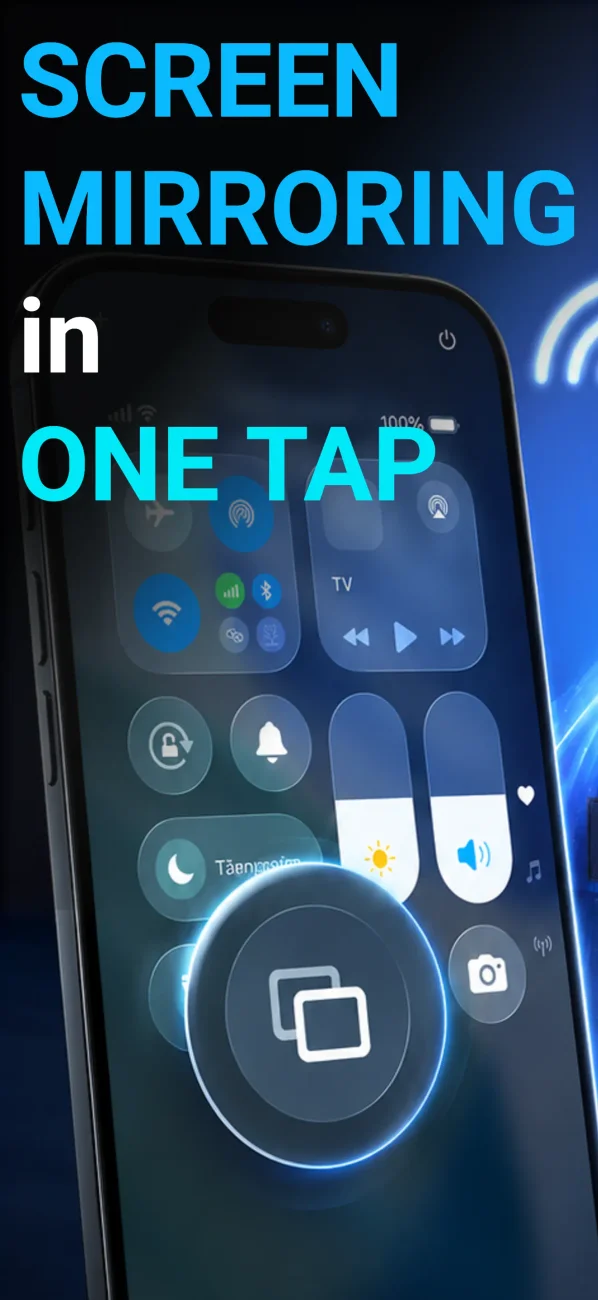
Most casting apps promise every TV and explain nothing. This one starts by finding what is actually on your Wi-Fi, then tells you plainly what each device can and cannot do — before you tap anything.
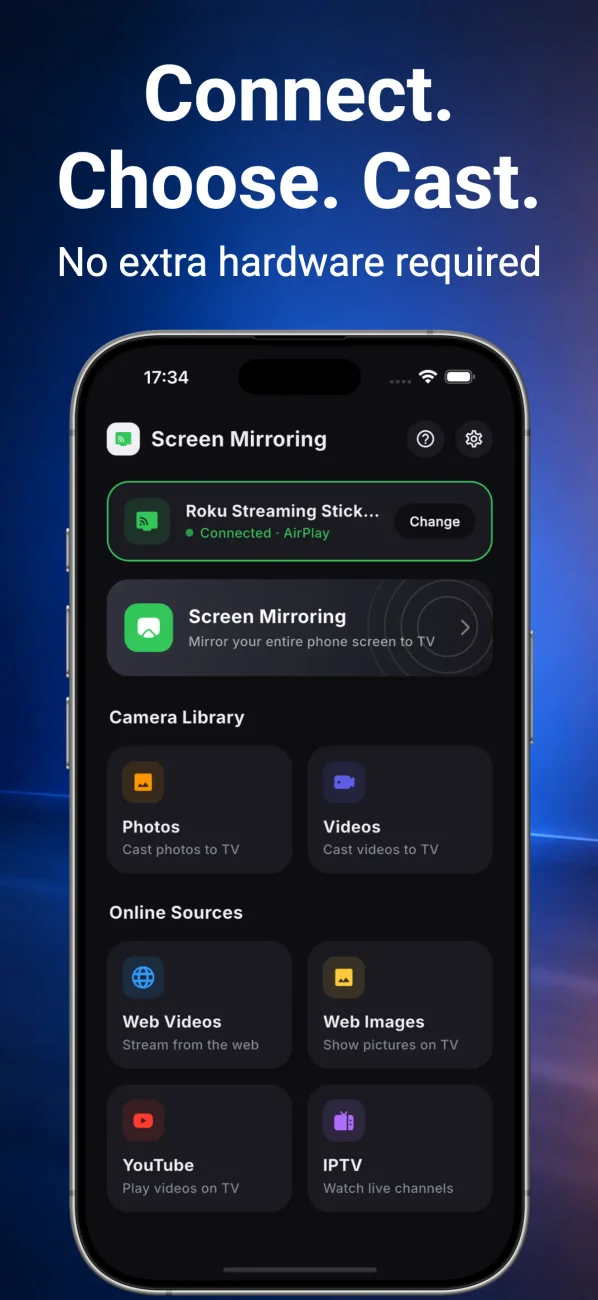
SEND TO YOUR TV
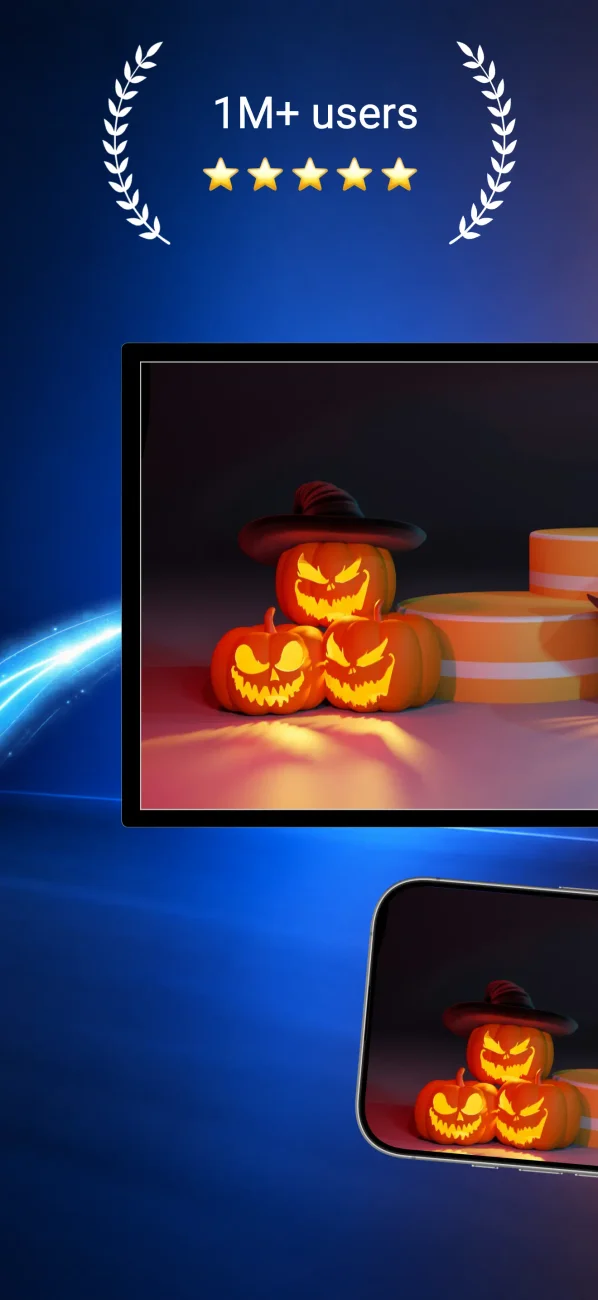
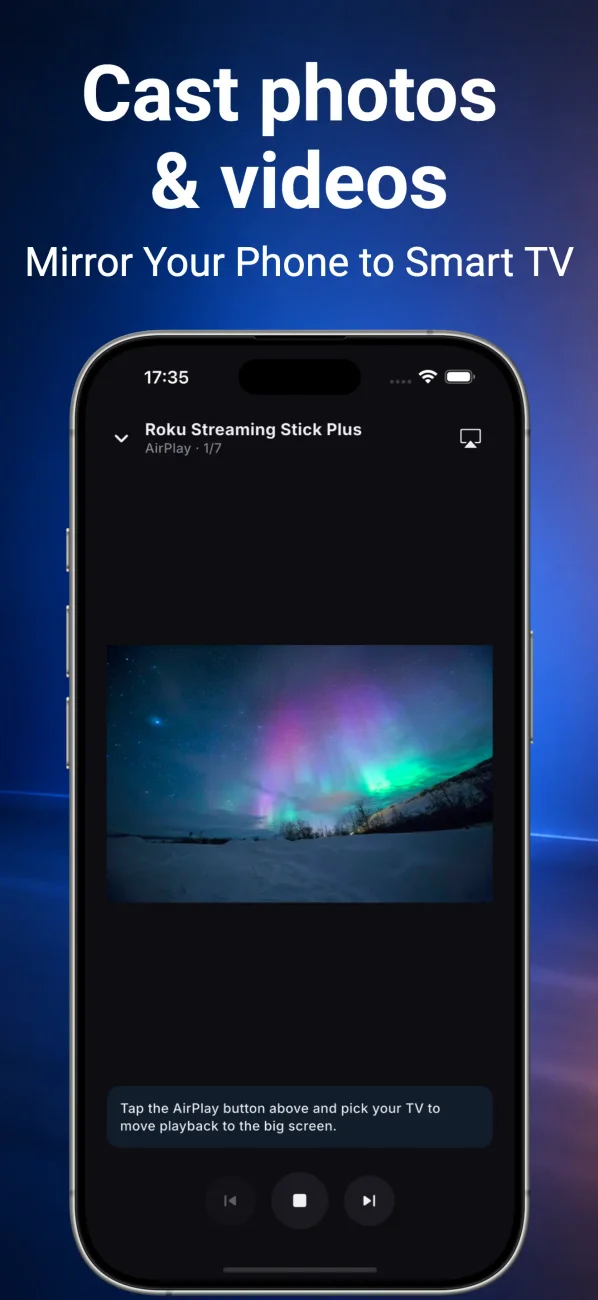
• Photos and videos from your camera roll, at full resolution
• Anything playing on a web page — open the site in the built-in browser and the videos and images on it become castable
• YouTube, handed to the TV's own YouTube app so it streams at full quality
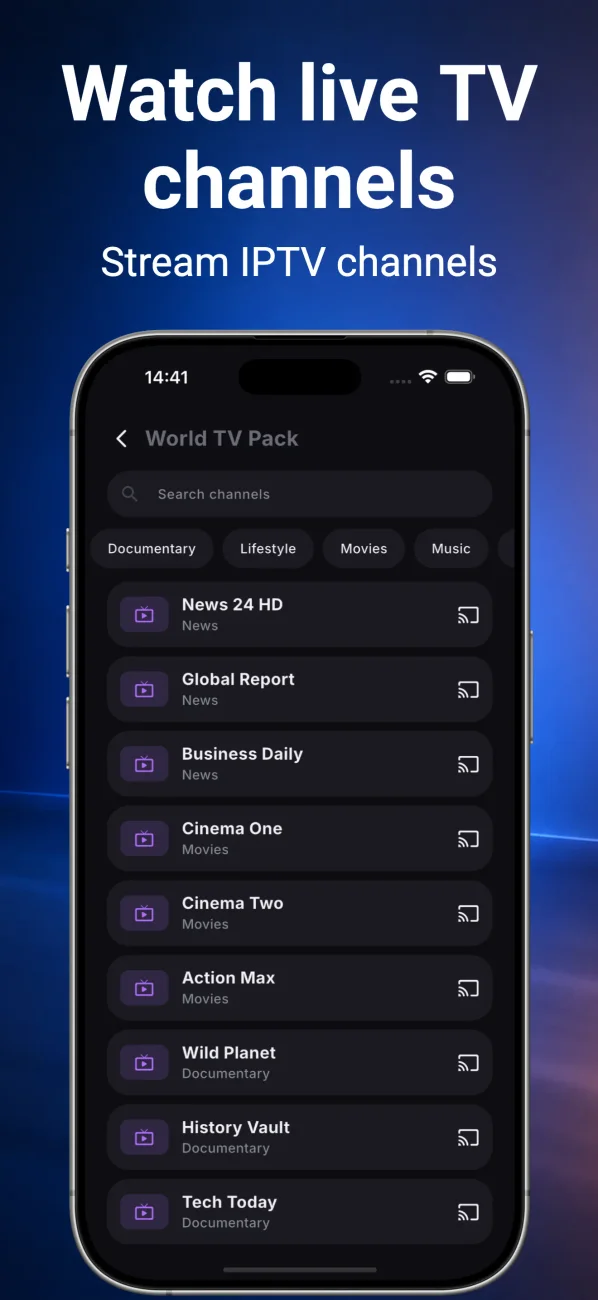
• Live TV from any M3U playlist you already have
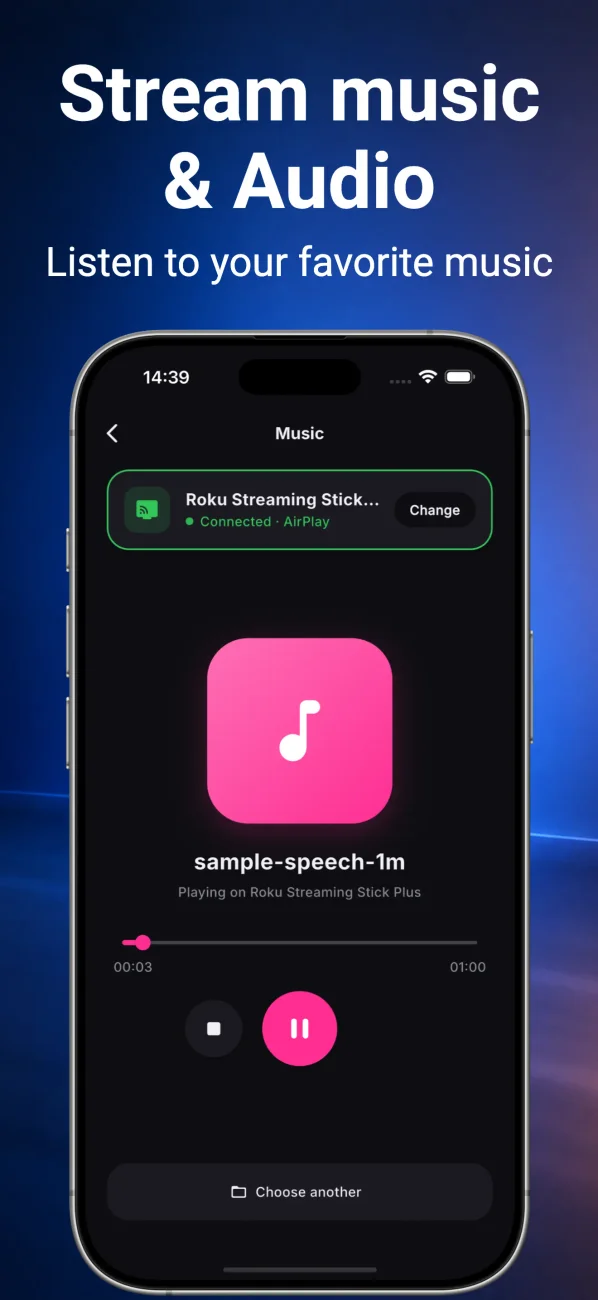
• Music from Files or iCloud Drive
PRESENTATION MODE
Something no other casting app does. Turn on Screen Mirroring from Control Centre, then open a photo here. Your TV shows it full-screen on black while your phone keeps the controls — your notifications, messages and home screen stay off the television. Nothing is re-encoded on the way, so what the TV shows is the original picture. Works with any TV or player that can receive AirPlay.
SLIDESHOW
Set 5, 10 or 30 seconds and let an album play itself on the big screen. Videos in the album play through in full instead of being cut off, and it loops when it reaches the end.
HONEST ABOUT YOUR TV
Screen mirroring on iPhone belongs to AirPlay — Apple gives no app a way around that, whatever the App Store says. So instead of pretending, this app shows you where the AirPlay switch lives on your kind of TV, then confirms on screen when mirroring is actually running. Devices that first need a receiver app installed on them are listed too, along with what they need. You find out what works before you buy, not after.
PRIVACY
No account. No sign-up. Nothing is uploaded anywhere. Your phone serves the files straight to your TV over your own Wi-Fi, and stops when you do.
WORKS WITH
Smart TVs and streaming players that receive AirPlay — most sets from 2019 onwards. Devices that support casting. Televisions that speak DLNA.
REQUIREMENTS
iPhone and TV on the same Wi-Fi network. Not a guest network — those block devices from seeing each other, which is the single most common reason a TV does not appear.
This app is not affiliated with, endorsed by or sponsored by any television or streaming-device manufacturer.
Có gì mới
Phiên bản 1.0.3 · 09/10/2026
Fix some bugs and improve performance
Quyền riêng tư của ứng dụng
Những gì HVN Studio khai báo trên App Store về cách ứng dụng này xử lý dữ liệu.
-
Dữ liệu được sử dụng để theo dõi bạn
Có thể được sử dụng để theo dõi bạn trên các ứng dụng và trang web do công ty khác sở hữu.
- Dữ liệu sử dụng
-
Dữ liệu không liên kết với bạn
Có thể được thu thập nhưng không liên kết với danh tính của bạn.
- Mã định danh
- Dữ liệu sử dụng
Phương thức đảm bảo quyền riêng tư có thể khác nhau, chẳng hạn như tuỳ theo các tính năng bạn sử dụng hoặc độ tuổi của bạn.
Thông tin
- Người bán
- HVN Studio
- Danh mục
- Tiện Ích
- Phiên bản
- 1.0.3
- Cập nhật
- 09/10/2026
- Phát hành
- 15/09/2026
- Kích thước
- 48,2 MB
- Yêu cầu
- iOS 16.6 trở lên
- Độ tuổi
- 17+
- Giá
- Miễn phí
- Ngôn ngữ
- Tiếng Anh
- Bản quyền
- © HVN Studio
Có thể bạn cũng thích
-
 Screen Mirroring: View TVCast To TV, Mirror, Share
-
 Screen Mirroring ™kết nối điện thoại với - tv
-
 Cast lên TV & Phản ChiếuPhản Chiếu & Media Cast
-
 MirrorVO: Phản chiếu màn hìnhLên TV và điện thoại khác
-
 Miracast · Chiếu Màn Hình TiviPhát ảnh, video và nhạc lên TV
-
 Screen Mirroring・AnyCast TVTiện Ích
-
 Air Cast: Chiếu Màn Hình TVPhát màn hình lên Smart TV
-
 Screen Mirroring. Cast to TV.Tiện Ích
-
 Screen Mirroring · Cast to TV.Tiện Ích
-
 Phản chiếu màn hình và IPTV #1Kết nối điện thoại với TV Dễ