- Classificação etária17+
- CategoriaUtilidades
- DesenvolvedorHVN Studio
- IdiomasInglês
- Tamanho48,2 MB
Leva à página oficial na App Store
O Download.org não hospeda nenhum arquivo de Screen Mirroring . O botão abre a página do app na App Store, onde HVN Studio o publica. Página verificada pela última vez em 12/11/2026.
Capturas de tela

Sobre
O desenvolvedor não forneceu este texto no seu idioma.
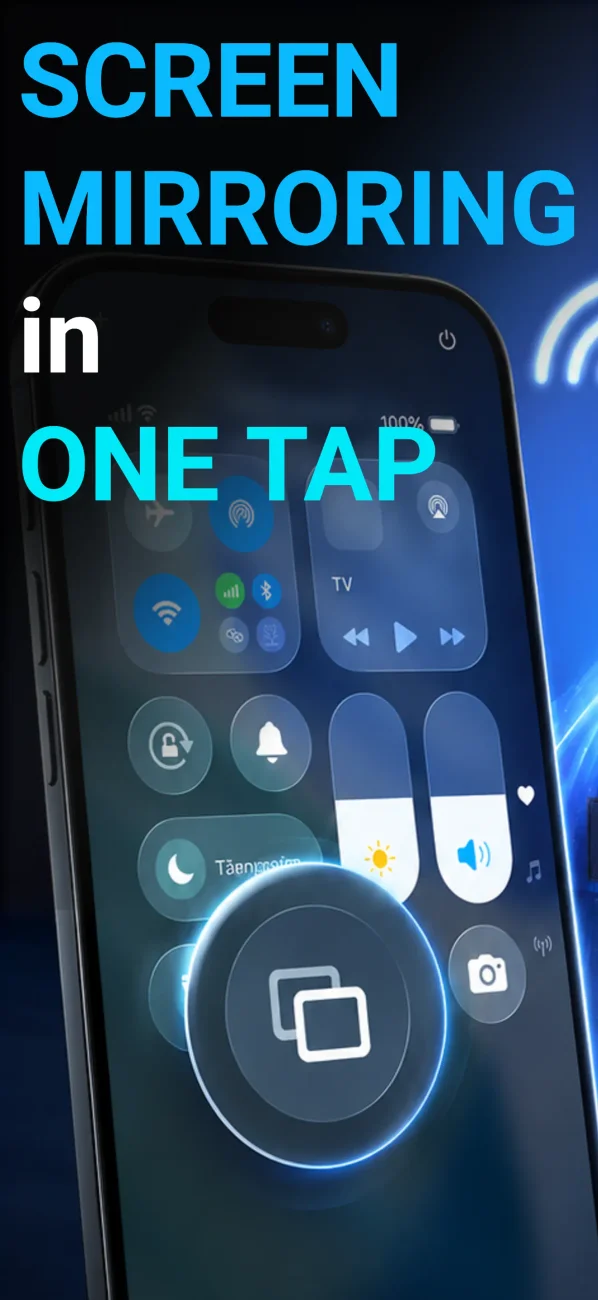
Most casting apps promise every TV and explain nothing. This one starts by finding what is actually on your Wi-Fi, then tells you plainly what each device can and cannot do — before you tap anything.
SEND TO YOUR TV
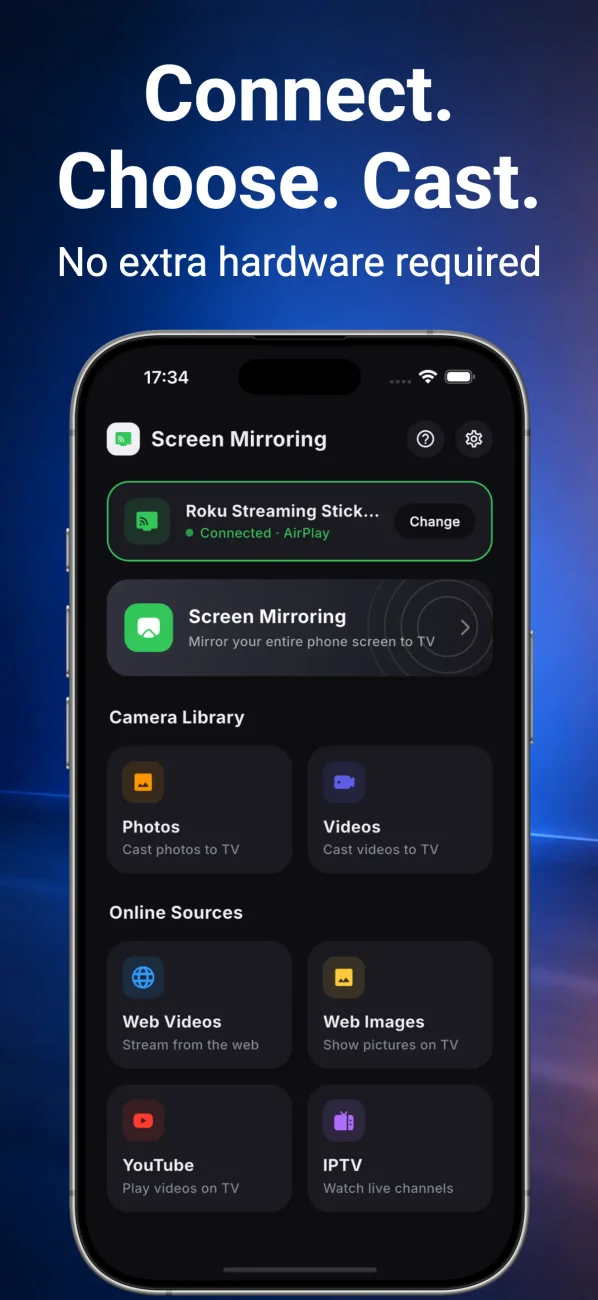
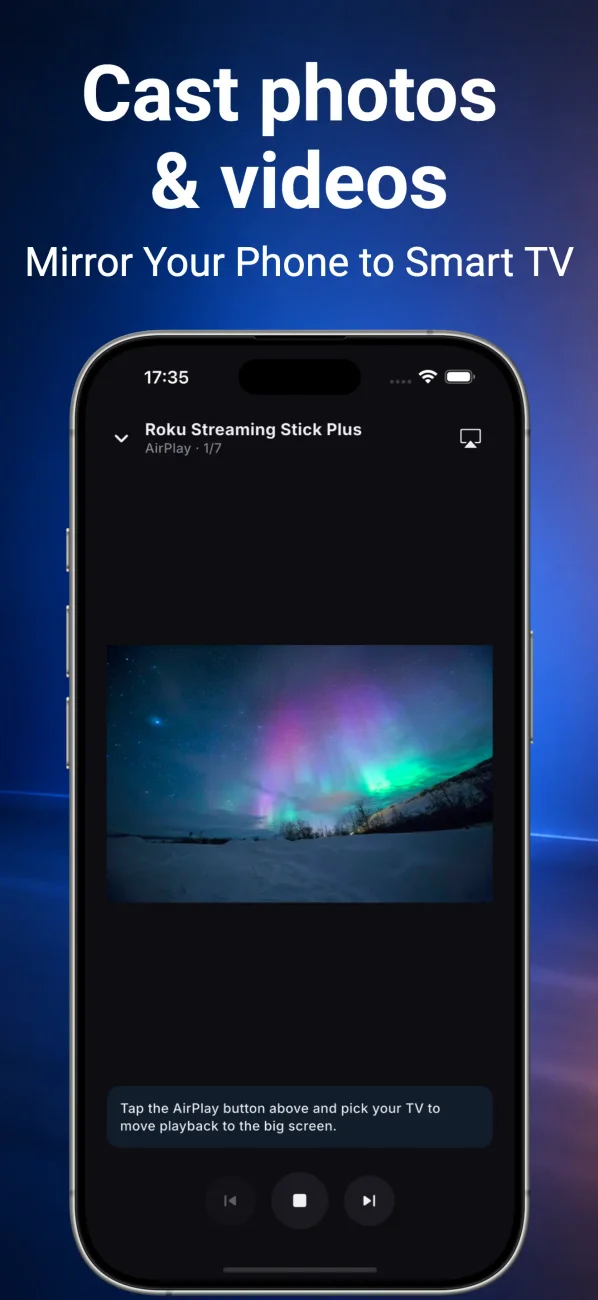
• Photos and videos from your camera roll, at full resolution
• Anything playing on a web page — open the site in the built-in browser and the videos and images on it become castable
• YouTube, handed to the TV's own YouTube app so it streams at full quality
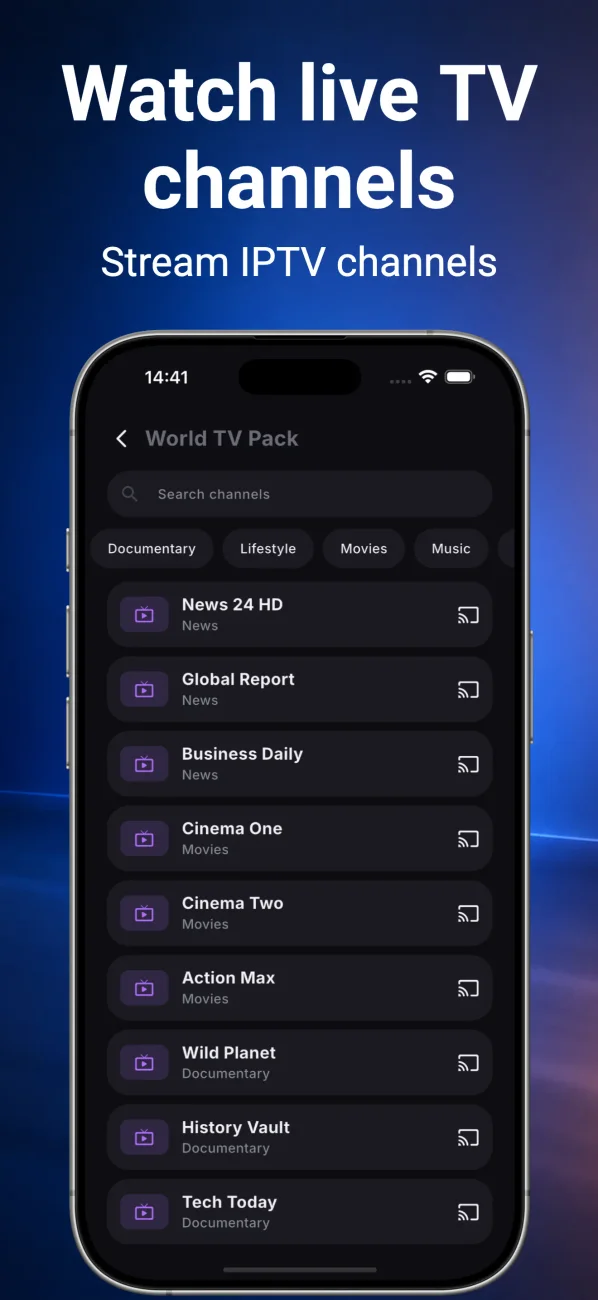
• Live TV from any M3U playlist you already have
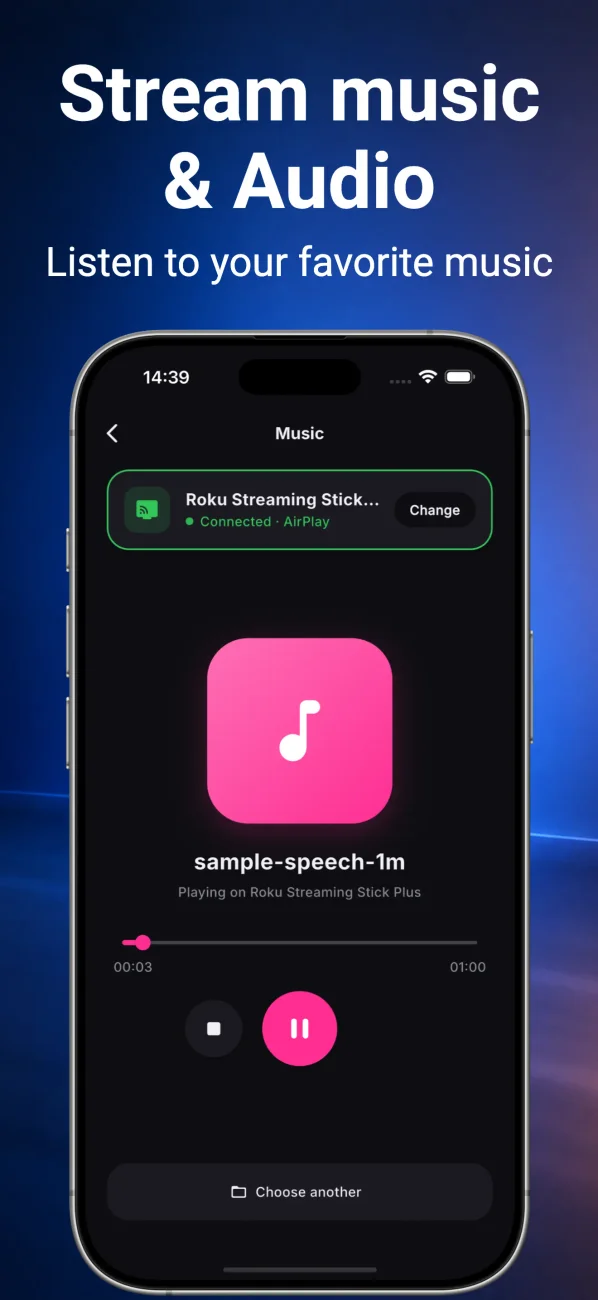
• Music from Files or iCloud Drive
PRESENTATION MODE
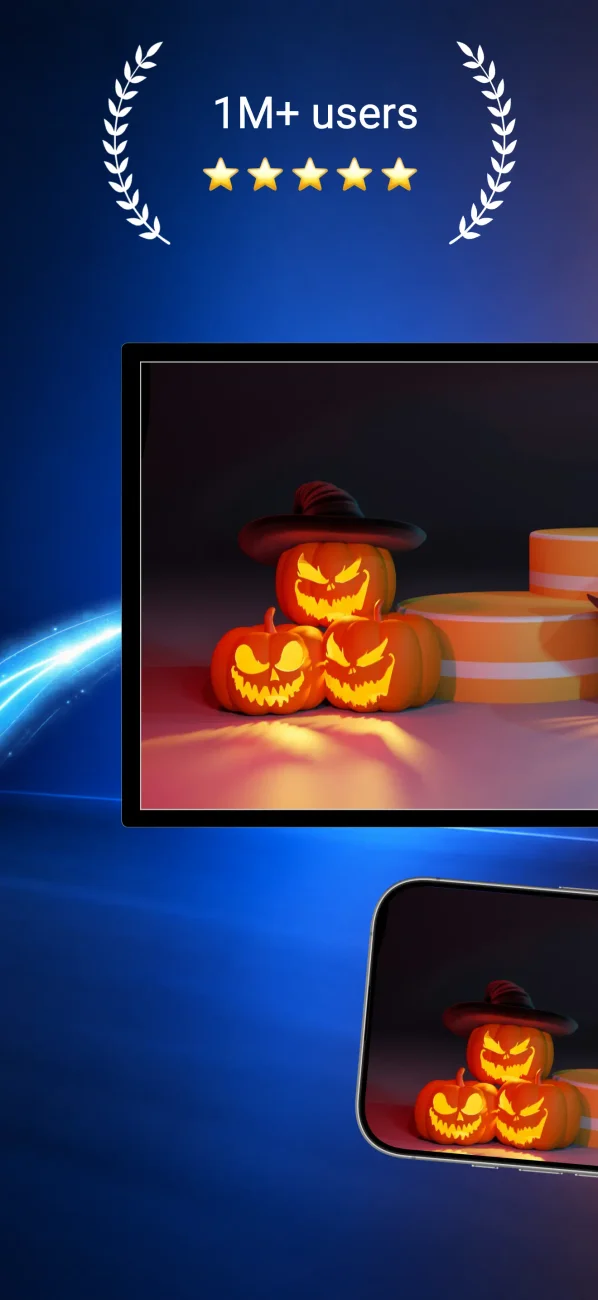
Something no other casting app does. Turn on Screen Mirroring from Control Centre, then open a photo here. Your TV shows it full-screen on black while your phone keeps the controls — your notifications, messages and home screen stay off the television. Nothing is re-encoded on the way, so what the TV shows is the original picture. Works with any TV or player that can receive AirPlay.
SLIDESHOW
Set 5, 10 or 30 seconds and let an album play itself on the big screen. Videos in the album play through in full instead of being cut off, and it loops when it reaches the end.
HONEST ABOUT YOUR TV
Screen mirroring on iPhone belongs to AirPlay — Apple gives no app a way around that, whatever the App Store says. So instead of pretending, this app shows you where the AirPlay switch lives on your kind of TV, then confirms on screen when mirroring is actually running. Devices that first need a receiver app installed on them are listed too, along with what they need. You find out what works before you buy, not after.
PRIVACY
No account. No sign-up. Nothing is uploaded anywhere. Your phone serves the files straight to your TV over your own Wi-Fi, and stops when you do.
WORKS WITH
Smart TVs and streaming players that receive AirPlay — most sets from 2019 onwards. Devices that support casting. Televisions that speak DLNA.
REQUIREMENTS
iPhone and TV on the same Wi-Fi network. Not a guest network — those block devices from seeing each other, which is the single most common reason a TV does not appear.
This app is not affiliated with, endorsed by or sponsored by any television or streaming-device manufacturer.
Novidades
Versão 1.0.3 · 09/10/2026
Fix some bugs and improve performance
Privacidade do app
O que HVN Studio declara na App Store sobre como este app lida com os dados.
-
Dados usados para rastrear você
Podem ser usados para rastrear você em apps e sites de outras empresas.
- Dados de uso
-
Dados não vinculados a você
Podem ser coletados, mas não são vinculados à sua identidade.
- Identificadores
- Dados de uso
As práticas de privacidade podem variar, por exemplo, com base nos recursos que você usa ou na sua idade.
Informações
- Vendedor
- HVN Studio
- Categoria
- Utilidades
- Versão
- 1.0.3
- Atualizado
- 09/10/2026
- Lançamento
- 15/09/2026
- Tamanho
- 48,2 MB
- Requer
- iOS 16.6 ou posterior
- Classificação etária
- 17+
- Preço
- Grátis
- Idiomas
- Inglês
- Copyright
- © HVN Studio
Você também pode gostar
-
 Espelhar Tela: Ver Na TVTransmitir Para TV E Espelhar
-
 Espelhamento De Tela™Espelhar Mirror Screen Fire TV
-
 Cast na TV & Espelhar TelaEspelhamento & Media Cast
-
 MirrorVO: Espelhar TelaEspelhar celular na Smart TV
-
 Miracast・Espelhamento de TelaEspelhar Tela Celular Smart TV
-
 Screen Mirroring・AnyCast TVUtilidades
-
 Air Cast: Espelhar Tela na TVEspelhar a tela na Smart TV
-
 Screen Mirroring. Cast to TV.Utilidades
-
 Screen Mirroring · Cast to TV.Utilidades
-
 Espelhamento de tela na TV #1Espelhar e Transmitir para TV