- 対象年齢17+
- カテゴリユーティリティ
- 開発元HVN Studio
- 言語英語
- サイズ48.2 MB
App Storeの公式ページにリンクしています
Download.orgはScreen Mirroring .のファイルを一切ホストしていません。ボタンを押すと、HVN Studioが公開しているApp Storeのアプリページが開きます。ページの最終確認:2026/11/12。
スクリーンショット

概要
開発元はこのテキストをお使いの言語で提供していません。
Most casting apps promise every TV and explain nothing. This one starts by finding what is actually on your Wi-Fi, then tells you plainly what each device can and cannot do — before you tap anything.
SEND TO YOUR TV
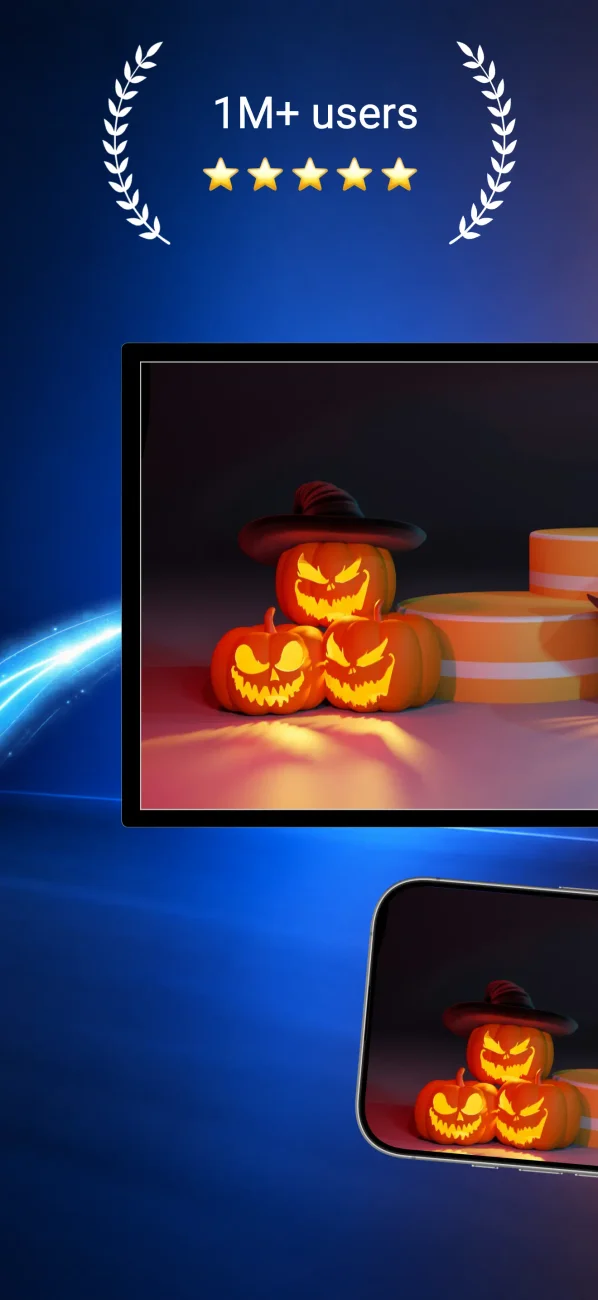
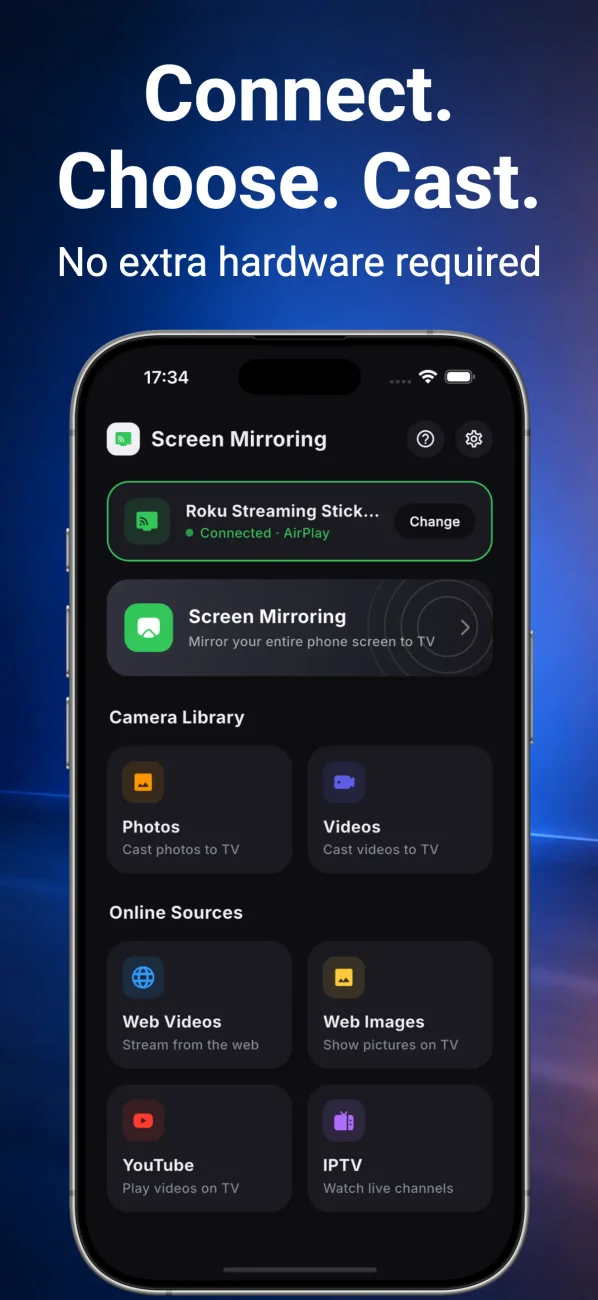
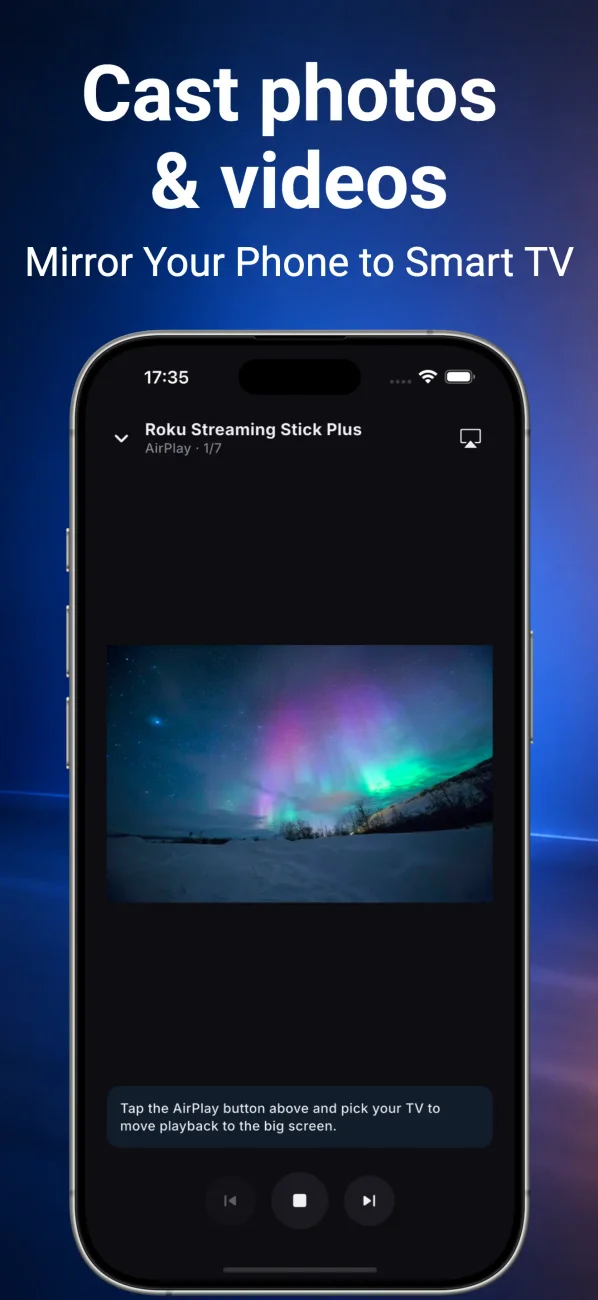
• Photos and videos from your camera roll, at full resolution
• Anything playing on a web page — open the site in the built-in browser and the videos and images on it become castable
• YouTube, handed to the TV's own YouTube app so it streams at full quality
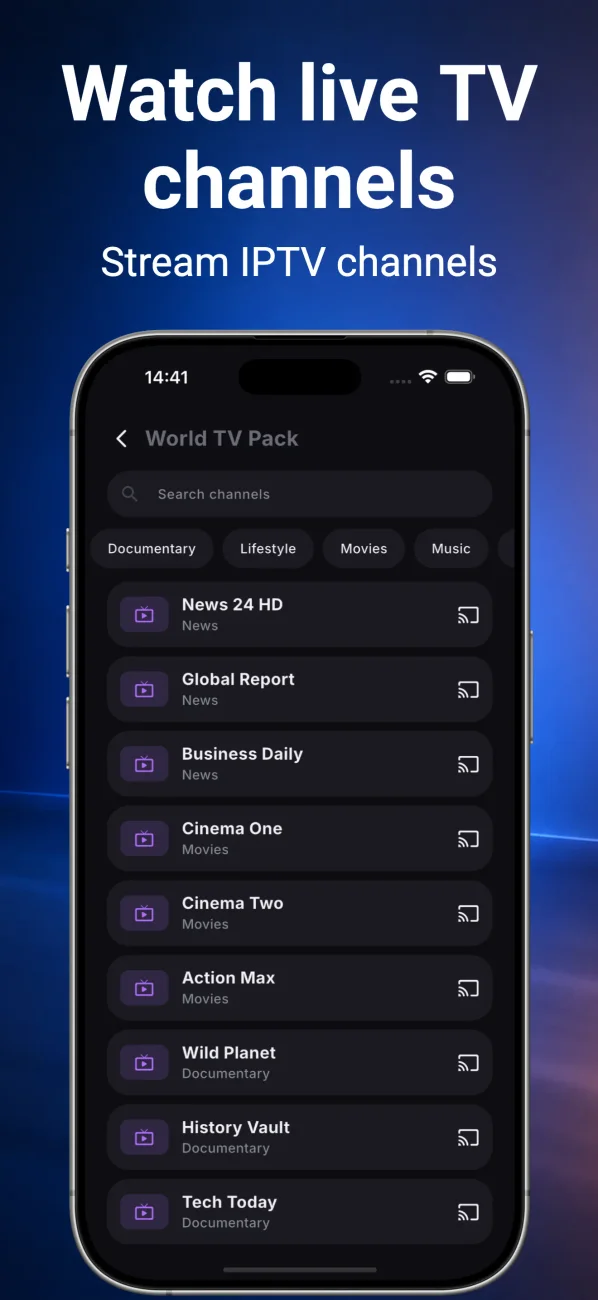
• Live TV from any M3U playlist you already have
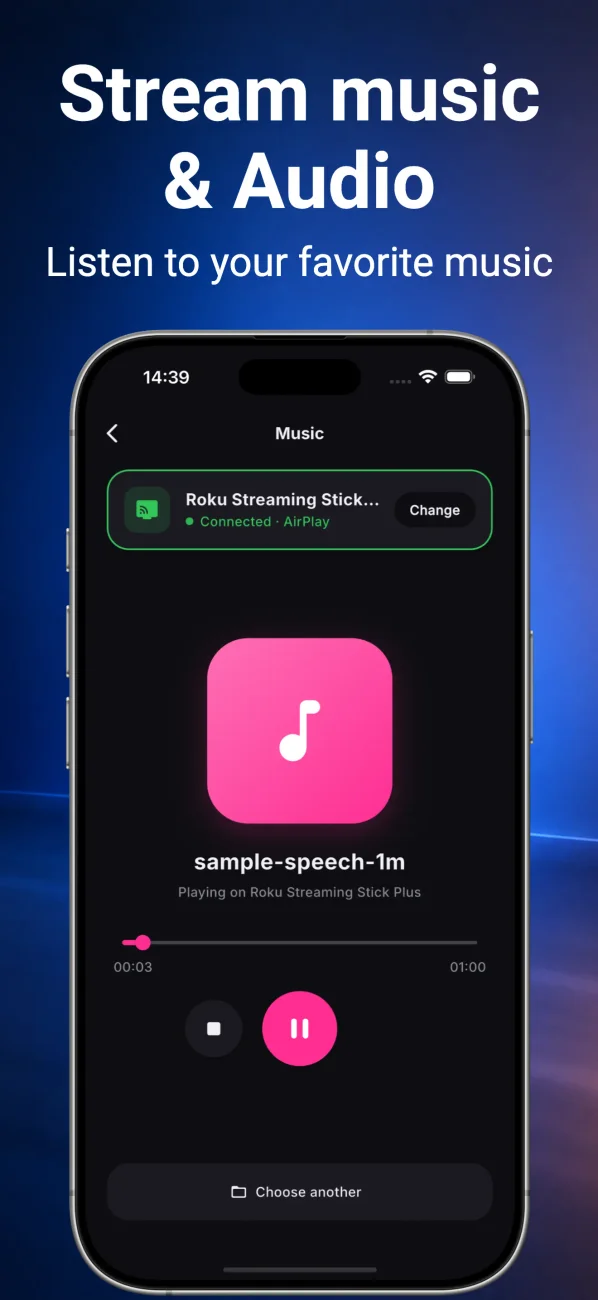
• Music from Files or iCloud Drive
PRESENTATION MODE
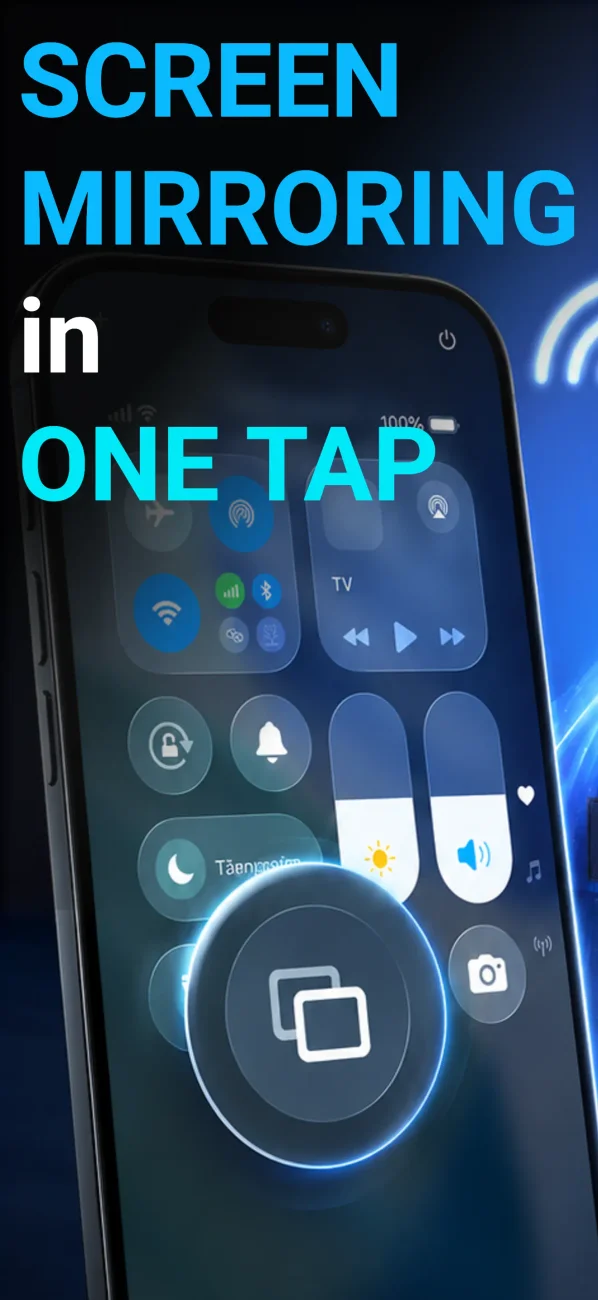
Something no other casting app does. Turn on Screen Mirroring from Control Centre, then open a photo here. Your TV shows it full-screen on black while your phone keeps the controls — your notifications, messages and home screen stay off the television. Nothing is re-encoded on the way, so what the TV shows is the original picture. Works with any TV or player that can receive AirPlay.
SLIDESHOW
Set 5, 10 or 30 seconds and let an album play itself on the big screen. Videos in the album play through in full instead of being cut off, and it loops when it reaches the end.
HONEST ABOUT YOUR TV
Screen mirroring on iPhone belongs to AirPlay — Apple gives no app a way around that, whatever the App Store says. So instead of pretending, this app shows you where the AirPlay switch lives on your kind of TV, then confirms on screen when mirroring is actually running. Devices that first need a receiver app installed on them are listed too, along with what they need. You find out what works before you buy, not after.
PRIVACY
No account. No sign-up. Nothing is uploaded anywhere. Your phone serves the files straight to your TV over your own Wi-Fi, and stops when you do.
WORKS WITH
Smart TVs and streaming players that receive AirPlay — most sets from 2019 onwards. Devices that support casting. Televisions that speak DLNA.
REQUIREMENTS
iPhone and TV on the same Wi-Fi network. Not a guest network — those block devices from seeing each other, which is the single most common reason a TV does not appear.
This app is not affiliated with, endorsed by or sponsored by any television or streaming-device manufacturer.
新機能
バージョン 1.0.3 · 2026/10/9
Fix some bugs and improve performance
アプリのプライバシー
このアプリのデータの取り扱いについて、HVN StudioがApp Storeで申告している内容です。
-
ユーザーのトラッキングに使用されるデータ
他社のアプリやウェブサイトを横断してユーザーをトラッキングする目的で使用される場合があります。
- 使用状況データ
-
ユーザーに関連付けられないデータ
収集される場合がありますが、ユーザーの識別情報には関連付けられません。
- ID
- 使用状況データ
プライバシーの取り扱いは、ご利用の機能やお客様の年齢などに応じて異なる場合があります。
情報
- 販売元
- HVN Studio
- カテゴリ
- ユーティリティ
- バージョン
- 1.0.3
- 更新日
- 2026/10/9
- リリース
- 2026/9/15
- サイズ
- 48.2 MB
- 必要条件
- iOS 16.6以降
- 対象年齢
- 17+
- 価格
- 無料
- 言語
- 英語
- 著作権
- © HVN Studio
こちらもおすすめ
-
 画面ミラーリング: テレビ視聴とキャストテレビにキャスト・写真や動画を大画面へミラーリング
-
 投影 - 画面ミラーリング画面共有 - テレビにキャストするアプリ -多屏互动
-
 テレビにキャスト & 画面ミラー画面ミラーリング & メディアキャスト
-
 MirrorVO: 画面ミラーリングテレビにもスマホにも
-
 Miracast · Screen Mirroring TVミラーキャスト · スクリーンミラーリング
-
 画面ミラーリング・AnyCast TVSmart View ミラーリング・DLNA キャスト
-
 Air Cast: 画面ミラーリングTV画面をテレビにワイヤレスでミラーリング
-
 Screen Mirroring. Cast to TV.ユーティリティ
-
 Screen Mirroring · Cast to TV.ユーティリティ
-
 スクリーンミラーリング・TV シェア・プロジェクターミラキャストとエアープレイ・簡単にスマホの画面をTVに映す