- Classification d’âge17+
- CatégorieUtilitaires
- DéveloppeurHVN Studio
- LanguesAnglais
- Taille48,2 Mo
Renvoie vers la page App Store officielle
Download.org n’héberge aucun fichier de Screen Mirroring . Le bouton ouvre la page de l’application sur App Store, où HVN Studio la publie. Fiche vérifiée pour la dernière fois le 12/11/2026.
Captures d’écran

À propos
Le développeur n’a pas fourni ce texte dans votre langue.
Most casting apps promise every TV and explain nothing. This one starts by finding what is actually on your Wi-Fi, then tells you plainly what each device can and cannot do — before you tap anything.
SEND TO YOUR TV
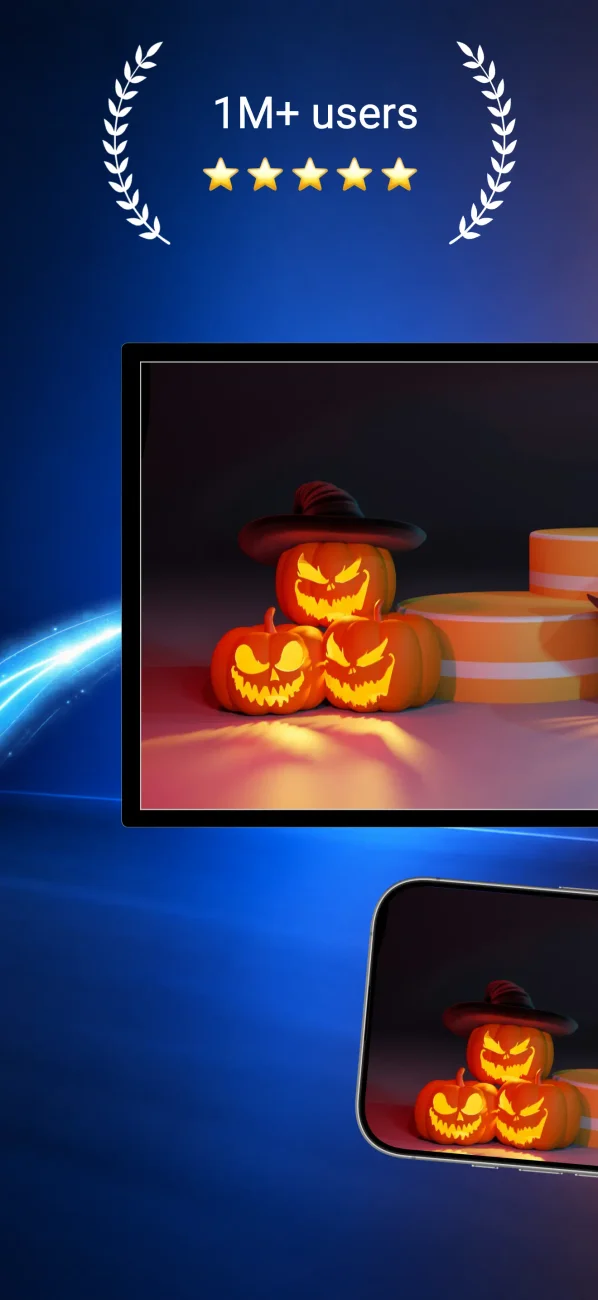
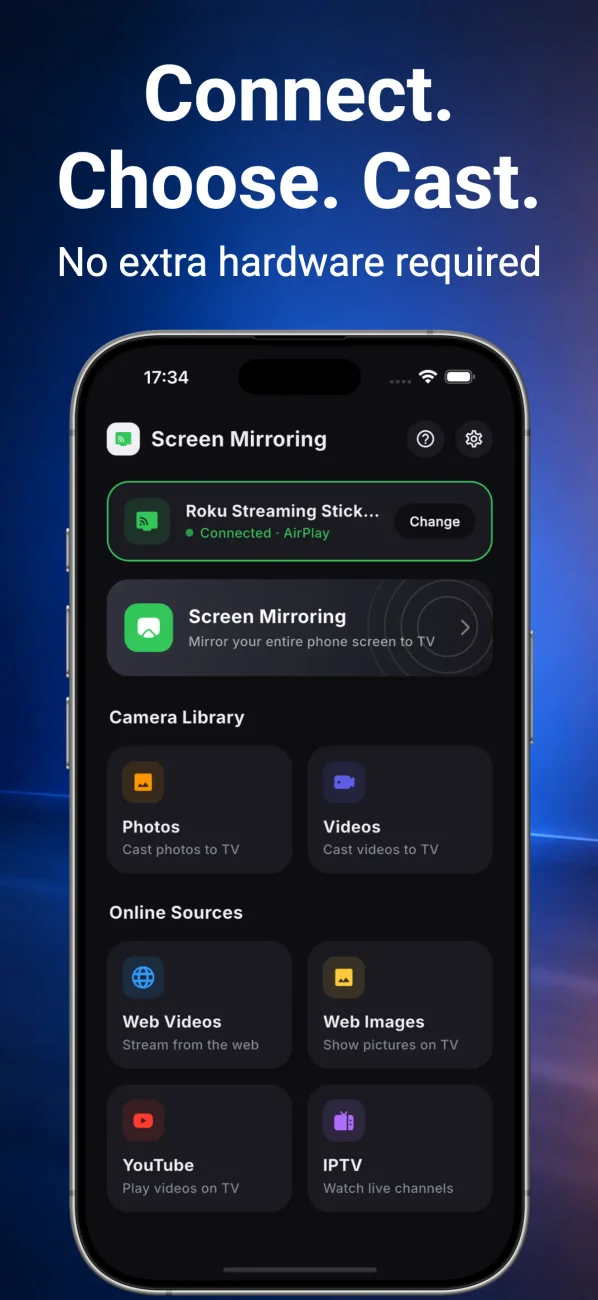
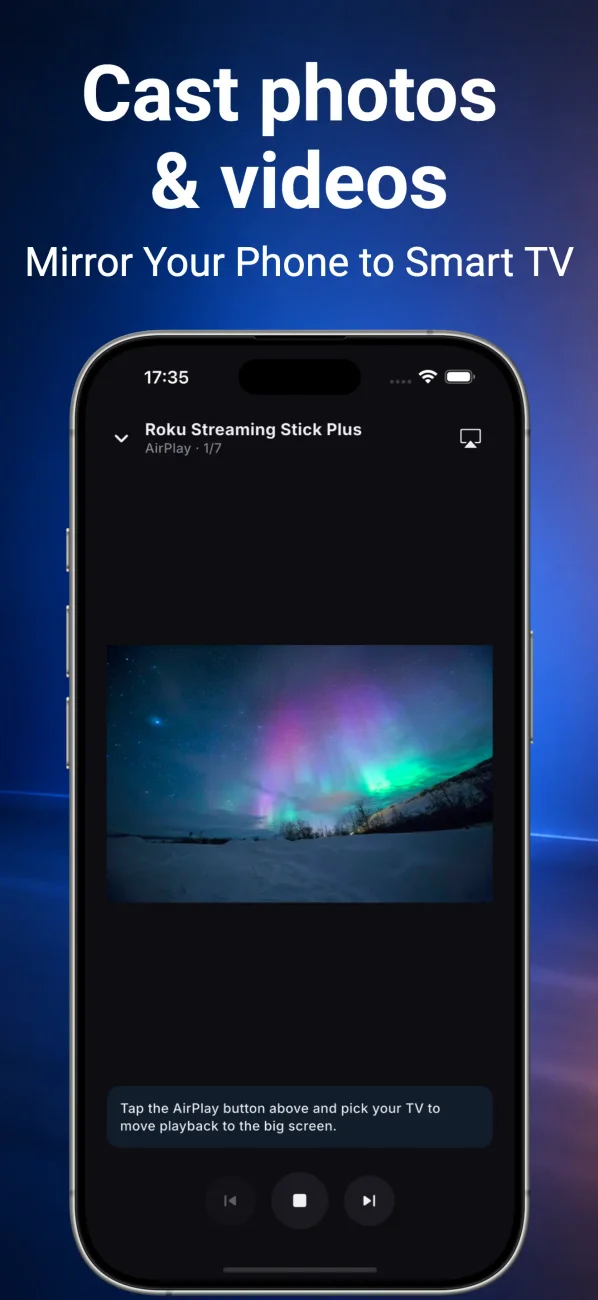
• Photos and videos from your camera roll, at full resolution
• Anything playing on a web page — open the site in the built-in browser and the videos and images on it become castable
• YouTube, handed to the TV's own YouTube app so it streams at full quality
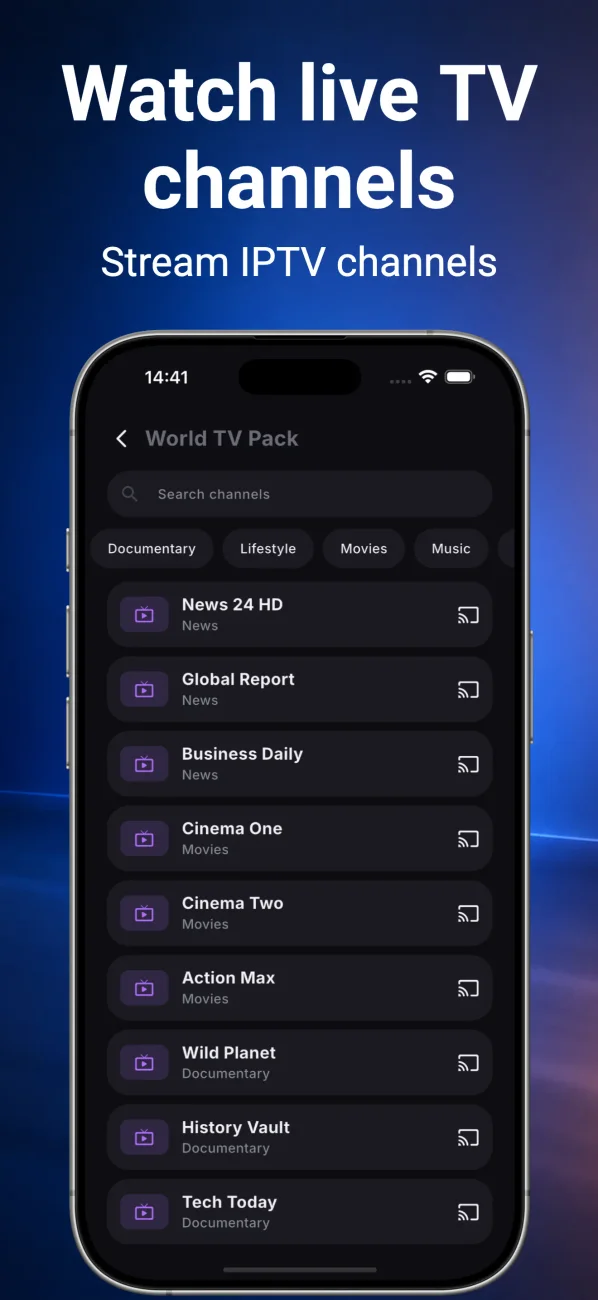
• Live TV from any M3U playlist you already have
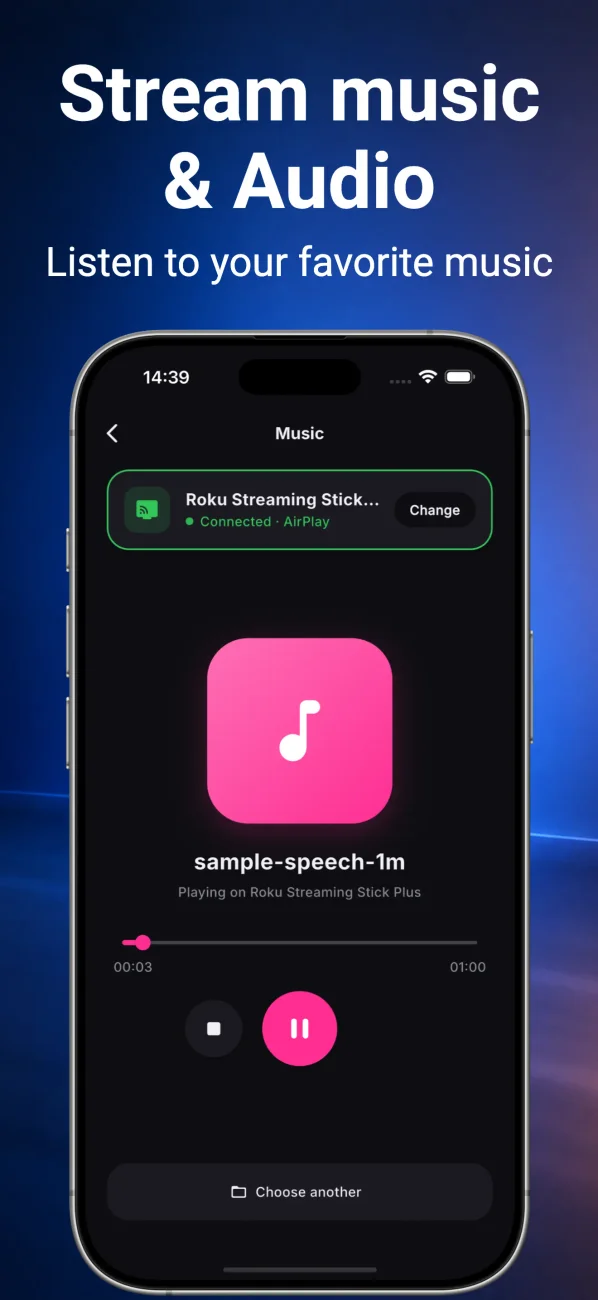
• Music from Files or iCloud Drive
PRESENTATION MODE
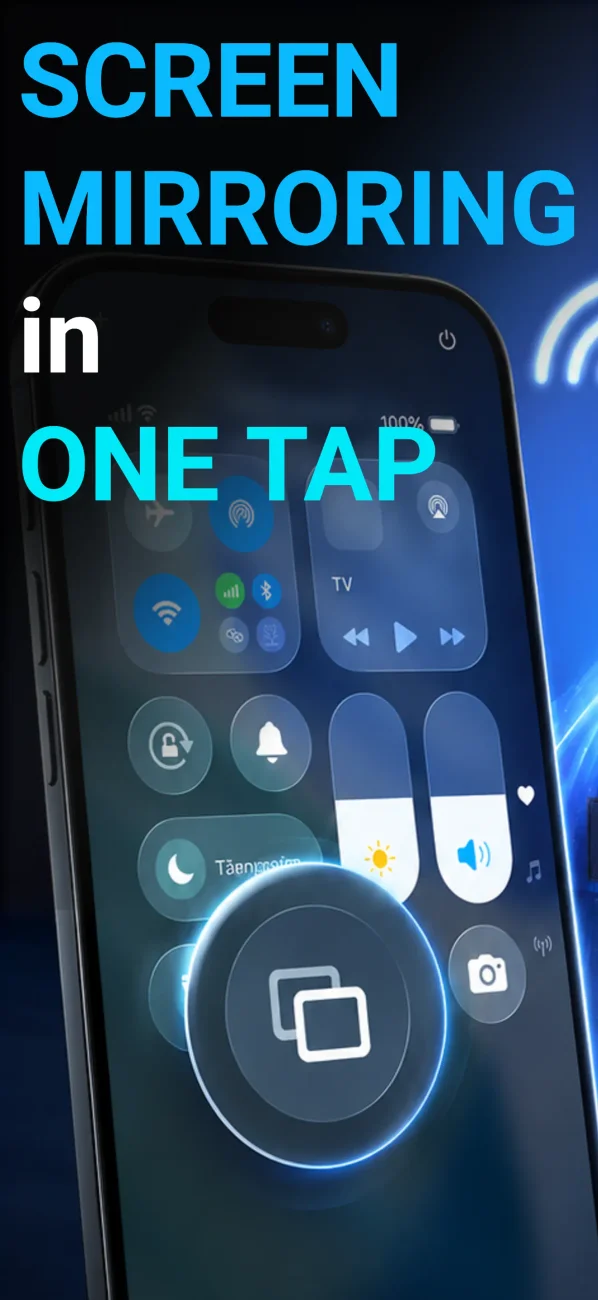
Something no other casting app does. Turn on Screen Mirroring from Control Centre, then open a photo here. Your TV shows it full-screen on black while your phone keeps the controls — your notifications, messages and home screen stay off the television. Nothing is re-encoded on the way, so what the TV shows is the original picture. Works with any TV or player that can receive AirPlay.
SLIDESHOW
Set 5, 10 or 30 seconds and let an album play itself on the big screen. Videos in the album play through in full instead of being cut off, and it loops when it reaches the end.
HONEST ABOUT YOUR TV
Screen mirroring on iPhone belongs to AirPlay — Apple gives no app a way around that, whatever the App Store says. So instead of pretending, this app shows you where the AirPlay switch lives on your kind of TV, then confirms on screen when mirroring is actually running. Devices that first need a receiver app installed on them are listed too, along with what they need. You find out what works before you buy, not after.
PRIVACY
No account. No sign-up. Nothing is uploaded anywhere. Your phone serves the files straight to your TV over your own Wi-Fi, and stops when you do.
WORKS WITH
Smart TVs and streaming players that receive AirPlay — most sets from 2019 onwards. Devices that support casting. Televisions that speak DLNA.
REQUIREMENTS
iPhone and TV on the same Wi-Fi network. Not a guest network — those block devices from seeing each other, which is the single most common reason a TV does not appear.
This app is not affiliated with, endorsed by or sponsored by any television or streaming-device manufacturer.
Nouveautés
Version 1.0.3 · 09/10/2026
Fix some bugs and improve performance
Confidentialité de l’application
Ce que HVN Studio déclare sur l’App Store au sujet du traitement des données par cette application.
-
Données utilisées pour vous suivre
Peuvent être utilisées pour vous suivre sur des applications et des sites web appartenant à d’autres sociétés.
- Données d’utilisation
-
Données n’établissant aucun lien avec vous
Peuvent être collectées, mais ne sont pas liées à votre identité.
- Identifiants
- Données d’utilisation
Les pratiques en matière de confidentialité peuvent varier, notamment en fonction des fonctionnalités que vous utilisez ou de votre âge.
Informations
- Vendeur
- HVN Studio
- Catégorie
- Utilitaires
- Version
- 1.0.3
- Mis à jour
- 09/10/2026
- Publié
- 15/09/2026
- Taille
- 48,2 Mo
- Nécessite
- iOS 16.6 ou version ultérieure
- Classification d’âge
- 17+
- Prix
- Gratuit
- Langues
- Anglais
- Copyright
- © HVN Studio
Vous aimerez peut-être aussi
-
 Recopie D'écran: Voir Sur TVDiffuser Sur TV Et Partager
-
 Caster l’ecran ™Screen Mirroring - Fire TV
-
 Cast TV & Miroir ÉcranMiroir d’Écran & Media Cast
-
 MirrorVO: Recopie d'écranRecopie sur TV et mobile
-
 Miracast · Caster sur TVPartage D'écran sur TV
-
 Screen Mirroring・AnyCast TVUtilitaires
-
 Air Cast: Miroir d'écran TVCaster votre écran sans fil
-
 Screen Mirroring. Cast to TV.Utilitaires
-
 Screen Mirroring · Cast to TV.Utilitaires
-
 Caster sur TV et Partage EcranRecopie de l'écran, DLNA, IPTV