- Batasan usia17+
- KategoriKegunaan
- PengembangHVN Studio
- BahasaInggris
- Ukuran48,2 MB
Tertaut ke halaman resmi App Store
Download.org tidak menyimpan file Screen Mirroring . apa pun. Tombol ini membuka halaman aplikasi di App Store, tempat HVN Studio menerbitkannya. Halaman terakhir diperiksa pada 12/11/2026.
Tangkapan layar

Tentang
Pengembang belum menyediakan teks ini dalam bahasa Anda.
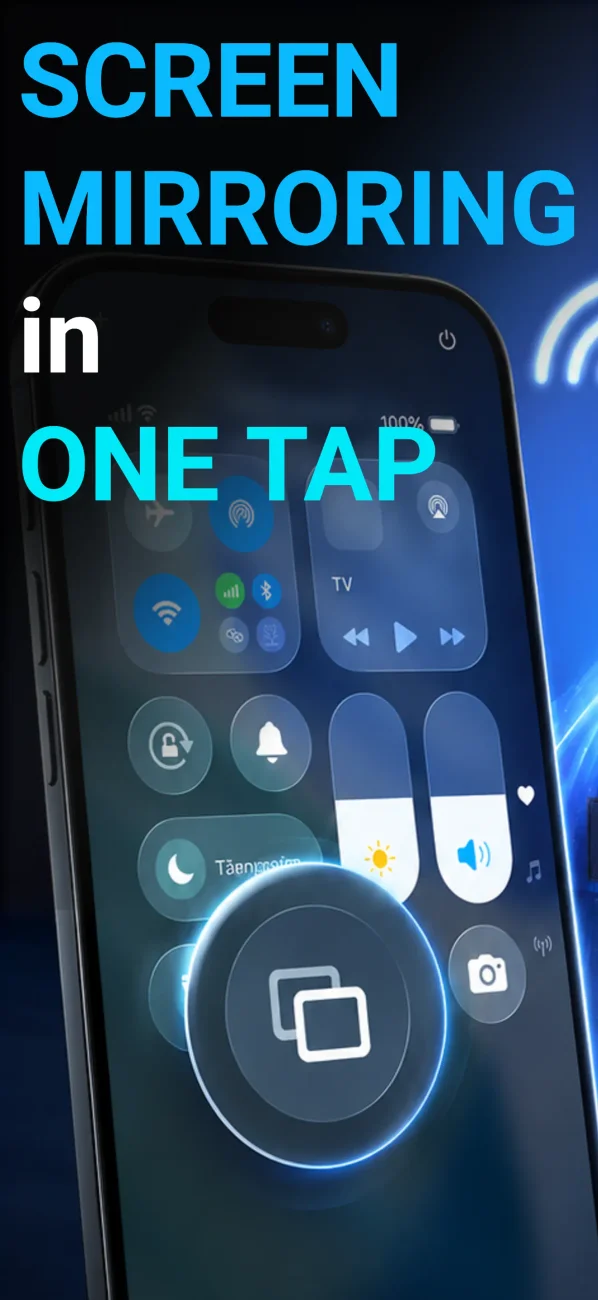
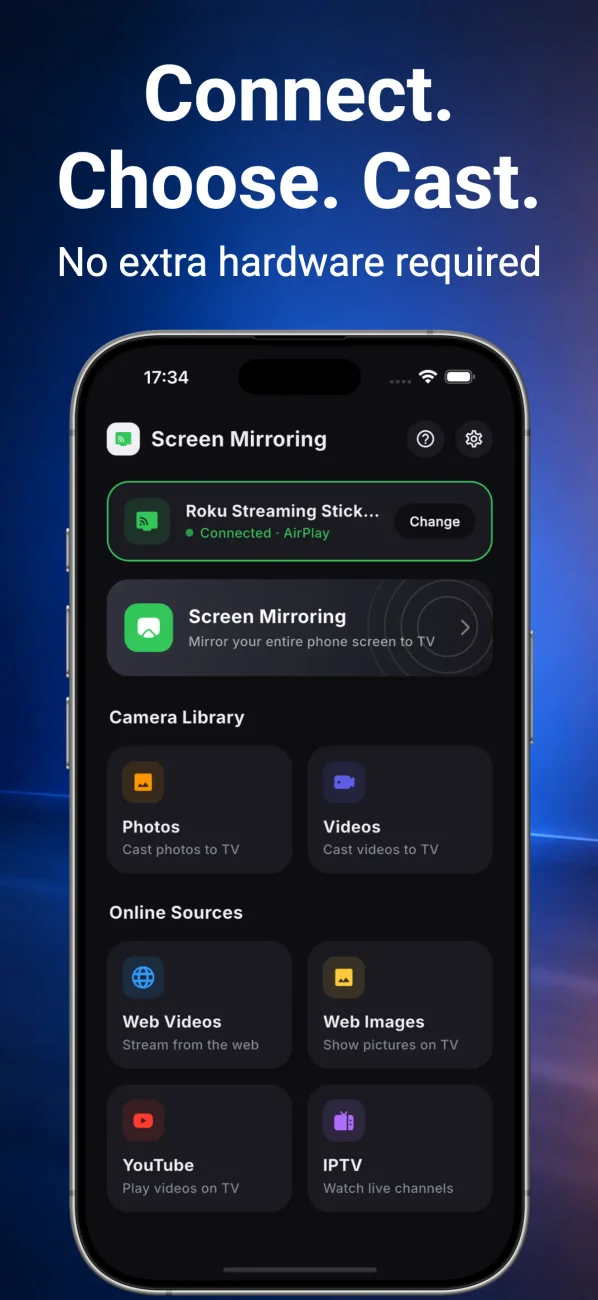
Most casting apps promise every TV and explain nothing. This one starts by finding what is actually on your Wi-Fi, then tells you plainly what each device can and cannot do — before you tap anything.
SEND TO YOUR TV
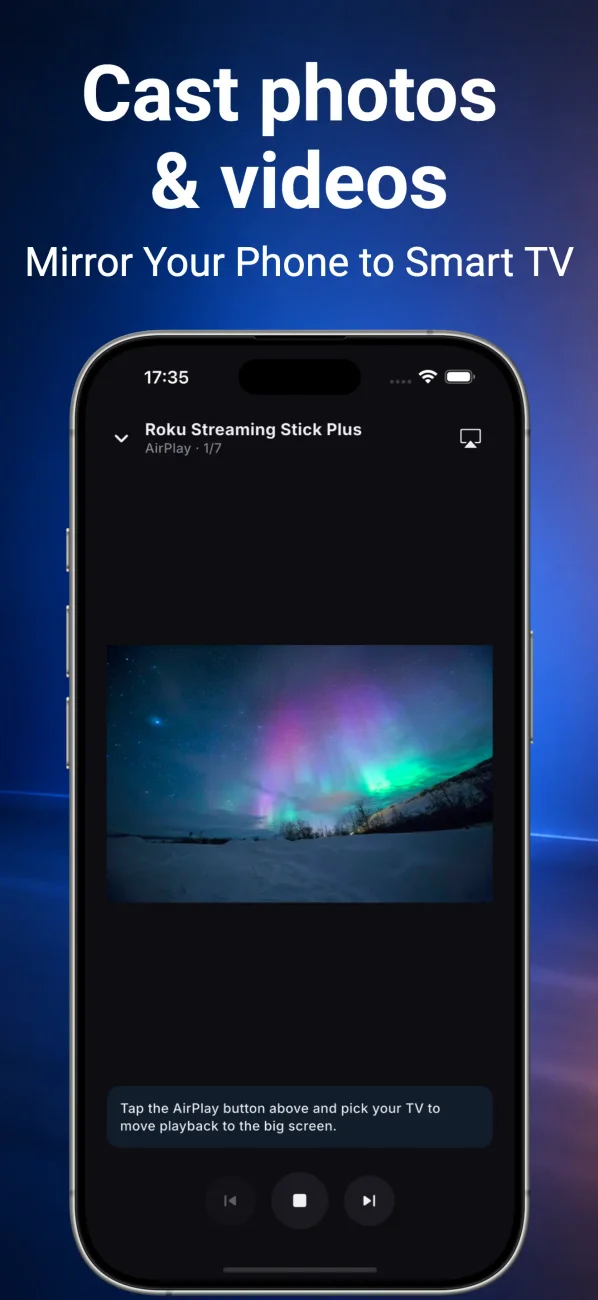
• Photos and videos from your camera roll, at full resolution
• Anything playing on a web page — open the site in the built-in browser and the videos and images on it become castable
• YouTube, handed to the TV's own YouTube app so it streams at full quality
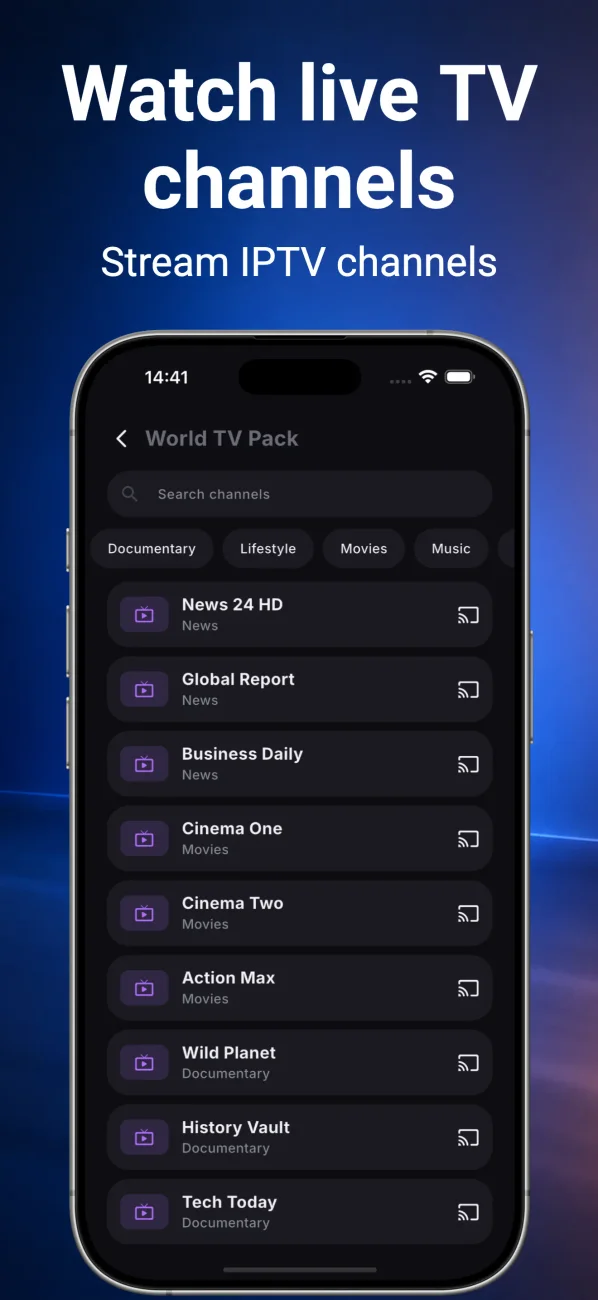
• Live TV from any M3U playlist you already have
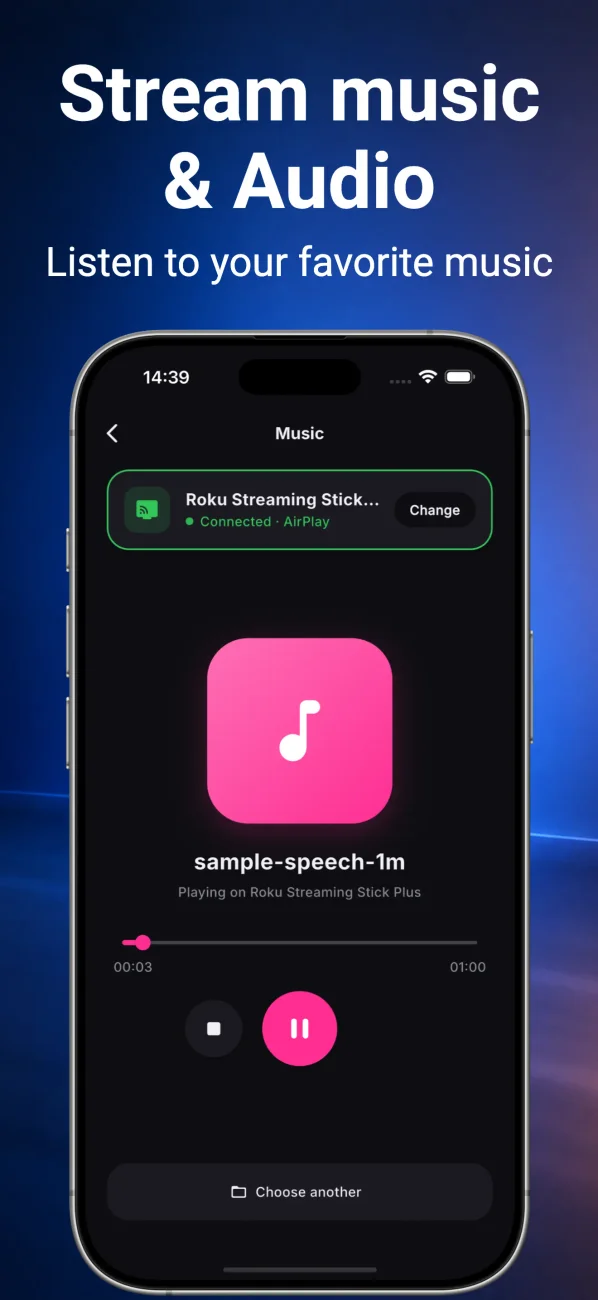
• Music from Files or iCloud Drive
PRESENTATION MODE
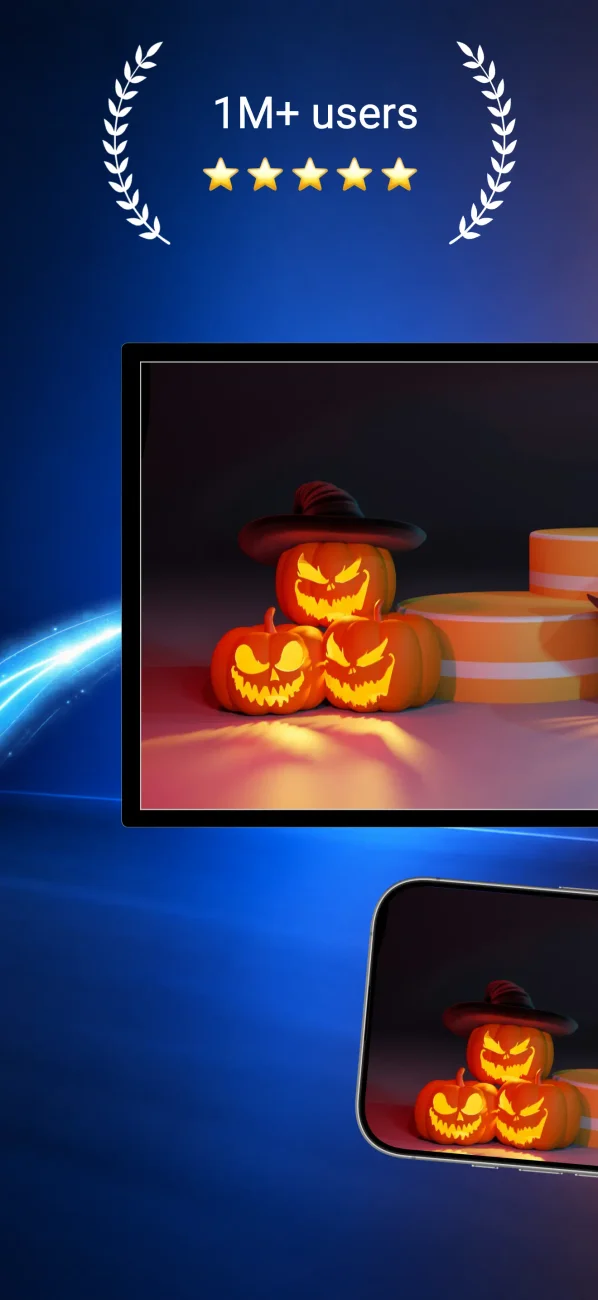
Something no other casting app does. Turn on Screen Mirroring from Control Centre, then open a photo here. Your TV shows it full-screen on black while your phone keeps the controls — your notifications, messages and home screen stay off the television. Nothing is re-encoded on the way, so what the TV shows is the original picture. Works with any TV or player that can receive AirPlay.
SLIDESHOW
Set 5, 10 or 30 seconds and let an album play itself on the big screen. Videos in the album play through in full instead of being cut off, and it loops when it reaches the end.
HONEST ABOUT YOUR TV
Screen mirroring on iPhone belongs to AirPlay — Apple gives no app a way around that, whatever the App Store says. So instead of pretending, this app shows you where the AirPlay switch lives on your kind of TV, then confirms on screen when mirroring is actually running. Devices that first need a receiver app installed on them are listed too, along with what they need. You find out what works before you buy, not after.
PRIVACY
No account. No sign-up. Nothing is uploaded anywhere. Your phone serves the files straight to your TV over your own Wi-Fi, and stops when you do.
WORKS WITH
Smart TVs and streaming players that receive AirPlay — most sets from 2019 onwards. Devices that support casting. Televisions that speak DLNA.
REQUIREMENTS
iPhone and TV on the same Wi-Fi network. Not a guest network — those block devices from seeing each other, which is the single most common reason a TV does not appear.
This app is not affiliated with, endorsed by or sponsored by any television or streaming-device manufacturer.
Yang baru
Versi 1.0.3 · 9/10/2026
Fix some bugs and improve performance
Privasi aplikasi
Yang dinyatakan HVN Studio di App Store tentang cara aplikasi ini menangani data.
-
Data yang digunakan untuk melacak Anda
Dapat digunakan untuk melacak Anda di aplikasi dan situs web milik perusahaan lain.
- Data penggunaan
-
Data yang tidak ditautkan dengan Anda
Dapat dikumpulkan, tetapi tidak ditautkan dengan identitas Anda.
- Pengenal
- Data penggunaan
Praktik privasi dapat bervariasi, misalnya berdasarkan fitur yang Anda gunakan atau usia Anda.
Informasi
- Penjual
- HVN Studio
- Kategori
- Kegunaan
- Versi
- 1.0.3
- Diperbarui
- 9/10/2026
- Dirilis
- 15/9/2026
- Ukuran
- 48,2 MB
- Memerlukan
- iOS 16.6 atau yang lebih baru
- Batasan usia
- 17+
- Harga
- Gratis
- Bahasa
- Inggris
- Hak cipta
- © HVN Studio
Mungkin Anda juga suka
-
 Mirroring Layar: Lihat Di TVCast Ke TV, Mirror, Berbagi
-
 Screen Mirroring ™Screen Share Miracast +
-
 Cast ke TV & Cermin LayarScreen Mirroring & Media Cast
-
 MirrorVO: Pencerminan LayarKe TV dan ke ponsel lain
-
 Miracast・Screen MirroringKegunaan
-
 Screen Mirroring・AnyCast TVKegunaan
-
 Air Cast: Screen Mirror TVCast layar ke Smart TV
-
 Screen Mirroring. Cast to TV.Kegunaan
-
 Screen Mirroring · Cast to TV.Kegunaan
-
 Cerminan Layar & Siaran TVBagikan Tayangkan ke TV & IPTV