Keylet: 2FA Authenticator
TOTP, Passkey & Code Vault
Conçue pour iPhone
Gratuit · Achats intégrés
- Classification d’âge4+
- CatégorieUtilitaires
- DéveloppeurStudio Fifteen
- LanguesAnglais+ 12 de plus
- Taille107,7 Mo
Renvoie vers la page App Store officielle
Download.org n’héberge aucun fichier de Keylet: 2FA Authenticator. Le bouton ouvre la page de l’application sur App Store, où Studio Fifteen la publie. Fiche vérifiée pour la dernière fois le 20/11/2026.
Captures d’écran




À propos
Le développeur n’a pas fourni ce texte dans votre langue.
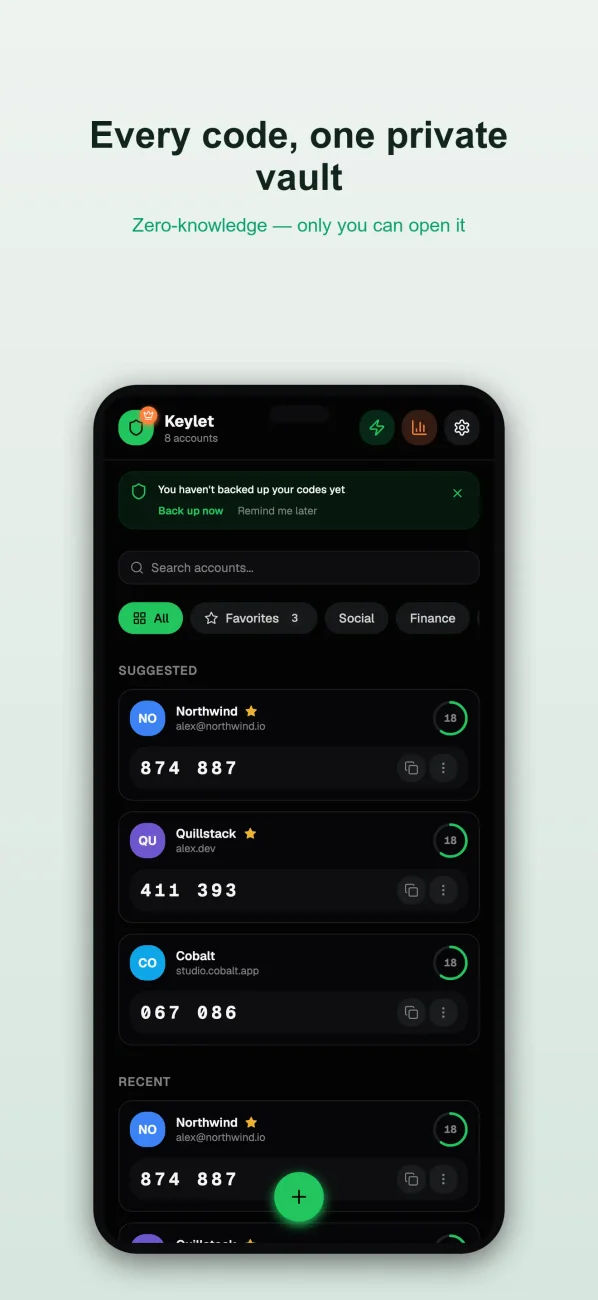
Keylet is the privacy-first authenticator that fills your 2FA codes right above the keyboard — without opening the app, and without ever showing a code on screen.
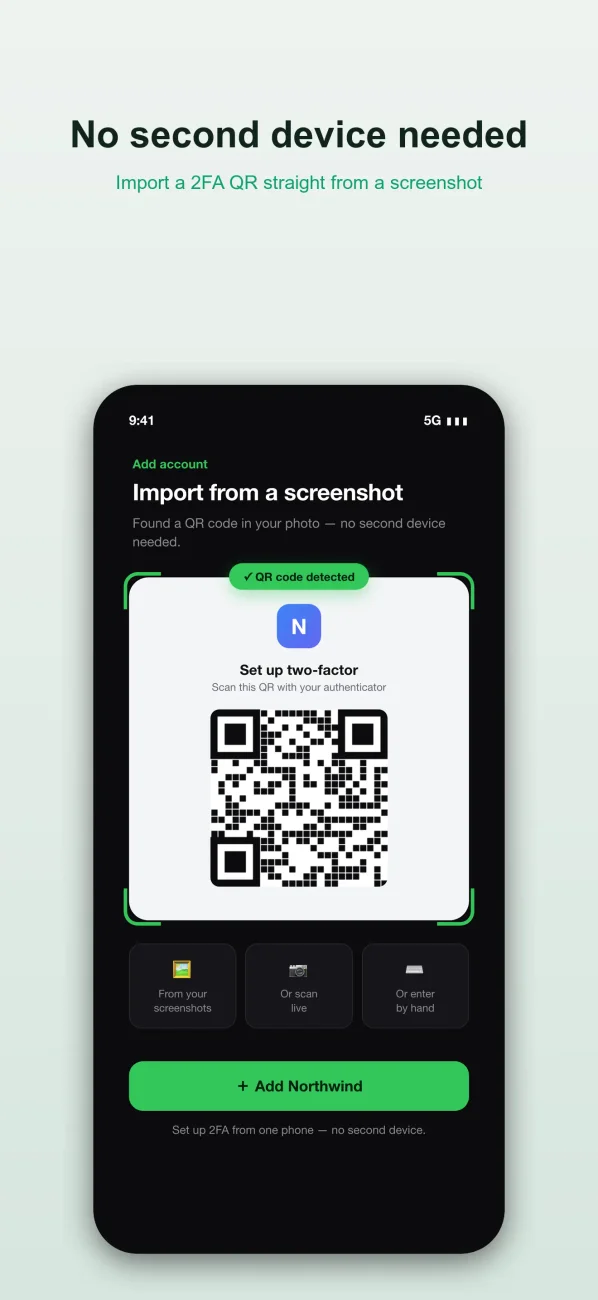
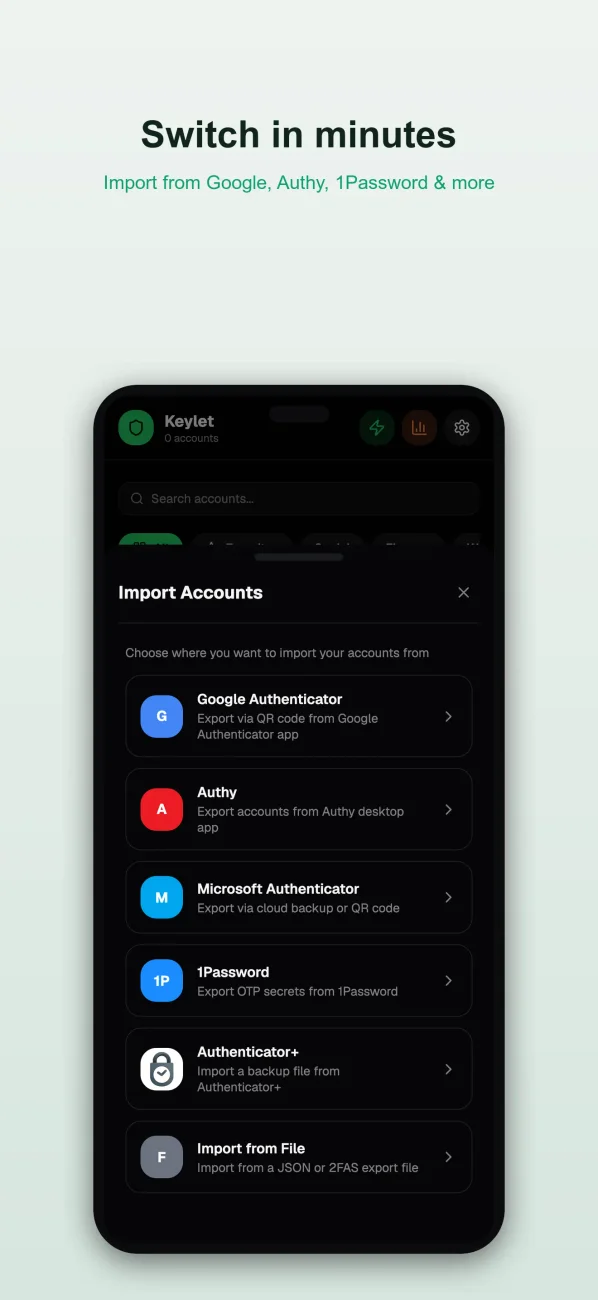
From the makers of Authenticator+ — and switching is effortless. Import your accounts in seconds, straight from Authenticator+, Google Authenticator, Authy, Microsoft, 1Password and more — or even from a single screenshot, with no second device needed.
Your secrets never leave your phone. Everything lives in an encrypted, zero-knowledge vault (AES-256-GCM) that only you can open. No account. No cloud. No tracking. No ads.
WHY KEYLET
• AutoFill, done right — tap a verification-code field and Keylet offers the right code. It fills it; it never displays it. Nothing to shoulder-surf.
• Import in seconds — from Authenticator+, Google Authenticator, Authy, Microsoft, 1Password, a backup file, or a screenshot. No second device required.
• Multiple vaults — keep work and personal completely separate, each encrypted on its own.
• Encrypted sharing — hand a code to someone you trust over end-to-end encryption, with a self-destructing expiry.
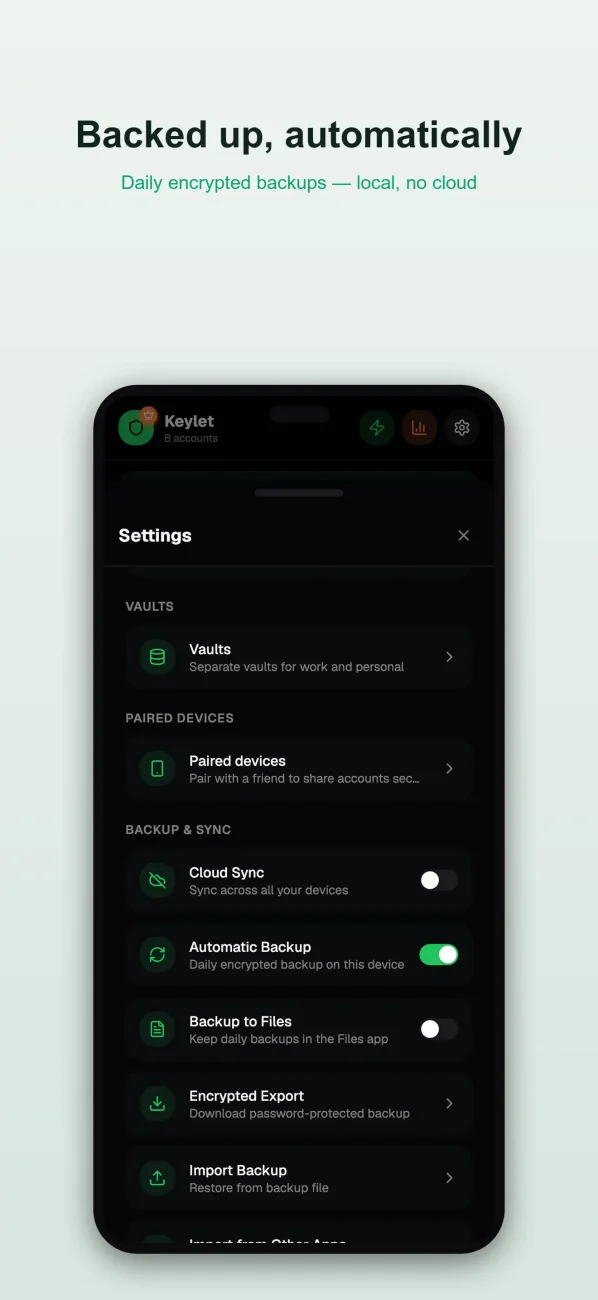
• Backed up, safely — automatic daily encrypted backups on your device, plus password-protected export. No cloud needed.
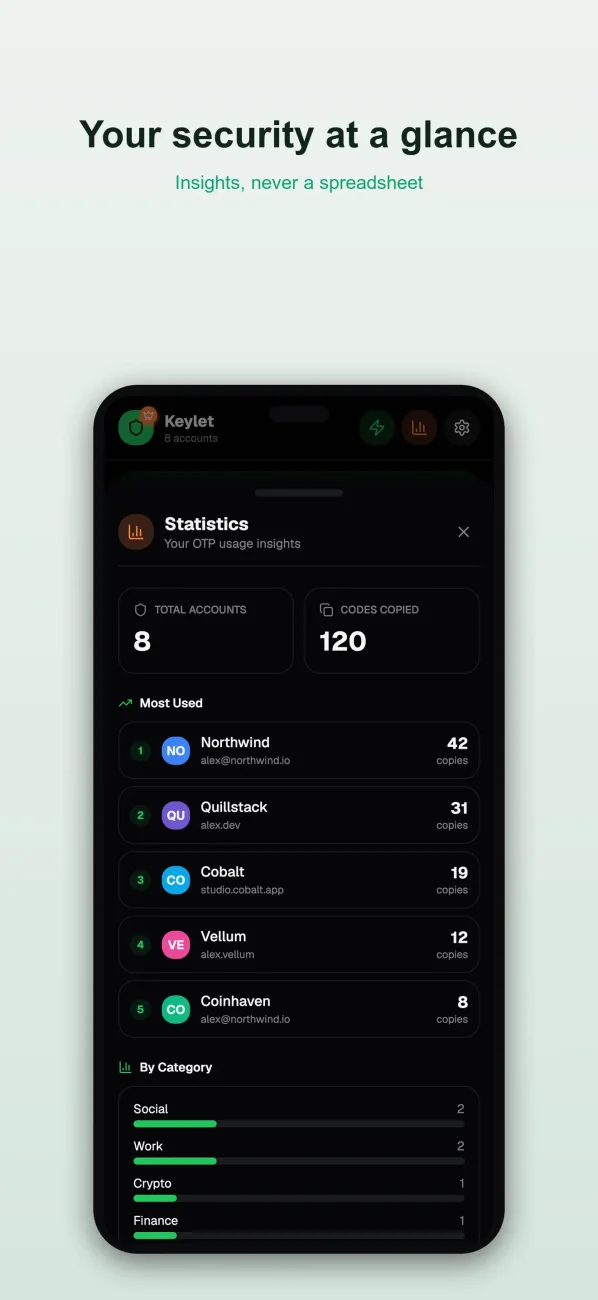
• Yours to organise — biometric lock per account, categories, recovery keys and home-screen widgets.
• No ads. Ever. Unlimited accounts, free.
Keylet keeps your second factor exactly where it belongs: in your hands, encrypted, and out of sight.
Terms of Use (EULA): https://www.apple.com/legal/internet-services/itunes/dev/stdeula/
Privacy Policy: https://studiofifteen.nl/app/keylet/privacy
Nouveautés
Version 2026.7.20 · 22/07/2026
• Bigger code digits — pick from three sizes in Appearance.
• Prefer the account name first? Swap how issuer and label are shown.
• AutoFill now asks for Face ID/Touch ID before filling a code, and picks count toward Frequently Used.
• Expired shares you sent can now be cleaned up.
Confidentialité de l’application
Ce que Studio Fifteen déclare sur l’App Store au sujet du traitement des données par cette application.
-
Données non collectées
Le développeur ne collecte aucune donnée à partir de cette application.
Les pratiques en matière de confidentialité peuvent varier, notamment en fonction des fonctionnalités que vous utilisez ou de votre âge.
Informations
- Vendeur
- Studio Fifteen
- Catégorie
- Utilitaires
- Version
- 2026.7.20
- Mis à jour
- 22/07/2026
- Publié
- 18/06/2026
- Taille
- 107,7 Mo
- Nécessite
- iOS 16.4 ou version ultérieure
- Classification d’âge
- 4+
- Prix
- Gratuit
- Achats intégrés
- Oui
- Langues
- Anglais, Néerlandais, Français, Allemand, Italien, Japonais, Coréen, Polonais, Portugais, Russe, Chinois simplifié, Espagnol + 1 de plus
- Copyright
- © 2026 Studio Fifteen
Vous aimerez peut-être aussi
-
 Vaultic: 2FA AuthenticatorUtilitaires
-
 Auth Mate - 2FA AuthenticatorCodes TOTP, sync & sauvegardes
-
 Opty - 2FA AuthenticatorUtilitaires
-
 2FA iAtomos : Authentifiant2FA gratuit, pour toujours
-
 2FA Vault - TOTP AuthenticatorUtilitaires
-
 Authenticator App 2FA SecuredUtilitaires
-
 2FA4G:2FA AuthenticatorCodes TOTP/HOTP au poignet
-
 Glass Authenticator 2FAUtilitaires
-
 TwoFac - AuthenticatorUtilitaires
-
 VaultyUtilitaires