Keylet: 2FA Authenticator
TOTP, Passkey & Code Vault
Được thiết kế cho iPhone
Miễn phí · Mua hàng trong ứng dụng
- Độ tuổi4+
- Danh mụcTiện Ích
- Nhà phát triểnStudio Fifteen
- Ngôn ngữTiếng Anh+ 12 ngôn ngữ khác
- Kích thước107,7 MB
Liên kết đến trang App Store chính thức
Download.org không lưu trữ tệp nào của Keylet: 2FA Authenticator. Nút này mở trang ứng dụng trên App Store, nơi Studio Fifteen phát hành ứng dụng. Trang được kiểm tra lần cuối: 20/11/2026.
Ảnh chụp màn hình




Giới thiệu
Nhà phát triển chưa cung cấp nội dung này bằng ngôn ngữ của bạn.
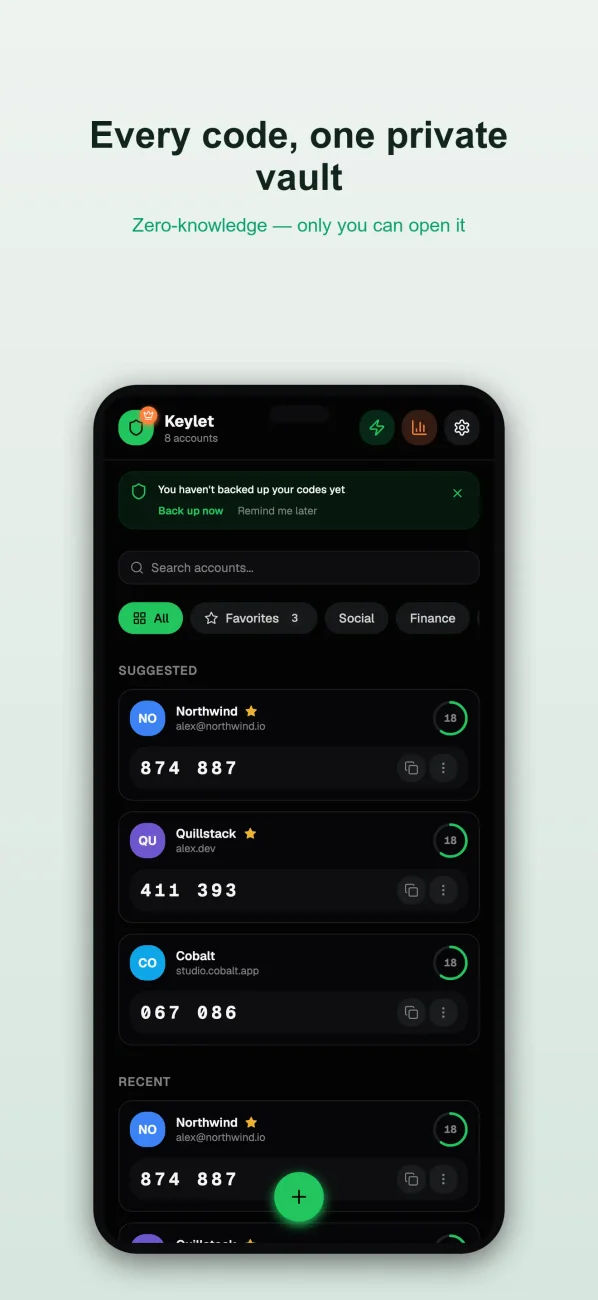
Keylet is the privacy-first authenticator that fills your 2FA codes right above the keyboard — without opening the app, and without ever showing a code on screen.
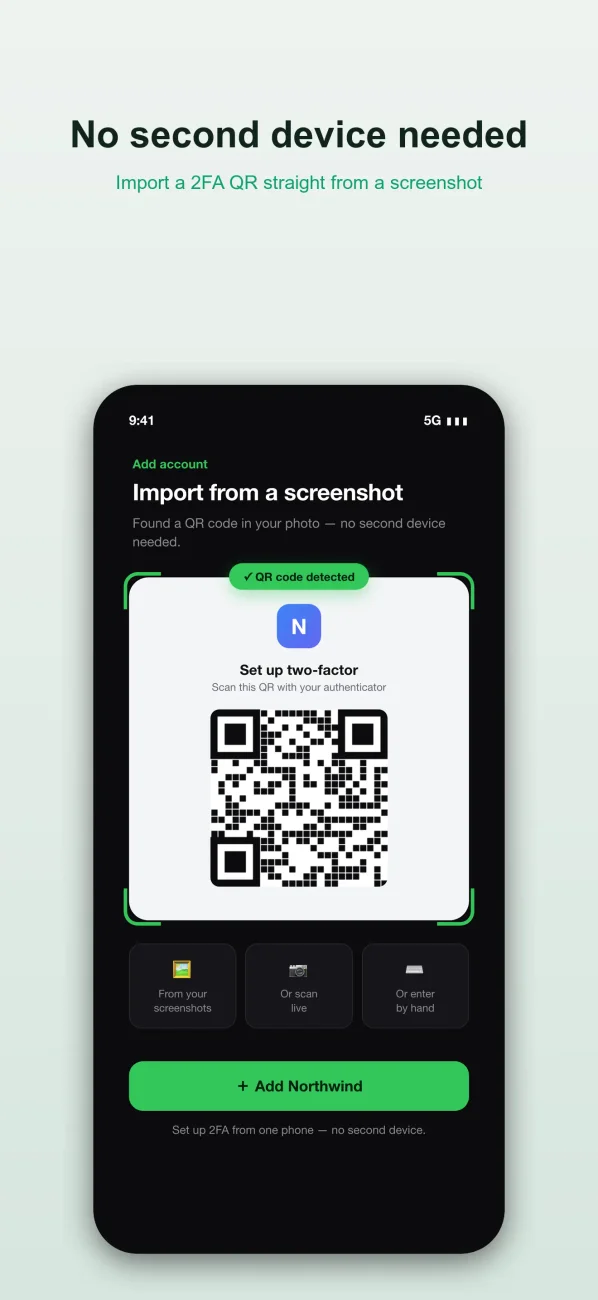
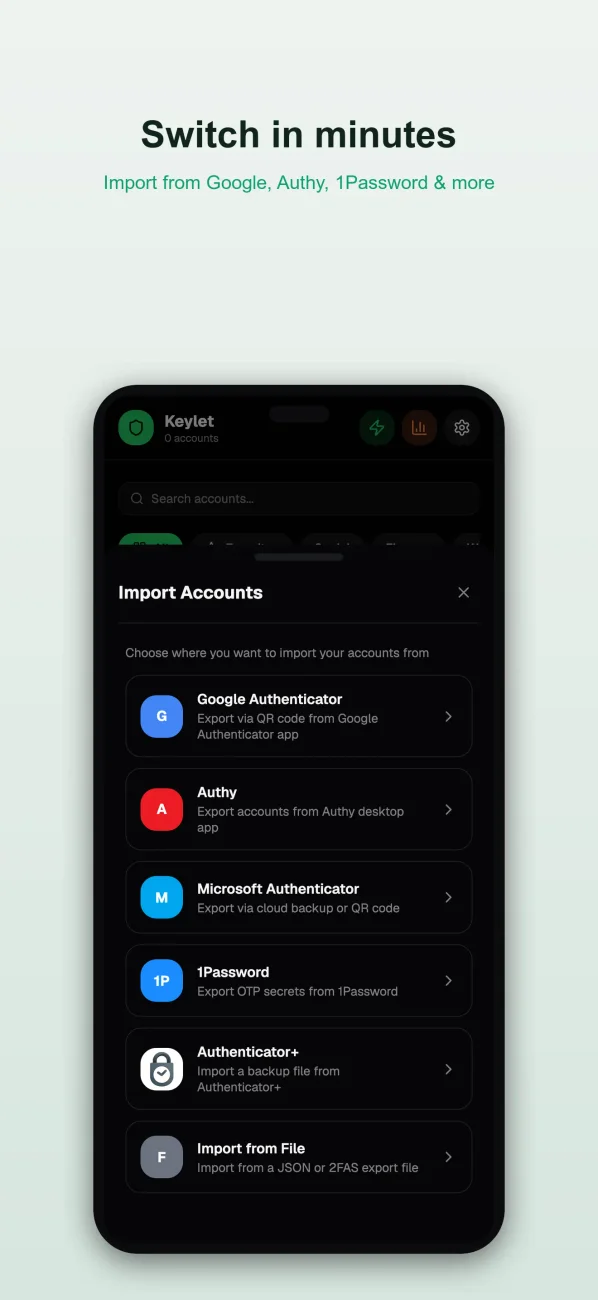
From the makers of Authenticator+ — and switching is effortless. Import your accounts in seconds, straight from Authenticator+, Google Authenticator, Authy, Microsoft, 1Password and more — or even from a single screenshot, with no second device needed.
Your secrets never leave your phone. Everything lives in an encrypted, zero-knowledge vault (AES-256-GCM) that only you can open. No account. No cloud. No tracking. No ads.
WHY KEYLET
• AutoFill, done right — tap a verification-code field and Keylet offers the right code. It fills it; it never displays it. Nothing to shoulder-surf.
• Import in seconds — from Authenticator+, Google Authenticator, Authy, Microsoft, 1Password, a backup file, or a screenshot. No second device required.
• Multiple vaults — keep work and personal completely separate, each encrypted on its own.
• Encrypted sharing — hand a code to someone you trust over end-to-end encryption, with a self-destructing expiry.
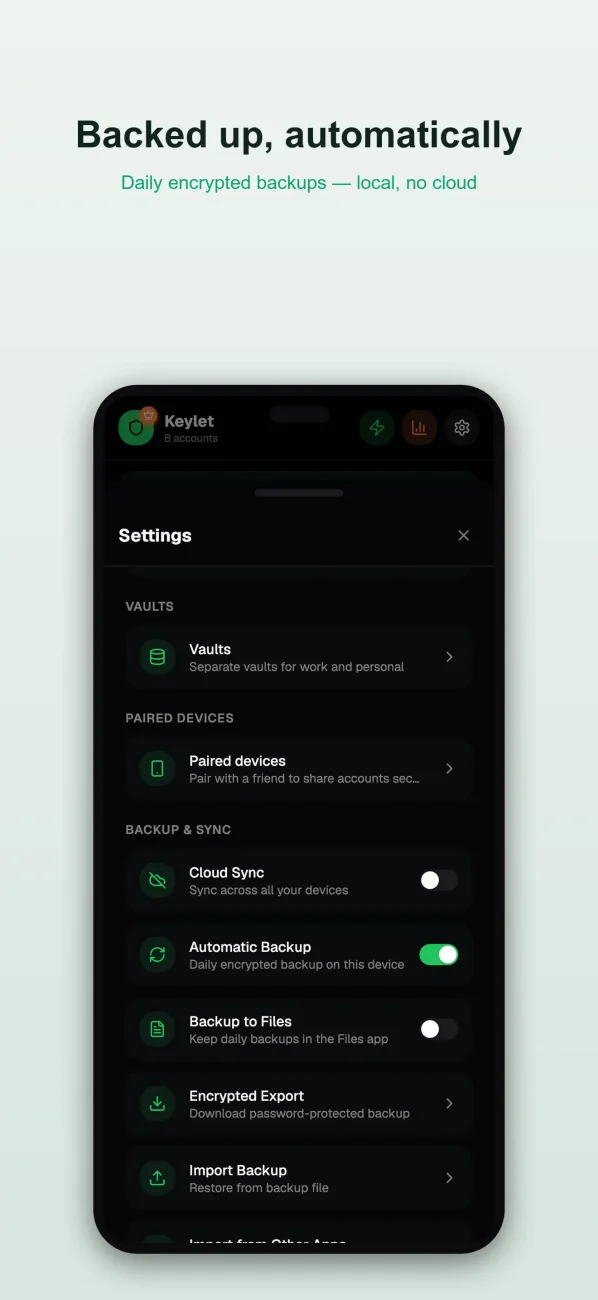
• Backed up, safely — automatic daily encrypted backups on your device, plus password-protected export. No cloud needed.
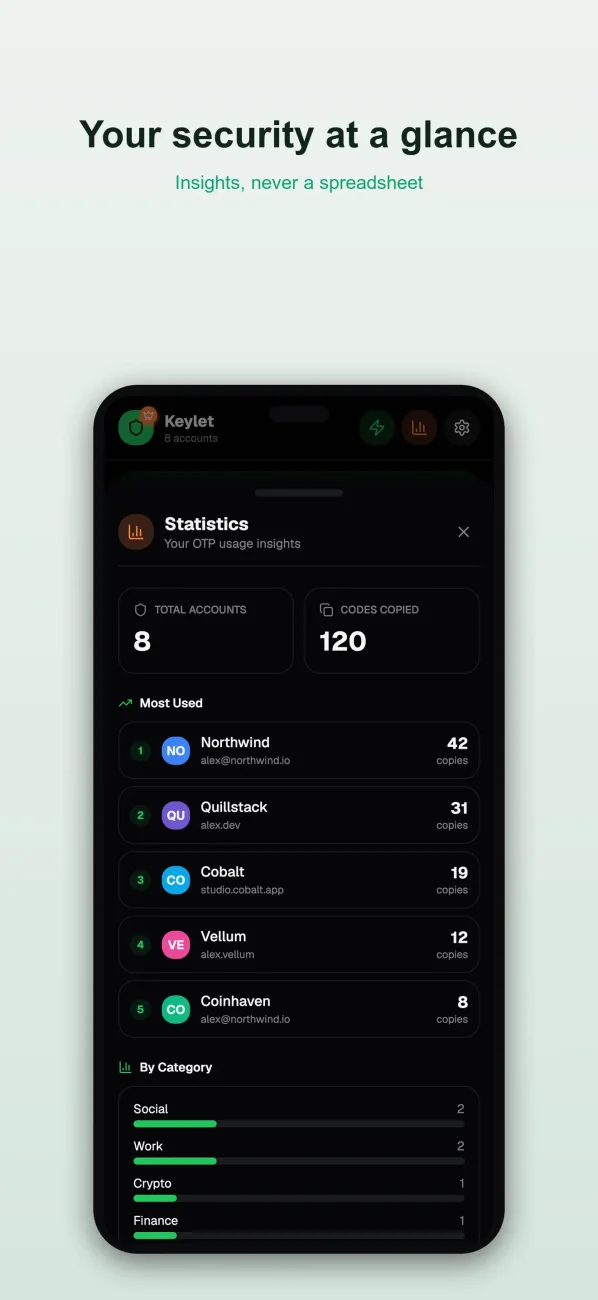
• Yours to organise — biometric lock per account, categories, recovery keys and home-screen widgets.
• No ads. Ever. Unlimited accounts, free.
Keylet keeps your second factor exactly where it belongs: in your hands, encrypted, and out of sight.
Terms of Use (EULA): https://www.apple.com/legal/internet-services/itunes/dev/stdeula/
Privacy Policy: https://studiofifteen.nl/app/keylet/privacy
Có gì mới
Phiên bản 2026.7.20 · 22/07/2026
• Bigger code digits — pick from three sizes in Appearance.
• Prefer the account name first? Swap how issuer and label are shown.
• AutoFill now asks for Face ID/Touch ID before filling a code, and picks count toward Frequently Used.
• Expired shares you sent can now be cleaned up.
Quyền riêng tư của ứng dụng
Những gì Studio Fifteen khai báo trên App Store về cách ứng dụng này xử lý dữ liệu.
-
Dữ liệu không được thu thập
Nhà phát triển không thu thập bất kỳ dữ liệu nào từ ứng dụng này.
Phương thức đảm bảo quyền riêng tư có thể khác nhau, chẳng hạn như tuỳ theo các tính năng bạn sử dụng hoặc độ tuổi của bạn.
Thông tin
- Người bán
- Studio Fifteen
- Danh mục
- Tiện Ích
- Phiên bản
- 2026.7.20
- Cập nhật
- 22/07/2026
- Phát hành
- 18/06/2026
- Kích thước
- 107,7 MB
- Yêu cầu
- iOS 16.4 trở lên
- Độ tuổi
- 4+
- Giá
- Miễn phí
- Mua hàng trong ứng dụng
- Có
- Ngôn ngữ
- Tiếng Anh, Tiếng Hà Lan, Tiếng Pháp, Tiếng Đức, Tiếng Ý, Tiếng Nhật, Tiếng Hàn, Tiếng Ba Lan, Tiếng Bồ Đào Nha, Tiếng Nga, Tiếng Trung Giản thể, Tiếng Tây Ban Nha + 1 ngôn ngữ khác
- Bản quyền
- © 2026 Studio Fifteen
Có thể bạn cũng thích
-
 Vaultic: 2FA AuthenticatorTiện Ích
-
 Auth Mate - 2FA AuthenticatorTiện Ích
-
 Opty - 2FA AuthenticatorTiện Ích
-
 2FA iAtomos: AuthenticatorTiện Ích
-
 2FA Vault - TOTP AuthenticatorTiện Ích
-
 Authenticator App 2FA SecuredTiện Ích
-
 2FA4G:2FA AuthenticatorMã TOTP/HOTP trên cổ tay
-
 Glass Authenticator 2FATiện Ích
-
 TwoFac - AuthenticatorTiện Ích
-
 VaultyTiện Ích