Keylet: 2FA Authenticator
TOTP, Passkey & Code Vault
Dirancang untuk iPhone
Gratis · Pembelian dalam aplikasi
- Batasan usia4+
- KategoriKegunaan
- PengembangStudio Fifteen
- BahasaInggris+ 12 lainnya
- Ukuran107,7 MB
Tertaut ke halaman resmi App Store
Download.org tidak menyimpan file Keylet: 2FA Authenticator apa pun. Tombol ini membuka halaman aplikasi di App Store, tempat Studio Fifteen menerbitkannya. Halaman terakhir diperiksa pada 20/11/2026.
Tangkapan layar




Tentang
Pengembang belum menyediakan teks ini dalam bahasa Anda.
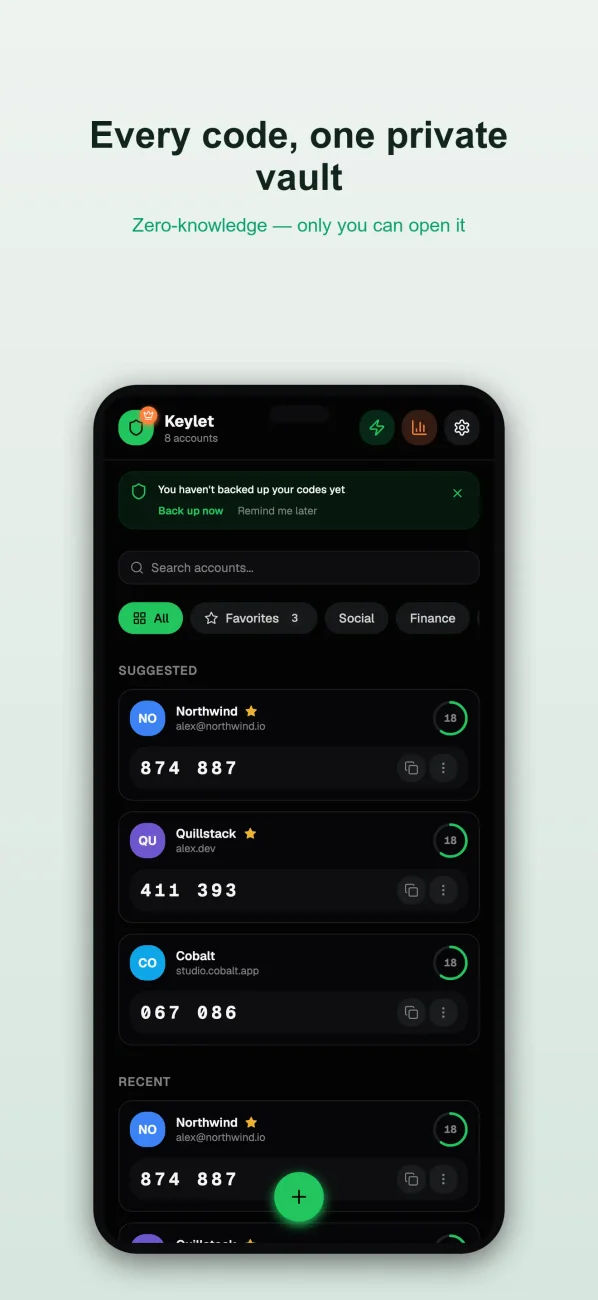
Keylet is the privacy-first authenticator that fills your 2FA codes right above the keyboard — without opening the app, and without ever showing a code on screen.
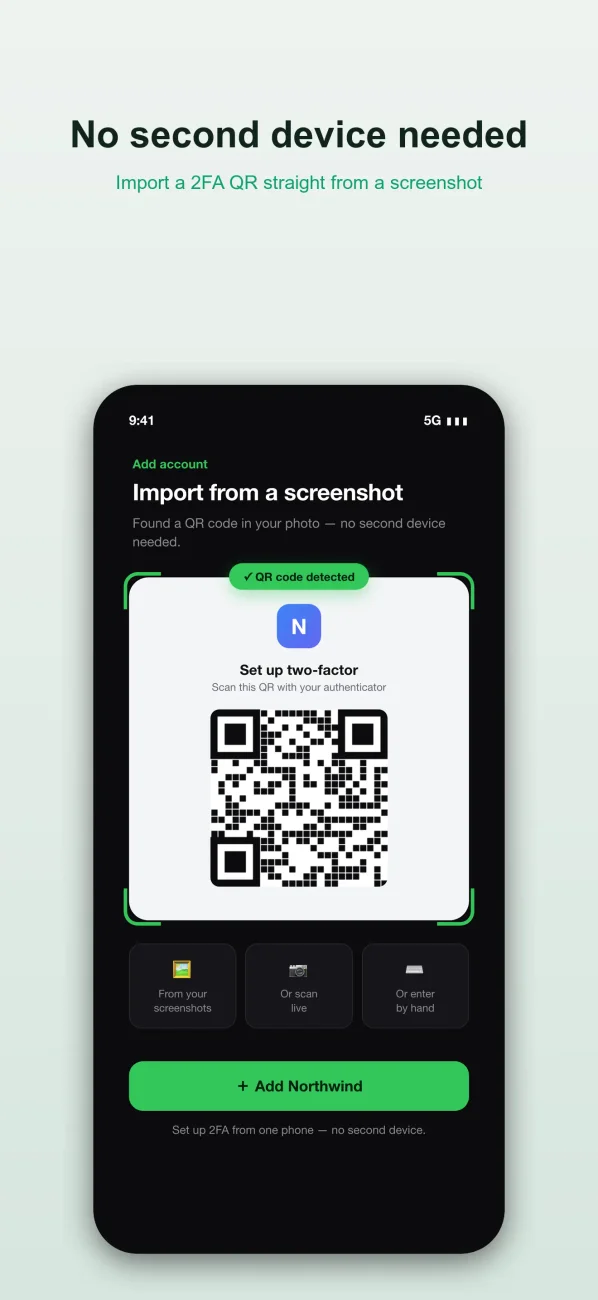
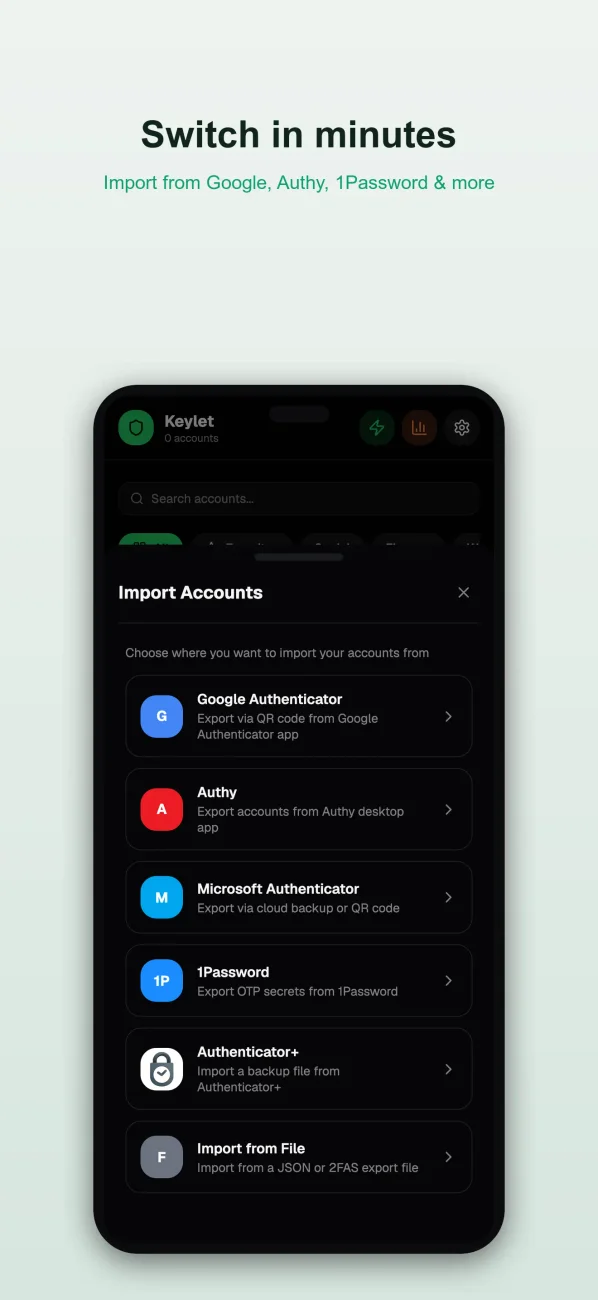
From the makers of Authenticator+ — and switching is effortless. Import your accounts in seconds, straight from Authenticator+, Google Authenticator, Authy, Microsoft, 1Password and more — or even from a single screenshot, with no second device needed.
Your secrets never leave your phone. Everything lives in an encrypted, zero-knowledge vault (AES-256-GCM) that only you can open. No account. No cloud. No tracking. No ads.
WHY KEYLET
• AutoFill, done right — tap a verification-code field and Keylet offers the right code. It fills it; it never displays it. Nothing to shoulder-surf.
• Import in seconds — from Authenticator+, Google Authenticator, Authy, Microsoft, 1Password, a backup file, or a screenshot. No second device required.
• Multiple vaults — keep work and personal completely separate, each encrypted on its own.
• Encrypted sharing — hand a code to someone you trust over end-to-end encryption, with a self-destructing expiry.
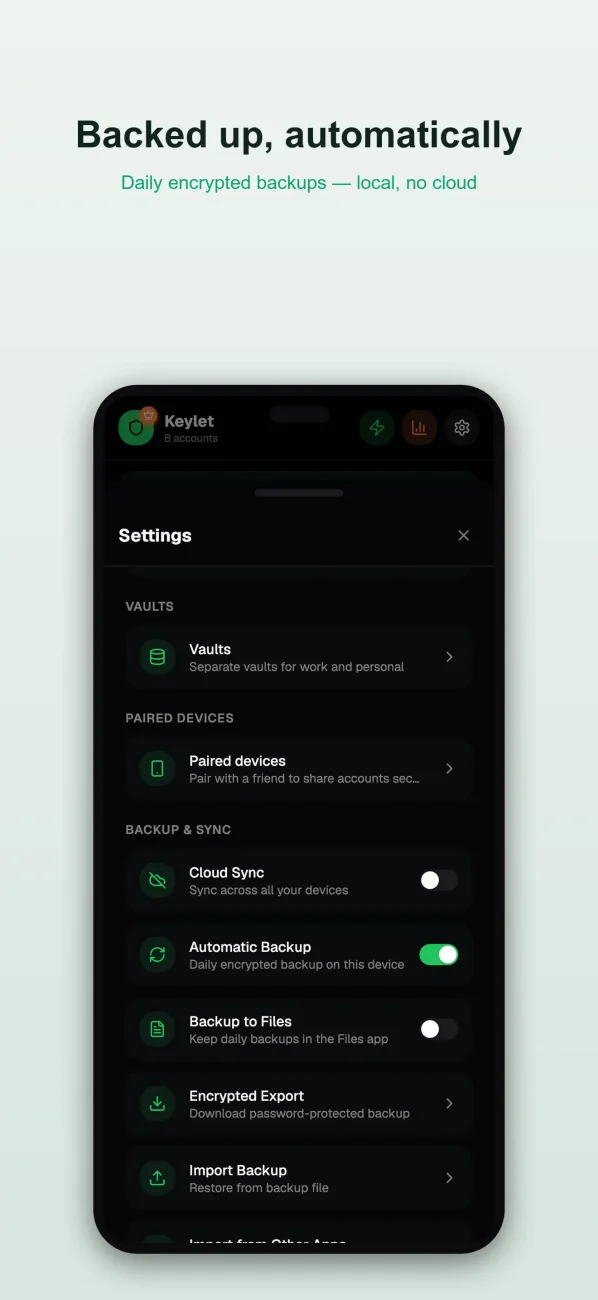
• Backed up, safely — automatic daily encrypted backups on your device, plus password-protected export. No cloud needed.
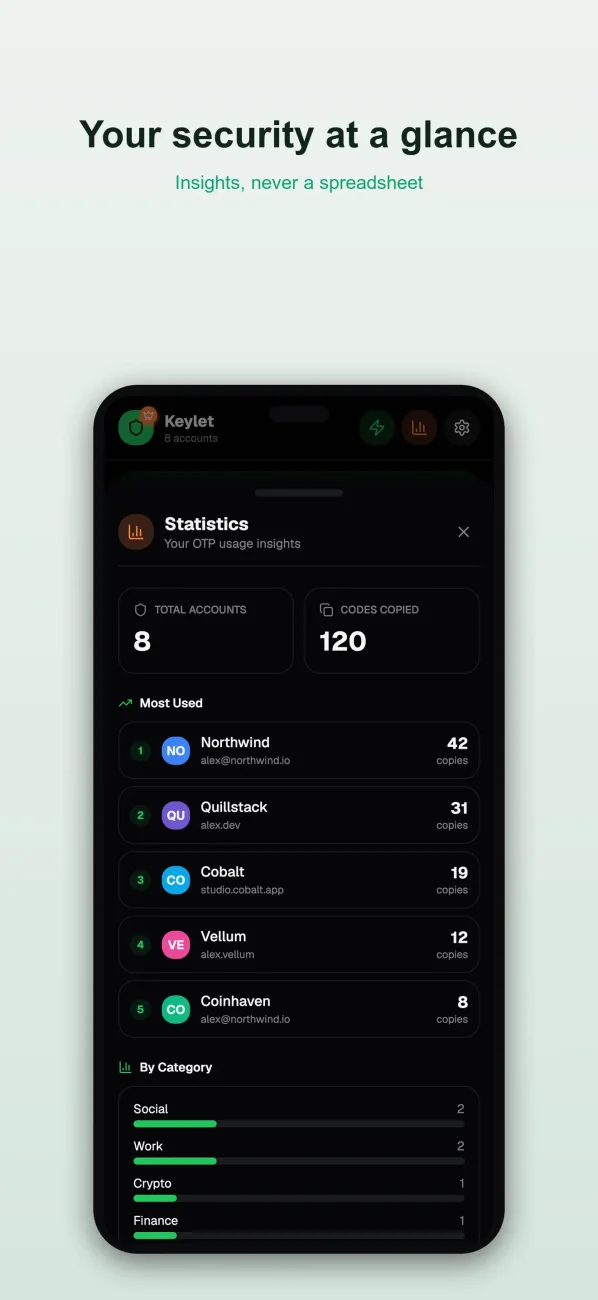
• Yours to organise — biometric lock per account, categories, recovery keys and home-screen widgets.
• No ads. Ever. Unlimited accounts, free.
Keylet keeps your second factor exactly where it belongs: in your hands, encrypted, and out of sight.
Terms of Use (EULA): https://www.apple.com/legal/internet-services/itunes/dev/stdeula/
Privacy Policy: https://studiofifteen.nl/app/keylet/privacy
Yang baru
Versi 2026.7.20 · 22/7/2026
• Bigger code digits — pick from three sizes in Appearance.
• Prefer the account name first? Swap how issuer and label are shown.
• AutoFill now asks for Face ID/Touch ID before filling a code, and picks count toward Frequently Used.
• Expired shares you sent can now be cleaned up.
Privasi aplikasi
Yang dinyatakan Studio Fifteen di App Store tentang cara aplikasi ini menangani data.
-
Data tidak dikumpulkan
Pengembang tidak mengumpulkan data apa pun dari aplikasi ini.
Praktik privasi dapat bervariasi, misalnya berdasarkan fitur yang Anda gunakan atau usia Anda.
Informasi
- Penjual
- Studio Fifteen
- Kategori
- Kegunaan
- Versi
- 2026.7.20
- Diperbarui
- 22/7/2026
- Dirilis
- 18/6/2026
- Ukuran
- 107,7 MB
- Memerlukan
- iOS 16.4 atau yang lebih baru
- Batasan usia
- 4+
- Harga
- Gratis
- Pembelian dalam aplikasi
- Ya
- Bahasa
- Inggris, Belanda, Prancis, Jerman, Italia, Jepang, Korea, Polski (Polandia), Portugis, Rusia, Tionghoa Sederhana, Spanyol + 1 lainnya
- Hak cipta
- © 2026 Studio Fifteen
Mungkin Anda juga suka
-
 Vaultic: 2FA AuthenticatorKegunaan
-
 Auth Mate - 2FA AuthenticatorKegunaan
-
 Opty - 2FA AuthenticatorKegunaan
-
 2FA iAtomos: AuthenticatorKegunaan
-
 2FA Vault - TOTP AuthenticatorKegunaan
-
 Authenticator App 2FA SecuredKegunaan
-
 2FA4G:2FA AuthenticatorKode TOTP/HOTP di pergelangan
-
 Glass Authenticator 2FAKegunaan
-
 TwoFac - AuthenticatorKegunaan
-
 VaultyKegunaan