PDFing: PDF Editor & OCR
Read, edit and organize PDFs
Conçue pour iPhone, iPad
Gratuit
- Classification d’âge4+
- CatégorieProductivité
- DéveloppeurFlorian Liegsalz
- LanguesAnglais+ 1 de plus
- Taille13,0 Mo
Renvoie vers la page App Store officielle
Download.org n’héberge aucun fichier de PDFing: PDF Editor & OCR. Le bouton ouvre la page de l’application sur App Store, où Florian Liegsalz la publie. Fiche vérifiée pour la dernière fois le 23/11/2026.
Captures d’écran

À propos
Le développeur n’a pas fourni ce texte dans votre langue.
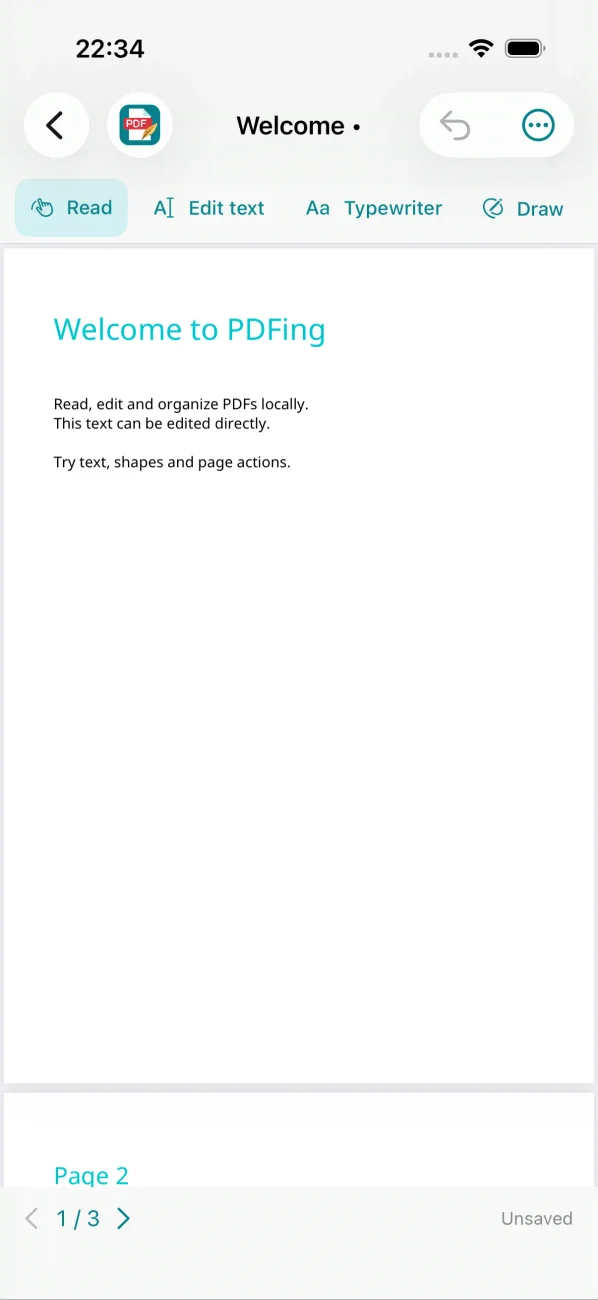
PDFing brings reading, editing and organizing PDFs to iPhone and iPad. Work on your documents locally, without an account, advertising or tracking. The interface follows your device language: English or German.
READ AND FIND
• Open PDFs from Files and other apps
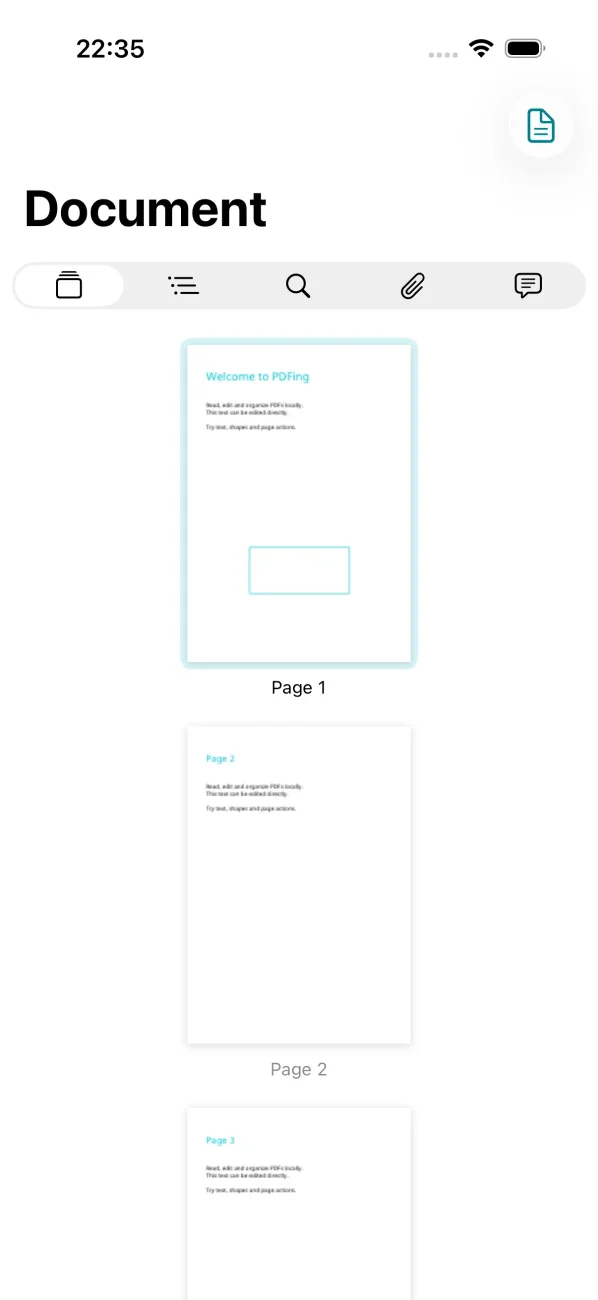
• Page thumbnails, text search, chapters and bookmarks
• Single-page, continuous and two-page views, zoom and print
TEXT AND ANNOTATIONS
• Replace or delete supported existing text objects directly
• Add text boxes with font, size, color, bold and italic styles
• Add comments, highlight selected text and fill supported PDF forms
DRAW AND EDIT SHAPES
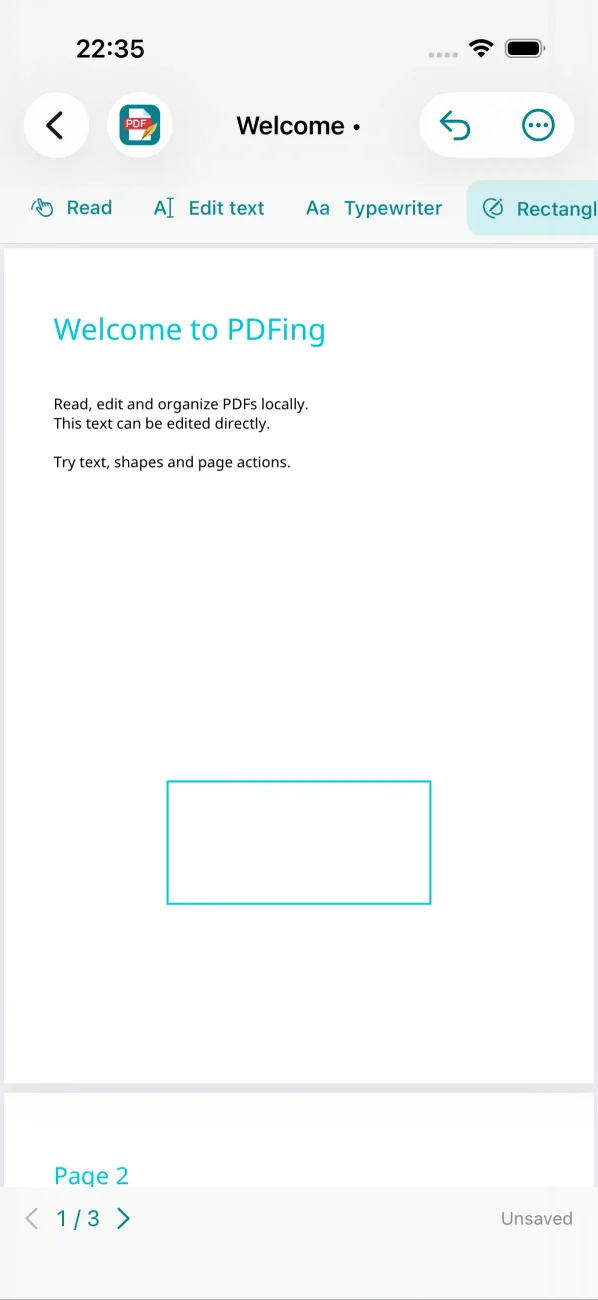
• Lines, rectangles, ellipses, polygons and freehand drawing
• Select, move and resize shapes; change border and fill properties
• Use touch, Apple Pencil or a mouse
ORGANIZE PAGES
• Rotate, duplicate, move, delete and extract pages
• Insert selected pages from another PDF before or after the current page
• Undo and redo changes
ON-DEVICE OCR
• Recognize German and English text in scanned pages
• Add a searchable text layer while preserving the visible scan image
SAVE AND SHARE
• Work on a local working copy to preserve imported originals
• Save, export a copy, share and print PDFs
• Access cloud files through the providers you choose in Files
GET STARTED
Open the sample document to try text editing, drawing and page tools. On iPhone, selecting a page thumbnail returns to the document. The layout adapts to portrait and landscape.
PLEASE NOTE
Direct text editing depends on the PDF structure and its embedded fonts. Nested Form XObjects and some subset fonts have limitations. Characters that cannot be represented reliably are rejected. OCR makes scans searchable; it does not replace the visible text in a scan image. Editing may invalidate digital signatures. XFA, JavaScript and digital-signature editing are not supported.
Nouveautés
Version 1.0.6 · 19/11/2026
• Improved navigation in wide windows: the sidebar and document make better use of the available space.
• The interface adapts automatically when switching between compact and wide layouts.
Confidentialité de l’application
Ce que Florian Liegsalz déclare sur l’App Store au sujet du traitement des données par cette application.
-
Données non collectées
Le développeur ne collecte aucune donnée à partir de cette application.
Les pratiques en matière de confidentialité peuvent varier, notamment en fonction des fonctionnalités que vous utilisez ou de votre âge.
Informations
- Vendeur
- Florian Liegsalz
- Catégorie
- Productivité
- Version
- 1.0.6
- Mis à jour
- 19/11/2026
- Publié
- 20/10/2026
- Taille
- 13,0 Mo
- Nécessite
- iOS 17.0 ou version ultérieure
- Classification d’âge
- 4+
- Prix
- Gratuit
- Langues
- Anglais, Allemand
- Copyright
- © 2026 Florian Liegsalz
Vous aimerez peut-être aussi
-
 Papyra: PDF Edit StudioProductivité
-
 CollegeBlockProductivité
-
 PDF Toolkit: PDF Editor & ScanProductivité
-
 42 PDF Editor: Sign & AnnotateProductivité
-
 Foldline : eSign & Scanner PDFCompresser, fusionner, signer
-
 DartPDF: Modifier des PDFSigner, annoter et caviarder
-
 PDF Genius : Modifier PDF IARemplir, signer et scanner
-
 Study with Me - Focus TimerProductivité
-
 Time Tracker With Detailed LogProductivité
-
 PDFEdit - Éditeur Texte PDFChange & rewrite existing text