PDFing: PDF Editor & OCR
Read, edit and organize PDFs
iPhone, iPad için tasarlandı
Ücretsiz
- Yaş sınırı4+
- KategoriÜretkenlik
- GeliştiriciFlorian Liegsalz
- Dillerİngilizce+ 1 dil daha
- Boyut13,0 MB
Resmi App Store sayfasına bağlanır
Download.org, PDFing: PDF Editor & OCR için hiçbir dosya barındırmaz. Düğme, uygulamanın App Store üzerindeki sayfasını açar; uygulamayı orada Florian Liegsalz yayınlar. Sayfanın son kontrolü: 23.11.2026.
Ekran görüntüleri

Hakkında
Geliştirici bu metni dilinizde sunmamış.
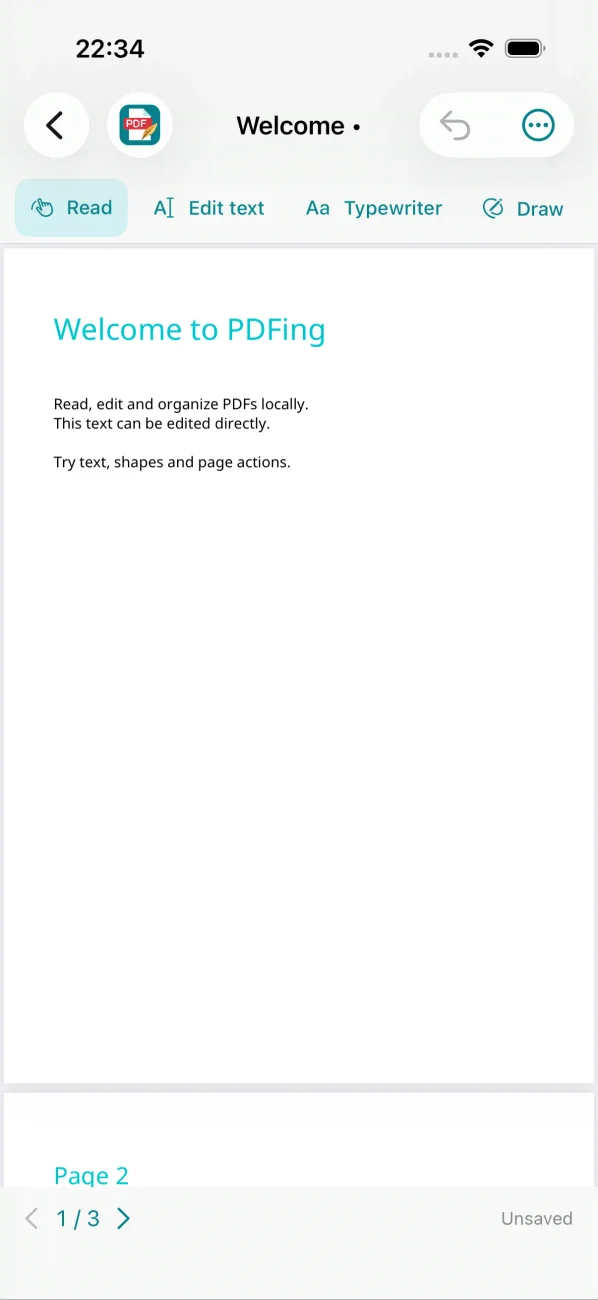
PDFing brings reading, editing and organizing PDFs to iPhone and iPad. Work on your documents locally, without an account, advertising or tracking. The interface follows your device language: English or German.
READ AND FIND
• Open PDFs from Files and other apps
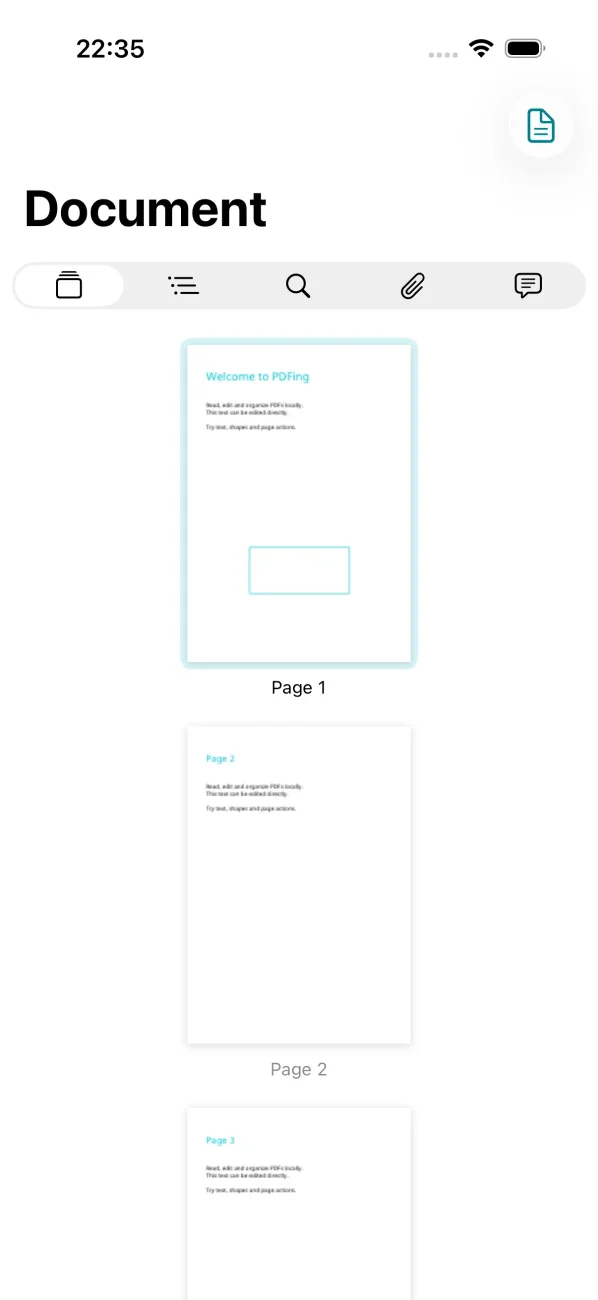
• Page thumbnails, text search, chapters and bookmarks
• Single-page, continuous and two-page views, zoom and print
TEXT AND ANNOTATIONS
• Replace or delete supported existing text objects directly
• Add text boxes with font, size, color, bold and italic styles
• Add comments, highlight selected text and fill supported PDF forms
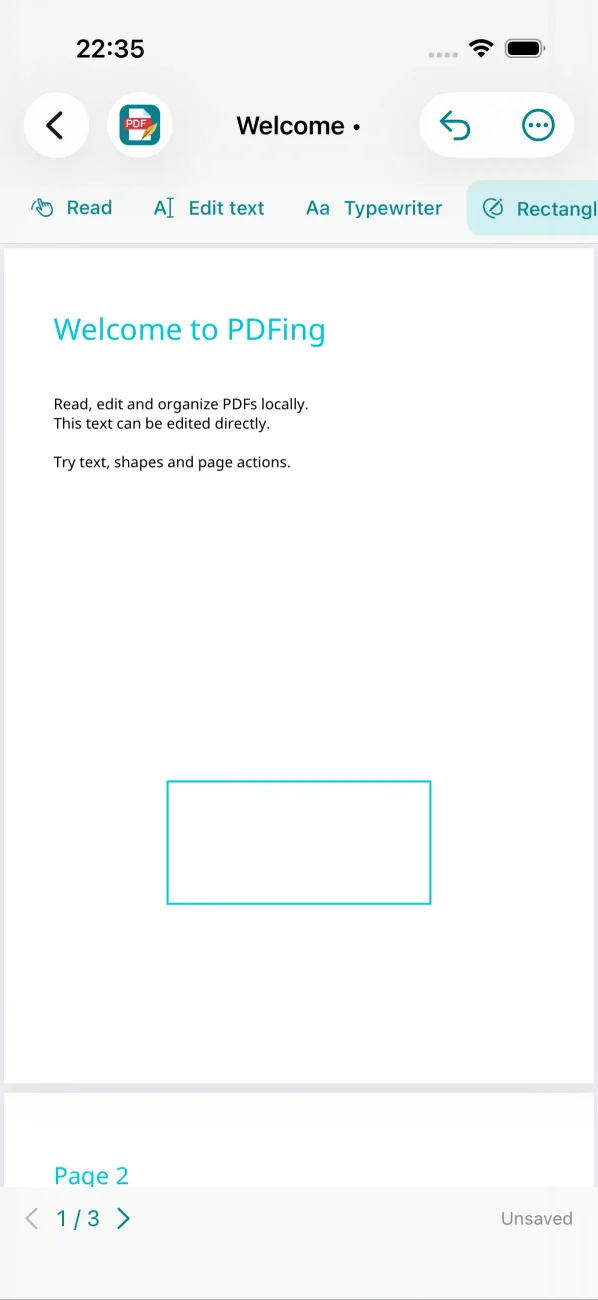
DRAW AND EDIT SHAPES
• Lines, rectangles, ellipses, polygons and freehand drawing
• Select, move and resize shapes; change border and fill properties
• Use touch, Apple Pencil or a mouse
ORGANIZE PAGES
• Rotate, duplicate, move, delete and extract pages
• Insert selected pages from another PDF before or after the current page
• Undo and redo changes
ON-DEVICE OCR
• Recognize German and English text in scanned pages
• Add a searchable text layer while preserving the visible scan image
SAVE AND SHARE
• Work on a local working copy to preserve imported originals
• Save, export a copy, share and print PDFs
• Access cloud files through the providers you choose in Files
GET STARTED
Open the sample document to try text editing, drawing and page tools. On iPhone, selecting a page thumbnail returns to the document. The layout adapts to portrait and landscape.
PLEASE NOTE
Direct text editing depends on the PDF structure and its embedded fonts. Nested Form XObjects and some subset fonts have limitations. Characters that cannot be represented reliably are rejected. OCR makes scans searchable; it does not replace the visible text in a scan image. Editing may invalidate digital signatures. XFA, JavaScript and digital-signature editing are not supported.
Yenilikler
Sürüm 1.0.6 · 19.11.2026
• Improved navigation in wide windows: the sidebar and document make better use of the available space.
• The interface adapts automatically when switching between compact and wide layouts.
Uygulama gizliliği
Bu uygulamanın verileri nasıl işlediği hakkında Florian Liegsalz tarafından App Store üzerinde yapılan beyan.
-
Veri toplanmıyor
Geliştirici bu uygulamadan hiçbir veri toplamıyor.
Gizlilik uygulamaları, örneğin kullandığınız özelliklere veya yaşınıza göre değişiklik gösterebilir.
Bilgiler
- Satıcı
- Florian Liegsalz
- Kategori
- Üretkenlik
- Sürüm
- 1.0.6
- Güncellendi
- 19.11.2026
- Yayın tarihi
- 20.10.2026
- Boyut
- 13,0 MB
- Gereksinim
- iOS 17.0 veya sonrası
- Yaş sınırı
- 4+
- Fiyat
- Ücretsiz
- Diller
- İngilizce, Almanca
- Telif hakkı
- © 2026 Florian Liegsalz
Bunları da beğenebilirsiniz
-
 Papyra: PDF Edit StudioMetin, tarama ve form düzenle
-
 CollegeBlockÜretkenlik
-
 PDF Toolkit: PDF Editor & ScanÜretkenlik
-
 42 PDF Editor: Sign & AnnotateÜretkenlik
-
 Foldline: eSign & PDF ReaderÜretkenlik
-
 DartPDF: PDF Belge Düzenleyiciİmzala, işaretle, karart
-
 PDF Genius: PDF Düzenleyici AIForm doldur, imzala, tara
-
 Study with Me - Focus TimerÜretkenlik
-
 Time Tracker With Detailed LogÜretkenlik
-
 PDFEditor - PDF Metin EditörüMevcut metni değiştir, düzelt