PDFing: PDF Editor & OCR
Read, edit and organize PDFs
Diseñada para iPhone, iPad
Gratis
- Clasificación por edad4+
- CategoríaProductividad
- DesarrolladorFlorian Liegsalz
- IdiomasInglés+ 1 más
- Tamaño13,0 MB
Enlaza a la página oficial de App Store
Download.org no aloja ningún archivo de PDFing: PDF Editor & OCR. El botón abre la página de la aplicación en App Store, donde la publica Florian Liegsalz. Ficha comprobada por última vez el 23/11/2026.
Capturas de pantalla

Acerca de
El desarrollador no ha proporcionado este texto en tu idioma.
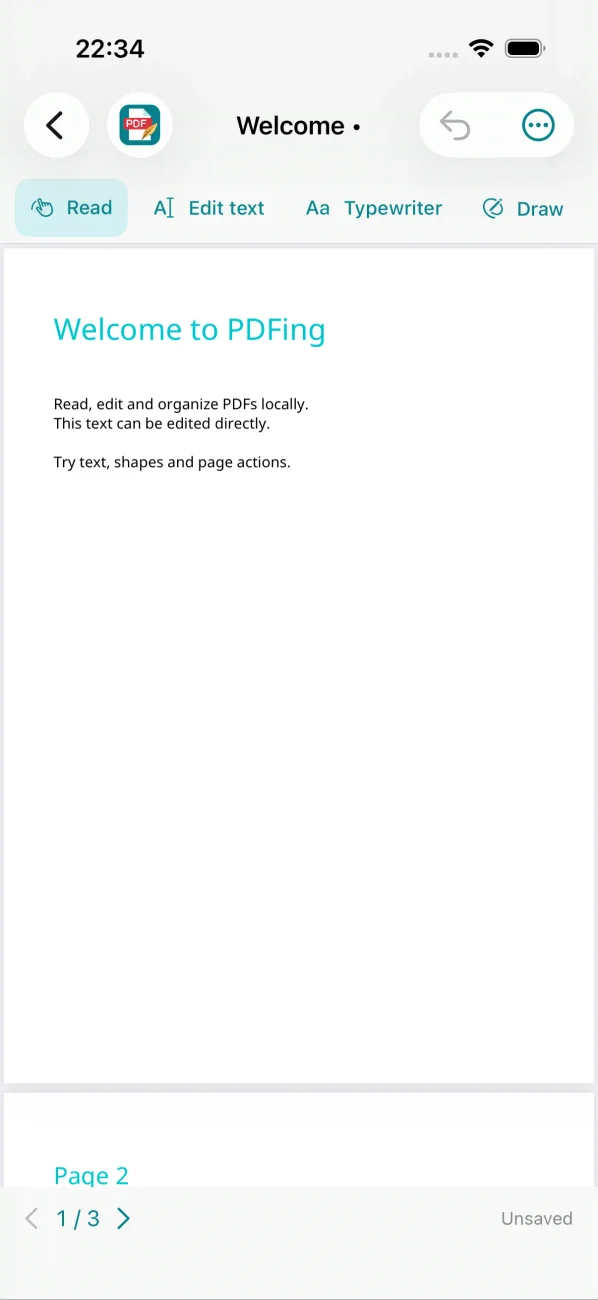
PDFing brings reading, editing and organizing PDFs to iPhone and iPad. Work on your documents locally, without an account, advertising or tracking. The interface follows your device language: English or German.
READ AND FIND
• Open PDFs from Files and other apps
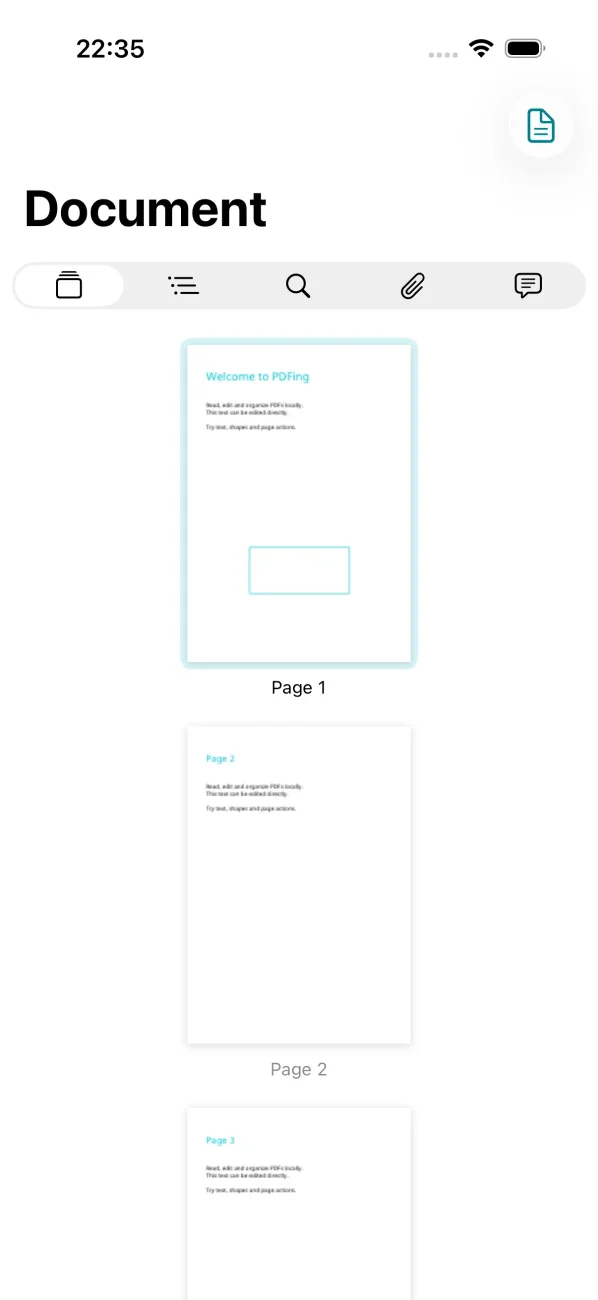
• Page thumbnails, text search, chapters and bookmarks
• Single-page, continuous and two-page views, zoom and print
TEXT AND ANNOTATIONS
• Replace or delete supported existing text objects directly
• Add text boxes with font, size, color, bold and italic styles
• Add comments, highlight selected text and fill supported PDF forms
DRAW AND EDIT SHAPES
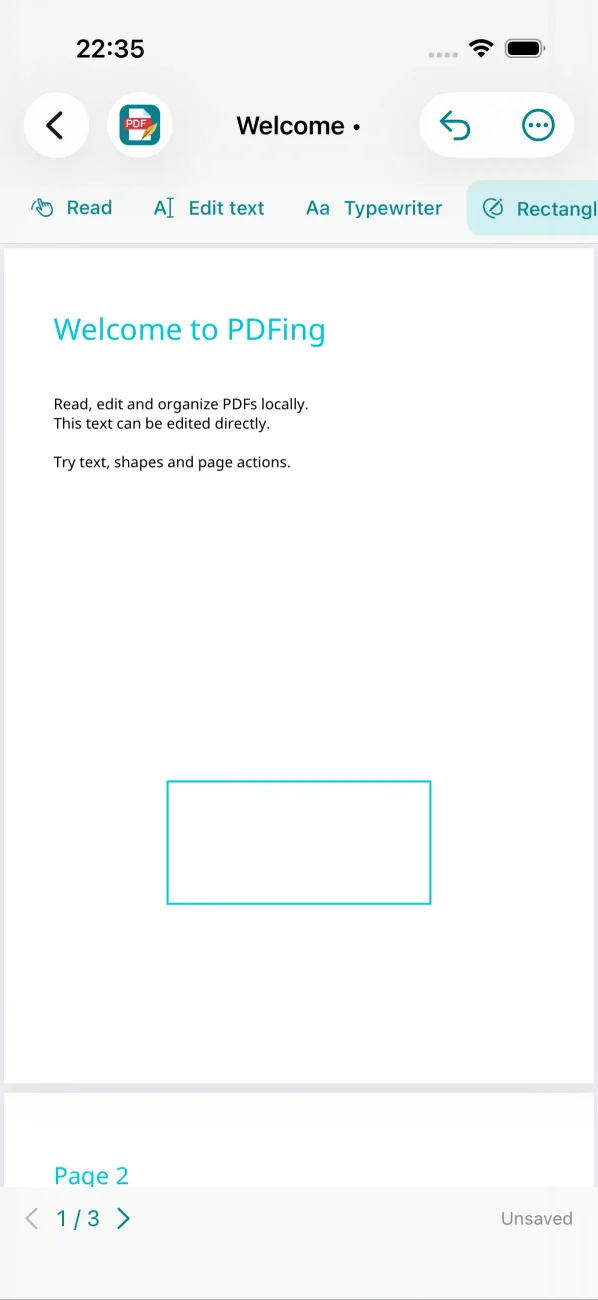
• Lines, rectangles, ellipses, polygons and freehand drawing
• Select, move and resize shapes; change border and fill properties
• Use touch, Apple Pencil or a mouse
ORGANIZE PAGES
• Rotate, duplicate, move, delete and extract pages
• Insert selected pages from another PDF before or after the current page
• Undo and redo changes
ON-DEVICE OCR
• Recognize German and English text in scanned pages
• Add a searchable text layer while preserving the visible scan image
SAVE AND SHARE
• Work on a local working copy to preserve imported originals
• Save, export a copy, share and print PDFs
• Access cloud files through the providers you choose in Files
GET STARTED
Open the sample document to try text editing, drawing and page tools. On iPhone, selecting a page thumbnail returns to the document. The layout adapts to portrait and landscape.
PLEASE NOTE
Direct text editing depends on the PDF structure and its embedded fonts. Nested Form XObjects and some subset fonts have limitations. Characters that cannot be represented reliably are rejected. OCR makes scans searchable; it does not replace the visible text in a scan image. Editing may invalidate digital signatures. XFA, JavaScript and digital-signature editing are not supported.
Novedades
Versión 1.0.6 · 19/11/2026
• Improved navigation in wide windows: the sidebar and document make better use of the available space.
• The interface adapts automatically when switching between compact and wide layouts.
Privacidad de la aplicación
Lo que Florian Liegsalz declara en App Store sobre cómo esta aplicación gestiona los datos.
-
No se recopilan datos
El desarrollador no recopila ningún dato de esta aplicación.
Las prácticas de privacidad pueden variar, por ejemplo, según las funciones que uses o tu edad.
Información
- Vendedor
- Florian Liegsalz
- Categoría
- Productividad
- Versión
- 1.0.6
- Actualizado
- 19/11/2026
- Publicado
- 20/10/2026
- Tamaño
- 13,0 MB
- Requiere
- iOS 17.0 o posterior
- Clasificación por edad
- 4+
- Precio
- Gratis
- Idiomas
- Inglés, Alemán
- Copyright
- © 2026 Florian Liegsalz
Quizá también te guste
-
 Papyra: PDF Edit StudioProductividad
-
 CollegeBlockProductividad
-
 PDF Toolkit: PDF Editor & ScanProductividad
-
 42 PDF Editor: Sign & AnnotateProductividad
-
 Foldline: Firmar PDF y eSignComprimir, unir y rellenar
-
 DartPDF: Editar documentos PDFFirma, anota, rellena, censura
-
 PDF Genius: Editar PDF con IARellena formularios y firma
-
 Study with Me - Focus TimerProductividad
-
 Time Tracker With Detailed LogProductividad
-
 PDFEditor: Editor de Texto PDFCambia y corrige el texto