PDFing: PDF Editor & OCR
Read, edit and organize PDFs
Dirancang untuk iPhone, iPad
Gratis
- Batasan usia4+
- KategoriProduktivitas
- PengembangFlorian Liegsalz
- BahasaInggris+ 1 lainnya
- Ukuran13,0 MB
Tertaut ke halaman resmi App Store
Download.org tidak menyimpan file PDFing: PDF Editor & OCR apa pun. Tombol ini membuka halaman aplikasi di App Store, tempat Florian Liegsalz menerbitkannya. Halaman terakhir diperiksa pada 23/11/2026.
Tangkapan layar

Tentang
Pengembang belum menyediakan teks ini dalam bahasa Anda.
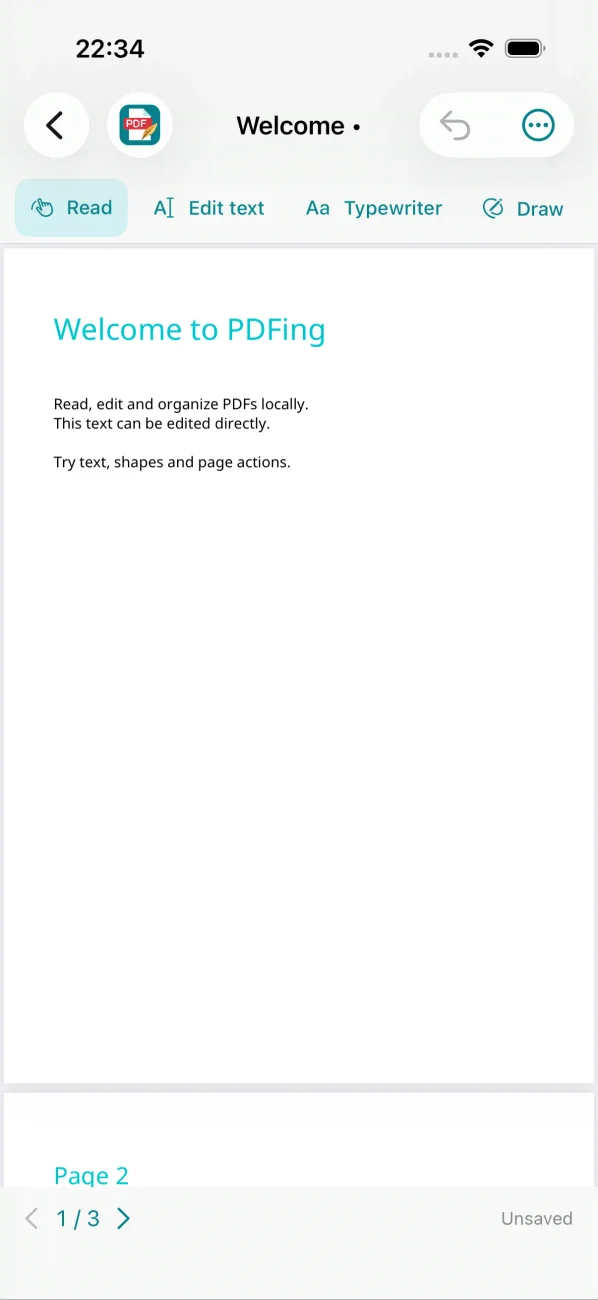
PDFing brings reading, editing and organizing PDFs to iPhone and iPad. Work on your documents locally, without an account, advertising or tracking. The interface follows your device language: English or German.
READ AND FIND
• Open PDFs from Files and other apps
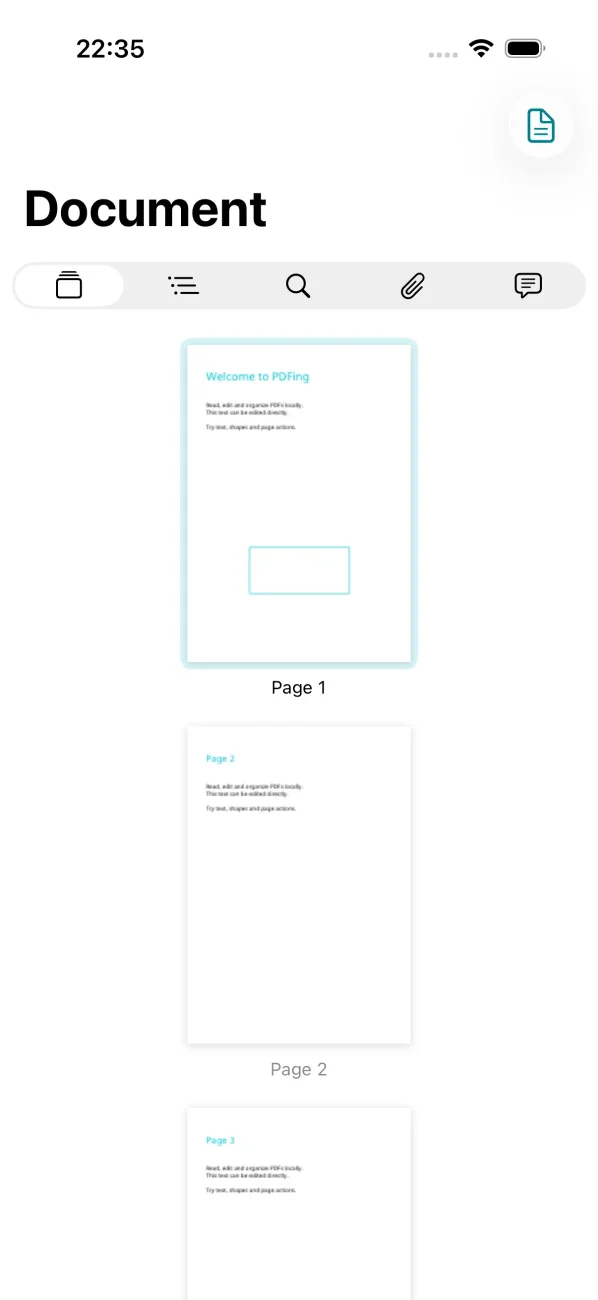
• Page thumbnails, text search, chapters and bookmarks
• Single-page, continuous and two-page views, zoom and print
TEXT AND ANNOTATIONS
• Replace or delete supported existing text objects directly
• Add text boxes with font, size, color, bold and italic styles
• Add comments, highlight selected text and fill supported PDF forms
DRAW AND EDIT SHAPES
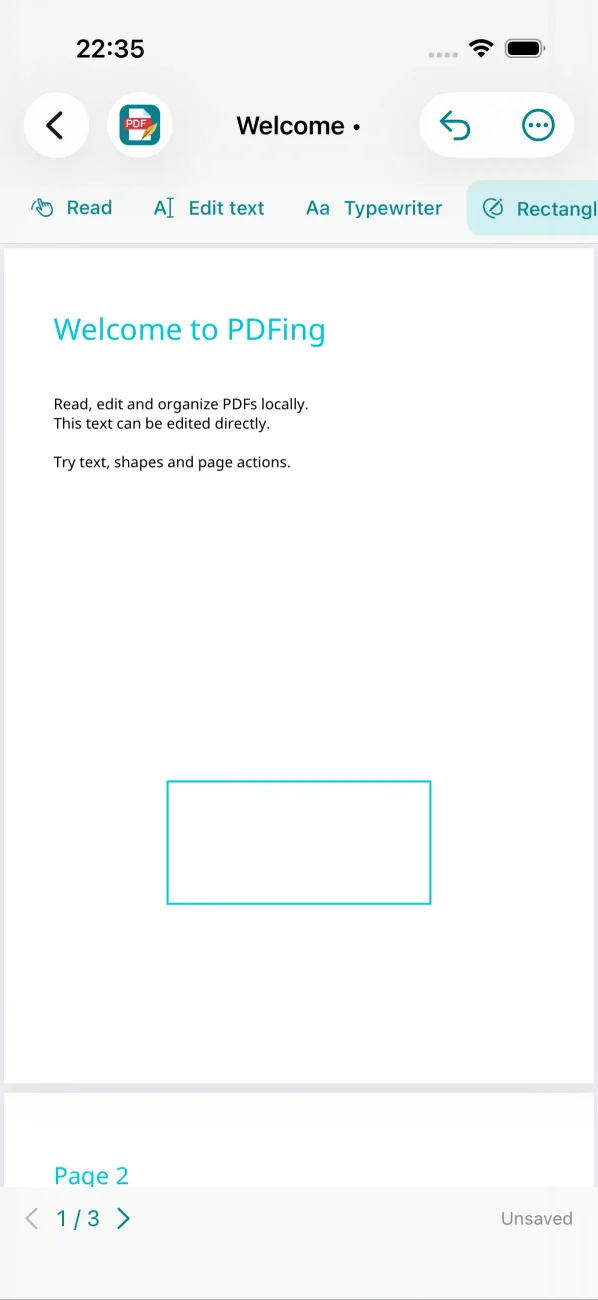
• Lines, rectangles, ellipses, polygons and freehand drawing
• Select, move and resize shapes; change border and fill properties
• Use touch, Apple Pencil or a mouse
ORGANIZE PAGES
• Rotate, duplicate, move, delete and extract pages
• Insert selected pages from another PDF before or after the current page
• Undo and redo changes
ON-DEVICE OCR
• Recognize German and English text in scanned pages
• Add a searchable text layer while preserving the visible scan image
SAVE AND SHARE
• Work on a local working copy to preserve imported originals
• Save, export a copy, share and print PDFs
• Access cloud files through the providers you choose in Files
GET STARTED
Open the sample document to try text editing, drawing and page tools. On iPhone, selecting a page thumbnail returns to the document. The layout adapts to portrait and landscape.
PLEASE NOTE
Direct text editing depends on the PDF structure and its embedded fonts. Nested Form XObjects and some subset fonts have limitations. Characters that cannot be represented reliably are rejected. OCR makes scans searchable; it does not replace the visible text in a scan image. Editing may invalidate digital signatures. XFA, JavaScript and digital-signature editing are not supported.
Yang baru
Versi 1.0.6 · 19/11/2026
• Improved navigation in wide windows: the sidebar and document make better use of the available space.
• The interface adapts automatically when switching between compact and wide layouts.
Privasi aplikasi
Yang dinyatakan Florian Liegsalz di App Store tentang cara aplikasi ini menangani data.
-
Data tidak dikumpulkan
Pengembang tidak mengumpulkan data apa pun dari aplikasi ini.
Praktik privasi dapat bervariasi, misalnya berdasarkan fitur yang Anda gunakan atau usia Anda.
Informasi
- Penjual
- Florian Liegsalz
- Kategori
- Produktivitas
- Versi
- 1.0.6
- Diperbarui
- 19/11/2026
- Dirilis
- 20/10/2026
- Ukuran
- 13,0 MB
- Memerlukan
- iOS 17.0 atau yang lebih baru
- Batasan usia
- 4+
- Harga
- Gratis
- Bahasa
- Inggris, Jerman
- Hak cipta
- © 2026 Florian Liegsalz
Mungkin Anda juga suka
-
 Papyra: PDF Edit StudioProduktivitas
-
 CollegeBlockProduktivitas
-
 PDF Toolkit: PDF Editor & ScanProduktivitas
-
 42 PDF Editor: Sign & AnnotateProduktivitas
-
 Foldline: eSign & PDF ReaderProduktivitas
-
 DartPDF: Edit Dokumen PDFTanda tangan, isi & redaksi
-
 PDF Genius: Edit PDF dengan AIIsi formulir & tanda tangan
-
 Study with Me - Focus TimerProduktivitas
-
 Time Tracker With Detailed LogProduktivitas
-
 PDFEditor - Edit Teks PDFPerbaiki teks yang sudah ada