- 対象年齢4+
- カテゴリ仕事効率化
- 開発元Florian Liegsalz
- 言語英語ほか1言語
- サイズ13.0 MB
App Storeの公式ページにリンクしています
Download.orgはPDFing: PDF Editor & OCRのファイルを一切ホストしていません。ボタンを押すと、Florian Liegsalzが公開しているApp Storeのアプリページが開きます。ページの最終確認:2026/11/23。
スクリーンショット

概要
開発元はこのテキストをお使いの言語で提供していません。
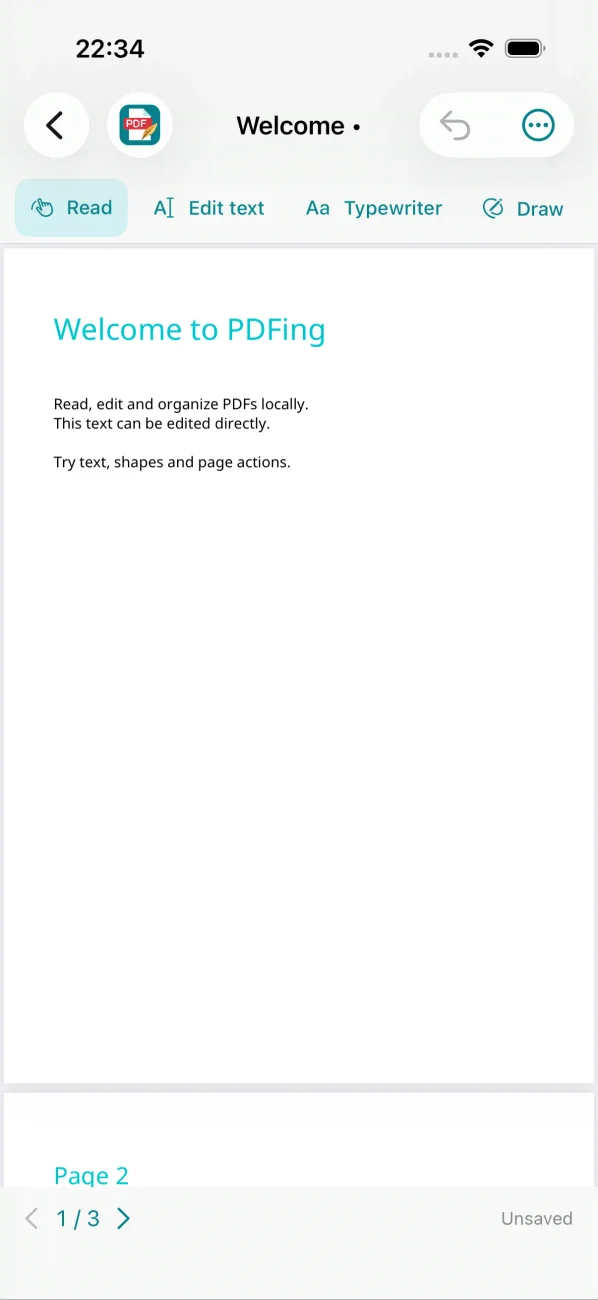
PDFing brings reading, editing and organizing PDFs to iPhone and iPad. Work on your documents locally, without an account, advertising or tracking. The interface follows your device language: English or German.
READ AND FIND
• Open PDFs from Files and other apps
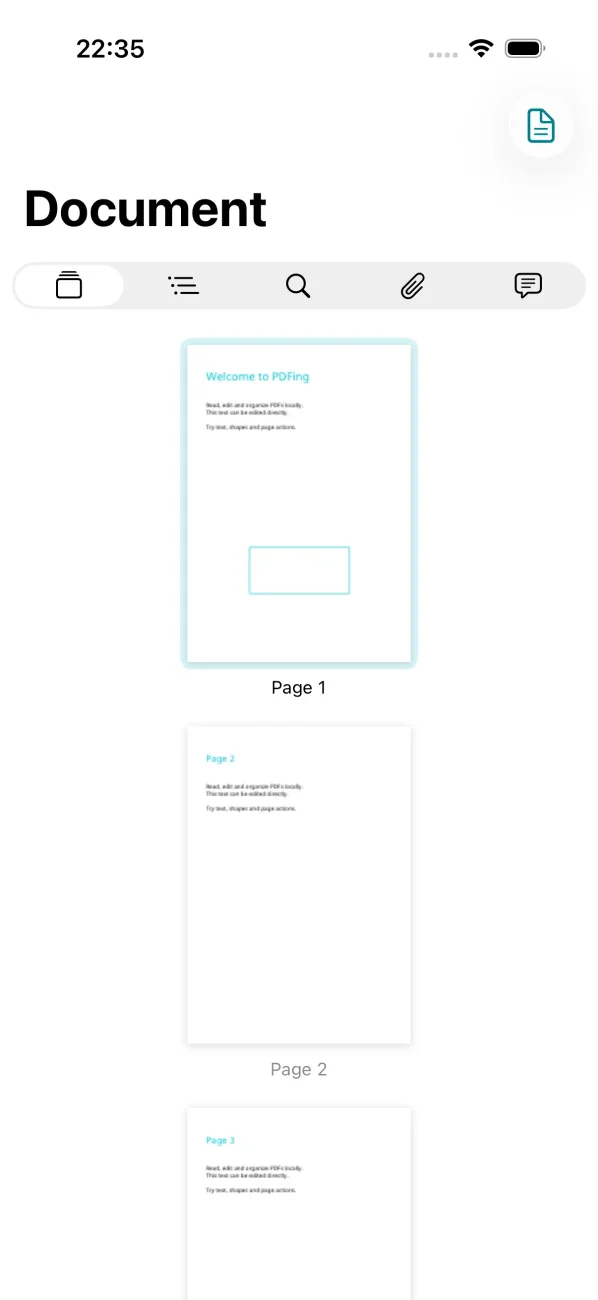
• Page thumbnails, text search, chapters and bookmarks
• Single-page, continuous and two-page views, zoom and print
TEXT AND ANNOTATIONS
• Replace or delete supported existing text objects directly
• Add text boxes with font, size, color, bold and italic styles
• Add comments, highlight selected text and fill supported PDF forms
DRAW AND EDIT SHAPES
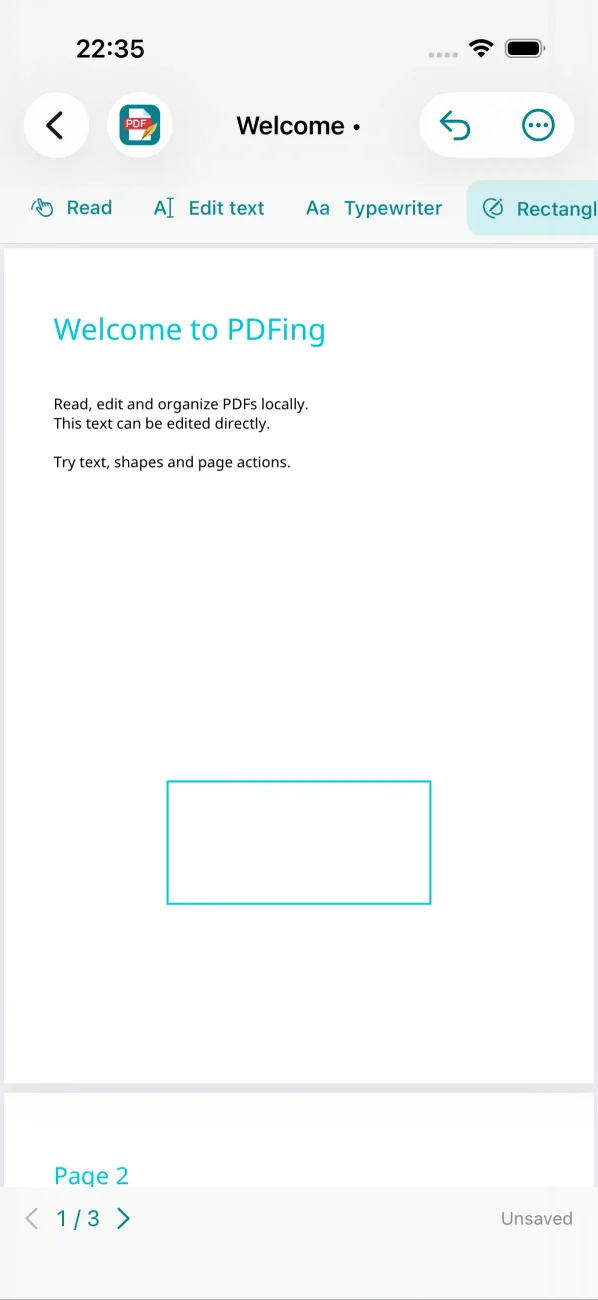
• Lines, rectangles, ellipses, polygons and freehand drawing
• Select, move and resize shapes; change border and fill properties
• Use touch, Apple Pencil or a mouse
ORGANIZE PAGES
• Rotate, duplicate, move, delete and extract pages
• Insert selected pages from another PDF before or after the current page
• Undo and redo changes
ON-DEVICE OCR
• Recognize German and English text in scanned pages
• Add a searchable text layer while preserving the visible scan image
SAVE AND SHARE
• Work on a local working copy to preserve imported originals
• Save, export a copy, share and print PDFs
• Access cloud files through the providers you choose in Files
GET STARTED
Open the sample document to try text editing, drawing and page tools. On iPhone, selecting a page thumbnail returns to the document. The layout adapts to portrait and landscape.
PLEASE NOTE
Direct text editing depends on the PDF structure and its embedded fonts. Nested Form XObjects and some subset fonts have limitations. Characters that cannot be represented reliably are rejected. OCR makes scans searchable; it does not replace the visible text in a scan image. Editing may invalidate digital signatures. XFA, JavaScript and digital-signature editing are not supported.
新機能
バージョン 1.0.6 · 2026/11/19
• Improved navigation in wide windows: the sidebar and document make better use of the available space.
• The interface adapts automatically when switching between compact and wide layouts.
アプリのプライバシー
このアプリのデータの取り扱いについて、Florian LiegsalzがApp Storeで申告している内容です。
-
データの収集なし
開発元はこのアプリからデータを収集しません。
プライバシーの取り扱いは、ご利用の機能やお客様の年齢などに応じて異なる場合があります。
情報
- 販売元
- Florian Liegsalz
- カテゴリ
- 仕事効率化
- バージョン
- 1.0.6
- 更新日
- 2026/11/19
- リリース
- 2026/10/20
- サイズ
- 13.0 MB
- 必要条件
- iOS 17.0以降
- 対象年齢
- 4+
- 価格
- 無料
- 言語
- 英語, ドイツ語
- 著作権
- © 2026 Florian Liegsalz
こちらもおすすめ
-
 Papyra: PDF Edit Studio仕事効率化
-
 CollegeBlock仕事効率化
-
 PDF Toolkit: PDF Editor & Scan仕事効率化
-
 42 PDF Editor: Sign & Annotate仕事効率化
-
 Foldline: eSign & PDF Reader仕事効率化
-
 DartPDF: PDF文書を編集署名・注釈・フォーム入力・墨消し
-
 PDF Genius: PDF編集・書き込みAIスキャン・署名・変換・要約
-
 Study with Me - Focus Timer仕事効率化
-
 Time Tracker With Detailed Log仕事効率化
-
 PDFEditor - PDFテキスト編集既存の文字を直接書き換え