PDFing: PDF Editor & OCR
Read, edit and organize PDFs
Được thiết kế cho iPhone, iPad
Miễn phí
- Độ tuổi4+
- Danh mụcHiệu Suất
- Nhà phát triểnFlorian Liegsalz
- Ngôn ngữTiếng Anh+ 1 ngôn ngữ khác
- Kích thước13,0 MB
Liên kết đến trang App Store chính thức
Download.org không lưu trữ tệp nào của PDFing: PDF Editor & OCR. Nút này mở trang ứng dụng trên App Store, nơi Florian Liegsalz phát hành ứng dụng. Trang được kiểm tra lần cuối: 23/11/2026.
Ảnh chụp màn hình

Giới thiệu
Nhà phát triển chưa cung cấp nội dung này bằng ngôn ngữ của bạn.
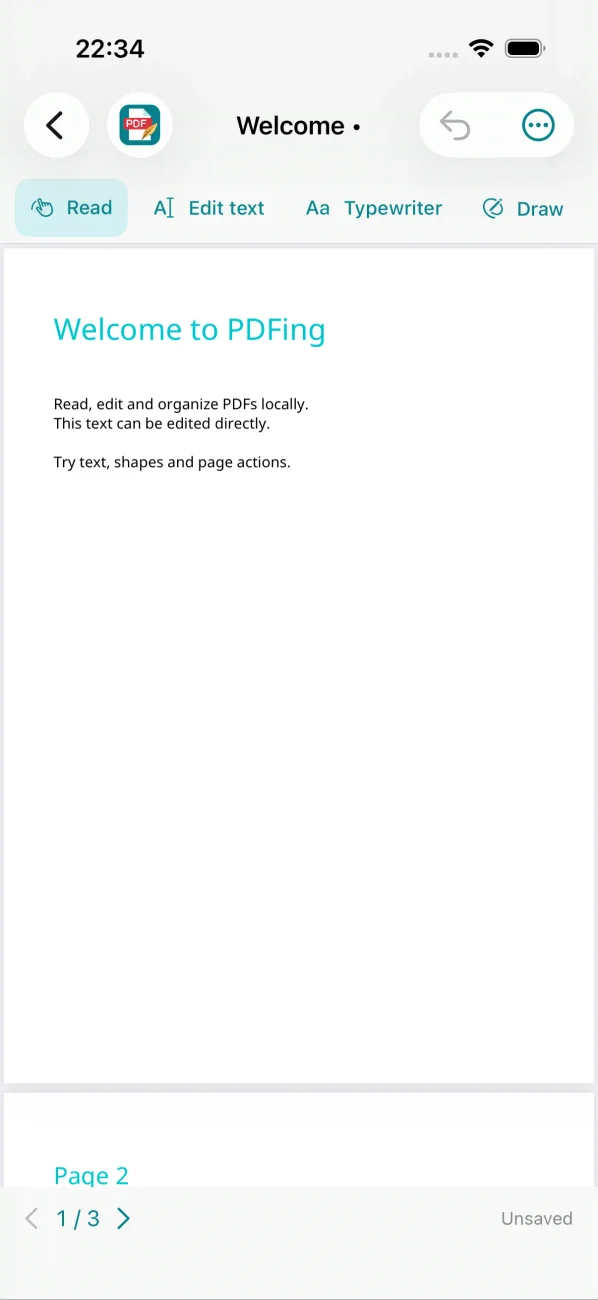
PDFing brings reading, editing and organizing PDFs to iPhone and iPad. Work on your documents locally, without an account, advertising or tracking. The interface follows your device language: English or German.
READ AND FIND
• Open PDFs from Files and other apps
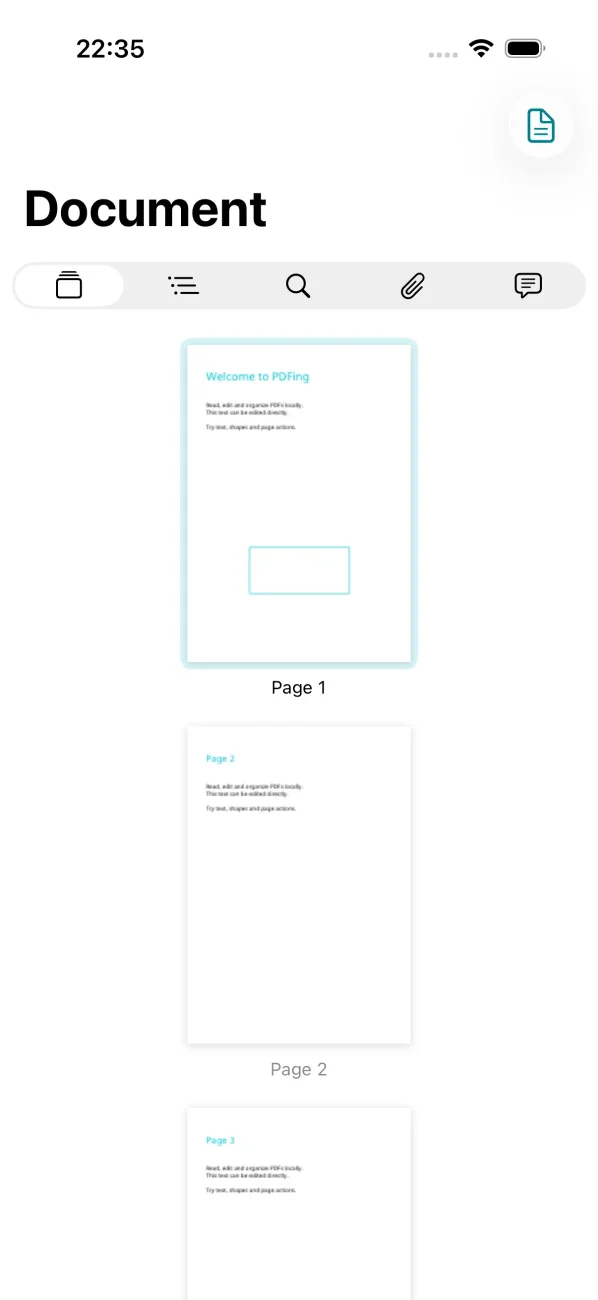
• Page thumbnails, text search, chapters and bookmarks
• Single-page, continuous and two-page views, zoom and print
TEXT AND ANNOTATIONS
• Replace or delete supported existing text objects directly
• Add text boxes with font, size, color, bold and italic styles
• Add comments, highlight selected text and fill supported PDF forms
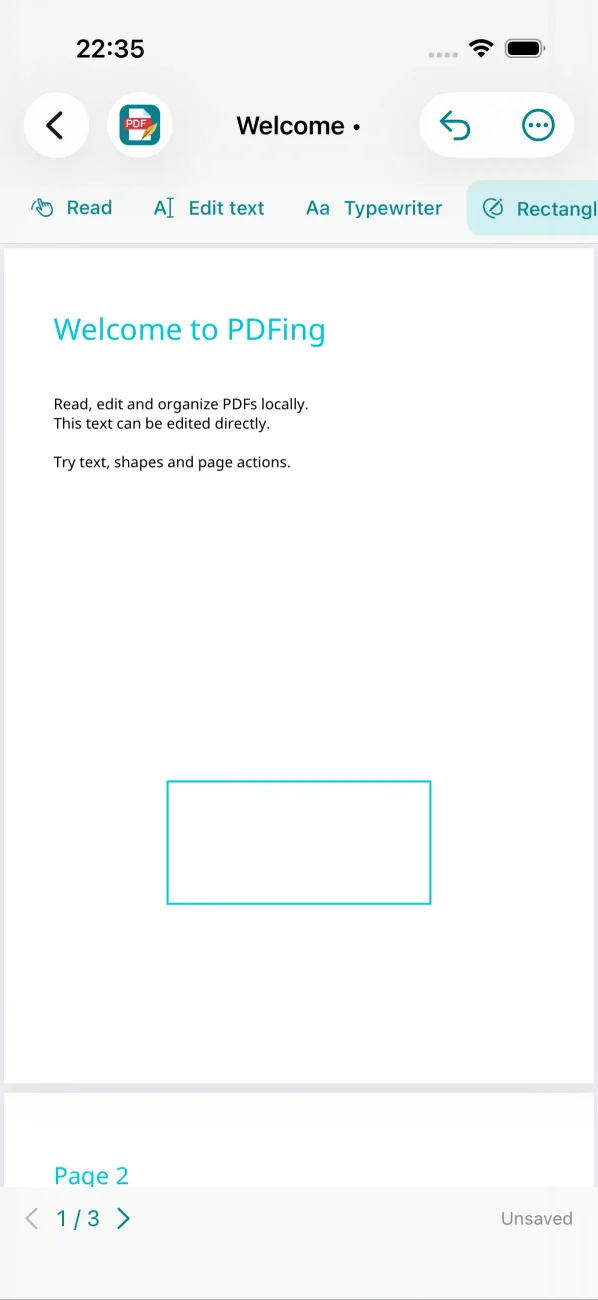
DRAW AND EDIT SHAPES
• Lines, rectangles, ellipses, polygons and freehand drawing
• Select, move and resize shapes; change border and fill properties
• Use touch, Apple Pencil or a mouse
ORGANIZE PAGES
• Rotate, duplicate, move, delete and extract pages
• Insert selected pages from another PDF before or after the current page
• Undo and redo changes
ON-DEVICE OCR
• Recognize German and English text in scanned pages
• Add a searchable text layer while preserving the visible scan image
SAVE AND SHARE
• Work on a local working copy to preserve imported originals
• Save, export a copy, share and print PDFs
• Access cloud files through the providers you choose in Files
GET STARTED
Open the sample document to try text editing, drawing and page tools. On iPhone, selecting a page thumbnail returns to the document. The layout adapts to portrait and landscape.
PLEASE NOTE
Direct text editing depends on the PDF structure and its embedded fonts. Nested Form XObjects and some subset fonts have limitations. Characters that cannot be represented reliably are rejected. OCR makes scans searchable; it does not replace the visible text in a scan image. Editing may invalidate digital signatures. XFA, JavaScript and digital-signature editing are not supported.
Có gì mới
Phiên bản 1.0.6 · 19/11/2026
• Improved navigation in wide windows: the sidebar and document make better use of the available space.
• The interface adapts automatically when switching between compact and wide layouts.
Quyền riêng tư của ứng dụng
Những gì Florian Liegsalz khai báo trên App Store về cách ứng dụng này xử lý dữ liệu.
-
Dữ liệu không được thu thập
Nhà phát triển không thu thập bất kỳ dữ liệu nào từ ứng dụng này.
Phương thức đảm bảo quyền riêng tư có thể khác nhau, chẳng hạn như tuỳ theo các tính năng bạn sử dụng hoặc độ tuổi của bạn.
Thông tin
- Người bán
- Florian Liegsalz
- Danh mục
- Hiệu Suất
- Phiên bản
- 1.0.6
- Cập nhật
- 19/11/2026
- Phát hành
- 20/10/2026
- Kích thước
- 13,0 MB
- Yêu cầu
- iOS 17.0 trở lên
- Độ tuổi
- 4+
- Giá
- Miễn phí
- Ngôn ngữ
- Tiếng Anh, Tiếng Đức
- Bản quyền
- © 2026 Florian Liegsalz
Có thể bạn cũng thích
-
 Papyra: PDF Edit StudioHiệu Suất
-
 CollegeBlockHiệu Suất
-
 PDF Toolkit: PDF Editor & ScanHiệu Suất
-
 42 PDF Editor: Sign & AnnotateHiệu Suất
-
 Foldline: eSign & PDF ReaderHiệu Suất
-
 DartPDF: Chỉnh sửa PDFKý, chú thích, điền, che
-
 PDF Genius: Sửa PDF bằng AIĐiền biểu mẫu và ký PDF
-
 Study with Me - Focus TimerHiệu Suất
-
 Time Tracker With Detailed LogHiệu Suất
-
 PDFEditor - Chỉnh sửa chữ PDFĐổi nội dung văn bản gốc