- Batasan usia4+
- KategoriKegunaan
- PengembangCHUN CHIEH TSAI
- BahasaInggris+ 1 lainnya
- Ukuran1,6 MB
Tertaut ke halaman resmi App Store
Download.org tidak menyimpan file Desktop Mini Clock apa pun. Tombol ini membuka halaman aplikasi di App Store, tempat CHUN CHIEH TSAI menerbitkannya. Halaman terakhir diperiksa pada 13/11/2026.
Tangkapan layar
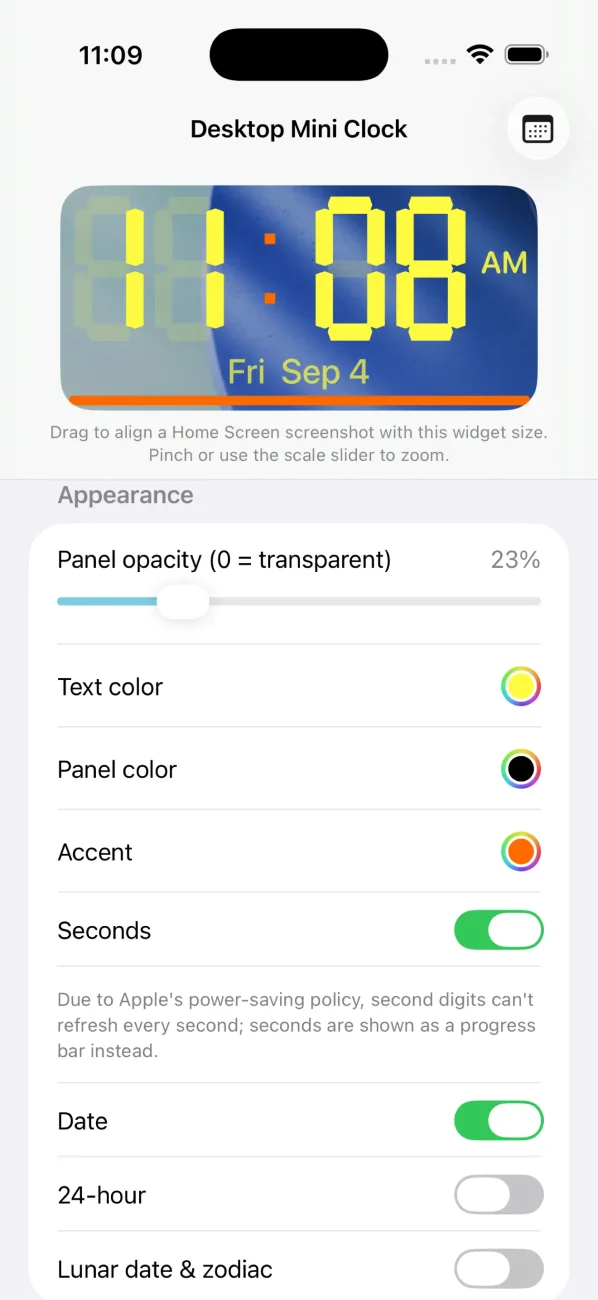
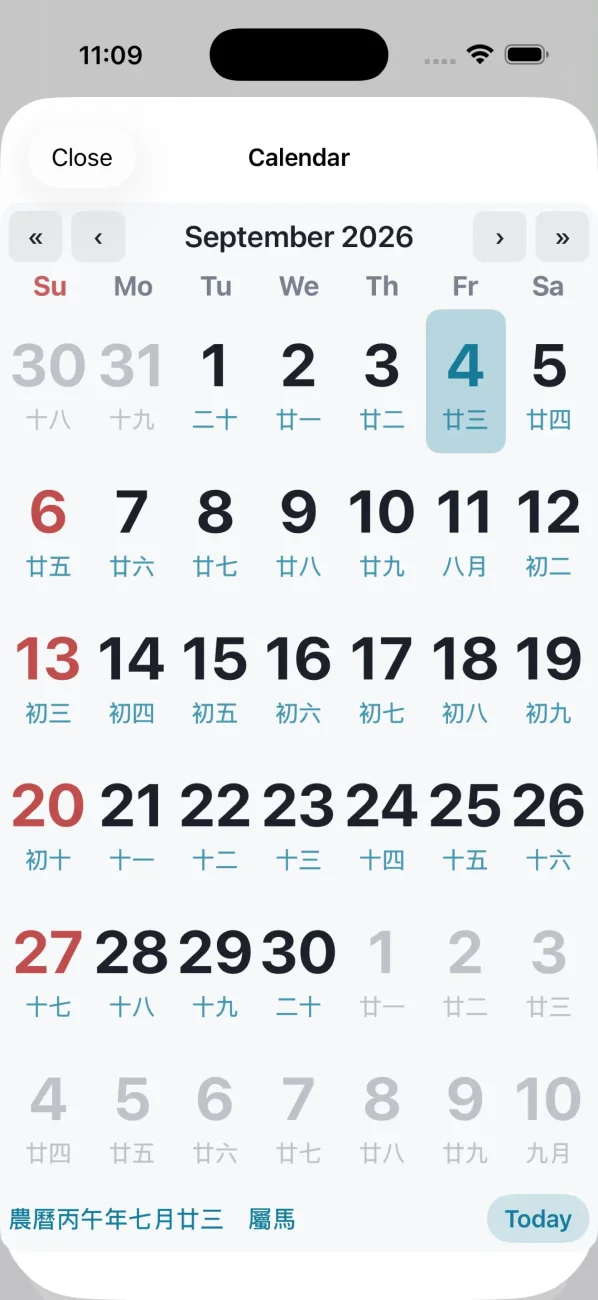
Tentang
Pengembang belum menyediakan teks ini dalam bahasa Anda.
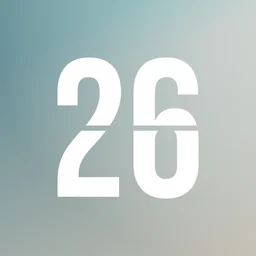
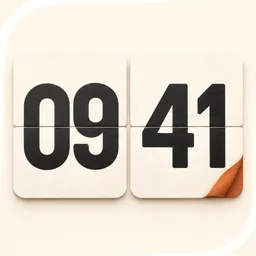
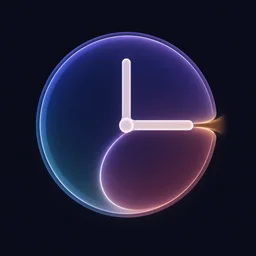
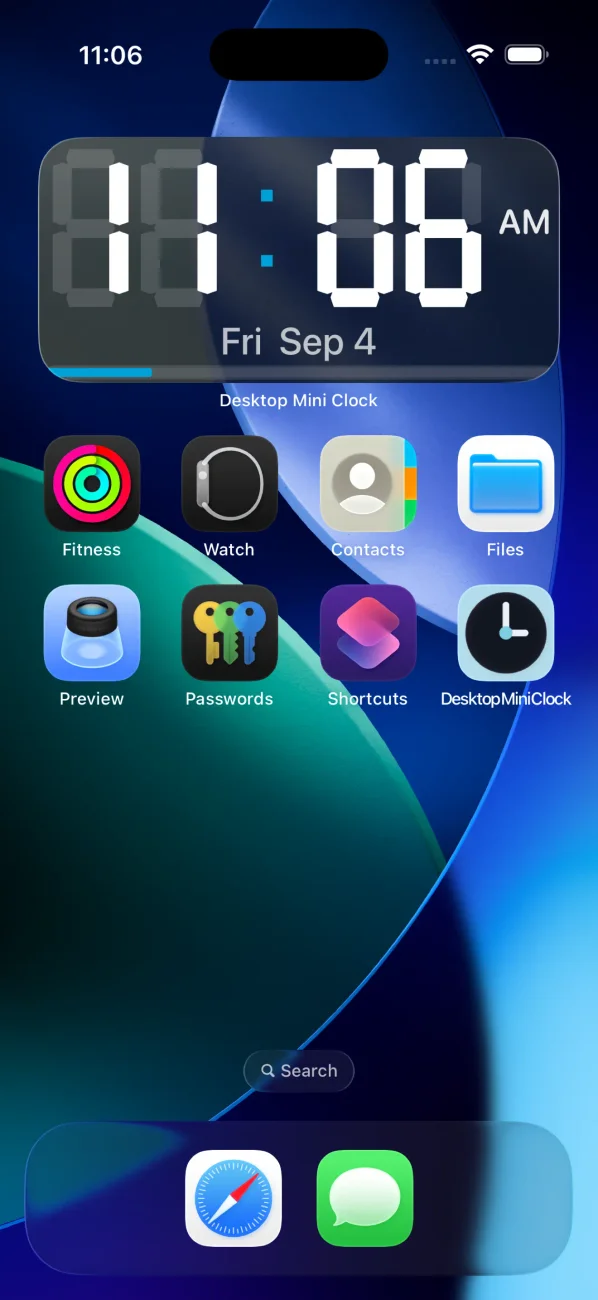
Desktop Mini Clock brings a precision LCD clock to every Apple platform — your Mac desktop, iPhone and iPad Home Screen, and Apple Vision Pro.
MAC — ALWAYS-ON FLOATING PANEL
A compact clock panel floats above your other windows, exactly where you need it. Lock position, stay always on top, or hide and reveal with a click. Drag anywhere, and the panel automatically stays on screen when your display setup changes. Start at login so the clock is always ready.
iPHONE & iPAD — HOME SCREEN WIDGETS
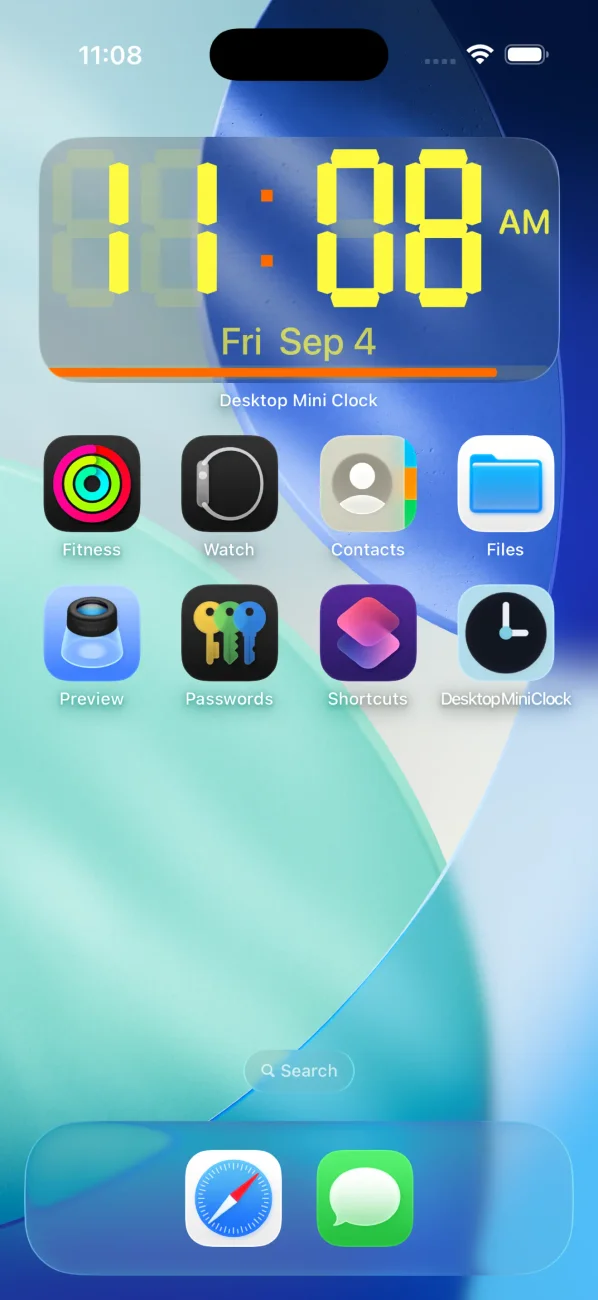
From a glanceable Small square to an Extra Large layout that pairs the clock with a full month calendar, pick the size that fits your life. Lock Screen accessories show the time at a glance. Set a personal photo as the widget background.
APPLE VISION PRO — SPATIAL CLOCK
Place the clock anywhere in your space. Scale from a subtle accent to a bold centerpiece. Hover over the date line to reveal the lunar annotation. Open the calendar or settings window while the clock stays in view.
BILINGUAL — ENGLISH & TRADITIONAL CHINESE
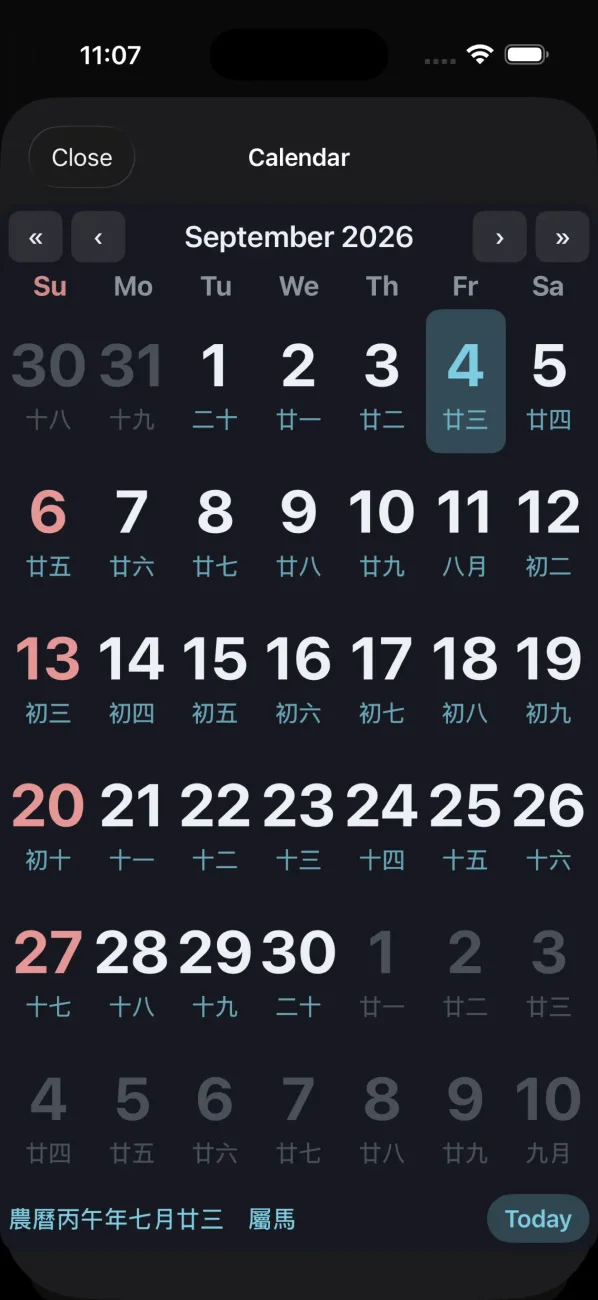
One tap switches the entire interface: date formats, weekday names, and lunar annotations all follow your language choice. Lunar calendar covers solar terms, traditional holidays, and leap months.
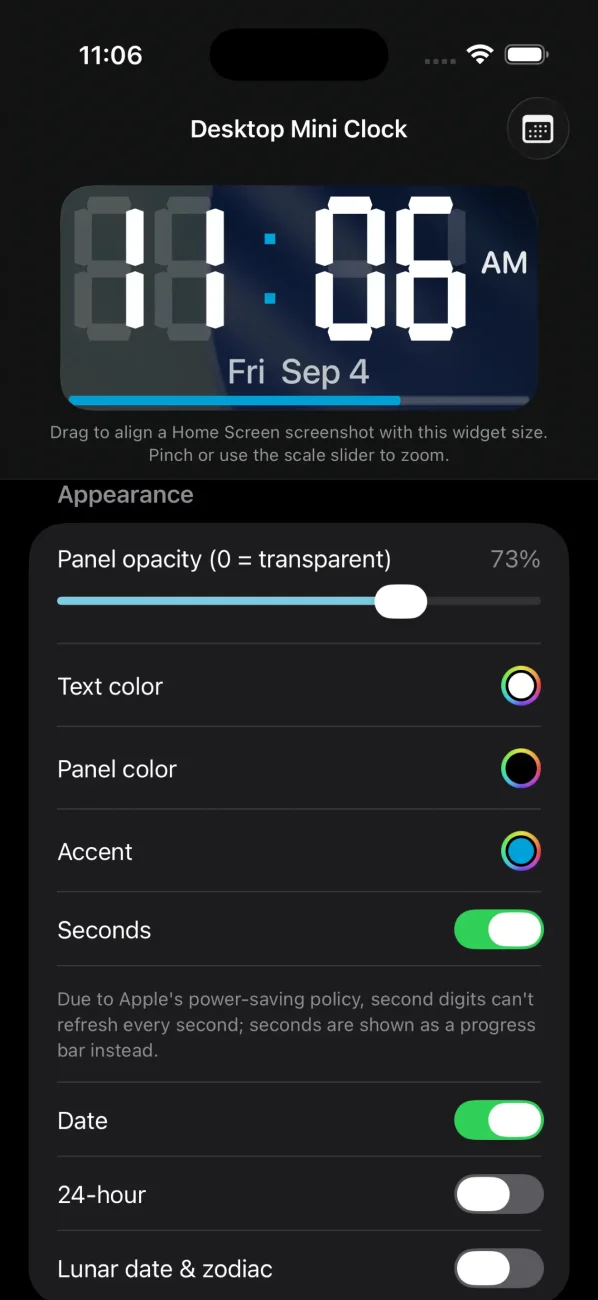
CUSTOMIZE SETTINGS
· LCD digit color and accent hue
· 12 / 24-hour format
· Seconds display with smooth progress bar
· Date and lunar annotation on or off
HONEST BY DESIGN
No ads. No tracking. No network access needed.
Yang baru
Versi 0.2.7 · 11/11/2026
The small 2×2 panel now shows the weekday, date and a seconds progress bar.
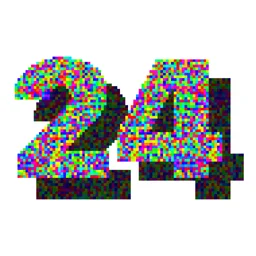
Added Pixel and Rounded clock fonts.
Added a save feature for multiple custom clock styles.
Calendar notes can show a custom title on the clock face.
Improved iPad background auto-alignment.
Privasi aplikasi
Yang dinyatakan CHUN CHIEH TSAI di App Store tentang cara aplikasi ini menangani data.
-
Data tidak dikumpulkan
Pengembang tidak mengumpulkan data apa pun dari aplikasi ini.
Praktik privasi dapat bervariasi, misalnya berdasarkan fitur yang Anda gunakan atau usia Anda.
Informasi
- Penjual
- CHUN CHIEH TSAI
- Kategori
- Kegunaan
- Versi
- 0.2.7
- Diperbarui
- 11/11/2026
- Dirilis
- 4/9/2026
- Ukuran
- 1,6 MB
- Memerlukan
- iOS 17.0 atau yang lebih baru
- Batasan usia
- 4+
- Harga
- Gratis
- Bahasa
- Inggris, Tionghoa Tradisional
- Hak cipta
- © lukwama