Desktop Mini Clock
Custom LCD Clock
iPhone, iPad, Mac için tasarlandı
Ücretsiz
- Yaş sınırı4+
- KategoriYardımcılar
- GeliştiriciCHUN CHIEH TSAI
- Dillerİngilizce+ 1 dil daha
- Boyut1,6 MB
Resmi App Store sayfasına bağlanır
Download.org, Desktop Mini Clock için hiçbir dosya barındırmaz. Düğme, uygulamanın App Store üzerindeki sayfasını açar; uygulamayı orada CHUN CHIEH TSAI yayınlar. Sayfanın son kontrolü: 13.11.2026.
Ekran görüntüleri
Hakkında
Geliştirici bu metni dilinizde sunmamış.
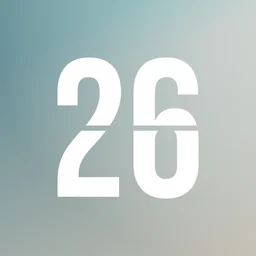
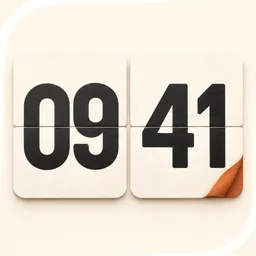
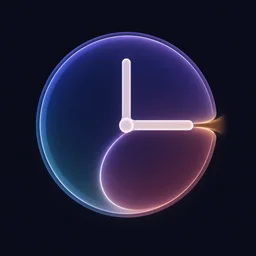
Desktop Mini Clock brings a precision LCD clock to every Apple platform — your Mac desktop, iPhone and iPad Home Screen, and Apple Vision Pro.
MAC — ALWAYS-ON FLOATING PANEL
A compact clock panel floats above your other windows, exactly where you need it. Lock position, stay always on top, or hide and reveal with a click. Drag anywhere, and the panel automatically stays on screen when your display setup changes. Start at login so the clock is always ready.
iPHONE & iPAD — HOME SCREEN WIDGETS
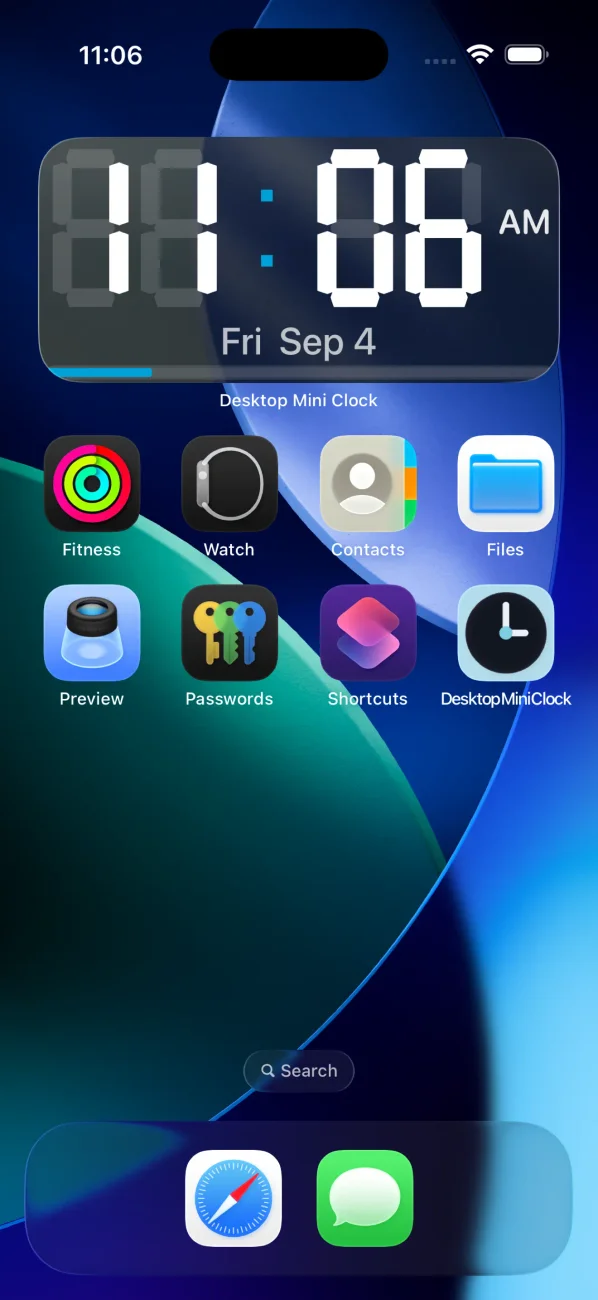
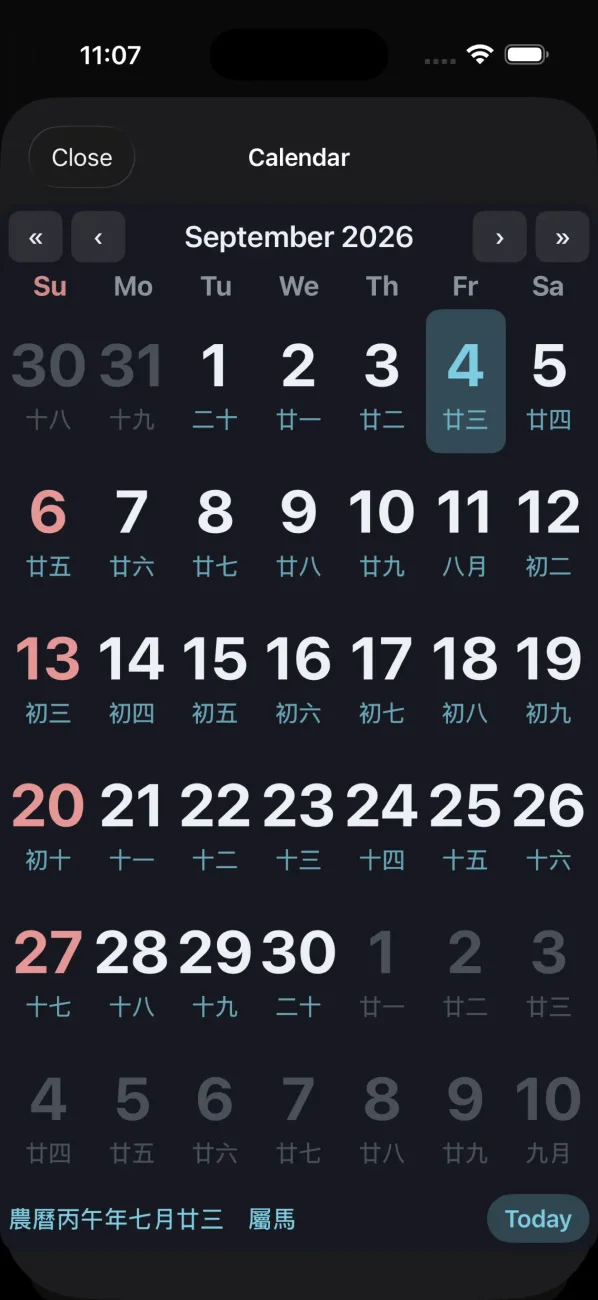
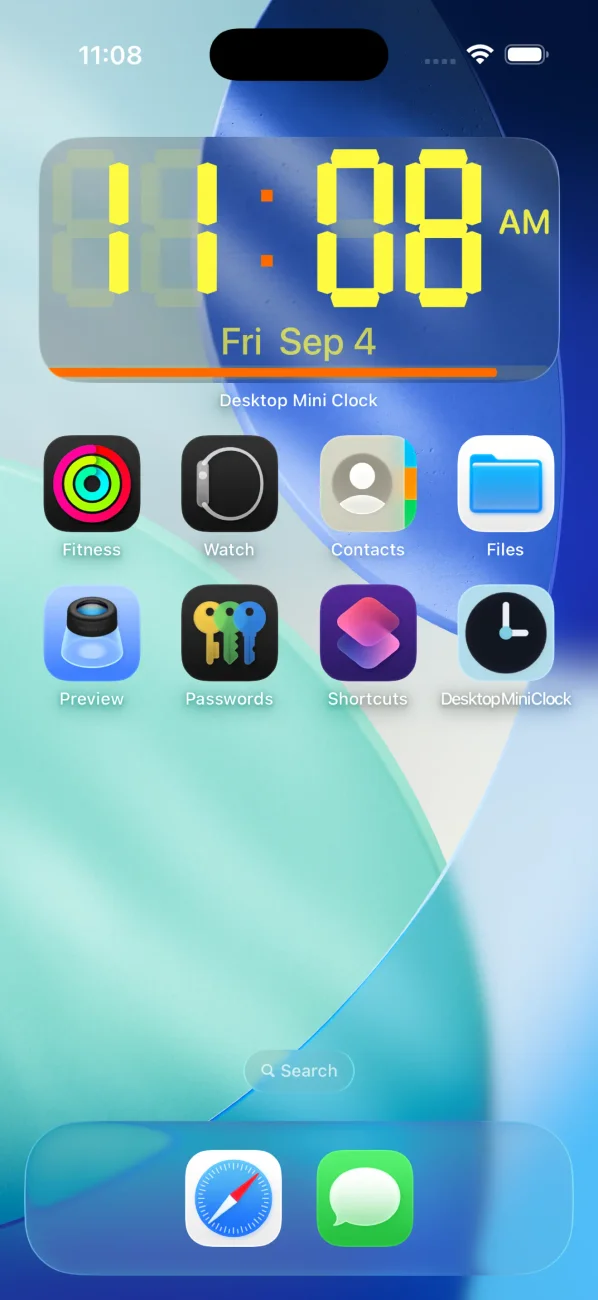
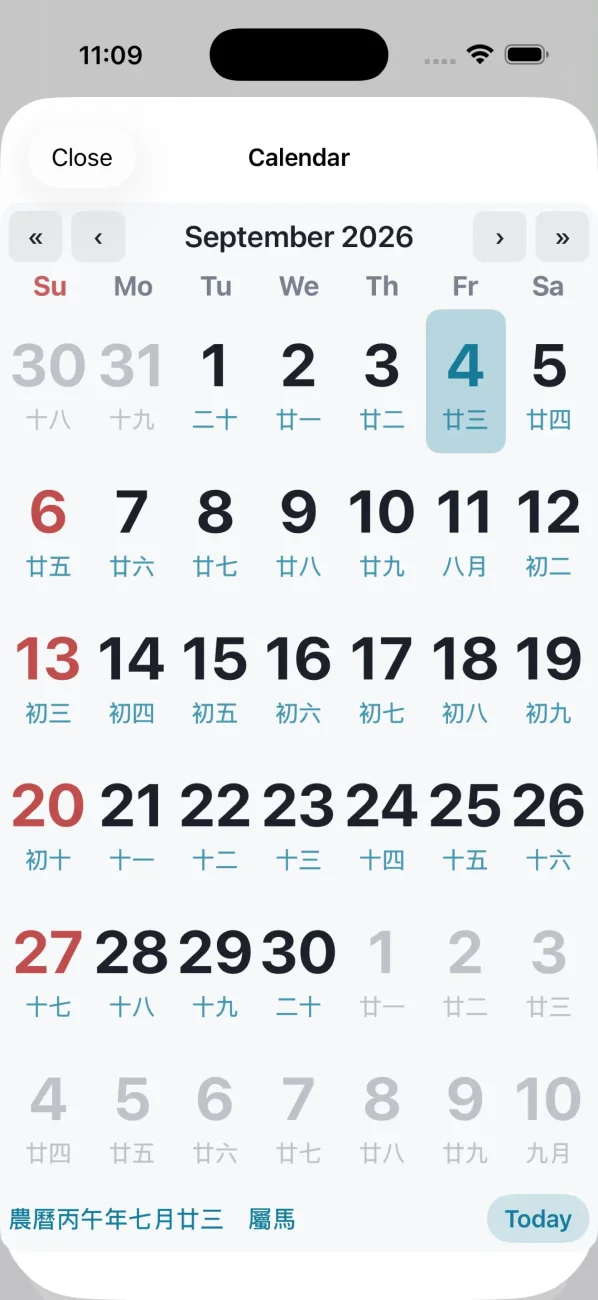
From a glanceable Small square to an Extra Large layout that pairs the clock with a full month calendar, pick the size that fits your life. Lock Screen accessories show the time at a glance. Set a personal photo as the widget background.
APPLE VISION PRO — SPATIAL CLOCK
Place the clock anywhere in your space. Scale from a subtle accent to a bold centerpiece. Hover over the date line to reveal the lunar annotation. Open the calendar or settings window while the clock stays in view.
BILINGUAL — ENGLISH & TRADITIONAL CHINESE
One tap switches the entire interface: date formats, weekday names, and lunar annotations all follow your language choice. Lunar calendar covers solar terms, traditional holidays, and leap months.
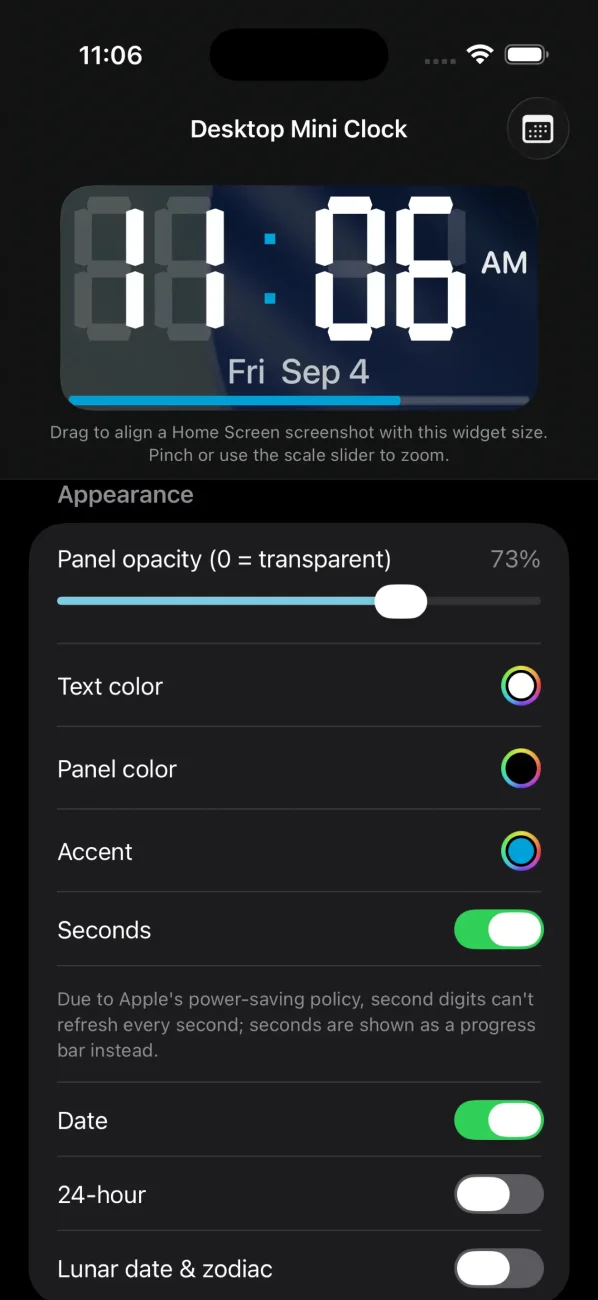
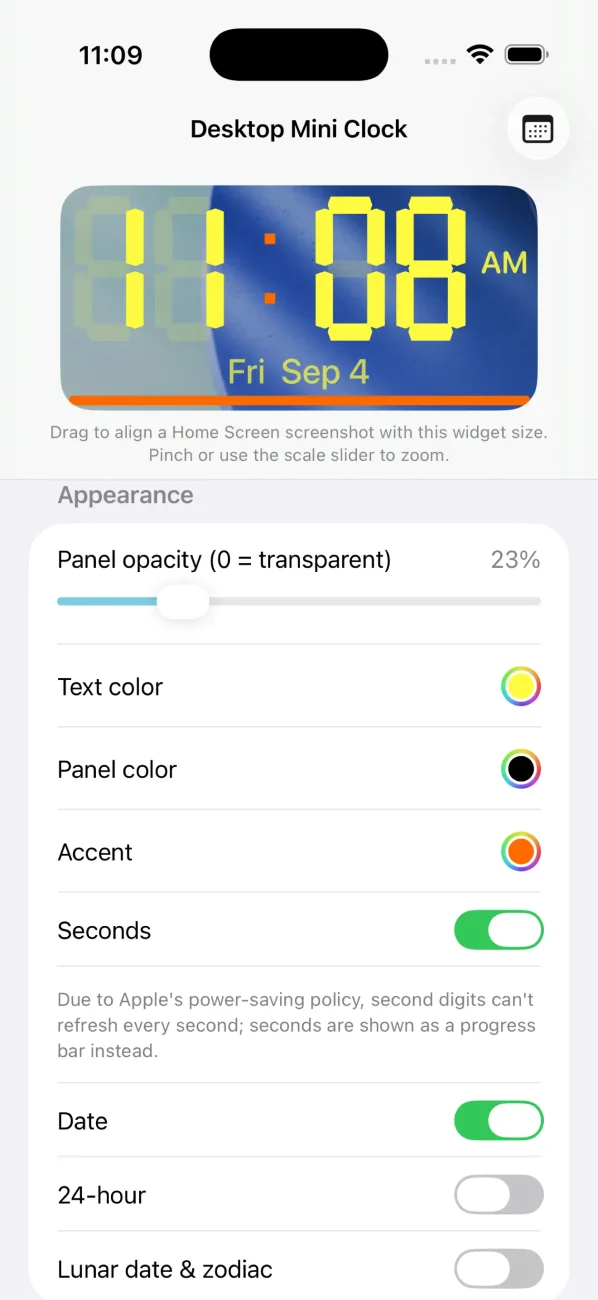
CUSTOMIZE SETTINGS
· LCD digit color and accent hue
· 12 / 24-hour format
· Seconds display with smooth progress bar
· Date and lunar annotation on or off
HONEST BY DESIGN
No ads. No tracking. No network access needed.
Yenilikler
Sürüm 0.2.7 · 11.11.2026
The small 2×2 panel now shows the weekday, date and a seconds progress bar.
Added Pixel and Rounded clock fonts.
Added a save feature for multiple custom clock styles.
Calendar notes can show a custom title on the clock face.
Improved iPad background auto-alignment.
Uygulama gizliliği
Bu uygulamanın verileri nasıl işlediği hakkında CHUN CHIEH TSAI tarafından App Store üzerinde yapılan beyan.
-
Veri toplanmıyor
Geliştirici bu uygulamadan hiçbir veri toplamıyor.
Gizlilik uygulamaları, örneğin kullandığınız özelliklere veya yaşınıza göre değişiklik gösterebilir.
Bilgiler
- Satıcı
- CHUN CHIEH TSAI
- Kategori
- Yardımcılar
- Sürüm
- 0.2.7
- Güncellendi
- 11.11.2026
- Yayın tarihi
- 04.09.2026
- Boyut
- 1,6 MB
- Gereksinim
- iOS 17.0 veya sonrası
- Yaş sınırı
- 4+
- Fiyat
- Ücretsiz
- Diller
- İngilizce, Geleneksel Çince
- Telif hakkı
- © lukwama