- 対象年齢4+
- カテゴリユーティリティ
- 開発元CHUN CHIEH TSAI
- 言語英語ほか1言語
- サイズ1.6 MB
App Storeの公式ページにリンクしています
Download.orgはDesktop Mini Clockのファイルを一切ホストしていません。ボタンを押すと、CHUN CHIEH TSAIが公開しているApp Storeのアプリページが開きます。ページの最終確認:2026/11/13。
スクリーンショット
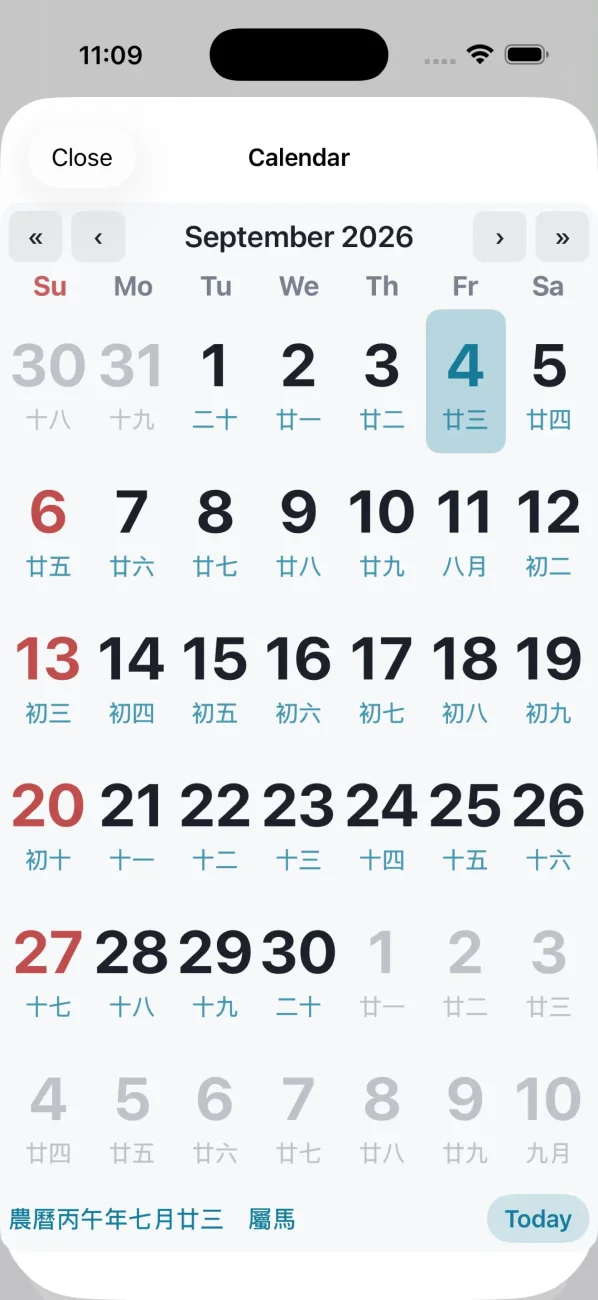
概要
開発元はこのテキストをお使いの言語で提供していません。
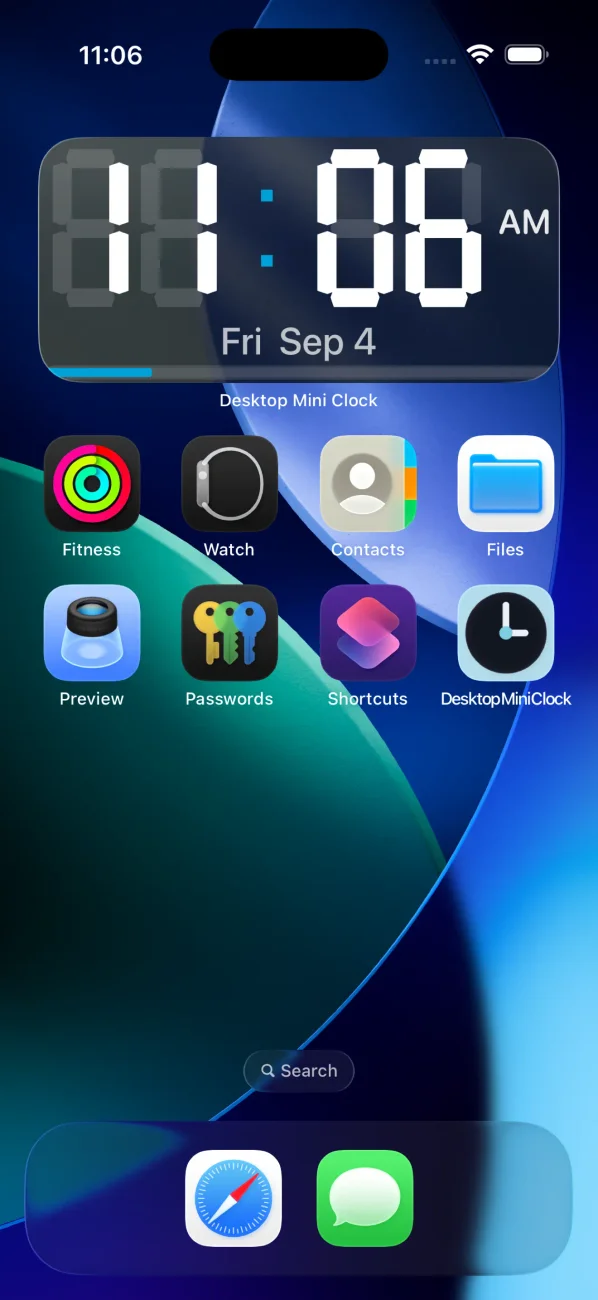
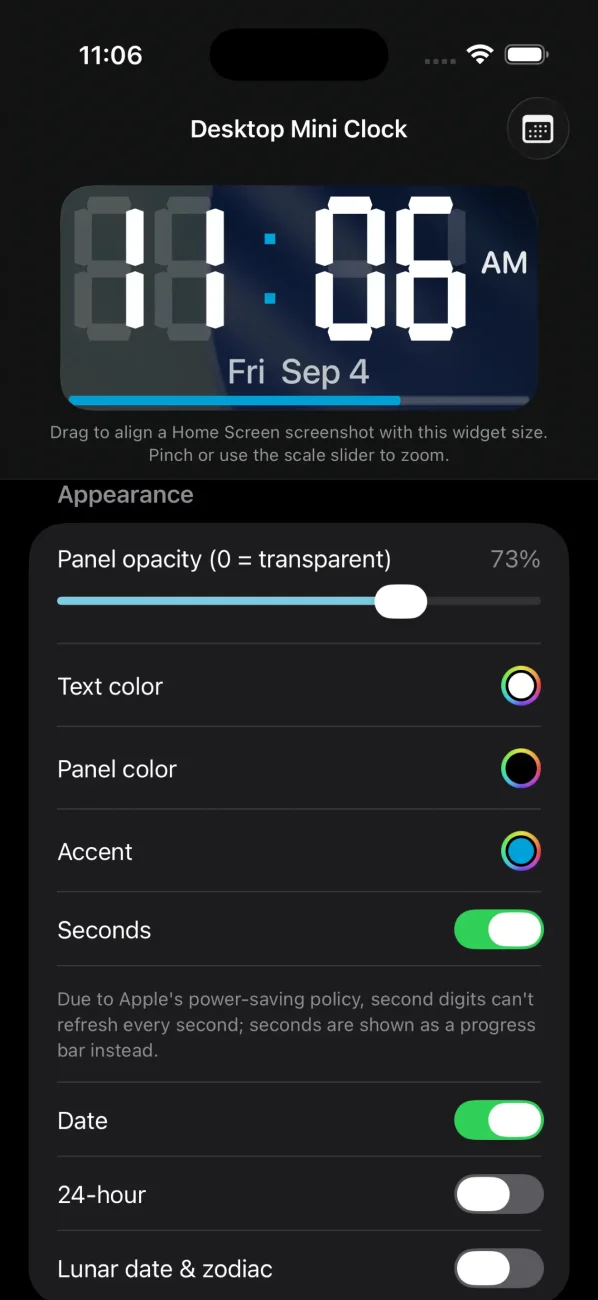
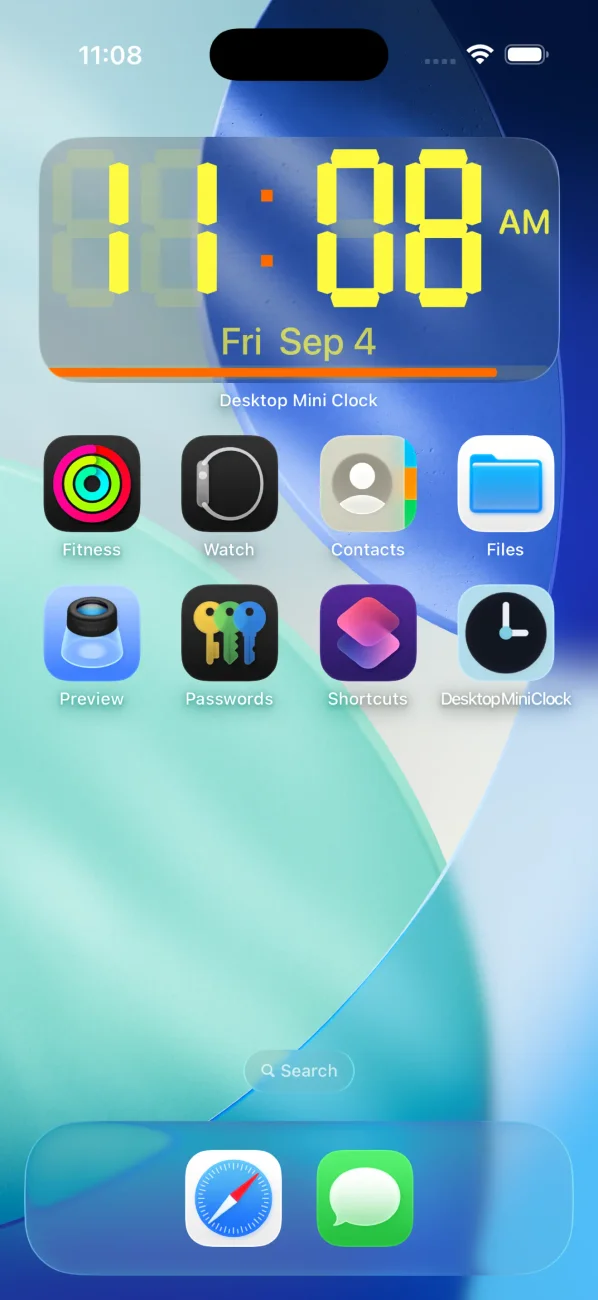
Desktop Mini Clock brings a precision LCD clock to every Apple platform — your Mac desktop, iPhone and iPad Home Screen, and Apple Vision Pro.
MAC — ALWAYS-ON FLOATING PANEL
A compact clock panel floats above your other windows, exactly where you need it. Lock position, stay always on top, or hide and reveal with a click. Drag anywhere, and the panel automatically stays on screen when your display setup changes. Start at login so the clock is always ready.
iPHONE & iPAD — HOME SCREEN WIDGETS
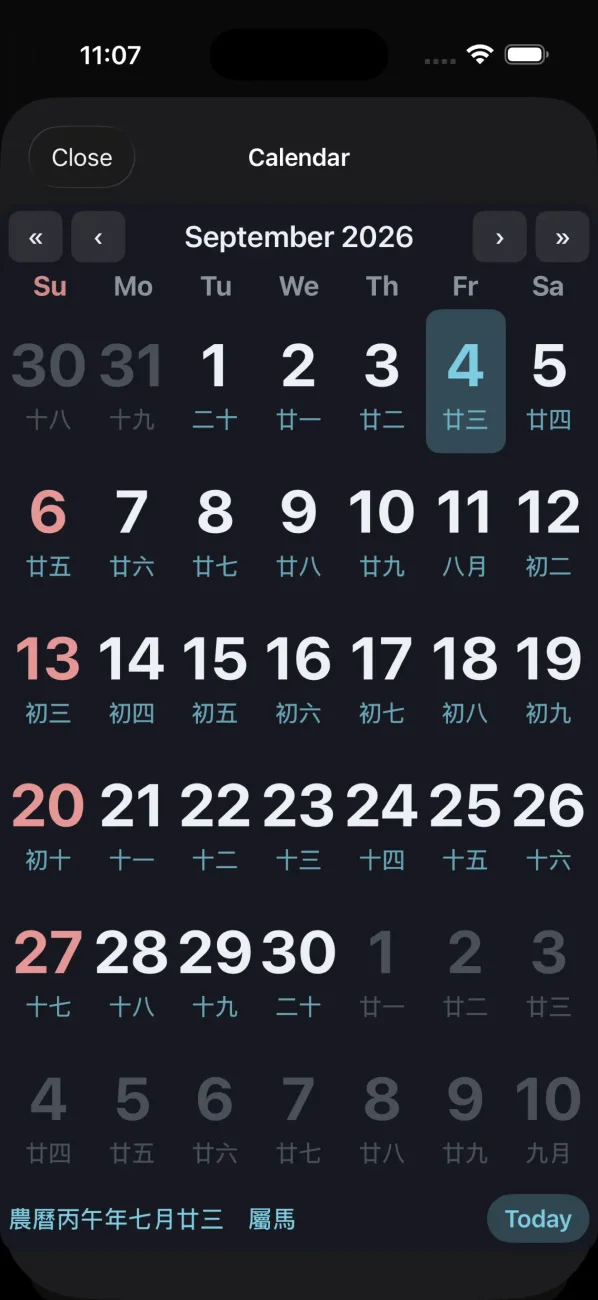
From a glanceable Small square to an Extra Large layout that pairs the clock with a full month calendar, pick the size that fits your life. Lock Screen accessories show the time at a glance. Set a personal photo as the widget background.
APPLE VISION PRO — SPATIAL CLOCK
Place the clock anywhere in your space. Scale from a subtle accent to a bold centerpiece. Hover over the date line to reveal the lunar annotation. Open the calendar or settings window while the clock stays in view.
BILINGUAL — ENGLISH & TRADITIONAL CHINESE
One tap switches the entire interface: date formats, weekday names, and lunar annotations all follow your language choice. Lunar calendar covers solar terms, traditional holidays, and leap months.
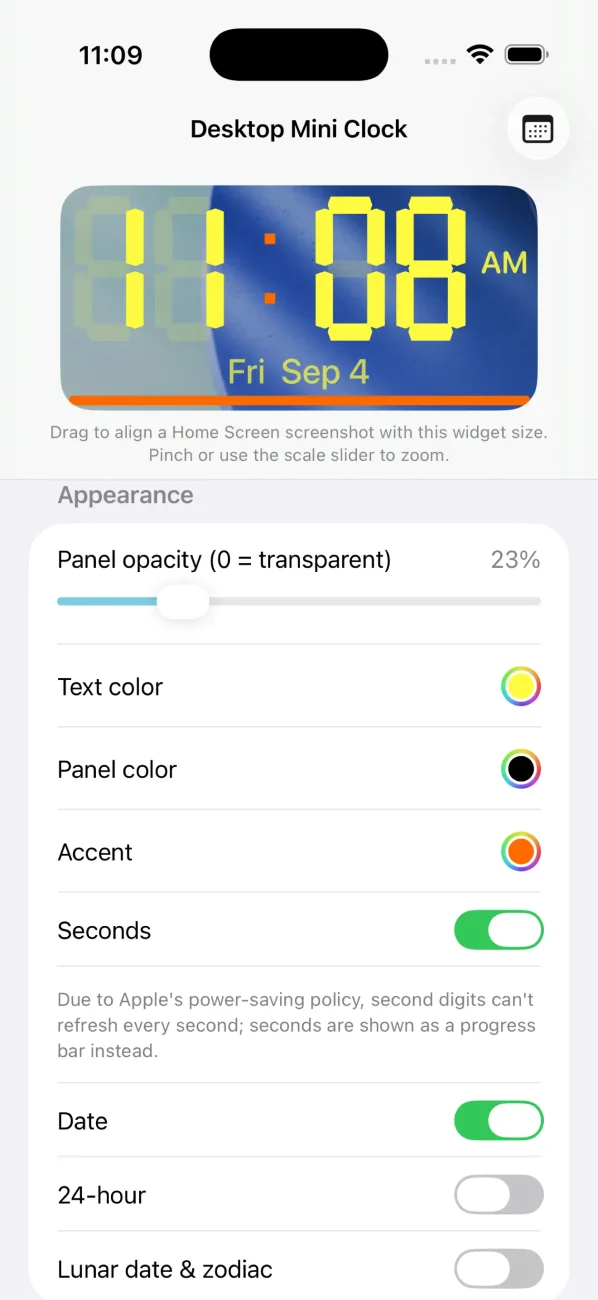
CUSTOMIZE SETTINGS
· LCD digit color and accent hue
· 12 / 24-hour format
· Seconds display with smooth progress bar
· Date and lunar annotation on or off
HONEST BY DESIGN
No ads. No tracking. No network access needed.
新機能
バージョン 0.2.7 · 2026/11/11
The small 2×2 panel now shows the weekday, date and a seconds progress bar.
Added Pixel and Rounded clock fonts.
Added a save feature for multiple custom clock styles.
Calendar notes can show a custom title on the clock face.
Improved iPad background auto-alignment.
アプリのプライバシー
このアプリのデータの取り扱いについて、CHUN CHIEH TSAIがApp Storeで申告している内容です。
-
データの収集なし
開発元はこのアプリからデータを収集しません。
プライバシーの取り扱いは、ご利用の機能やお客様の年齢などに応じて異なる場合があります。
情報
- 販売元
- CHUN CHIEH TSAI
- カテゴリ
- ユーティリティ
- バージョン
- 0.2.7
- 更新日
- 2026/11/11
- リリース
- 2026/9/4
- サイズ
- 1.6 MB
- 必要条件
- iOS 17.0以降
- 対象年齢
- 4+
- 価格
- 無料
- 言語
- 英語, 繁体字中国語
- 著作権
- © lukwama