- Classificação etária4+
- CategoriaUtilidades
- DesenvolvedorCHUN CHIEH TSAI
- IdiomasInglêse mais 1
- Tamanho1,6 MB
Leva à página oficial na App Store
O Download.org não hospeda nenhum arquivo de Desktop Mini Clock. O botão abre a página do app na App Store, onde CHUN CHIEH TSAI o publica. Página verificada pela última vez em 13/11/2026.
Capturas de tela
Sobre
O desenvolvedor não forneceu este texto no seu idioma.
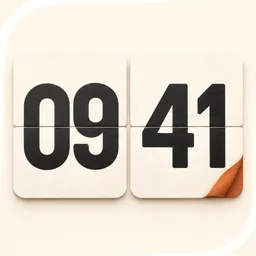
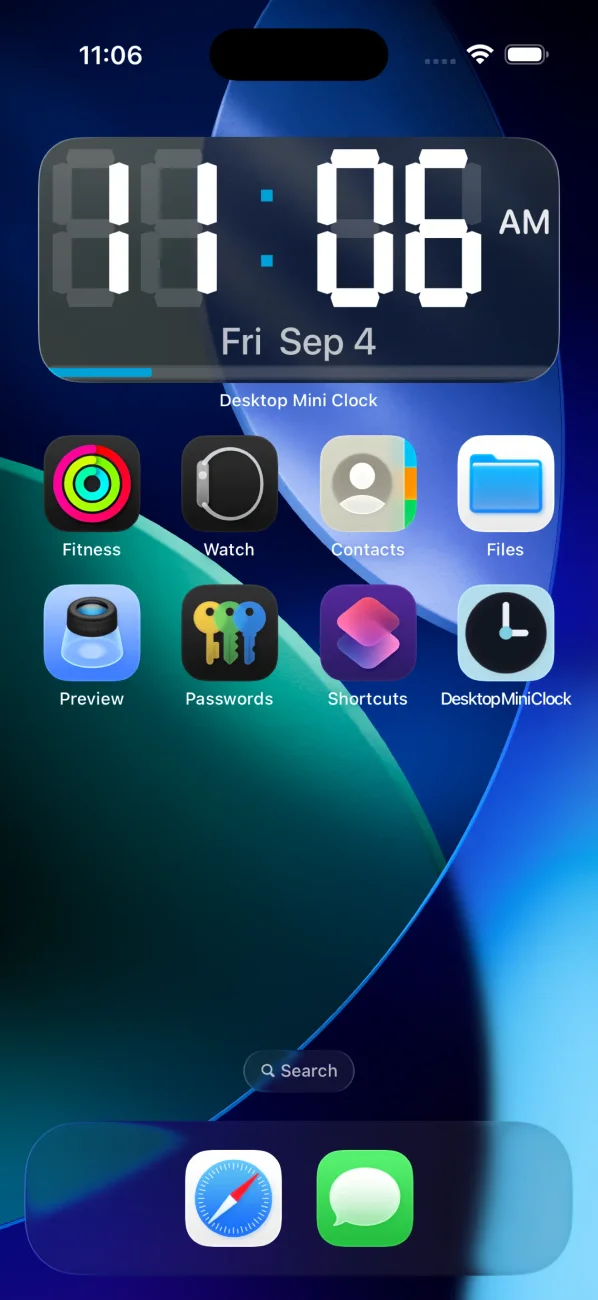
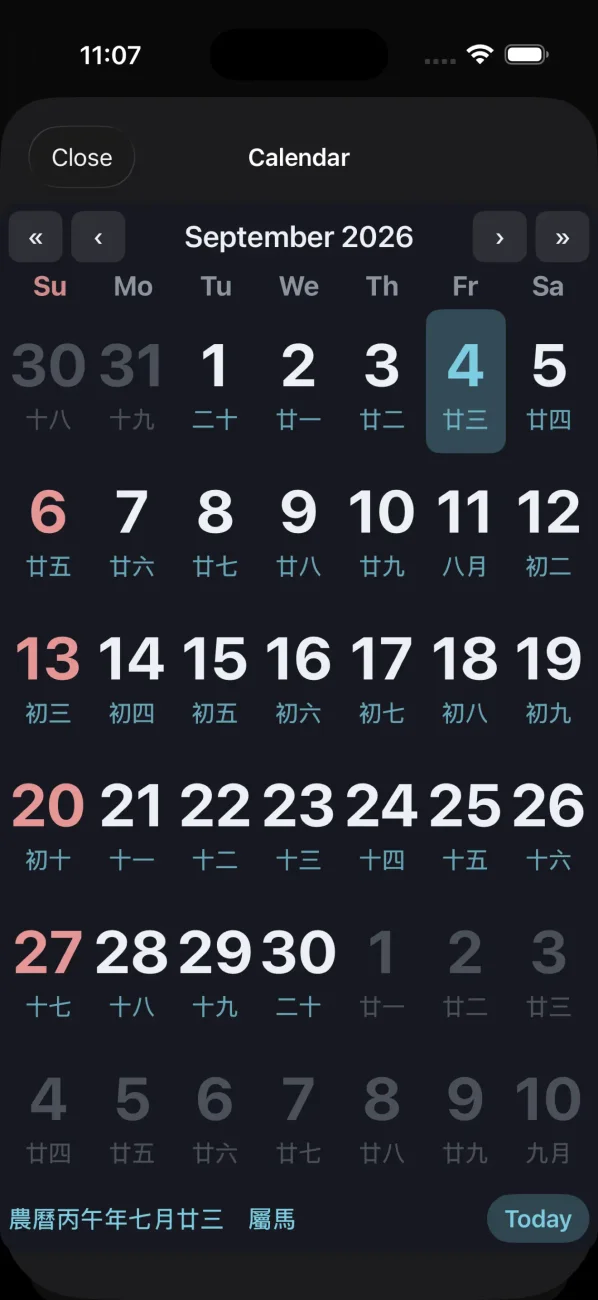
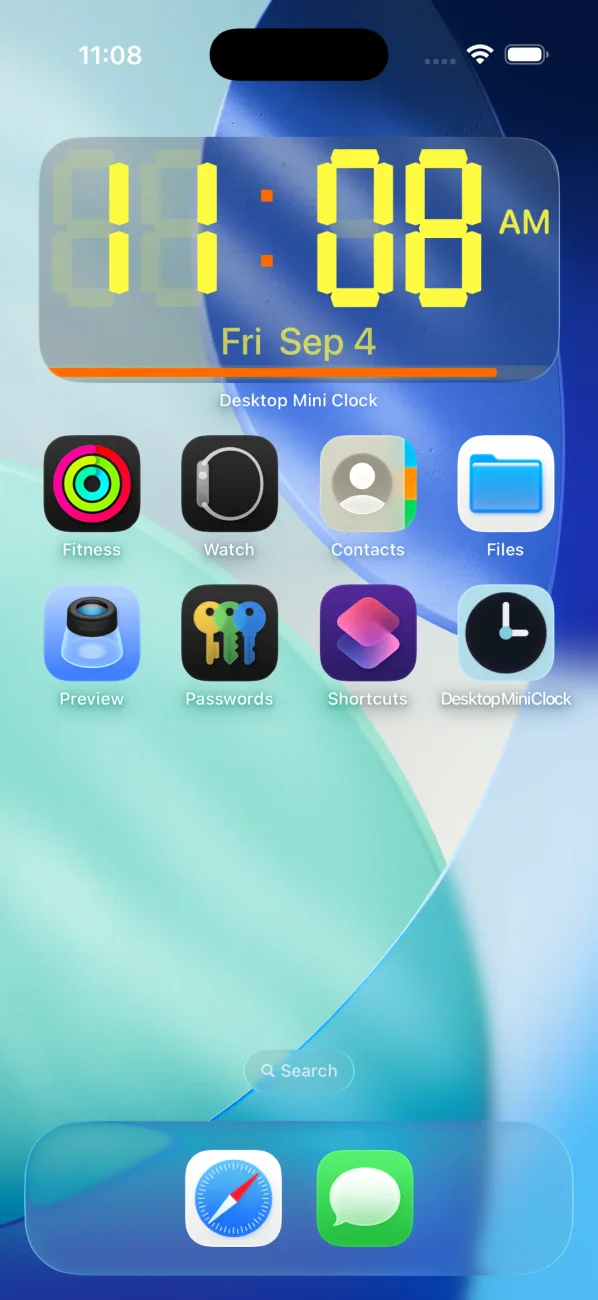
Desktop Mini Clock brings a precision LCD clock to every Apple platform — your Mac desktop, iPhone and iPad Home Screen, and Apple Vision Pro.
MAC — ALWAYS-ON FLOATING PANEL
A compact clock panel floats above your other windows, exactly where you need it. Lock position, stay always on top, or hide and reveal with a click. Drag anywhere, and the panel automatically stays on screen when your display setup changes. Start at login so the clock is always ready.
iPHONE & iPAD — HOME SCREEN WIDGETS
From a glanceable Small square to an Extra Large layout that pairs the clock with a full month calendar, pick the size that fits your life. Lock Screen accessories show the time at a glance. Set a personal photo as the widget background.
APPLE VISION PRO — SPATIAL CLOCK
Place the clock anywhere in your space. Scale from a subtle accent to a bold centerpiece. Hover over the date line to reveal the lunar annotation. Open the calendar or settings window while the clock stays in view.
BILINGUAL — ENGLISH & TRADITIONAL CHINESE
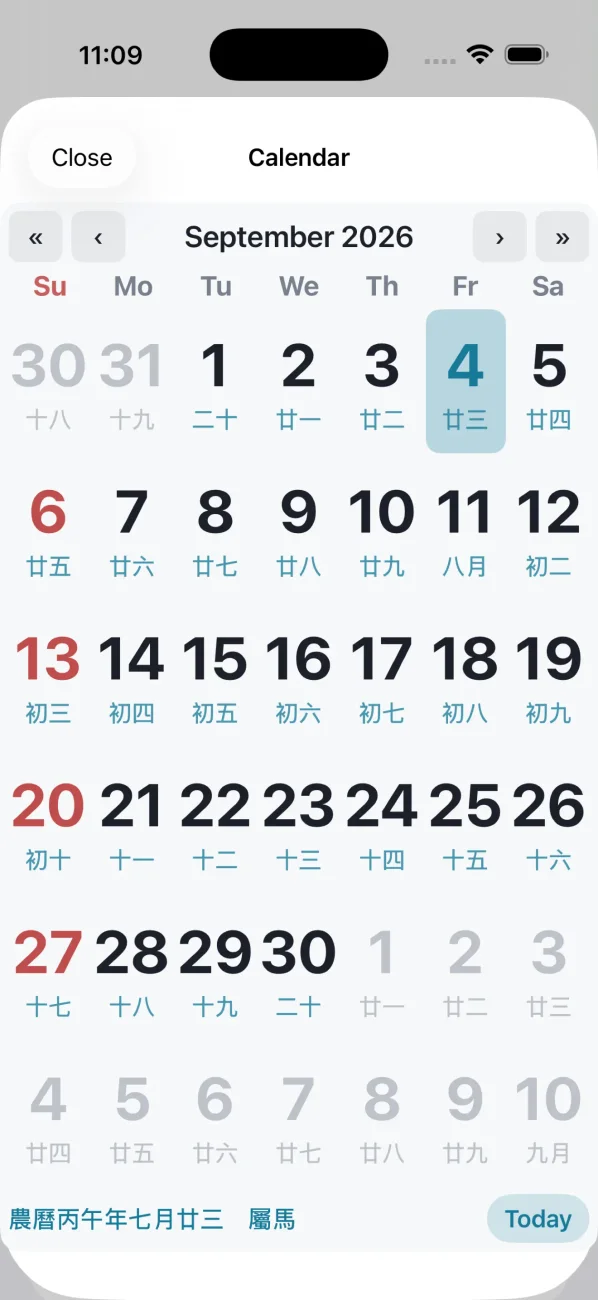
One tap switches the entire interface: date formats, weekday names, and lunar annotations all follow your language choice. Lunar calendar covers solar terms, traditional holidays, and leap months.
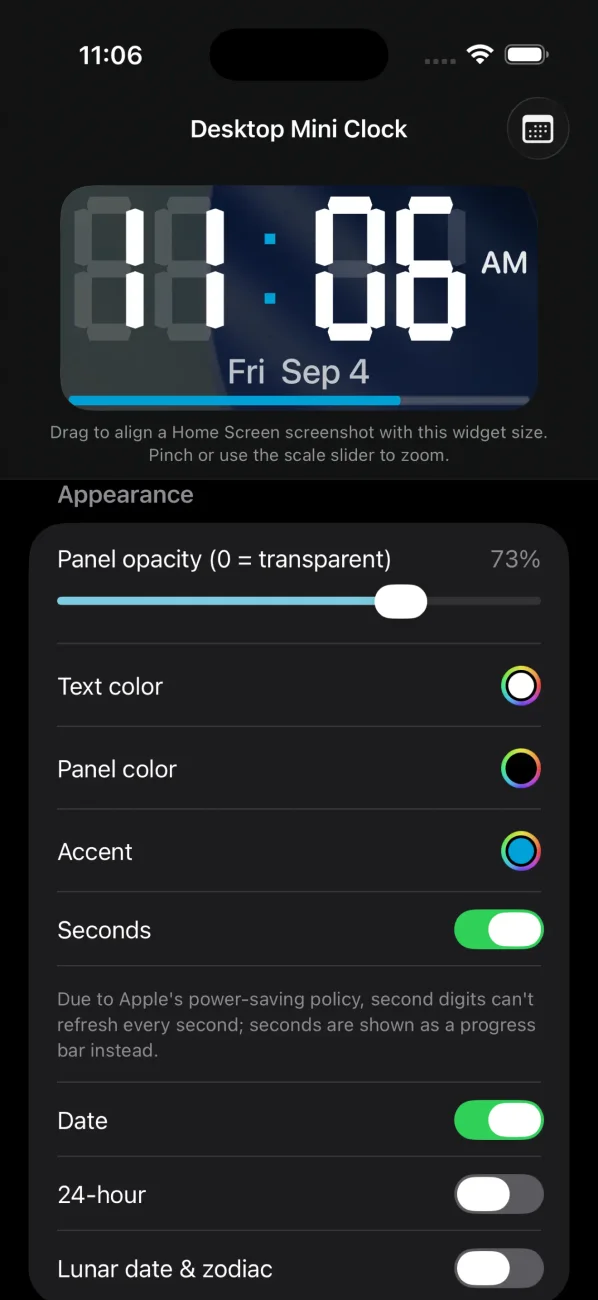
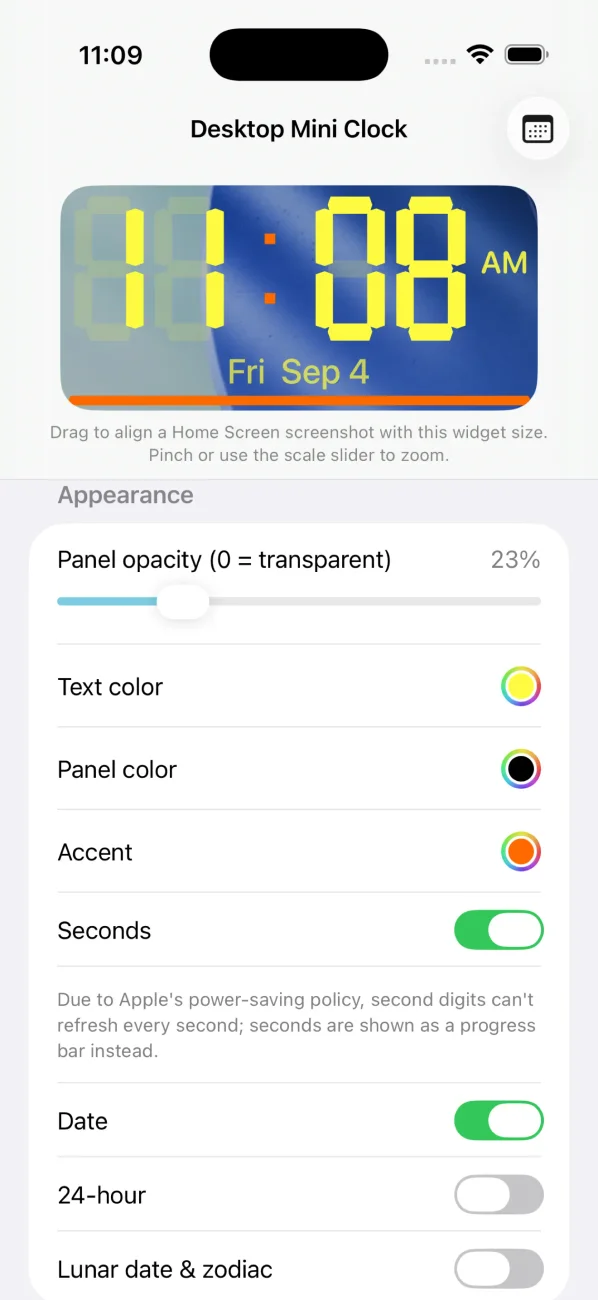
CUSTOMIZE SETTINGS
· LCD digit color and accent hue
· 12 / 24-hour format
· Seconds display with smooth progress bar
· Date and lunar annotation on or off
HONEST BY DESIGN
No ads. No tracking. No network access needed.
Novidades
Versão 0.2.7 · 11/11/2026
The small 2×2 panel now shows the weekday, date and a seconds progress bar.
Added Pixel and Rounded clock fonts.
Added a save feature for multiple custom clock styles.
Calendar notes can show a custom title on the clock face.
Improved iPad background auto-alignment.
Privacidade do app
O que CHUN CHIEH TSAI declara na App Store sobre como este app lida com os dados.
-
Dados não coletados
O desenvolvedor não coleta nenhum dado deste app.
As práticas de privacidade podem variar, por exemplo, com base nos recursos que você usa ou na sua idade.
Informações
- Vendedor
- CHUN CHIEH TSAI
- Categoria
- Utilidades
- Versão
- 0.2.7
- Atualizado
- 11/11/2026
- Lançamento
- 04/09/2026
- Tamanho
- 1,6 MB
- Requer
- iOS 17.0 ou posterior
- Classificação etária
- 4+
- Preço
- Grátis
- Idiomas
- Inglês, Chinês tradicional
- Copyright
- © lukwama