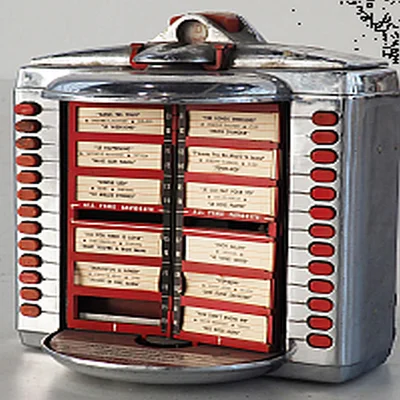
EA257 REMOTE CONTROLLER
Remote Controller for EA257
Dirancang untuk iPhone, iPod touch
Gratis
- Batasan usia17+
- KategoriKegunaan
- PengembangGIOVANNI PURGATORIO
- BahasaInggris
- Ukuran7,6 MB
Tertaut ke halaman resmi App Store
Download.org tidak menyimpan file EA257 REMOTE CONTROLLER apa pun. Tombol ini membuka halaman aplikasi di App Store, tempat GIOVANNI PURGATORIO menerbitkannya. Halaman terakhir diperiksa pada 15/11/2026.
Tangkapan layar
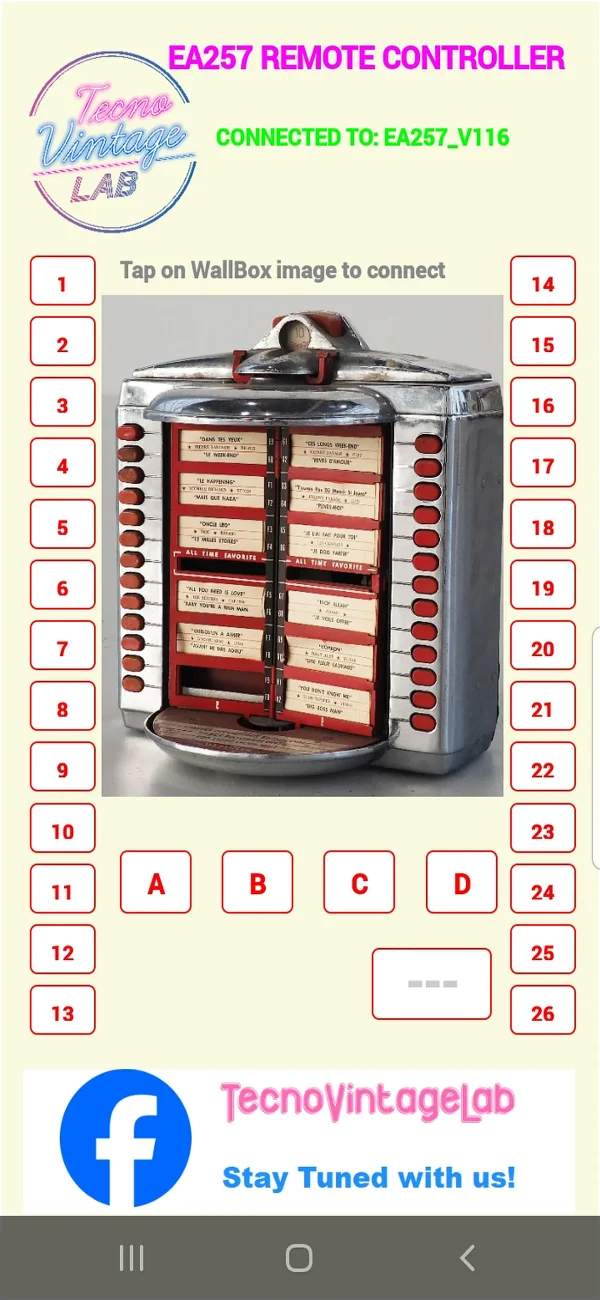
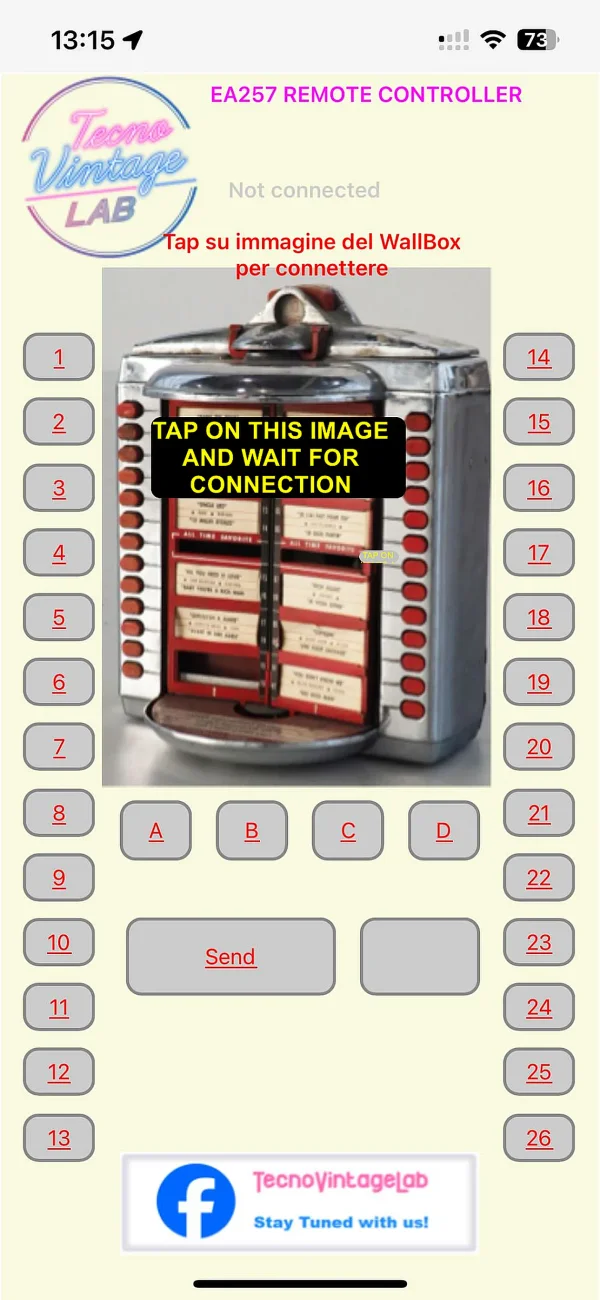
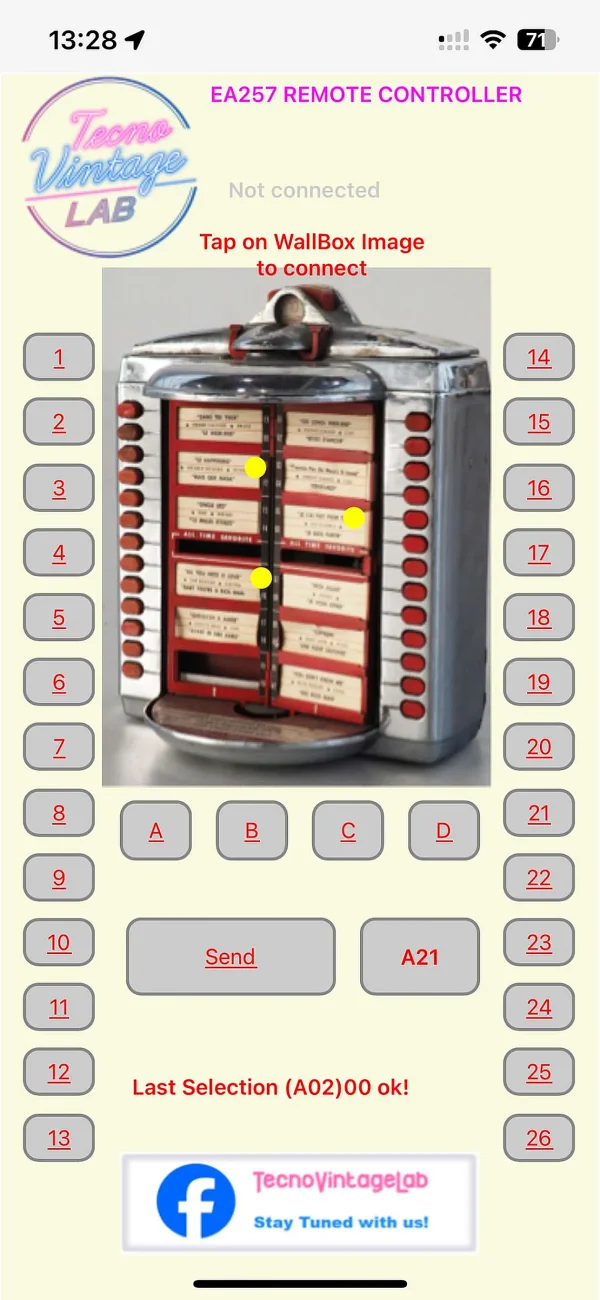


Tentang
Pengembang belum menyediakan teks ini dalam bahasa Anda.
This app is designed to work together with the EA257 interface, which is a modern alternative to the old and often no longer working 257 model steppers.
Now, you can easy select and play any of the 104 music from your 104 selection Jukeboxes
First of all you need to connect the app to the interface as follow: (please be sure your Bluetooth interface is enabled)
1) tap on wallbox image. The searching procedure will be started showing a yellow ball rotating
2) wheen connected the blu message "CONNECTED TO: EA257" will appear
3) now you can choose A,B,C or D letter and one of 1 to 26 disk tapping on app button
4) The SEND button will be yellow when ready to send the selection to the interface
5) Tapping on yellow SEND button you will made by the EA257 interface the selection on Jukebox
Questa app è stata progettata per funzionare insieme alla interfaccia EA257 che è una versione moderna del famoso stepper 257 ormai introvabile.
Adesso è possibile selezionare da remoto uno qualsiasi dei brani musicali del tuo Jukebox.
L'interfaccia funziona solo con i Jukebox da 104 selezioni
Prima di tutto è necessario connettre l'app ala interfaccia come segue: (assicurarsi di avere l'interfaccia Bluetooh attiva)
1) tap sull'immagine del wallbox. 3 palline gialli inizieranno a ruotare indicando l'avvio della ricerca.
2) A connessione avvenuta il messagio blu "CONNECTED TO: EA257" sarà visualizzato
3) Adesso sarete pronti a selezionare una delle 4 lettere A,B,C or D letter e uno dei numeri tra 1 e 26 semplicemente cliccando sul pulsante
4) Il bottone SEND diventerà giallo quando sarete pronti ad inviare il comando
5) Cliccando sul pulsante giallo SEND si effettuerà tramite l'interfaccia la selezione sul Jukebox.
Yang baru
Versi 15 · 2/2/2026
Login change
Privasi aplikasi
Yang dinyatakan GIOVANNI PURGATORIO di App Store tentang cara aplikasi ini menangani data.
-
Data tidak dikumpulkan
Pengembang tidak mengumpulkan data apa pun dari aplikasi ini.
Praktik privasi dapat bervariasi, misalnya berdasarkan fitur yang Anda gunakan atau usia Anda.
Informasi
- Penjual
- GIOVANNI PURGATORIO
- Kategori
- Kegunaan
- Versi
- 15
- Diperbarui
- 2/2/2026
- Dirilis
- 26/8/2024
- Ukuran
- 7,6 MB
- Memerlukan
- iOS 11.0 atau yang lebih baru
- Batasan usia
- 17+
- Harga
- Gratis
- Bahasa
- Inggris
- Hak cipta
- © Gianni Purgatorio 2024
Mungkin Anda juga suka
-
 Orthodox BellsKegunaan
-
 WallSight: LiDAR X-Ray ScanKegunaan
-
 FTC TrackerKegunaan
-
 Airnest: Remote for MacKegunaan
-
 JukeTalkKegunaan
-
 Store Sign MakerKegunaan
-
 FabLog - Maker's JournalKegunaan
-
 Kesehatan Baterai SiklusGrafik tren perkiraan ganti
-
 Wow and Flutter Turntable RPMKegunaan
-
 AntiqLab: Antique ID & ValueKegunaan