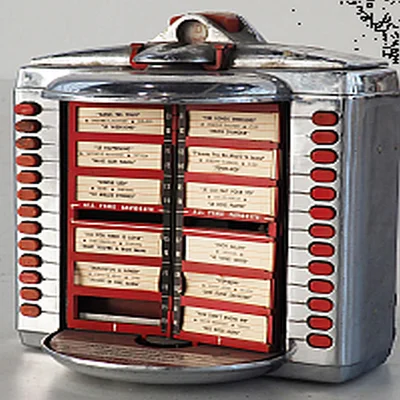
EA257 REMOTE CONTROLLER
Remote Controller for EA257
iPhone, iPod touch için tasarlandı
Ücretsiz
- Yaş sınırı17+
- KategoriYardımcılar
- GeliştiriciGIOVANNI PURGATORIO
- Dillerİngilizce
- Boyut7,6 MB
Resmi App Store sayfasına bağlanır
Download.org, EA257 REMOTE CONTROLLER için hiçbir dosya barındırmaz. Düğme, uygulamanın App Store üzerindeki sayfasını açar; uygulamayı orada GIOVANNI PURGATORIO yayınlar. Sayfanın son kontrolü: 15.11.2026.
Ekran görüntüleri


Hakkında
Geliştirici bu metni dilinizde sunmamış.
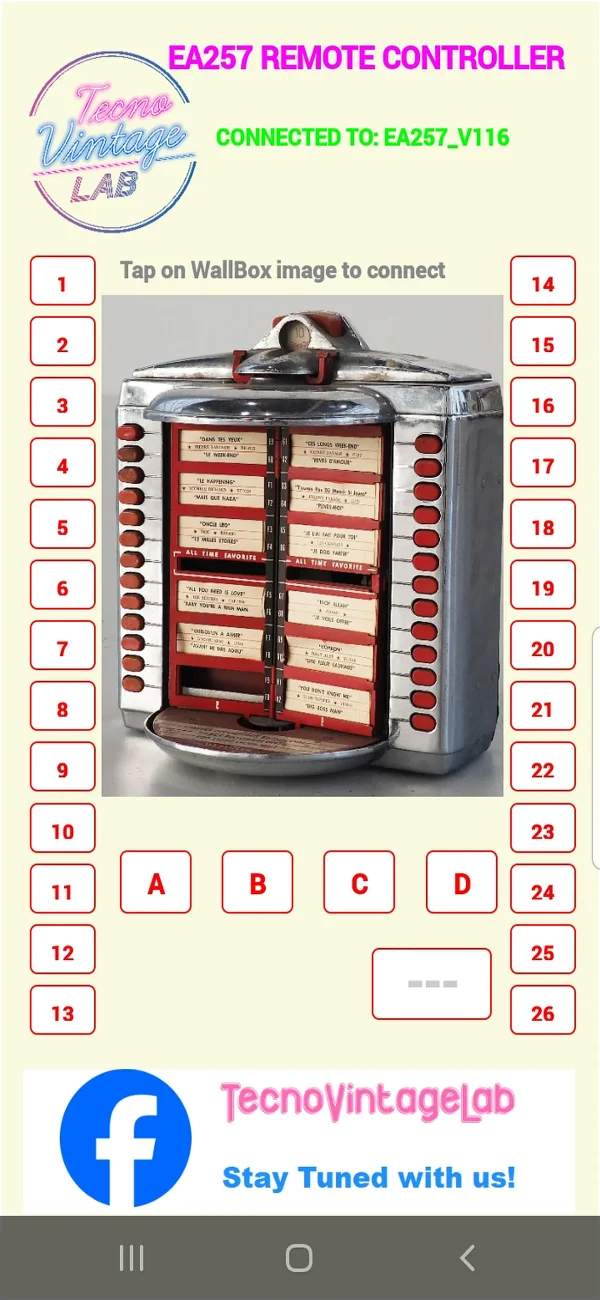
This app is designed to work together with the EA257 interface, which is a modern alternative to the old and often no longer working 257 model steppers.
Now, you can easy select and play any of the 104 music from your 104 selection Jukeboxes
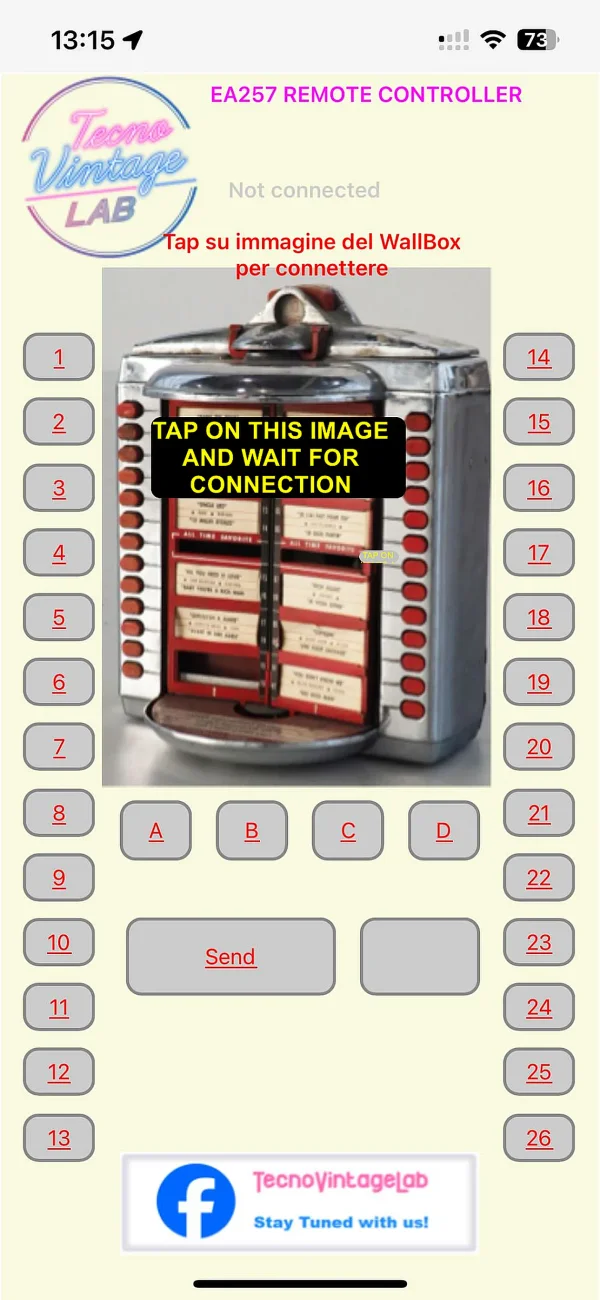
First of all you need to connect the app to the interface as follow: (please be sure your Bluetooth interface is enabled)
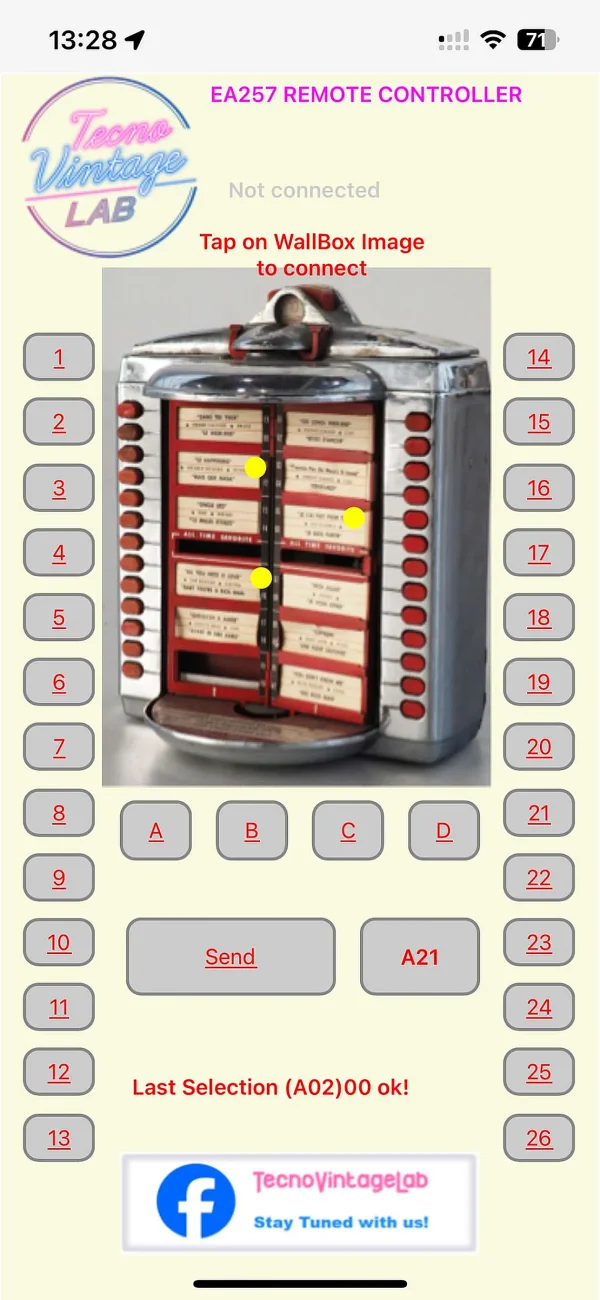
1) tap on wallbox image. The searching procedure will be started showing a yellow ball rotating
2) wheen connected the blu message "CONNECTED TO: EA257" will appear
3) now you can choose A,B,C or D letter and one of 1 to 26 disk tapping on app button
4) The SEND button will be yellow when ready to send the selection to the interface
5) Tapping on yellow SEND button you will made by the EA257 interface the selection on Jukebox
Questa app è stata progettata per funzionare insieme alla interfaccia EA257 che è una versione moderna del famoso stepper 257 ormai introvabile.
Adesso è possibile selezionare da remoto uno qualsiasi dei brani musicali del tuo Jukebox.
L'interfaccia funziona solo con i Jukebox da 104 selezioni
Prima di tutto è necessario connettre l'app ala interfaccia come segue: (assicurarsi di avere l'interfaccia Bluetooh attiva)
1) tap sull'immagine del wallbox. 3 palline gialli inizieranno a ruotare indicando l'avvio della ricerca.
2) A connessione avvenuta il messagio blu "CONNECTED TO: EA257" sarà visualizzato
3) Adesso sarete pronti a selezionare una delle 4 lettere A,B,C or D letter e uno dei numeri tra 1 e 26 semplicemente cliccando sul pulsante
4) Il bottone SEND diventerà giallo quando sarete pronti ad inviare il comando
5) Cliccando sul pulsante giallo SEND si effettuerà tramite l'interfaccia la selezione sul Jukebox.
Yenilikler
Sürüm 15 · 02.02.2026
Login change
Uygulama gizliliği
Bu uygulamanın verileri nasıl işlediği hakkında GIOVANNI PURGATORIO tarafından App Store üzerinde yapılan beyan.
-
Veri toplanmıyor
Geliştirici bu uygulamadan hiçbir veri toplamıyor.
Gizlilik uygulamaları, örneğin kullandığınız özelliklere veya yaşınıza göre değişiklik gösterebilir.
Bilgiler
- Satıcı
- GIOVANNI PURGATORIO
- Kategori
- Yardımcılar
- Sürüm
- 15
- Güncellendi
- 02.02.2026
- Yayın tarihi
- 26.08.2024
- Boyut
- 7,6 MB
- Gereksinim
- iOS 11.0 veya sonrası
- Yaş sınırı
- 17+
- Fiyat
- Ücretsiz
- Diller
- İngilizce
- Telif hakkı
- © Gianni Purgatorio 2024
Bunları da beğenebilirsiniz
-
 Orthodox BellsYardımcılar
-
 WallSight: LiDAR X-Ray ScanYardımcılar
-
 FTC TrackerYardımcılar
-
 Airnest: Remote for MacYardımcılar
-
 JukeTalkYardımcılar
-
 Store Sign MakerYardımcılar
-
 FabLog - Maker's JournalYardımcılar
-
 Pil sağlığı takip günlüğüŞarj döngüsü, aşınma grafiği
-
 Wow and Flutter Turntable RPMYardımcılar
-
 AntiqLab: Antique ID & ValueYardımcılar