EA257 REMOTE CONTROLLER
Remote Controller for EA257
Designed for iPhone, iPod touch
- Age rating17+
- CategoryUtilities
- DeveloperGIOVANNI PURGATORIO
- LanguagesEnglish
- Size7.6 MB
Links to the official App Store page
Download.org hosts no file of EA257 REMOTE CONTROLLER. The button opens its official App Store page, published by GIOVANNI PURGATORIO. Listing last checked on Nov 15, 2026.
Screenshots


About
This app is designed to work together with the EA257 interface, which is a modern alternative to the old and often no longer working 257 model steppers.
Now, you can easy select and play any of the 104 music from your 104 selection Jukeboxes
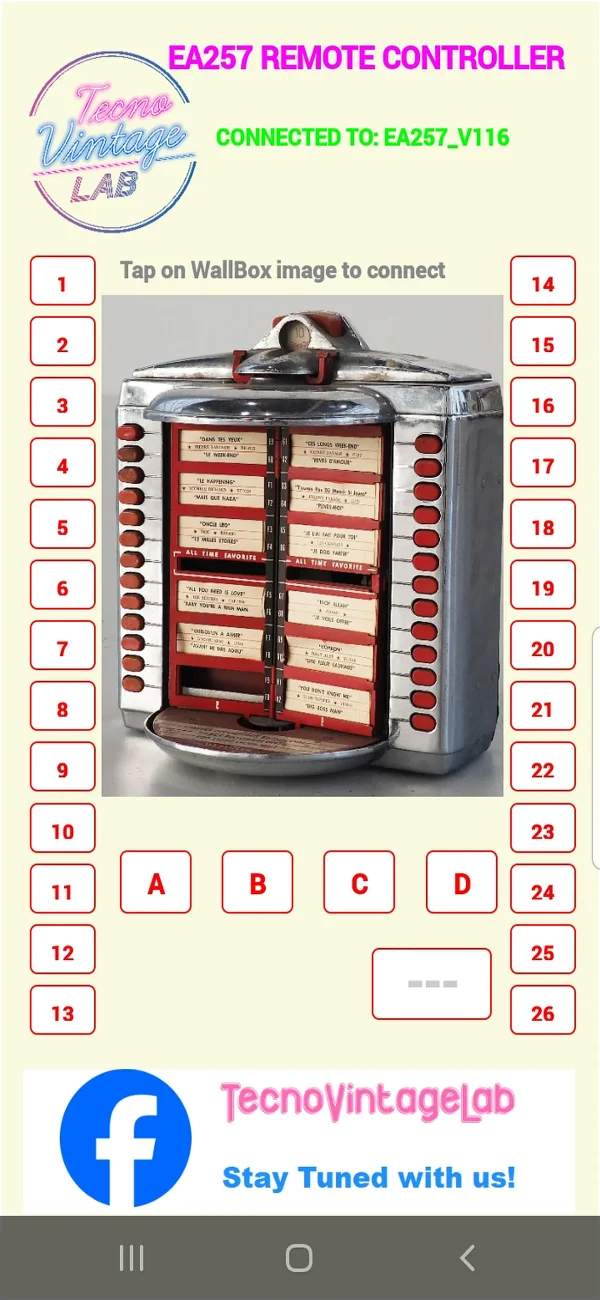
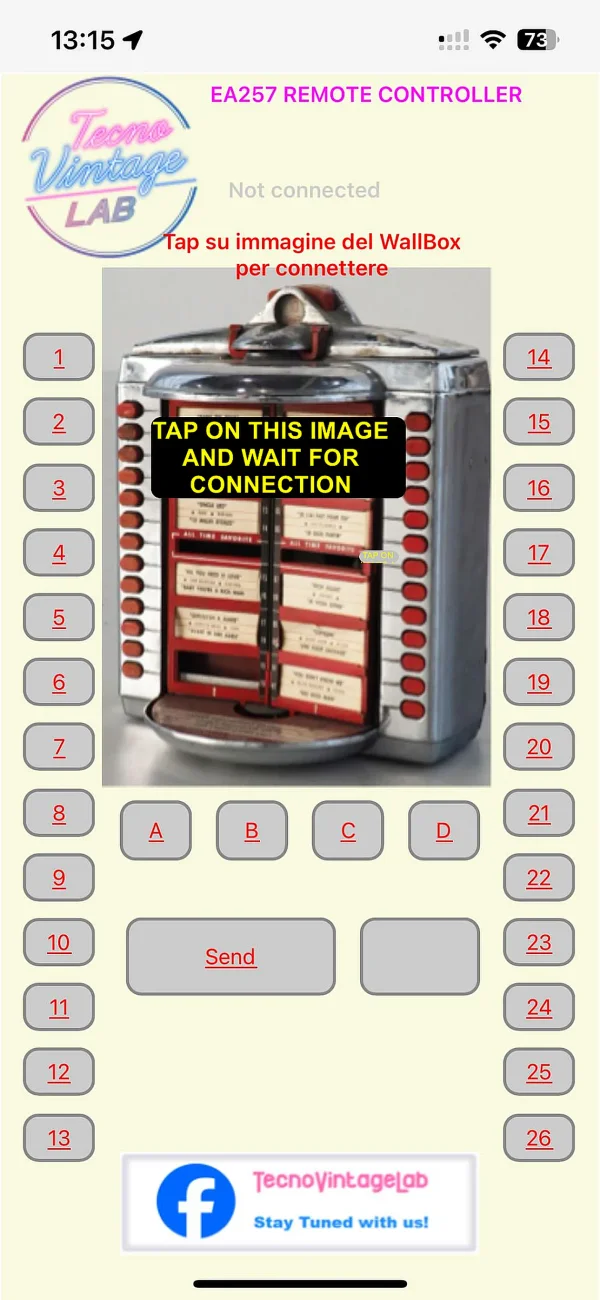
First of all you need to connect the app to the interface as follow: (please be sure your Bluetooth interface is enabled)
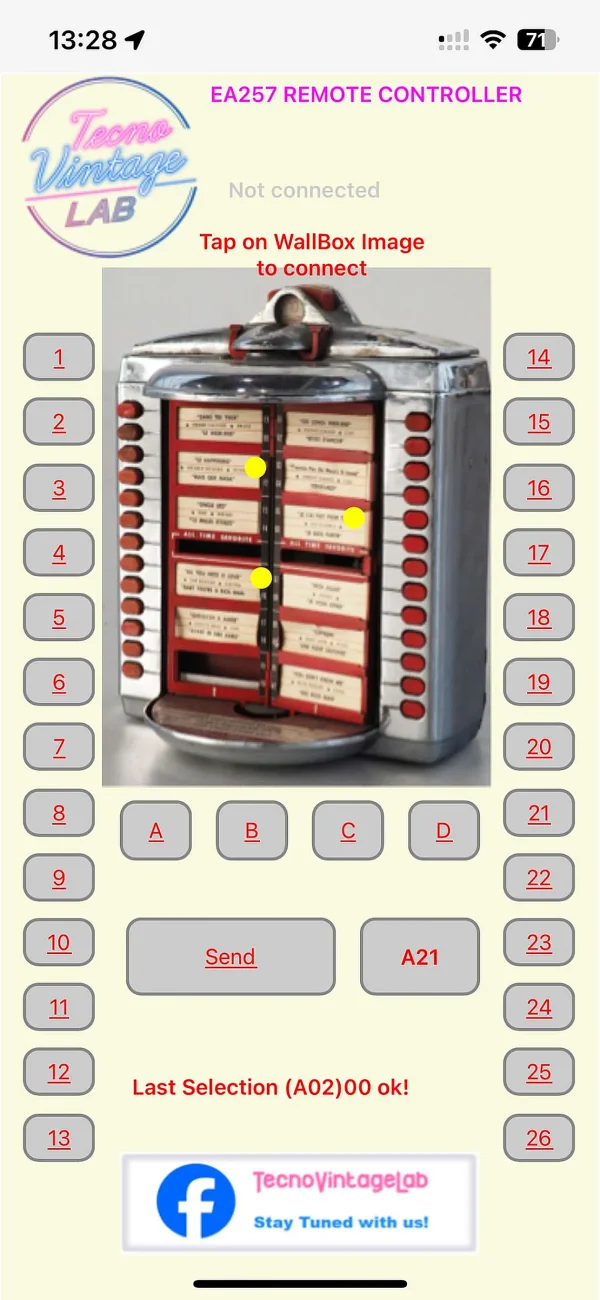
1) tap on wallbox image. The searching procedure will be started showing a yellow ball rotating
2) wheen connected the blu message "CONNECTED TO: EA257" will appear
3) now you can choose A,B,C or D letter and one of 1 to 26 disk tapping on app button
4) The SEND button will be yellow when ready to send the selection to the interface
5) Tapping on yellow SEND button you will made by the EA257 interface the selection on Jukebox
Questa app è stata progettata per funzionare insieme alla interfaccia EA257 che è una versione moderna del famoso stepper 257 ormai introvabile.
Adesso è possibile selezionare da remoto uno qualsiasi dei brani musicali del tuo Jukebox.
L'interfaccia funziona solo con i Jukebox da 104 selezioni
Prima di tutto è necessario connettre l'app ala interfaccia come segue: (assicurarsi di avere l'interfaccia Bluetooh attiva)
1) tap sull'immagine del wallbox. 3 palline gialli inizieranno a ruotare indicando l'avvio della ricerca.
2) A connessione avvenuta il messagio blu "CONNECTED TO: EA257" sarà visualizzato
3) Adesso sarete pronti a selezionare una delle 4 lettere A,B,C or D letter e uno dei numeri tra 1 e 26 semplicemente cliccando sul pulsante
4) Il bottone SEND diventerà giallo quando sarete pronti ad inviare il comando
5) Cliccando sul pulsante giallo SEND si effettuerà tramite l'interfaccia la selezione sul Jukebox.
What’s new
Version 15 · Feb 2, 2026
Login change
App privacy
What GIOVANNI PURGATORIO declares on the App Store about how this app handles data.
-
Data not collected
The developer does not collect any data from this app.
Privacy practices may vary, for example with the features you use or your age.
Information
- Seller
- GIOVANNI PURGATORIO
- Category
- Utilities
- Version
- 15
- Updated
- Feb 2, 2026
- Released
- Aug 26, 2024
- Size
- 7.6 MB
- Requires
- iOS 11.0 or later
- Age rating
- 17+
- Languages
- English
- Copyright
- © Gianni Purgatorio 2024
You might also like
-
 Orthodox BellsSt. Spyridon NYC Bells
-
 WallSight: LiDAR X-Ray ScanScan walls. See inside later.
-
 FTC TrackerFind FTC team info and scores
-
 Airnest: Remote for MacControl Trackpad & Keyboard
-
 JukeTalkConnect to your jukebox!
-
 Store Sign MakerCreate Retail & Sale Signs
-
 FabLog - Maker's Journal3D Print & Laser Cutting
-
 Battery Log: Health & CyclesCharge cycle & capacity log
-
 Wow and Flutter Turntable RPMAnalog VU Meter Calibrator
-
 AntiqLab: Antique ID & ValueIdentify Antiques Instantly