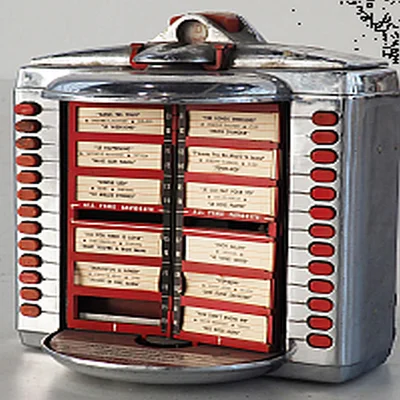
EA257 REMOTE CONTROLLER
Remote Controller for EA257
Được thiết kế cho iPhone, iPod touch
Miễn phí
- Độ tuổi17+
- Danh mụcTiện Ích
- Nhà phát triểnGIOVANNI PURGATORIO
- Ngôn ngữTiếng Anh
- Kích thước7,6 MB
Liên kết đến trang App Store chính thức
Download.org không lưu trữ tệp nào của EA257 REMOTE CONTROLLER. Nút này mở trang ứng dụng trên App Store, nơi GIOVANNI PURGATORIO phát hành ứng dụng. Trang được kiểm tra lần cuối: 15/11/2026.
Ảnh chụp màn hình
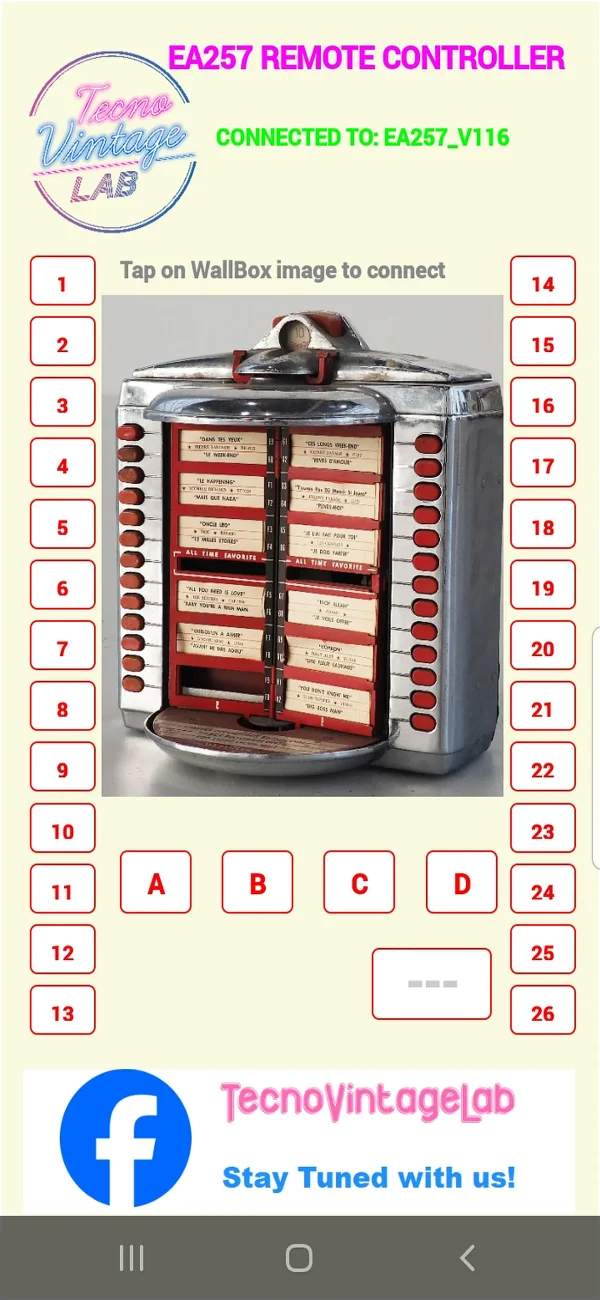
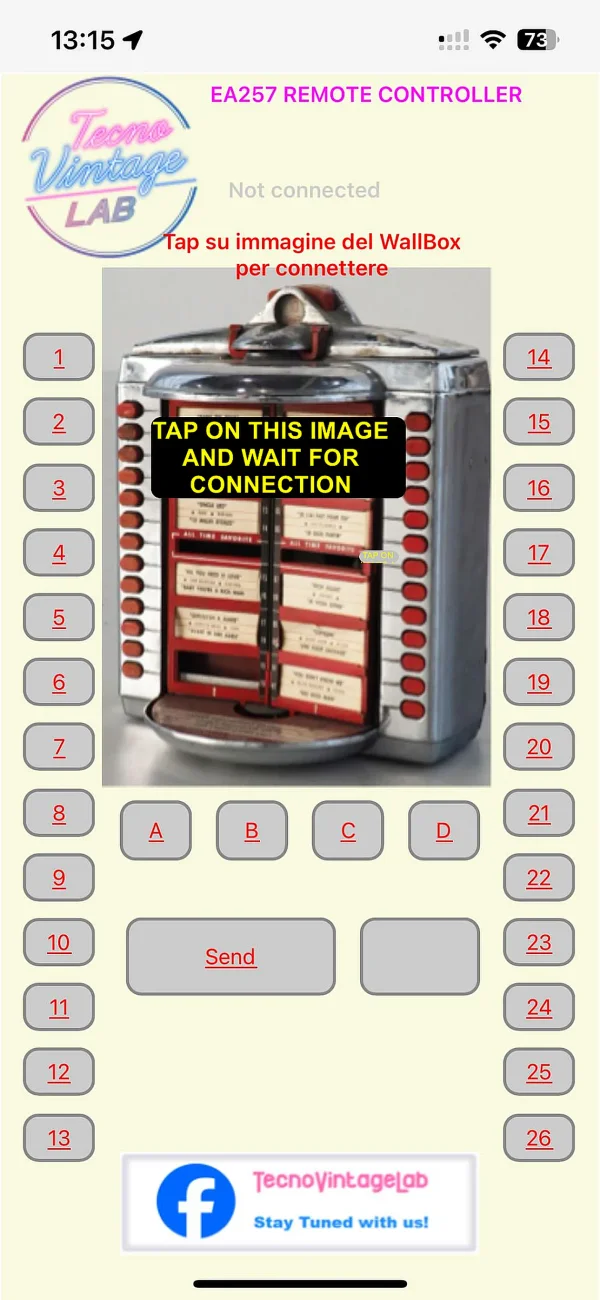
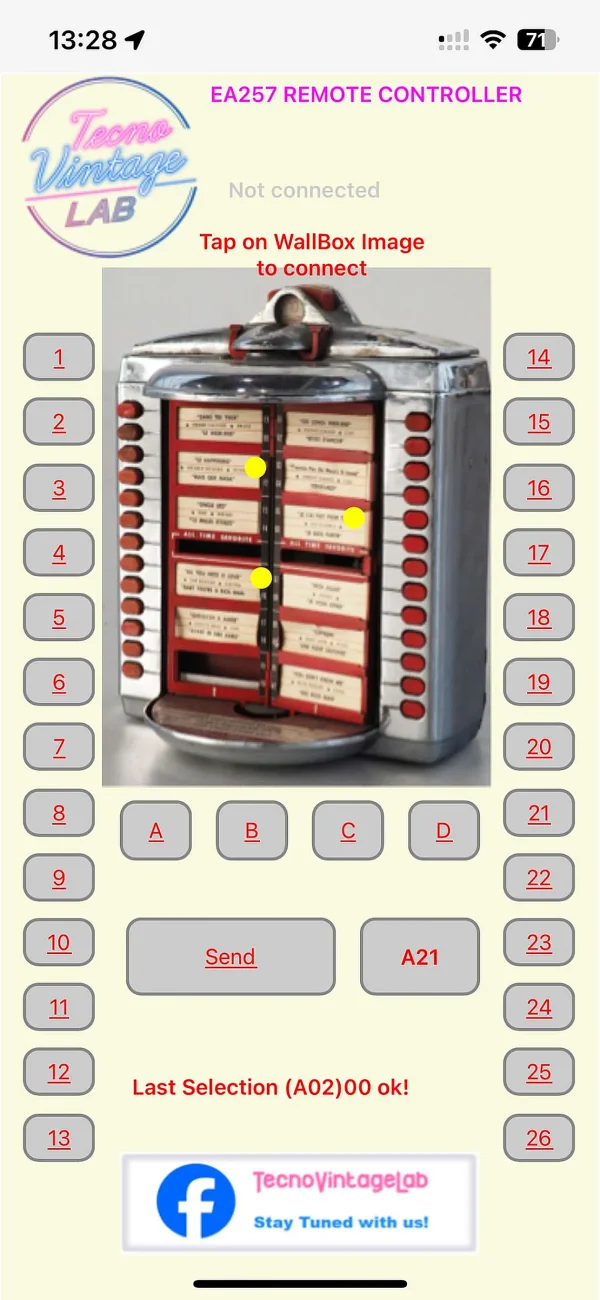


Giới thiệu
Nhà phát triển chưa cung cấp nội dung này bằng ngôn ngữ của bạn.
This app is designed to work together with the EA257 interface, which is a modern alternative to the old and often no longer working 257 model steppers.
Now, you can easy select and play any of the 104 music from your 104 selection Jukeboxes
First of all you need to connect the app to the interface as follow: (please be sure your Bluetooth interface is enabled)
1) tap on wallbox image. The searching procedure will be started showing a yellow ball rotating
2) wheen connected the blu message "CONNECTED TO: EA257" will appear
3) now you can choose A,B,C or D letter and one of 1 to 26 disk tapping on app button
4) The SEND button will be yellow when ready to send the selection to the interface
5) Tapping on yellow SEND button you will made by the EA257 interface the selection on Jukebox
Questa app è stata progettata per funzionare insieme alla interfaccia EA257 che è una versione moderna del famoso stepper 257 ormai introvabile.
Adesso è possibile selezionare da remoto uno qualsiasi dei brani musicali del tuo Jukebox.
L'interfaccia funziona solo con i Jukebox da 104 selezioni
Prima di tutto è necessario connettre l'app ala interfaccia come segue: (assicurarsi di avere l'interfaccia Bluetooh attiva)
1) tap sull'immagine del wallbox. 3 palline gialli inizieranno a ruotare indicando l'avvio della ricerca.
2) A connessione avvenuta il messagio blu "CONNECTED TO: EA257" sarà visualizzato
3) Adesso sarete pronti a selezionare una delle 4 lettere A,B,C or D letter e uno dei numeri tra 1 e 26 semplicemente cliccando sul pulsante
4) Il bottone SEND diventerà giallo quando sarete pronti ad inviare il comando
5) Cliccando sul pulsante giallo SEND si effettuerà tramite l'interfaccia la selezione sul Jukebox.
Có gì mới
Phiên bản 15 · 02/02/2026
Login change
Quyền riêng tư của ứng dụng
Những gì GIOVANNI PURGATORIO khai báo trên App Store về cách ứng dụng này xử lý dữ liệu.
-
Dữ liệu không được thu thập
Nhà phát triển không thu thập bất kỳ dữ liệu nào từ ứng dụng này.
Phương thức đảm bảo quyền riêng tư có thể khác nhau, chẳng hạn như tuỳ theo các tính năng bạn sử dụng hoặc độ tuổi của bạn.
Thông tin
- Người bán
- GIOVANNI PURGATORIO
- Danh mục
- Tiện Ích
- Phiên bản
- 15
- Cập nhật
- 02/02/2026
- Phát hành
- 26/08/2024
- Kích thước
- 7,6 MB
- Yêu cầu
- iOS 11.0 trở lên
- Độ tuổi
- 17+
- Giá
- Miễn phí
- Ngôn ngữ
- Tiếng Anh
- Bản quyền
- © Gianni Purgatorio 2024
Có thể bạn cũng thích
-
 Orthodox BellsTiện Ích
-
 WallSight: LiDAR X-Ray ScanTiện Ích
-
 FTC TrackerTiện Ích
-
 Airnest: Remote for MacTiện Ích
-
 JukeTalkTiện Ích
-
 Store Sign MakerTiện Ích
-
 FabLog - Maker's JournalTiện Ích
-
 Sức Khỏe Pin Chu Kỳ SạcNhật ký độ chai và tuổi thọ
-
 Wow and Flutter Turntable RPMTiện Ích
-
 AntiqLab: Antique ID & ValueTiện Ích