- 対象年齢17+
- カテゴリユーティリティ
- 開発元GIOVANNI PURGATORIO
- 言語英語
- サイズ7.6 MB
App Storeの公式ページにリンクしています
Download.orgはEA257 REMOTE CONTROLLERのファイルを一切ホストしていません。ボタンを押すと、GIOVANNI PURGATORIOが公開しているApp Storeのアプリページが開きます。ページの最終確認:2026/11/15。
スクリーンショット


概要
開発元はこのテキストをお使いの言語で提供していません。
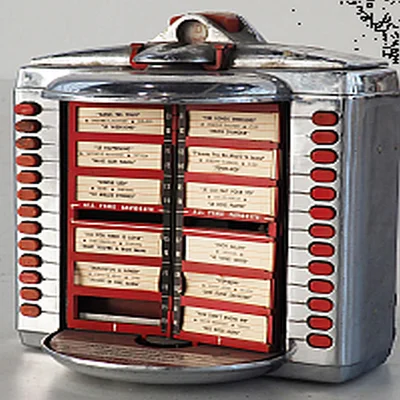
This app is designed to work together with the EA257 interface, which is a modern alternative to the old and often no longer working 257 model steppers.
Now, you can easy select and play any of the 104 music from your 104 selection Jukeboxes
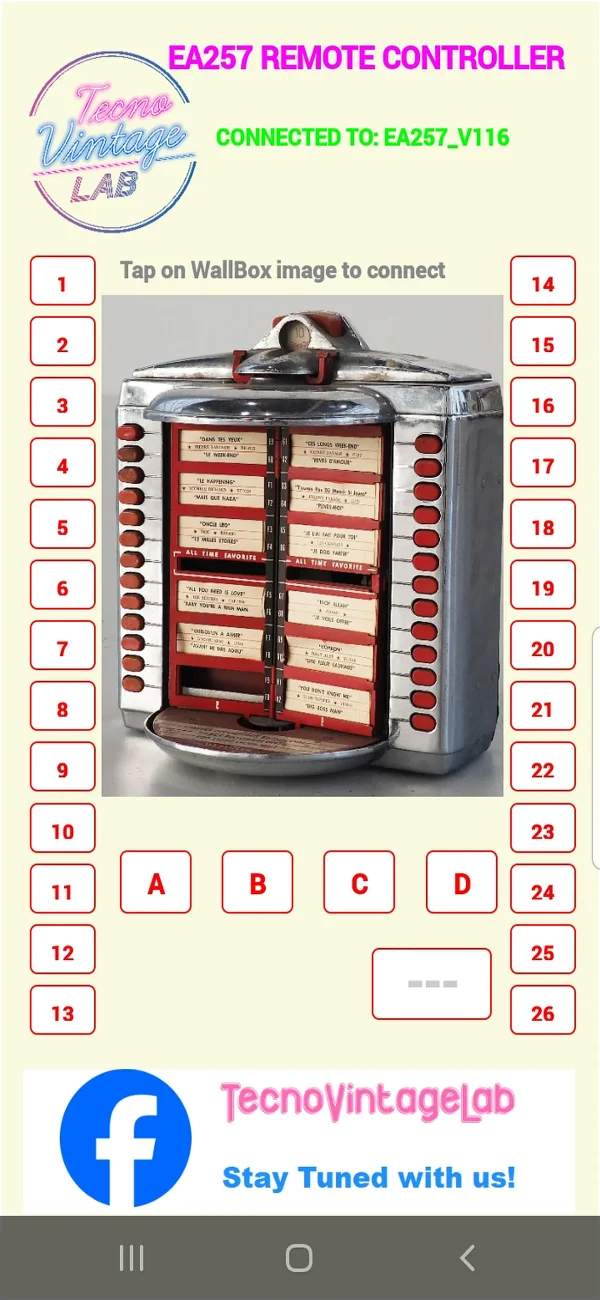
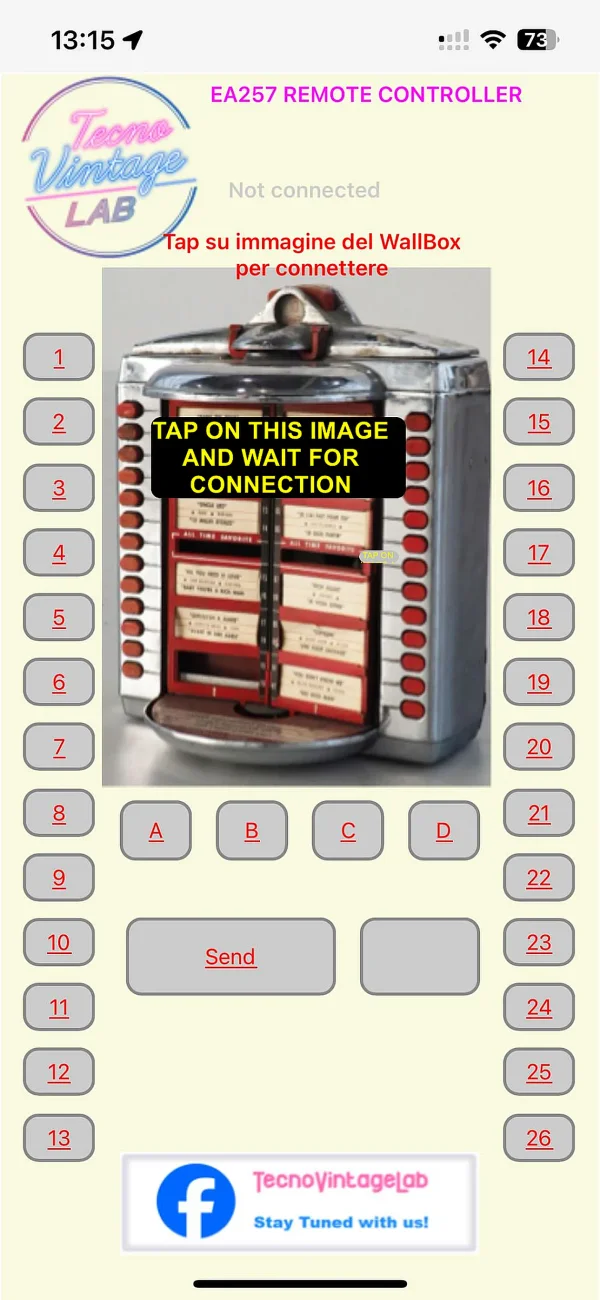
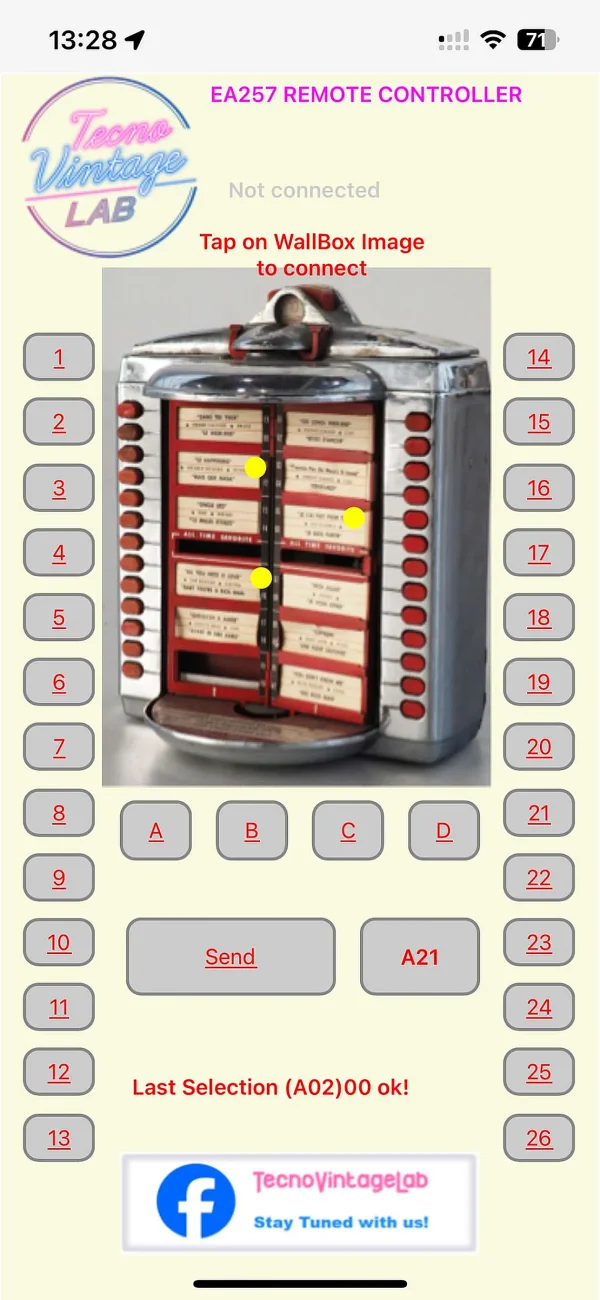
First of all you need to connect the app to the interface as follow: (please be sure your Bluetooth interface is enabled)
1) tap on wallbox image. The searching procedure will be started showing a yellow ball rotating
2) wheen connected the blu message "CONNECTED TO: EA257" will appear
3) now you can choose A,B,C or D letter and one of 1 to 26 disk tapping on app button
4) The SEND button will be yellow when ready to send the selection to the interface
5) Tapping on yellow SEND button you will made by the EA257 interface the selection on Jukebox
Questa app è stata progettata per funzionare insieme alla interfaccia EA257 che è una versione moderna del famoso stepper 257 ormai introvabile.
Adesso è possibile selezionare da remoto uno qualsiasi dei brani musicali del tuo Jukebox.
L'interfaccia funziona solo con i Jukebox da 104 selezioni
Prima di tutto è necessario connettre l'app ala interfaccia come segue: (assicurarsi di avere l'interfaccia Bluetooh attiva)
1) tap sull'immagine del wallbox. 3 palline gialli inizieranno a ruotare indicando l'avvio della ricerca.
2) A connessione avvenuta il messagio blu "CONNECTED TO: EA257" sarà visualizzato
3) Adesso sarete pronti a selezionare una delle 4 lettere A,B,C or D letter e uno dei numeri tra 1 e 26 semplicemente cliccando sul pulsante
4) Il bottone SEND diventerà giallo quando sarete pronti ad inviare il comando
5) Cliccando sul pulsante giallo SEND si effettuerà tramite l'interfaccia la selezione sul Jukebox.
新機能
バージョン 15 · 2026/2/2
Login change
アプリのプライバシー
このアプリのデータの取り扱いについて、GIOVANNI PURGATORIOがApp Storeで申告している内容です。
-
データの収集なし
開発元はこのアプリからデータを収集しません。
プライバシーの取り扱いは、ご利用の機能やお客様の年齢などに応じて異なる場合があります。
情報
- 販売元
- GIOVANNI PURGATORIO
- カテゴリ
- ユーティリティ
- バージョン
- 15
- 更新日
- 2026/2/2
- リリース
- 2024/8/26
- サイズ
- 7.6 MB
- 必要条件
- iOS 11.0以降
- 対象年齢
- 17+
- 価格
- 無料
- 言語
- 英語
- 著作権
- © Gianni Purgatorio 2024
こちらもおすすめ
-
 Orthodox Bellsユーティリティ
-
 WallSight: LiDAR X-Ray Scanユーティリティ
-
 FTC Trackerユーティリティ
-
 Airnest: Remote for Macワイヤレスキーボードとマウス
-
 JukeTalkユーティリティ
-
 現場dePOPバックヤードですぐ作れるPOPメーカー
-
 FabLog - Maker's Journalユーティリティ
-
 バッテリー劣化 充電サイクル記録 交換時期 寿命手入力で容量とヘルスをグラフ化
-
 ワウ&フラッター ターンテーブル RPMアナログVUメーターキャリブレーター
-
 AntiqLab: Antique ID & Valueユーティリティ