
Lumin: View, Edit, Share PDF
Edit & share PDFs in the Cloud
Designed for iPhone, iPad
Free
- Age rating4+
- CategoryProductivity
- DeveloperNitrolabs Limited
- LanguagesEnglish+ 9 more
- Size288.8 MB
Links to the official App Store page
Download.org hosts no file of Lumin: View, Edit, Share PDF. The button opens its official App Store page, published by Nitrolabs Limited. Listing last checked on Nov 28, 2026.
Screenshots


About
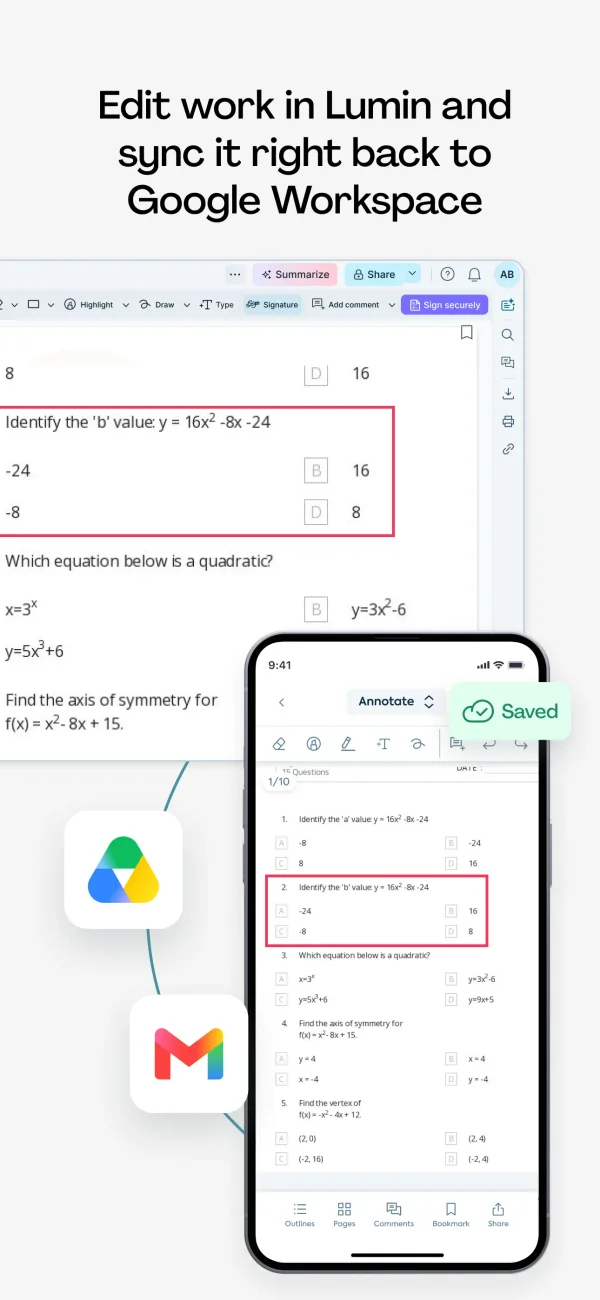
Lumin for iOS allows you to edit and sync to your Google documents in seconds. Collaborate with colleagues in real-time with a diverse set of editing tools.
Lumin auto-saves your changes and syncs them to all your devices. Connect your Google account and stay on top of your documents. You can effortlessly view and share files with anybody via email or shareable links.
TRUSTED BY MILLIONS
Join over 100 million Lumin users worldwide who use our app to edit, share, and collaborate in the cloud. From note-taking and project management to client onboarding and legal document review, Lumin empowers you across industries.
KEY FEATURES
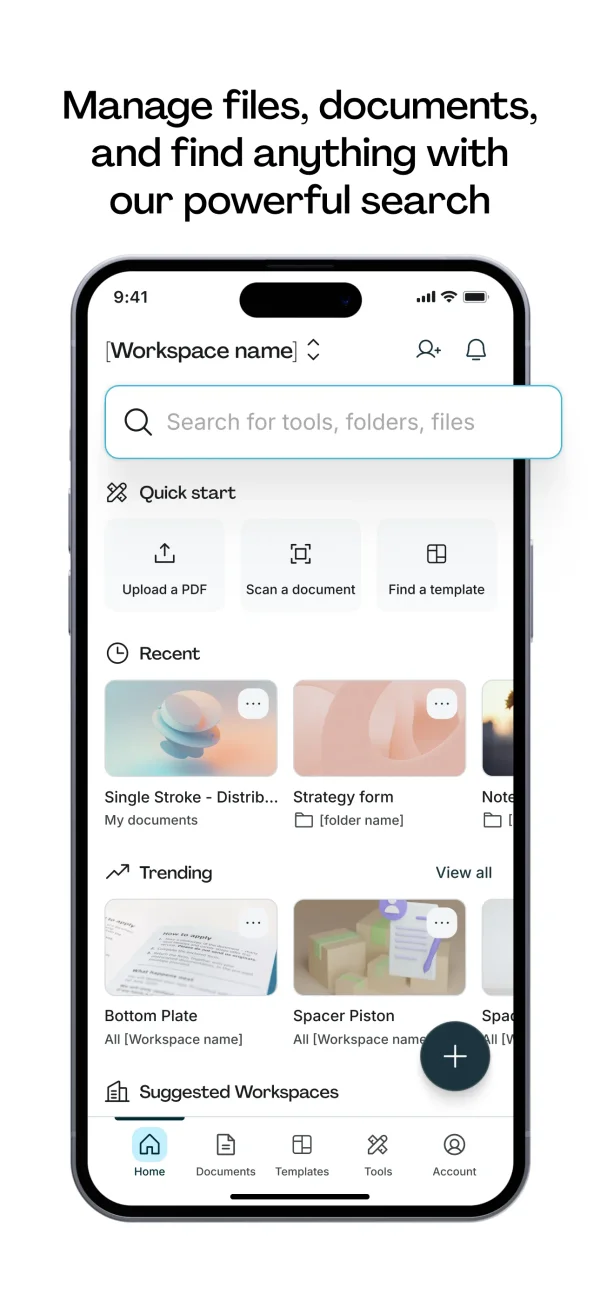
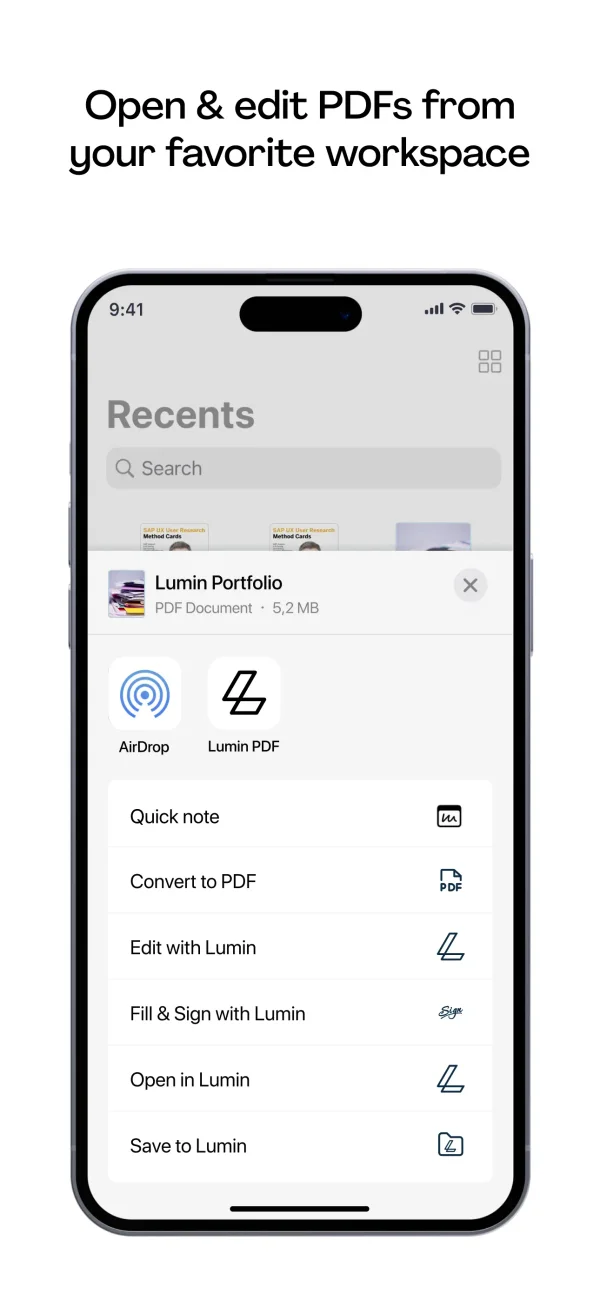
- Seamless document management: Import from your favorite storage (Dropbox, Google Drive, OneDrive), edit, and share PDFs effortlessly.
- Cloud integration: Automatically save changes and sync across devices.
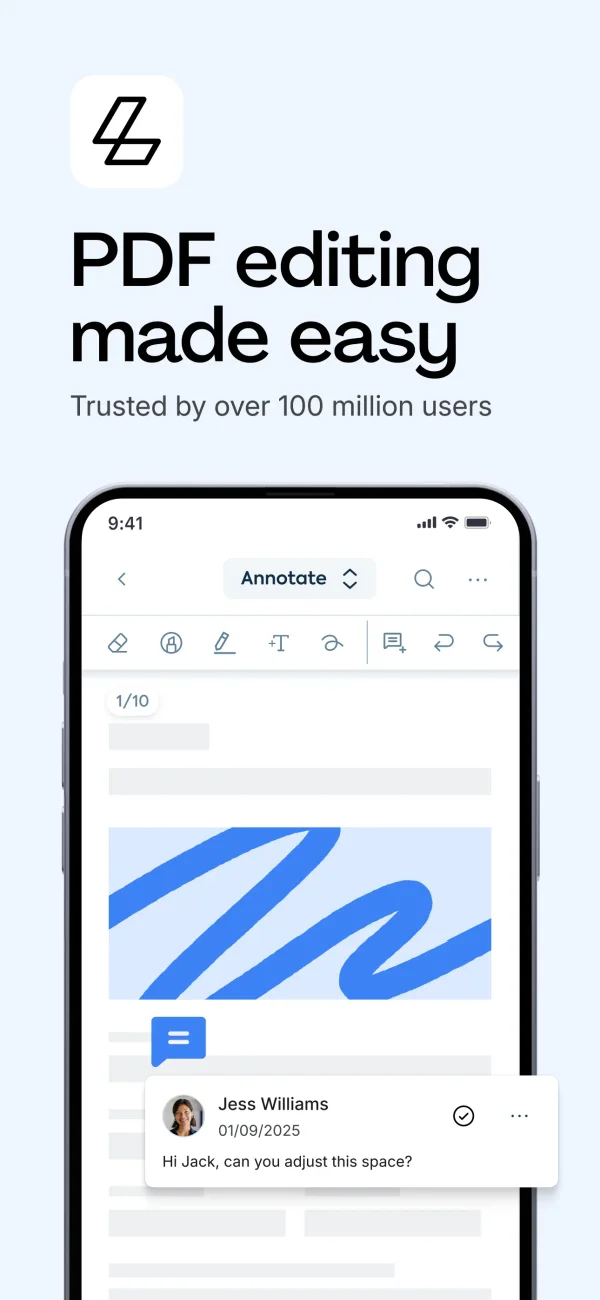
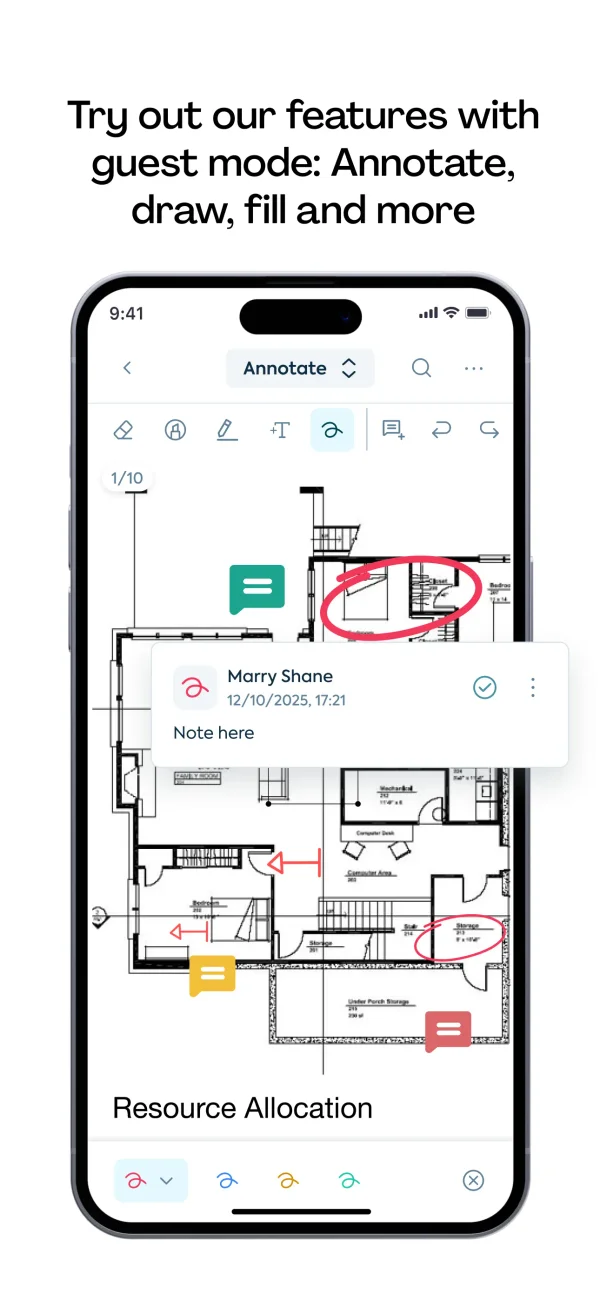
- Versatile editing tools: Highlight, annotate, draw on PDFs and more.
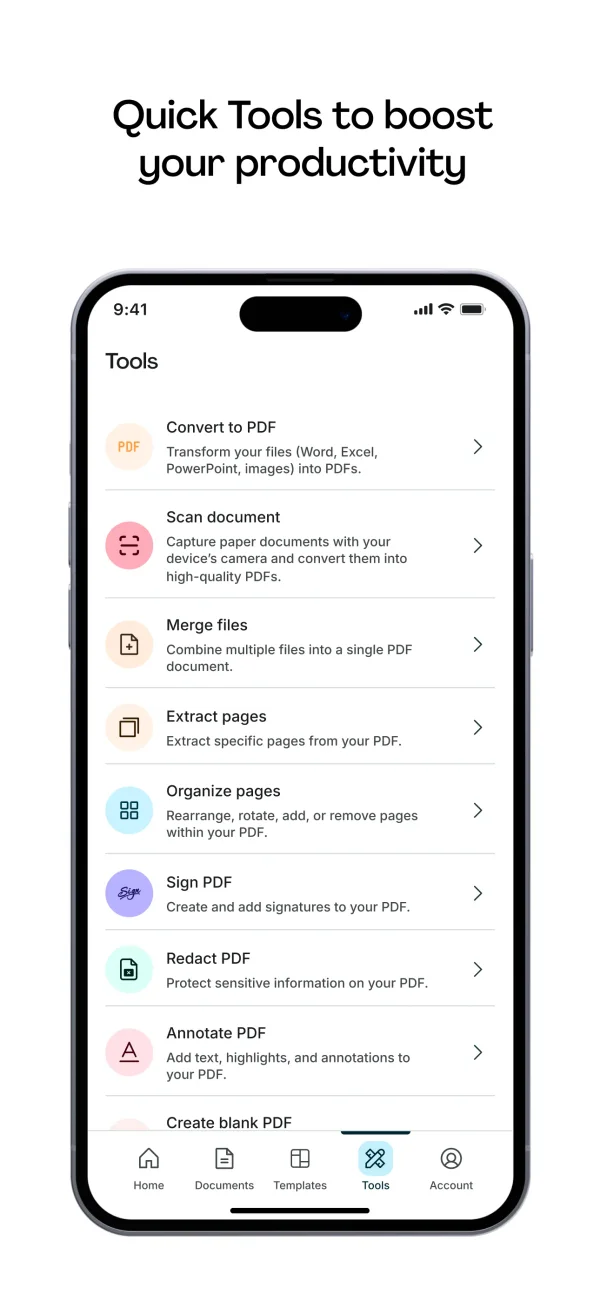
- Document organization: Organize, extract pages, merge files, convert to/from PDF,...
- Pre-designed templates: Choose from various templates for various purposes and industries, such as real estate, education, job application, etc.
- Collaboration: Share files and receive real-time notifications.
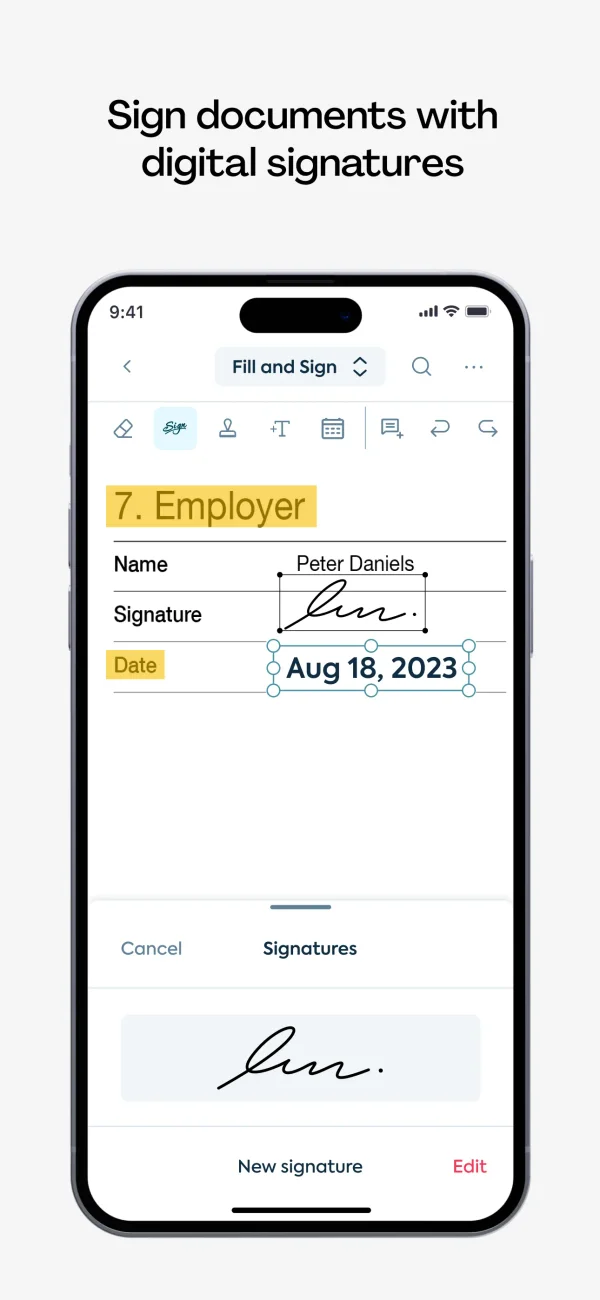
- eSignatures: Sign and fill out forms with ease.
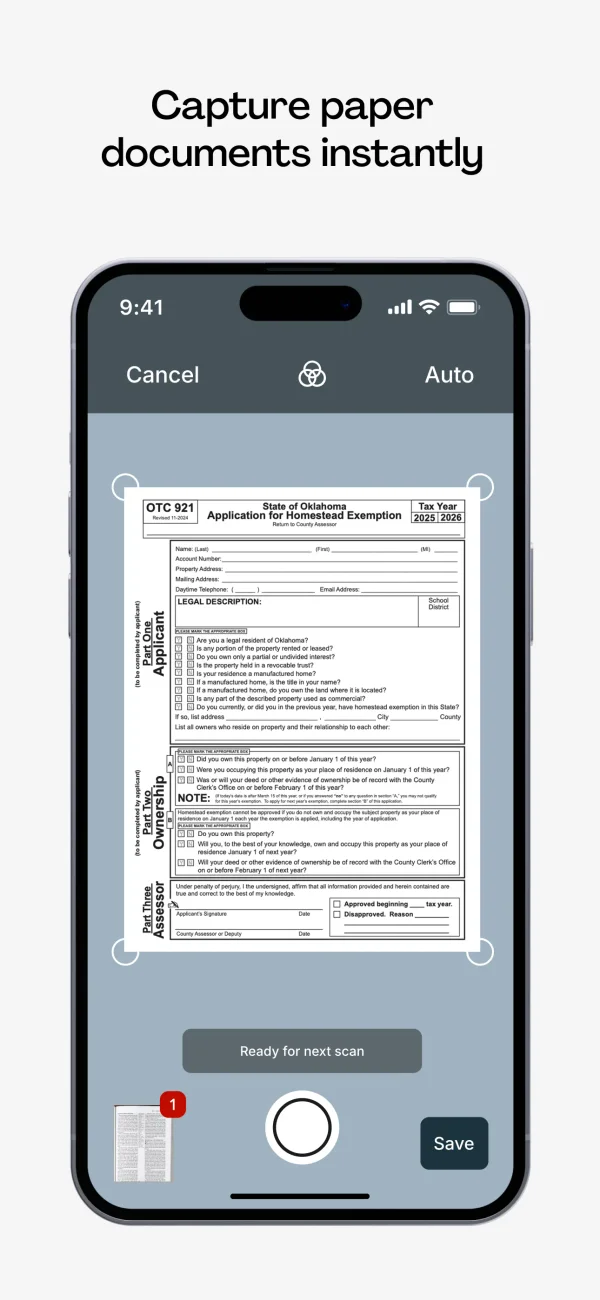
- Scanning: Convert paper documents into portable PDFs.
LUMIN IN THE REVIEWS
“I use Lumin to mark up PDF drawings and send them to my subcontractors. In my role, time is of the essence. Lumin provides me with a tool to make collaboration and feedback easy.” – Construction site manager, US
“We have been using Lumin for a little over two years, and it's been amazing. Using Lumin on-the-go and in-office allows us better turnaround time for our patients' care.” – Director of Services and Operations, US
“It s very useful and handful for studying and I feel like they make good improvements with each upgrade. I use it for studying, it's cool that I can connect my university Google Drive to the Lumin account and I can edit, draw, write, highlight and add comments and they always get saved.” – Individual user
“Too loud. You can open and edit texts from any device, everything is saved automatically, quickly. Access is very fast. The options for editing documents are diverse.” – Individual user
Terms & conditions: https://www.luminpdf.com/terms-of-use/
What’s new
Version 5.13.0 · Nov 27, 2026
- Inline Ask AI from selected PDF text
- Print flattened PDFs with annotations, signatures, and form values
- Resume documents from the last viewed page
- Refined text markup and redaction workflows
- Updated viewer layout, search, AI Assistant, and form-editing experiences
- General stability, rendering, navigation, and visual improvements
App privacy
What Nitrolabs Limited declares on the App Store about how this app handles data.
-
Data used to track you
May be used to track you across apps and websites owned by other companies.
- Usage data
-
Data linked to you
May be collected and linked to your identity.
- Identifiers
- Usage data
Privacy practices may vary, for example with the features you use or your age.
Information
- Seller
- Nitrolabs Limited
- Category
- Productivity
- Version
- 5.13.0
- Updated
- Nov 27, 2026
- Released
- May 10, 2018
- Size
- 288.8 MB
- Requires
- iOS 17.0 or later
- Age rating
- 4+
- Price
- Free
- Languages
- English, French, German, Indonesian, Italian, Japanese, Portuguese, Spanish, Thai, Vietnamese
- Copyright
- © 2026 Nitrolabs
You might also like
-
 DocHub: Simple PDF Form EditorEdit, sign, fill & scan docs
-
 MobiPDF・PDF Text Editor・ReaderEdit File・Fill, Sign Documents
-
 PDFelement: PDF Editor & ScanDocuments Converter & Signer
-
 Foxit PDF EditorView, Edit, Convert, and Sign
-
 PDF Reader – PDFelementPDF Editor & Viewer, PDF Maker
-
 PDF Expert: Editor & ReaderFill & Sign, Annotate, Convert
-
 UPDF - AI-Powered PDF EditorAI Chat, Convert & Sign PDF
-
 Smallpdf: Scanner & PDF Editorcompress, convert, ocr, sign
-
 Forma: PDF Document EditorForm filler: edit files & docs
-
 PDF Pro - Reader Editor FormsEdit, annotate, view documents