- 対象年齢4+
- カテゴリユーティリティ
- 開発元Alex Valenchits
- 言語英語ほか3言語
- サイズ34.3 MB
App Storeの公式ページにリンクしています
Download.orgはAIscanAutoのファイルを一切ホストしていません。ボタンを押すと、Alex Valenchitsが公開しているApp Storeのアプリページが開きます。ページの最終確認:2026/11/23。
スクリーンショット
概要
開発元はこのテキストをお使いの言語で提供していません。
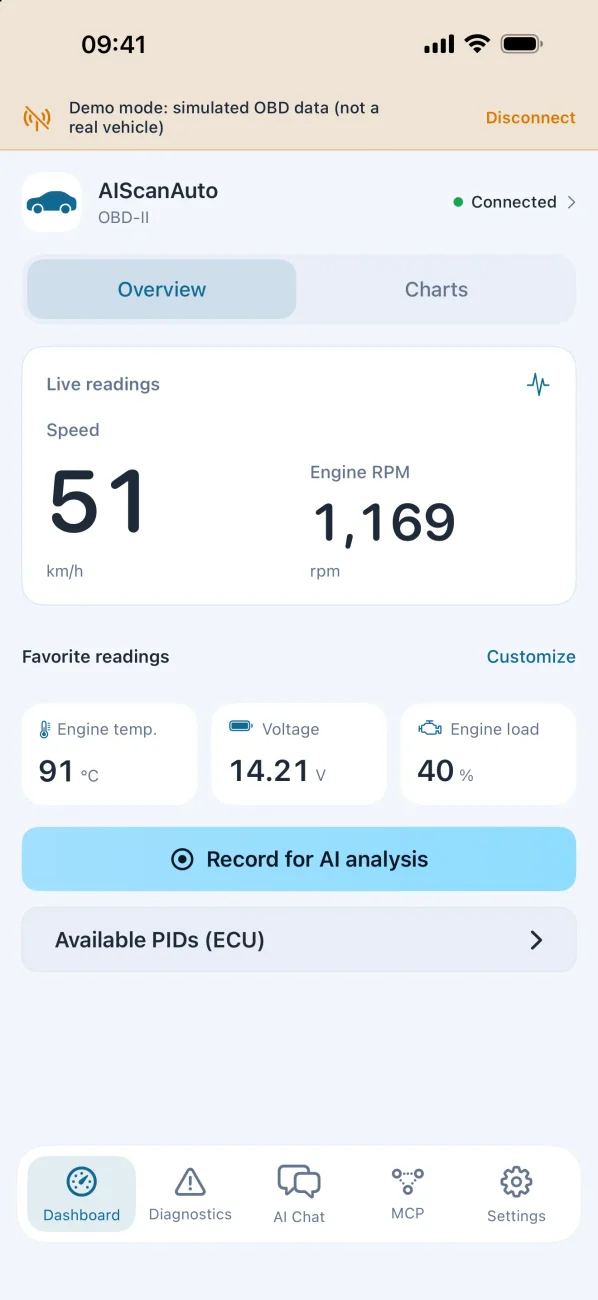
Read check engine codes, graph live sensor data and ask what to check next. For standard OBD2 diagnostics, connect a compatible Bluetooth Low Energy or Wi-Fi ELM327 adapter to your vehicle and open AIscanAuto on your iPhone or iPad.
Understand a fault code
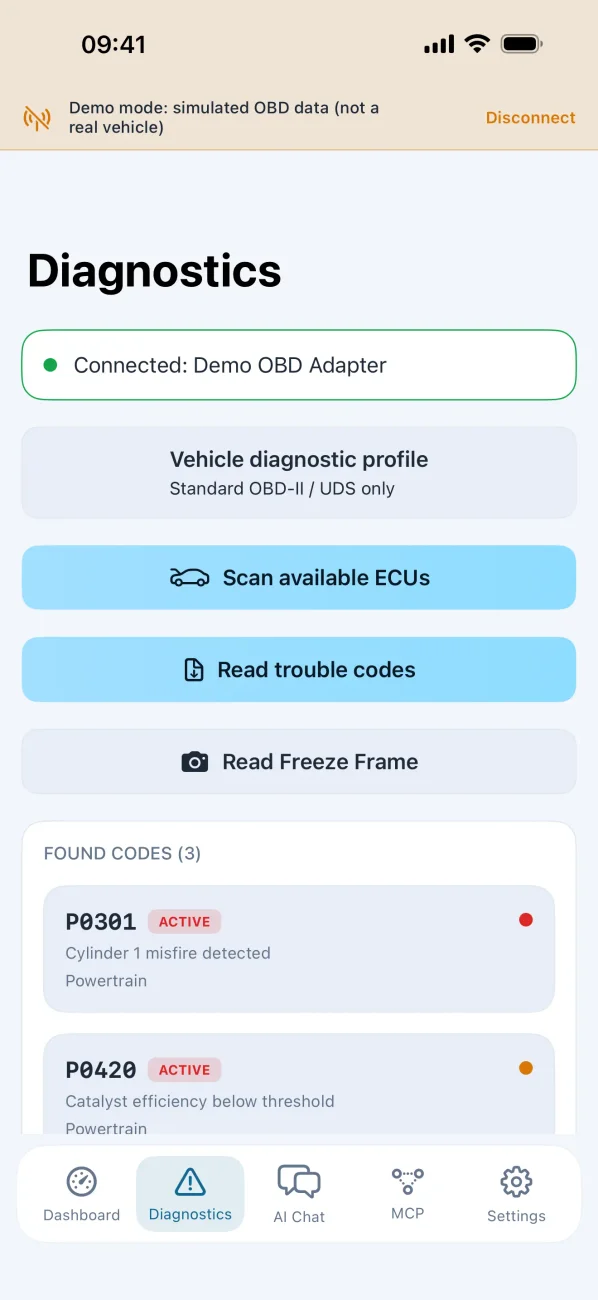
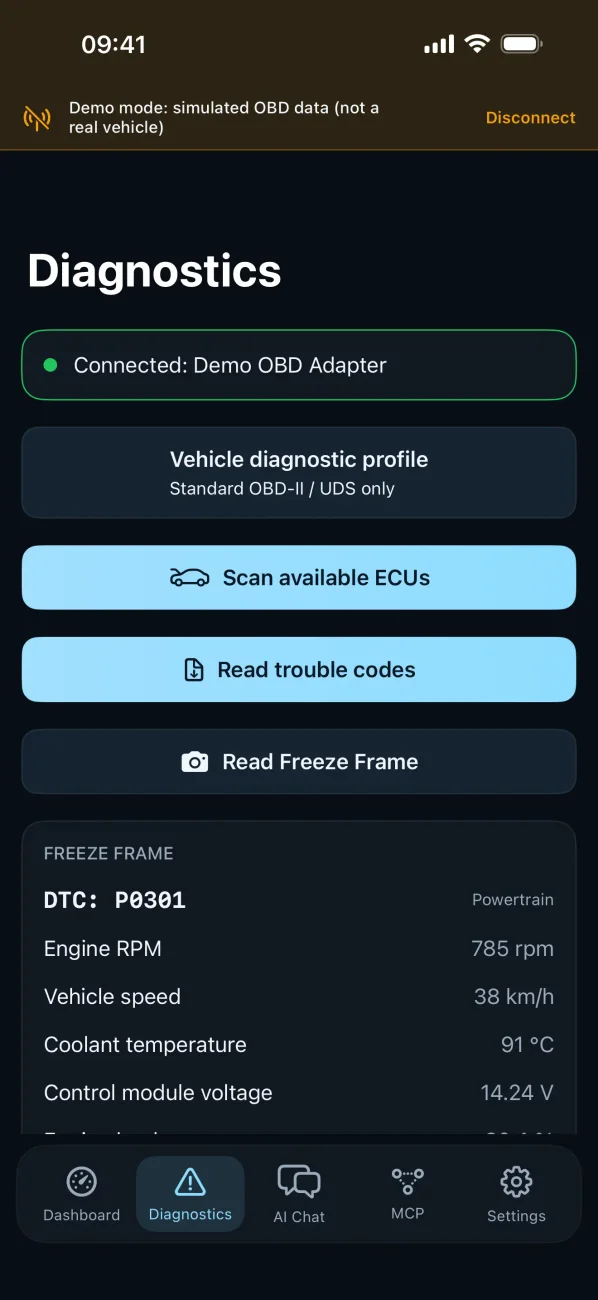
Read diagnostic trouble codes (DTCs). If your vehicle saved a freeze frame, review readings such as engine speed, coolant temperature and engine load at the moment it detected the fault. You can clear emissions-related codes after reviewing the snapshot.
Watch live readings
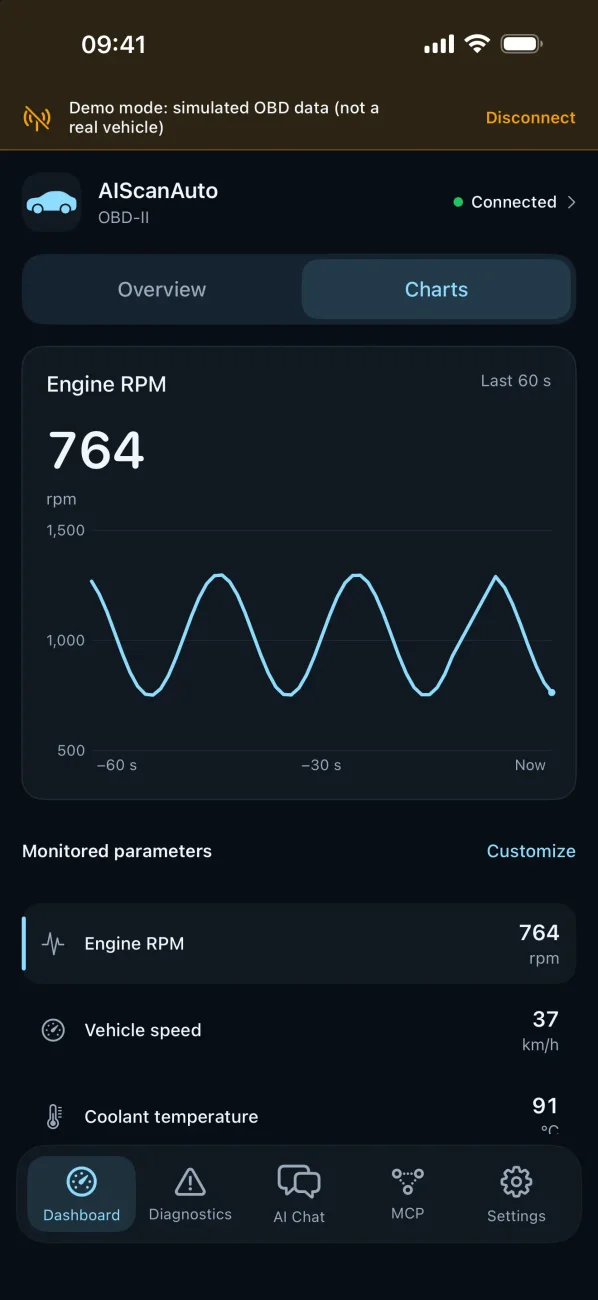
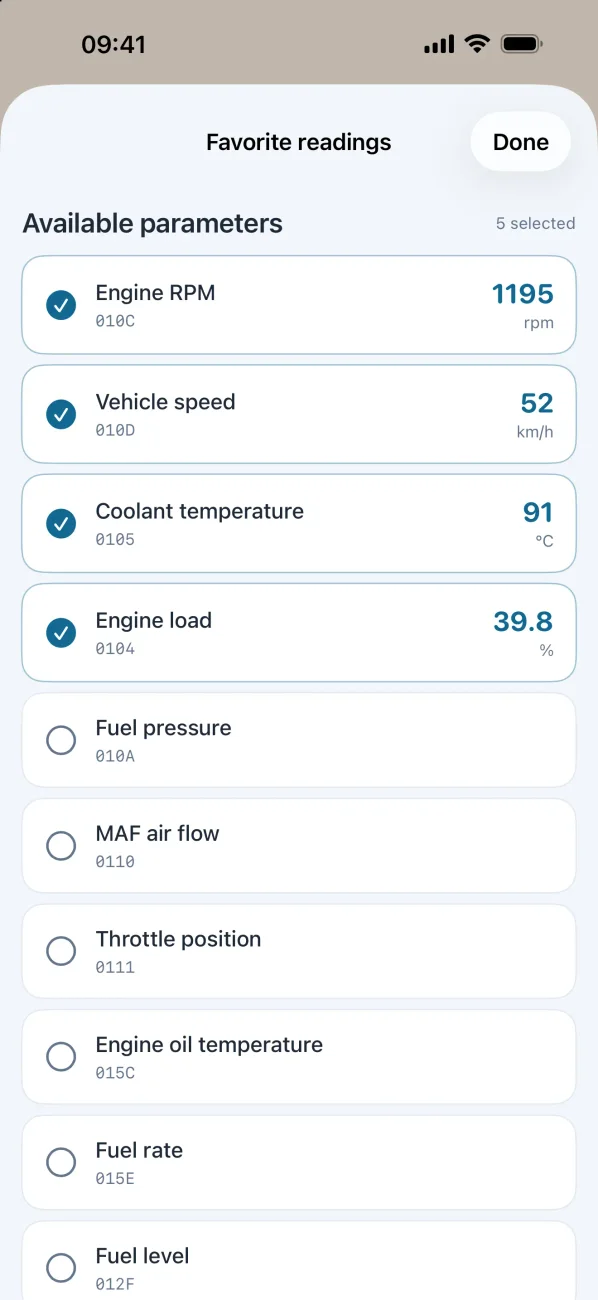
Choose which sensors appear on your dashboard. Tap a reading to see its recent history. For example, watch coolant temperature rise as the engine warms up, then switch to RPM or vehicle speed.
Check individual modules
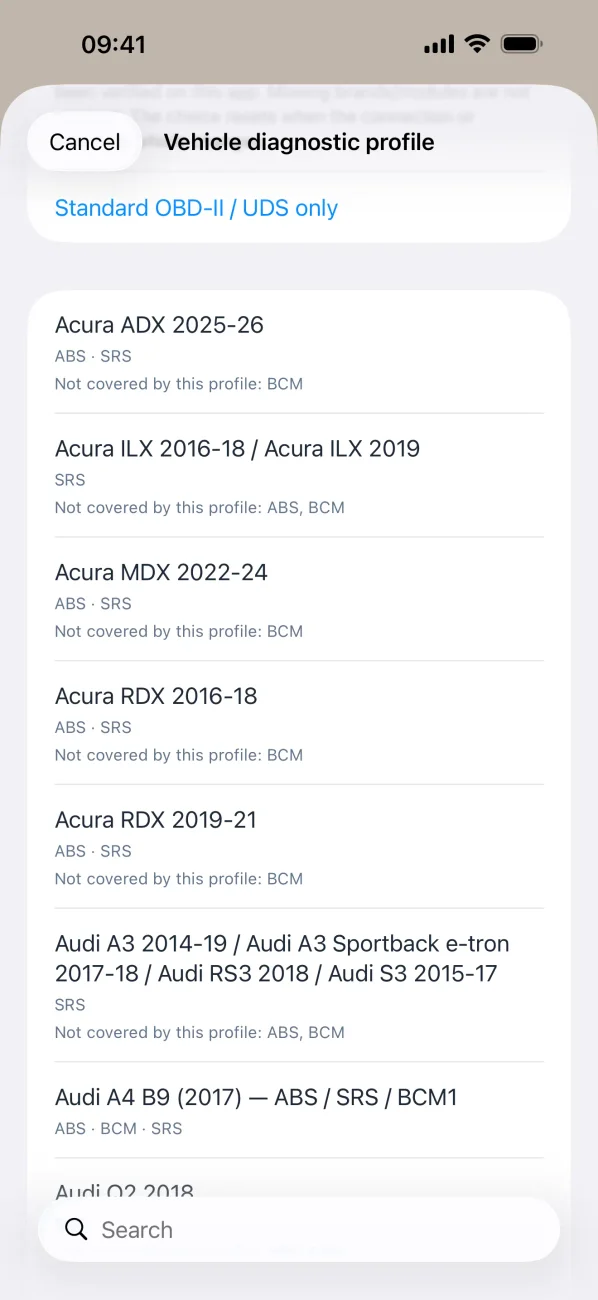
Select a vehicle profile to scan supported electronic control units (ECUs) and read the faults each module reports. Coverage depends on the vehicle, model year, module and adapter.
Ask about a code or reading
Use the built-in AI chat to explore what a code means and which readings could help explain it. On compatible devices, download a model to run the assistant locally.
Connect an external AI assistant
With pilot access, use the Model Context Protocol (MCP) to authorize a compatible assistant for a vehicle on your AIscanAuto account. Connect your OBD adapter and tap Connect MCP in the MCP tab. You can then ask the assistant to read trouble codes or check a supported sensor, such as coolant temperature. Clearing codes through MCP requires confirmation on your device.
新機能
バージョン 1.1.0 · 2026/11/19
• The new MCP tab lets pilot users connect a compatible AI assistant to read trouble codes and live sensor data. Requests to clear codes require confirmation on your device.
• Select a vehicle profile to scan supported control modules and read their fault codes.
• Pause and resume on-device AI model downloads.
• Use the dashboard and diagnostics on both iPhone Duo displays.
• The Settings screen now updates as soon as you change the app language.
アプリのプライバシー
このアプリのデータの取り扱いについて、Alex ValenchitsがApp Storeで申告している内容です。
-
ユーザーに関連付けられたデータ
収集され、ユーザーの識別情報に関連付けられる場合があります。
- 位置情報
- 連絡先情報
プライバシーの取り扱いは、ご利用の機能やお客様の年齢などに応じて異なる場合があります。
情報
- 販売元
- Alex Valenchits
- カテゴリ
- ユーティリティ
- バージョン
- 1.1.0
- 更新日
- 2026/11/19
- リリース
- 2026/6/29
- サイズ
- 34.3 MB
- 必要条件
- iOS 18.0以降
- 対象年齢
- 4+
- 価格
- 無料
- 言語
- 英語, ドイツ語, ロシア語, スペイン語
- 著作権
- © Valenchits Alexander