- 対象年齢4+
- カテゴリ開発ツール
- 開発元Kazufumi Suzuki
- 言語英語
- サイズ1.7 MB
App Storeの公式ページにリンクしています
Download.orgはVision Detectorのファイルを一切ホストしていません。ボタンを押すと、Kazufumi Suzukiが公開しているApp Storeのアプリページが開きます。ページの最終確認:2026/11/23。
スクリーンショット
概要
開発元はこのテキストをお使いの言語で提供していません。
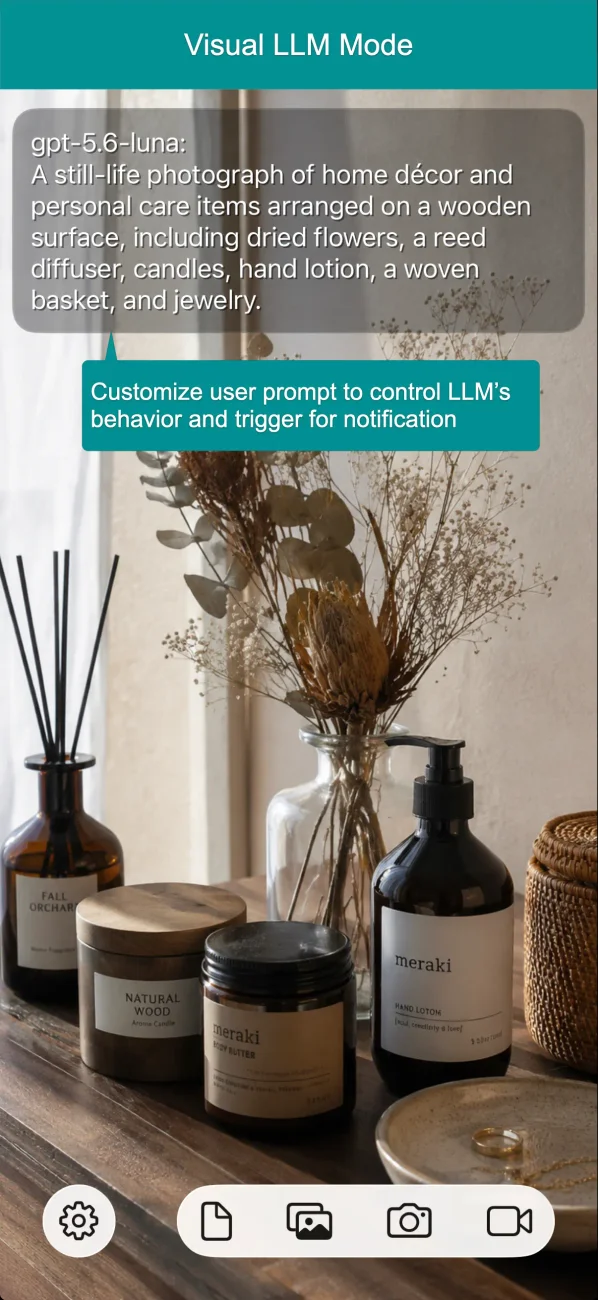
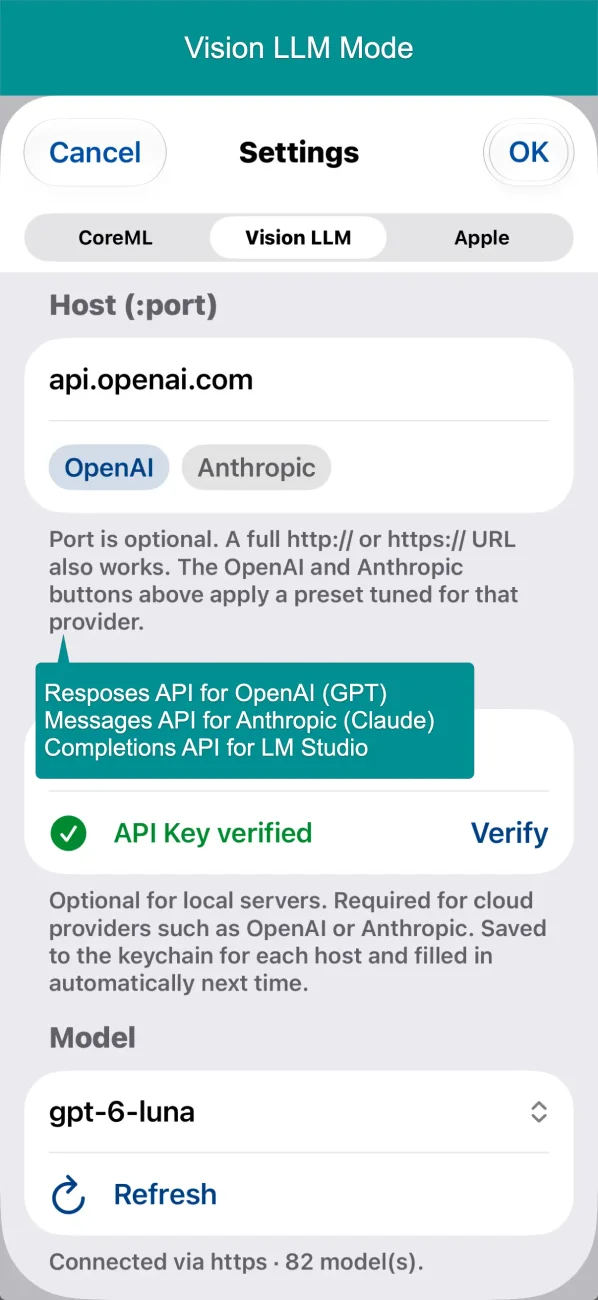
Vision Detector is an AI image analysis tool that supports CoreML machine learning models, multi-modal Large Language Models, and on-device Apple Intelligence.
Choose the mode that best fits your use case.
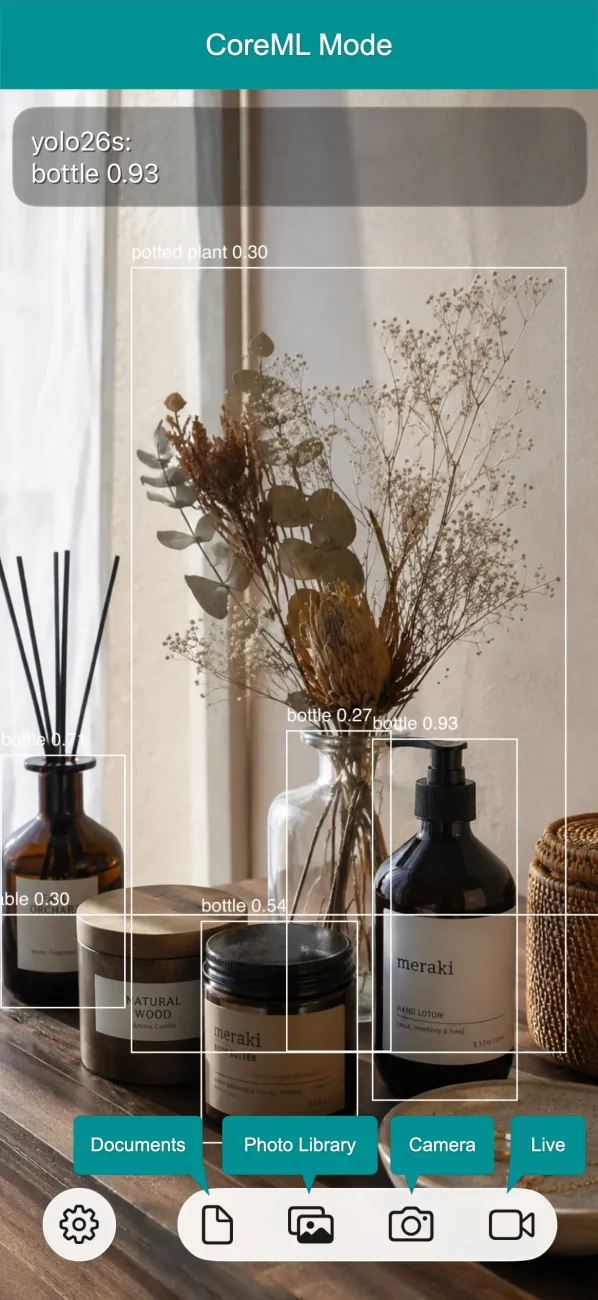
You can choose one of the following image input sources:
- Live video by the built-in camera
- Still image by the built-in camera
- Photo Library
- Files (iCloud, Google Drive, Dropbox, etc.)
For live video inputs, continuous inference is performed on the camera feed. However, the frame rate and other parameters depend on the device.
# Notification Center
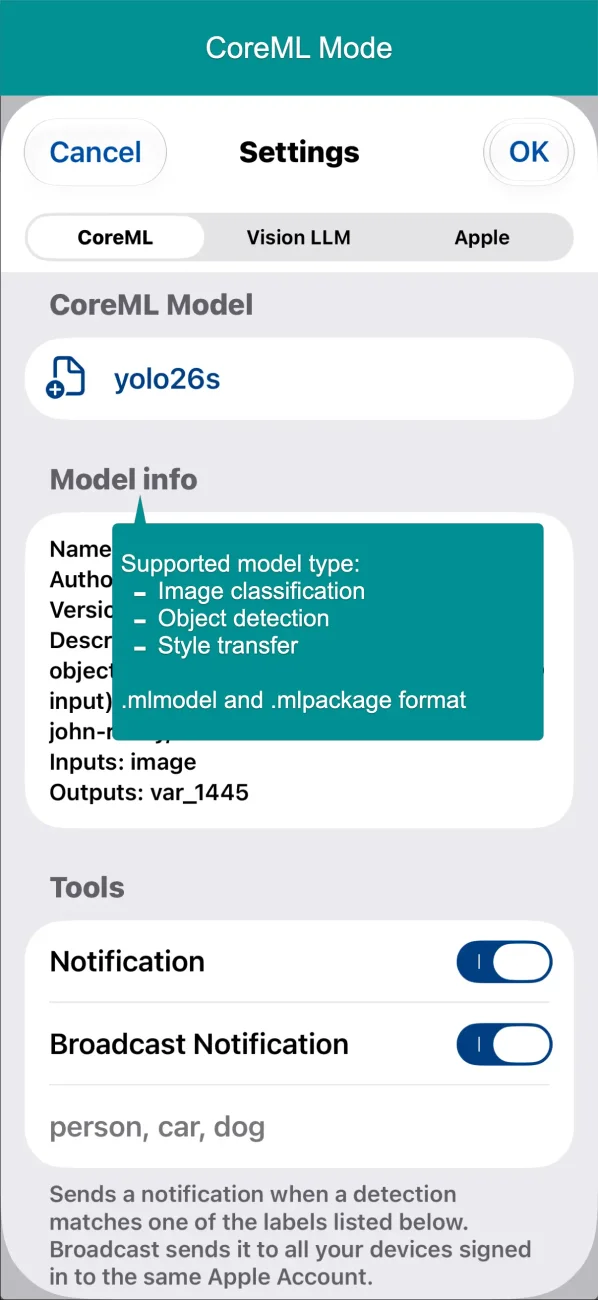
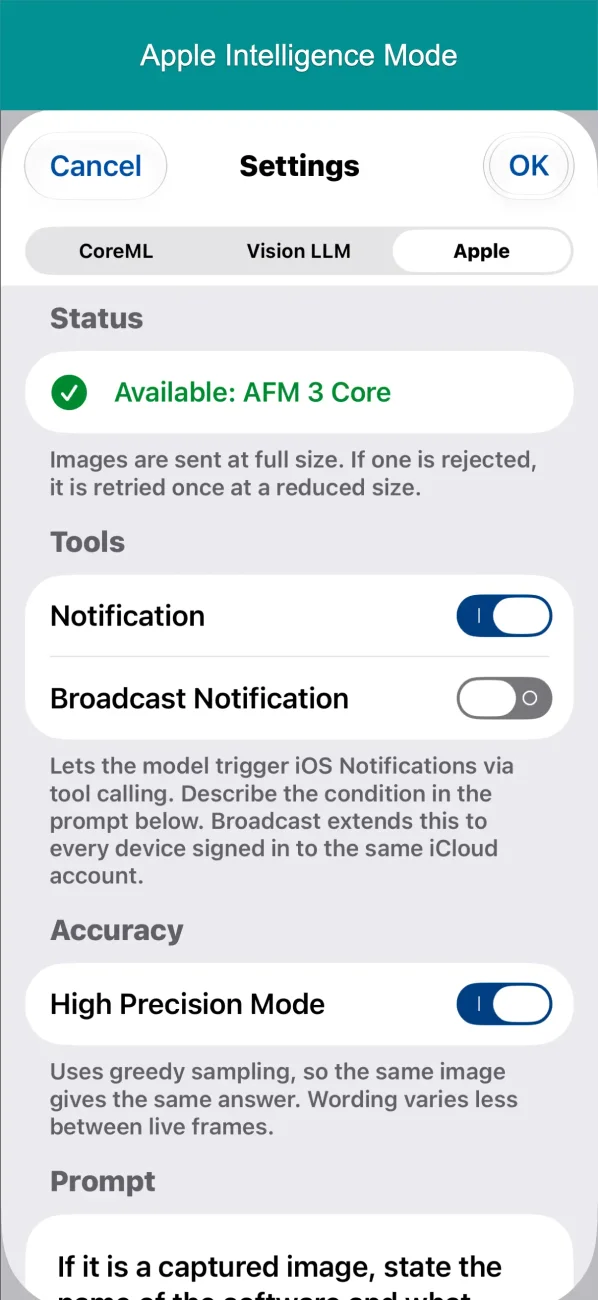
Vision Detector can call Notification Center for predefined conditions.
Broadcasting notifications sends notifications to all Apple devices signed in with the same Apple Account.
## CoreML Mode
Vision Detector locally executes CoreML models using Apple’s Vision framework.
Before using this mode, prepare a machine learning model in the CoreML format (.mlmodel or .mlpackage) using Create ML.
Import ML models via iCloud or AirDrop.
Vision Detector supports the following types of CoreML models:
- Image classification
- Object detection
- Object Segmentation
- Style transfer
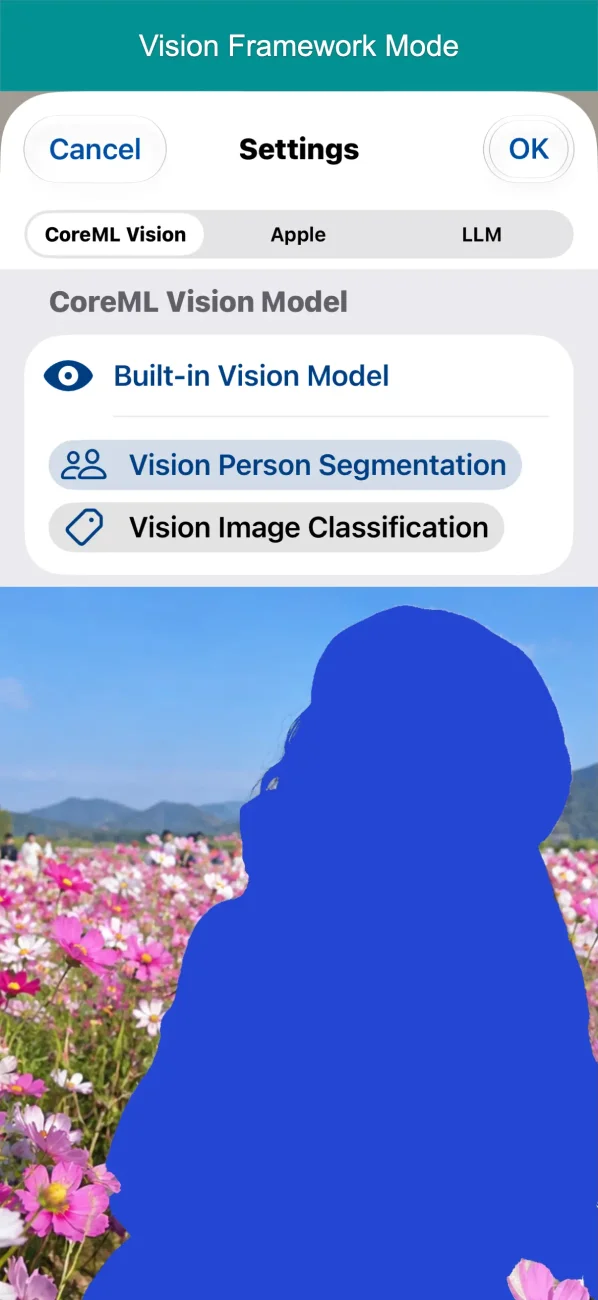
Built-in Vision framework is also available for human mask and image classification.
## Vision LLM Mode
Vision Detector can use multi-modal large language model (LLMs).
Define what to do with the prompt as follows:
- If the image is a screenshot, answer the name of the software
- Call a notification when you see a cat
- Count the number of persons in the image, and notify when it changes
## Apple Intelligence mode
The images are completely processed on your device locally with your prompt.
新機能
バージョン 3.5 · 2026/11/18
Improvements of Markdown rendering and security.
Shortcut and App Intent compatibility. You can open images from Shortcut.
Fixed issues of Notification.
アプリのプライバシー
このアプリのデータの取り扱いについて、Kazufumi SuzukiがApp Storeで申告している内容です。
-
データの収集なし
開発元はこのアプリからデータを収集しません。
プライバシーの取り扱いは、ご利用の機能やお客様の年齢などに応じて異なる場合があります。
情報
- 販売元
- Kazufumi Suzuki
- カテゴリ
- 開発ツール
- バージョン
- 3.5
- 更新日
- 2026/11/18
- リリース
- 2022/10/9
- サイズ
- 1.7 MB
- 必要条件
- iOS 18.2以降
- 対象年齢
- 4+
- 価格
- 無料
- 言語
- 英語
- 著作権
- © (C) 2022-2026 SUZUKI Kazufumi
こちらもおすすめ
-
 ML Trainer: Make Training Data開発ツール
-
 AI Capture: Create ML Datasets開発ツール
-
 TFLite LiteRT TensorFlow 推論Neural Engine/GPU/CPUを実機で計測
-
 OmniClassifyAI ML All-In-One Toolkit
-
 Code Analyzer開発ツール
-
 CraftOS-PC開発ツール
-
 Source Files: Git Storage開発ツール
-
 Power JSON Editor Mobile開発ツール
-
 Processing & p5.js iCompiler開発ツール
-
 Secure Terminal開発ツール