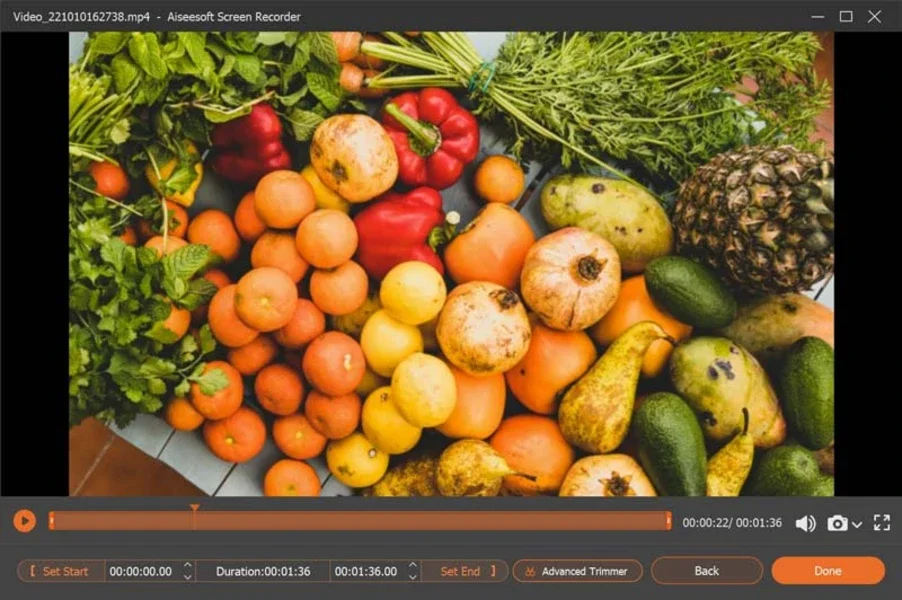

Aiseesoft Screen Recorder 3.1.18 for Windows
Records the screen, edits clips, and schedules captures
You are on macOS — this is the Windows version. See the macOS version
Screenshots
Description
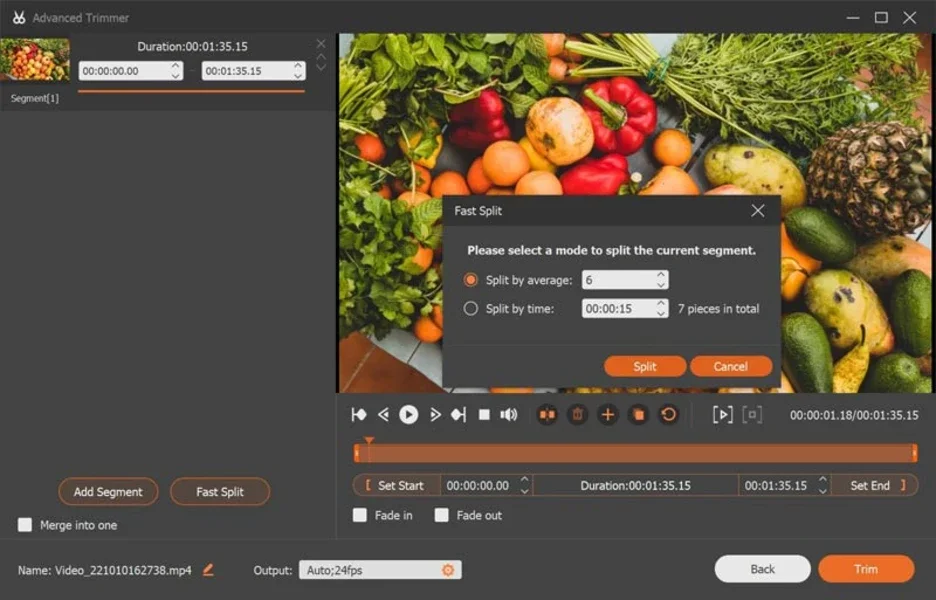
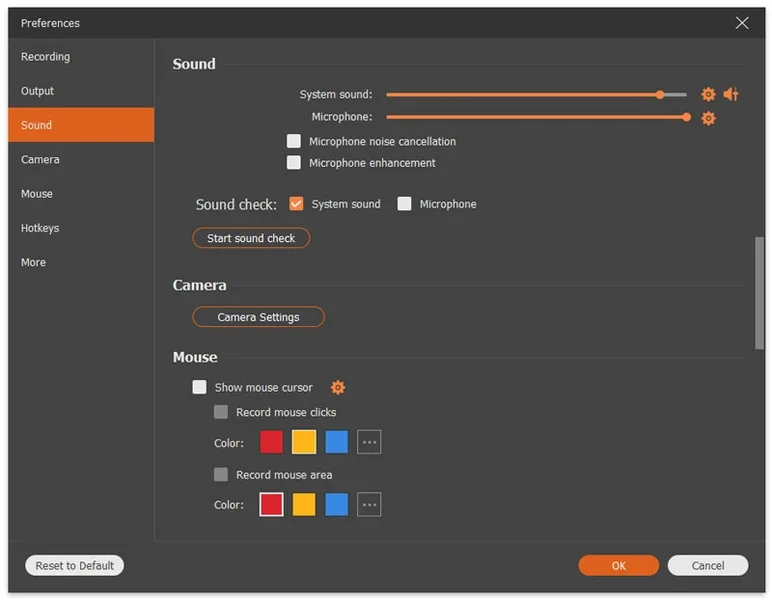
Aiseesoft Screen Recorder captures what happens on the computer screen and saves it as a video. You pick the capture area first, either the whole screen or a single window, and recording starts in a few clicks from an interface that stays out of the way. The program captures online meetings, tutorials, and gameplay, and it can pull images from the webcam as well.
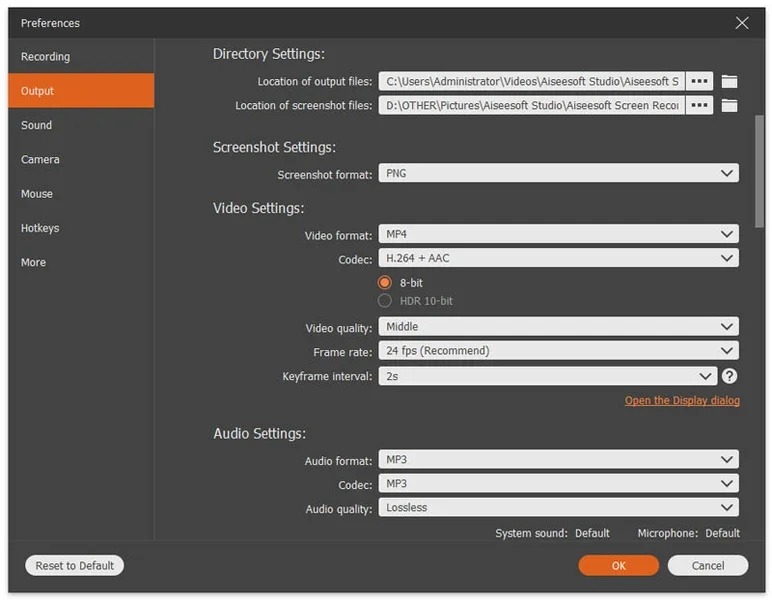
Recordings go out as MP4, MOV, AVI, or other video formats, which keeps them playable on different devices and playback platforms. Video resolution and audio quality are set by the user before capture. Clips can be edited inside the program without external tools: trim the length, add notes, or put a watermark on the video. Captures can also be scheduled, so recording runs without anyone at the keyboard.
The Windows build is version 3.1.18.
Download files
5341edf0b71b1701b803cd5533511b567302d92b0b2cda2ae332932f9cc2cdab
Signed by RayShare Co., Ltd · valid until Jun 2, 20265d313005a48a5f13ae65335a5fc9b34d05fca3566f6f97be58e583b604bb2918
7aec9a961d38bd5f43678bbb2e1e4dd81f7106006364e86d9f41e2e462bf53e7
276c45deb29e962f061da0a938174f5c8285b4c5e04deeb2404847cc421349cd
77fd94fdd1f94a0e57106f80ddd99aff5b2261a45f9791e19527c14d03261e9b
System requirements
Available on:
Additional information
Developer
Latest release
Size
Category
File type
SHA-256
5341edf0b71b1701b803cd5533511b567302d92b0b2cda2ae332932f9cc2cdab





