
ScreenHunter 7.0.1461 for Windows
Captures screenshots, records screen video, and edits images
Screenshots
Description
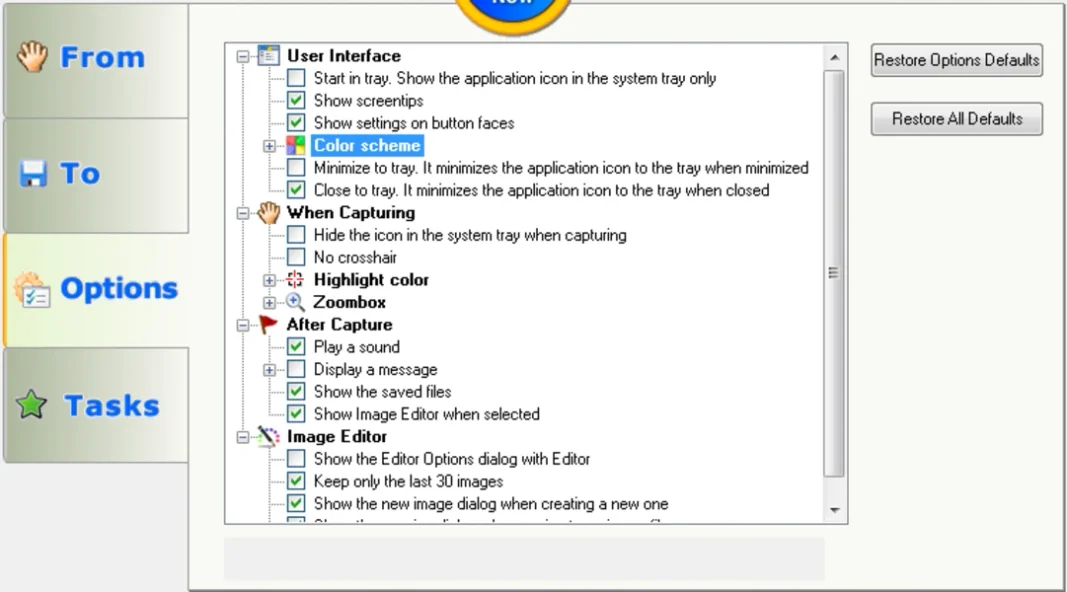
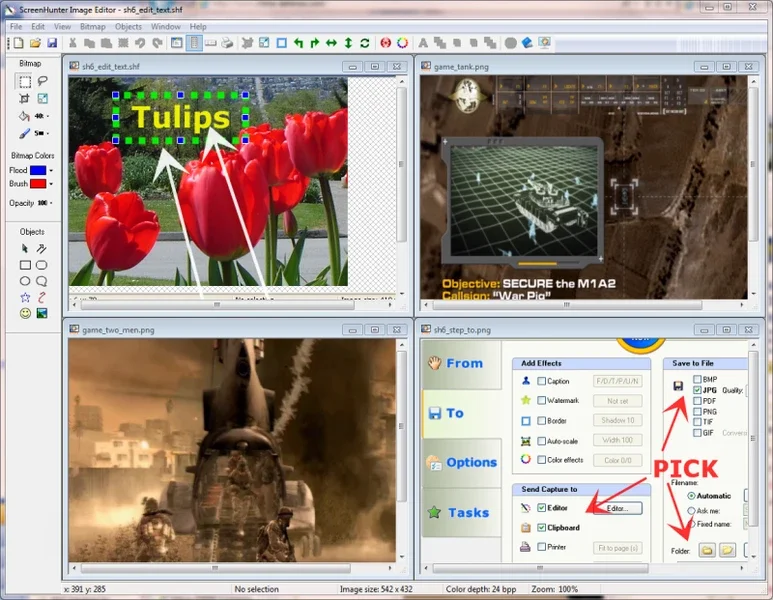
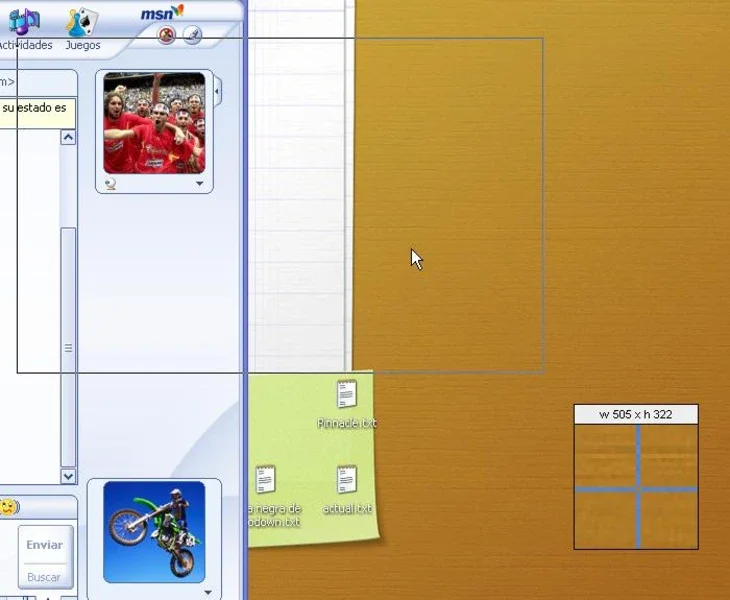
ScreenHunter captures screenshots, records the PC screen, and edits photos. The interface is simple, and its features are clearly displayed.
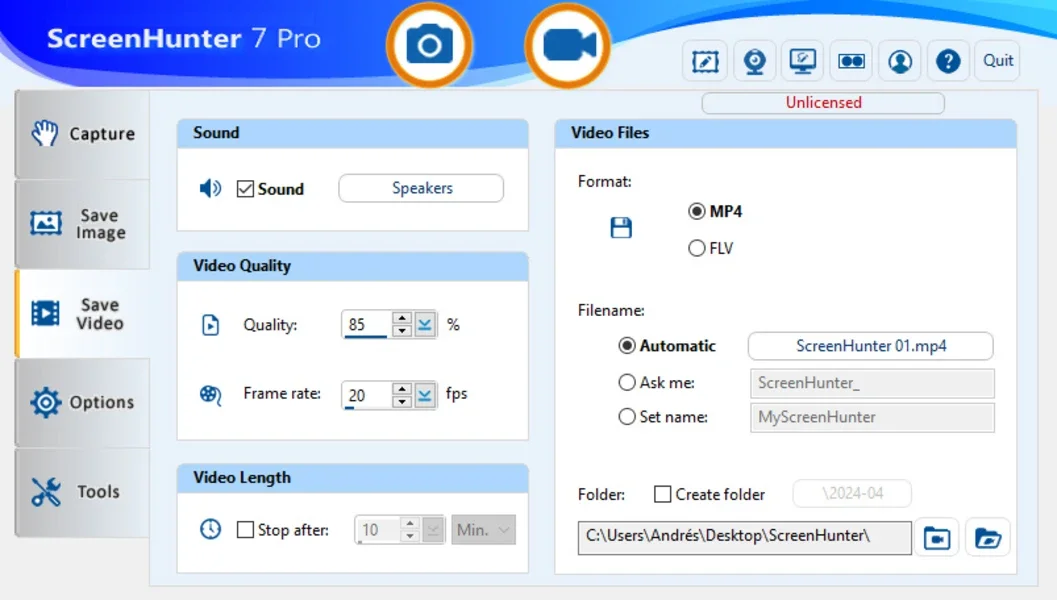
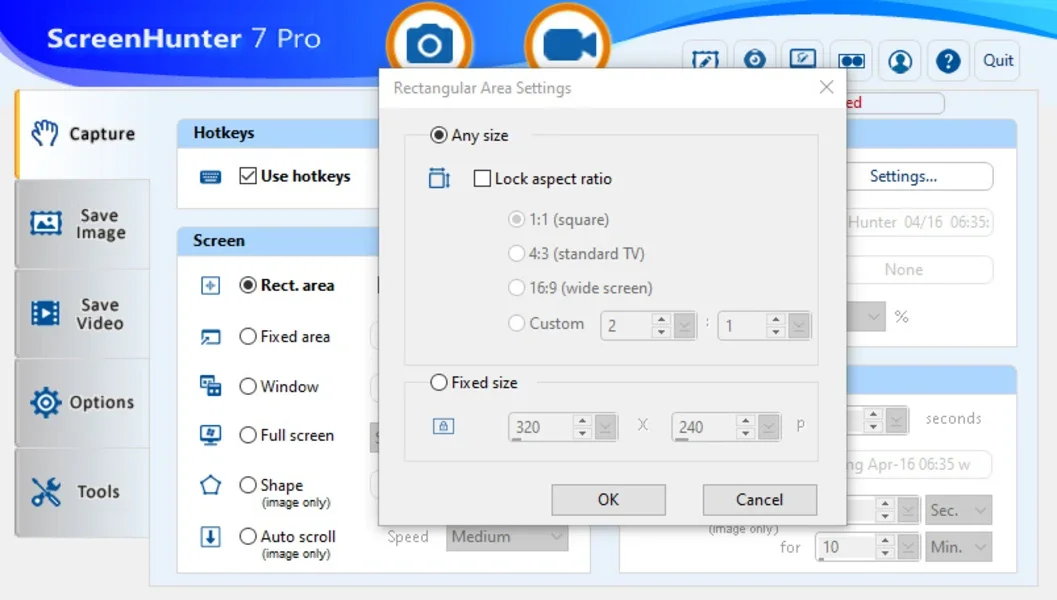
Screenshot and video settings
For screenshots, you can set the default name, add a border or shading, and choose overall quality. Screenshots can be saved as JPG, PNG, GIF, PDF, TIF, or BMP. For videos, you can set image quality and frame rate. Videos can be saved as MP4 or FLV.
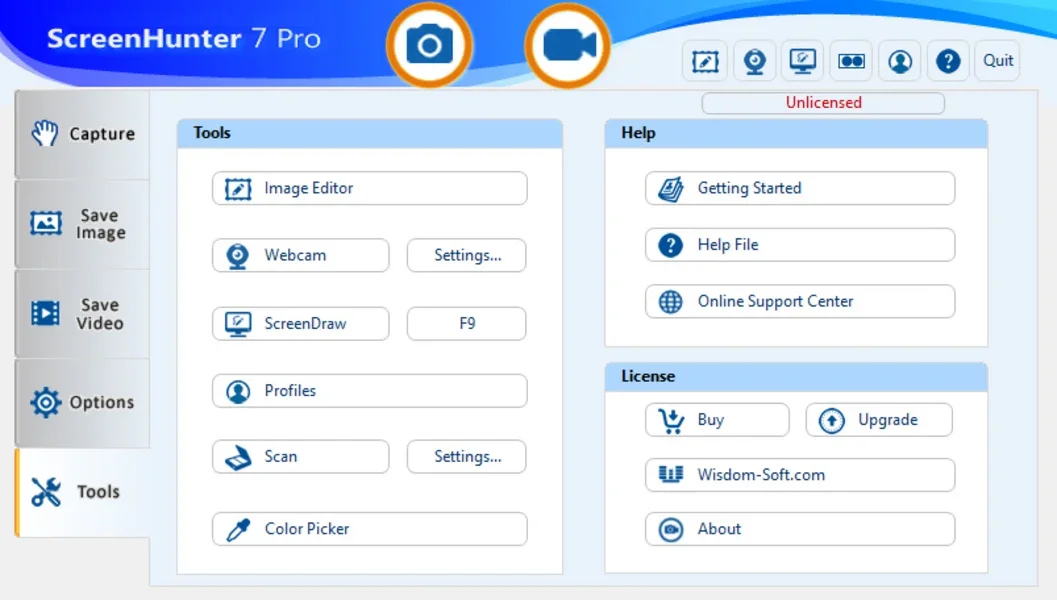
Drawing and color picking
The Screendraw tool lets you draw directly on the desktop. With the Color Picker, any color on the screen can be chosen.
Editing and webcam
A built-in image editor lets you touch up screenshots. The webcam can be opened and used from within the app, with filters and picture quality changes.
Trial and licenses
A 15-day free trial is given after first installation. After the trial, three licenses are available: Free, Plus, and Pro. The Free version limits video recordings to 1 minute. The Plus version allows recordings up to ten minutes and adds features not in Free. The Pro version allows recordings of any length and adds many more features.
Download files
a3e0e2704d5f1c4baf2d96de09f2fdeb57848037b0afb38d00097596c9eb8a91
Signed by Wisdom Software Inc. · valid until Apr 6, 2025d5ad17737be39354afd2d4aaafdf05c6eb6a2351a37e76af049a2daac78c6ee1
e79d981f1830081efbbe4a692617a04f72298759eeb1b0275c07f6c614ada075
cad00378686f82bb0ef98ac72211b4119c05e2fc5ce07978cf310c7575a6f092
e475602a2ab1b9f49e35cd249beeaf3d833eac41ccd457859dfd2cdcd1aac9d3
System requirements
Available on:
Minimum OS:
Windows XP or later
Additional information
Developer
Latest release
Size
Category
File type
SHA-256
a3e0e2704d5f1c4baf2d96de09f2fdeb57848037b0afb38d00097596c9eb8a91




