Greenshot 1.4.505 for Windows
Windows screenshot tool that crops, annotates and sends images on
You are on macOS — this is the Windows version. See the macOS version
Screenshots
Description
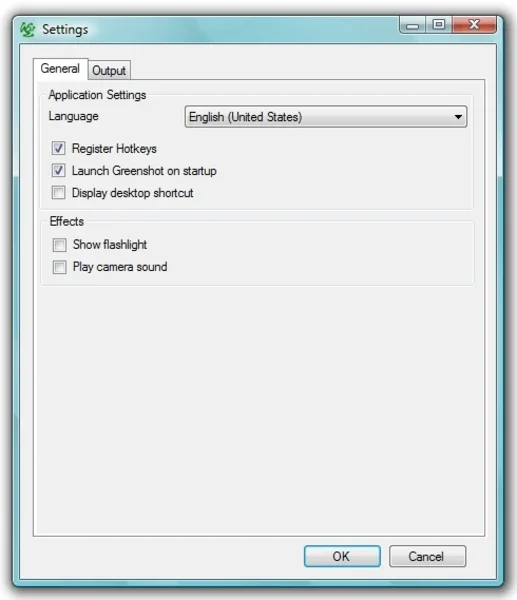
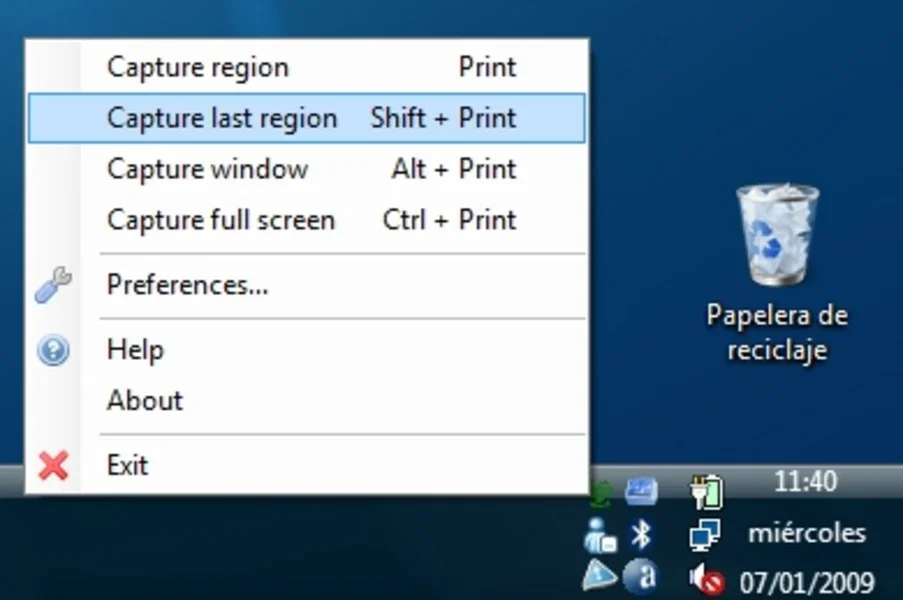
Greenshot is an open-source screenshot program for Windows, and you use it mostly from the keyboard. You assign specific key combinations as shortcuts, so a capture happens without opening the interface. It can take an area or the whole screen, and the interface itself stays lightweight, with every screenshot parameter adjustable.
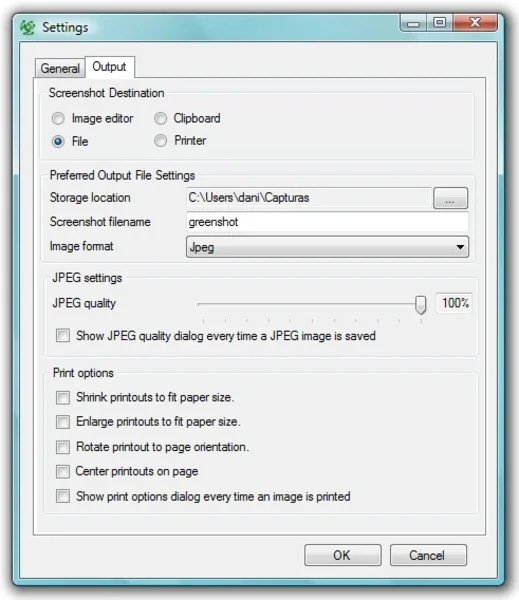
After each capture you choose what happens next: edit, copy, or save the image. Text and arrows go onto the screenshot without another program, and it can also be opened in MS Paint. Saved images land in a folder you picked beforehand, and screenshots are managed in the Destination tab. Exporting straight to Imgur is an option too.
Printing has its own adjustments. Images are resized automatically to fit the paper and can be centered, and grayscale or inverted colors are there to save ink. Installation takes only a few seconds.
Download files
0a6507c618300eb1f4068ebaed57c5c30b1d8b0489ca425b435792665e5780e6
No digital signature5d6ec298fb30c010351c100d85dec0fa6f2188833f2bc8edf594d785d9aa478a
Signed by Thomas Braun · valid until Mar 12, 20275ee8bdc558c0b54f07c656bf0ab802e4d835b190e63fbaeb07fb12f6bd09975c
Signed by Thomas Braun · valid until Mar 12, 20279bb4971e729a2ad1612e8aa2fa490b69c33af7f42515f9b642c7d0f80f8c0fd3
Signed by Thomas Braun · valid until Mar 12, 2027920121063699e7add04ba1dfc71d508d02c98464c36785a55e07406c95b31769
System requirements
Available on:
Minimum OS:
Windows Windows 10 or later
Additional information
Developer
Latest release
Size
Category
File type
SHA-256
0a6507c618300eb1f4068ebaed57c5c30b1d8b0489ca425b435792665e5780e6




