
LightShot 5.5.0.7 for Windows
SHA-256 listed
One button press captures the screen, then the image can be edited online
All ages
Age rating
Screenshots
Description
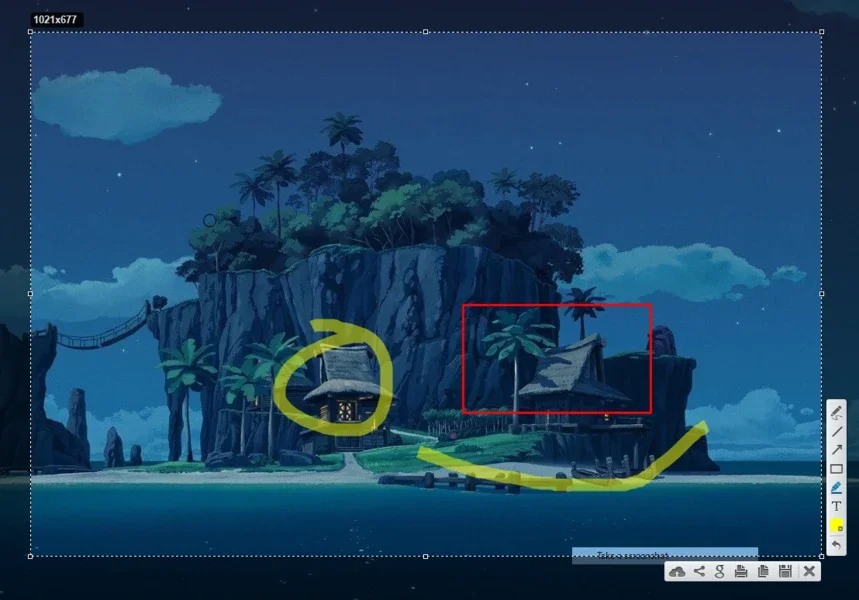
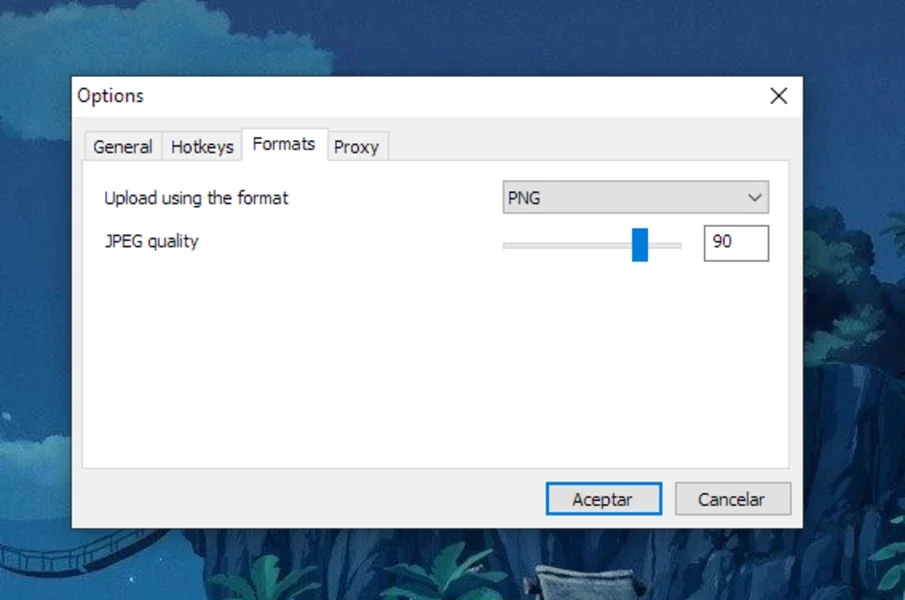
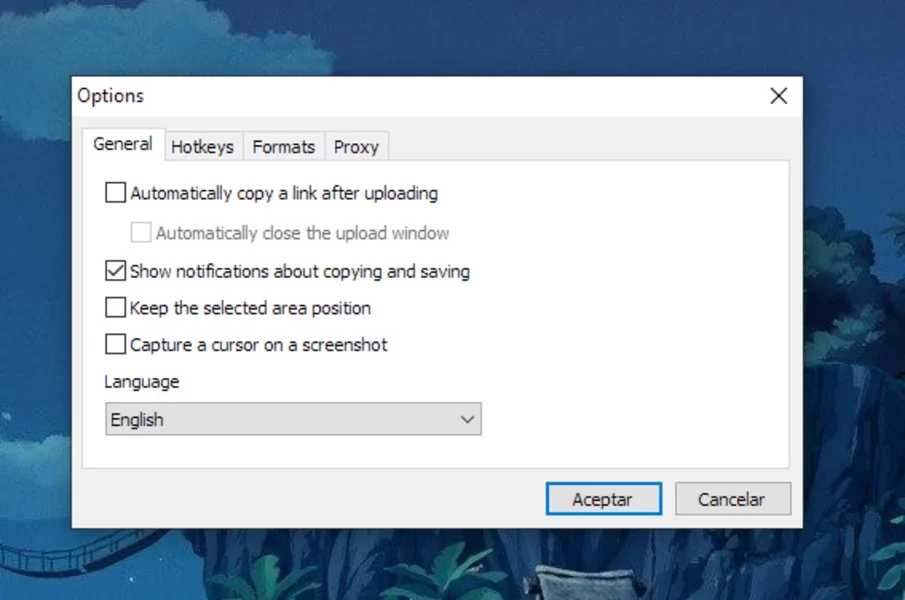
A single button press captures an image from the screen. LightShot is a screenshot tool, and what happens to the capture is where it gets interesting. The image can be saved to the hard drive, or it can be uploaded directly to the Internet through a free LightShot server.
Uploaded captures can be edited online in an application whose editor includes layers, filters, colour correction and brushes. The editor works similarly to Adobe Photoshop.
Download files
File5.5.0.7EXE
Version5.5.0.7
ReleasedAug 18, 2023
Size2.7 MB
SHA-256
Get
928c2808421dfd487ffa697379548cbe682c0e13aeb595eb89973ba9c515b8a1
Signed by Kilonova LLC · valid until May 30, 2022Filelightshot-5.5.0.4.exeEXE
Version5.5.0.4
ReleasedOct 14, 2019
Size2.7 MB
SHA-256
Get
4f35c954c0c2ce628c7ea84e3bd44cfd7e770ecff8a434fae1e65102336dbcf2
Filelightshot-5.2.1.1.exeEXE
Version5.2.1.1
ReleasedApr 17, 2015
Size2.4 MB
SHA-256
Get
1b72aec9f61b3d693e687bbf4902e03d619986462779610ac564ccbfb02134ff
Filelightshot-5.1.4.17.exeEXE
Version5.1.4.17
ReleasedOct 21, 2014
Size2.3 MB
SHA-256
Get
929c5258aab1ccb49f82319354198474f71750477b207fed9472a8783222b80f
Filelightshot-1.3.0.15.exeEXE
Version1.3.0.15
ReleasedJun 18, 2010
Size1.8 MB
SHA-256
Get
0810612f86154466bccb2de77b72f175585f7abbe1e146fdd6cc0da6286cbbae
System requirements
Available on:
Minimum OS:
Windows XP or later
Additional information
Developer
Latest release
5.5.0.7 · Aug 18, 2023
Size
2.7 MB
Category
File type
EXE
SHA-256
928c2808421dfd487ffa697379548cbe682c0e13aeb595eb89973ba9c515b8a1
Digital signature
Signed by Kilonova LLC · valid until May 30, 2022




