Screenshot Captor 4.43.0 for Windows
SHA-256 listed
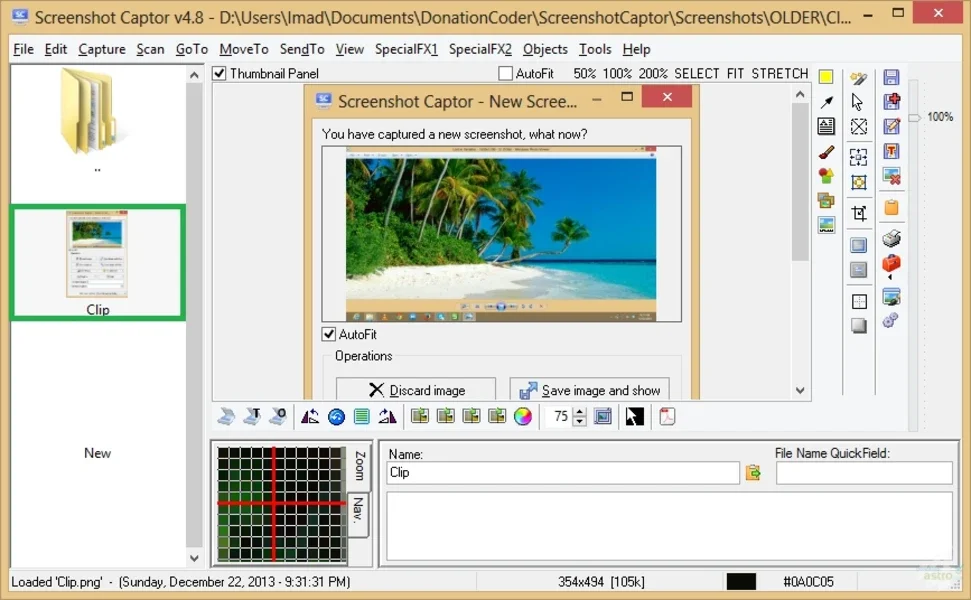
PrtScr brings the shot up on screen, ready to edit and save
All ages
Age rating
Screenshots
Description
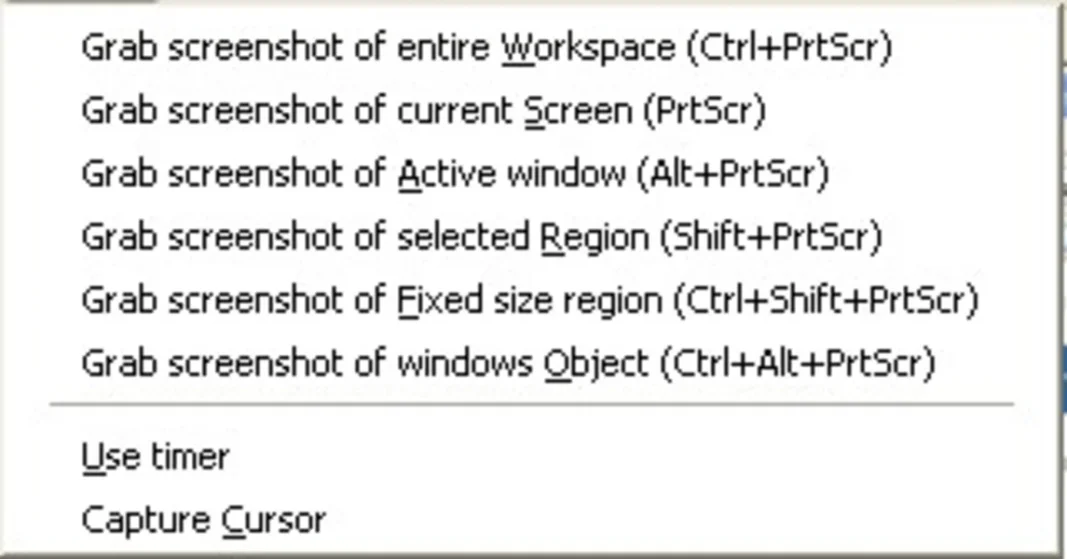
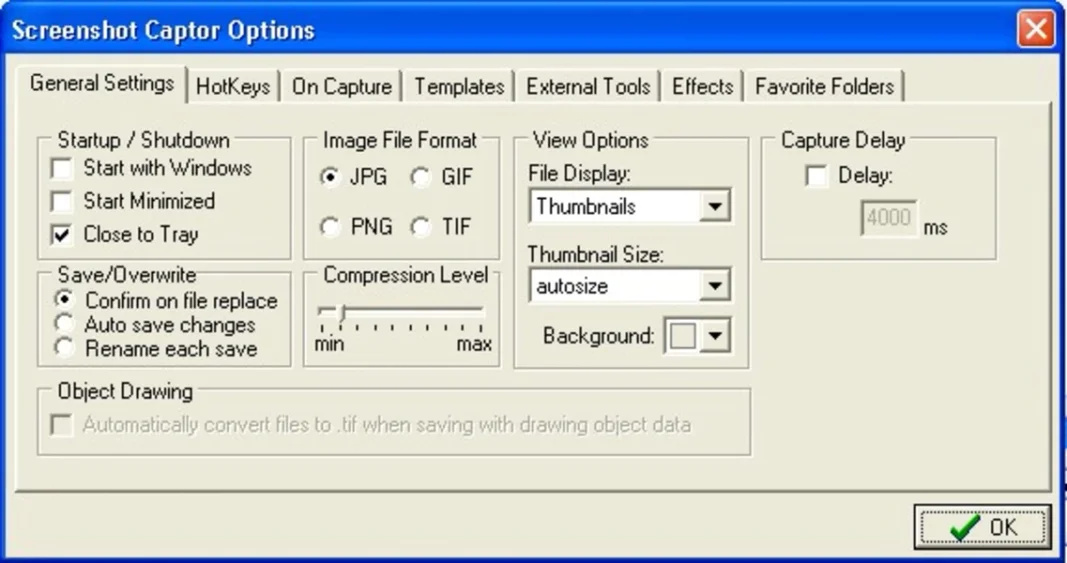
Press 'PrtScr' after launching Screenshot Captor and the captured image appears on screen. What that key does is configurable, so you can set it to take a full screen, a rectangular area or the active window, and you can also select a zone of the image to capture.
- Full screen
- Rectangular area
- Active window
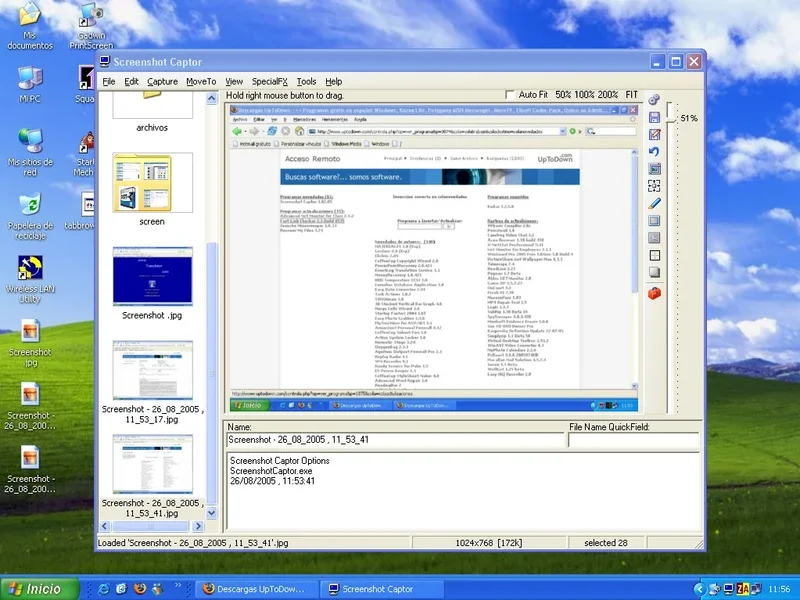
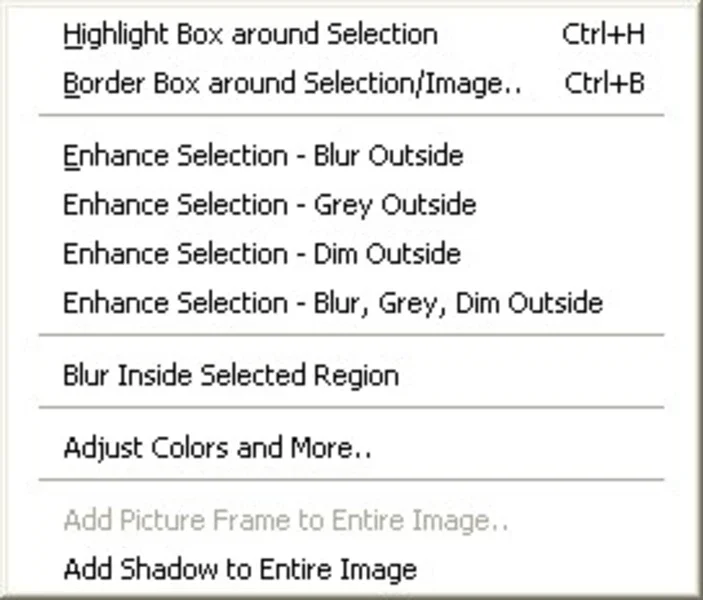
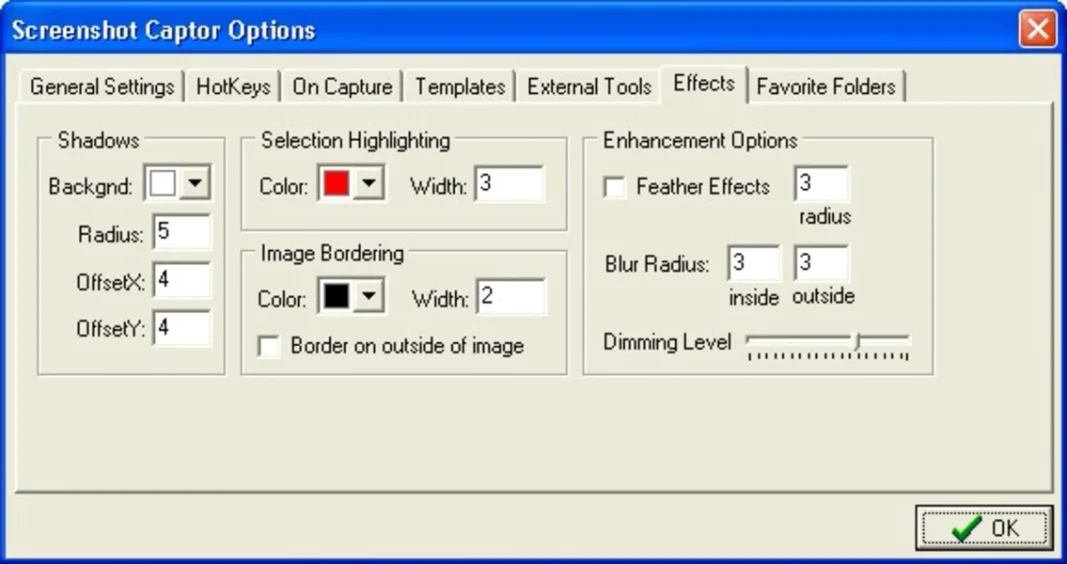
Once the image is up, you can adjust it, rotate it and change its colors. Save it as .jpg, .gif, .tif or .png.
Download files
Filescreenshot-captor-4-43-0.exeEXE
Version4.43.0
ReleasedOct 23, 2026
Size9.6 MB
SHA-256
Get
f575215ad46c367ddc483e19861d1913fe50549f7e5ba0b5c658e8065e0b55f3
Signed by DonationCoder.com · valid until Jan 17, 2025File4.36.1EXE
Version4.36.1
ReleasedAug 4, 2022
Size8.5 MB
SHA-256
Get
6148b9332afee64b951dc7263ffeac7a7a13af87e627f665070b36cce39fe21c
Signed by DonationCoder.com · valid until Dec 2, 2021Filescreenshot-captor-4.21.1.exeEXE
Version4.21.1
ReleasedMay 8, 2017
Size8.4 MB
SHA-256
Get
810102412c21a705c2f5d69d459a4198ac8b44e97bc1a7995d7edfaacf083eaa
Filescreenshot-captor-4.20.1.exeEXE
Version4.20.1
ReleasedMar 24, 2017
Size8.4 MB
SHA-256
Get
ab6358d144d6ca4c4e7b6c9b7f2847720a0aa3a9f5da65cbc12e5500923cb1d0
Filescreenshot-captor-4.16.1.exeEXE
Version4.16.1
ReleasedJan 8, 2016
Size8.4 MB
SHA-256
Get
4733e71ef5a3cd9aa5df7e2f43092397bf379ee69040eeed26fb5bf1b1f74dda
System requirements
Available on:
Minimum OS:
Windows Windows 7 or later
Additional information
Developer
Latest release
4.43.0 · Oct 23, 2026
Size
9.6 MB
Category
File type
EXE
SHA-256
f575215ad46c367ddc483e19861d1913fe50549f7e5ba0b5c658e8065e0b55f3
Digital signature
Signed by DonationCoder.com · valid until Jan 17, 2025




