
AutoCapture Desktop 1.2.0 for Windows
SHA-256 listed
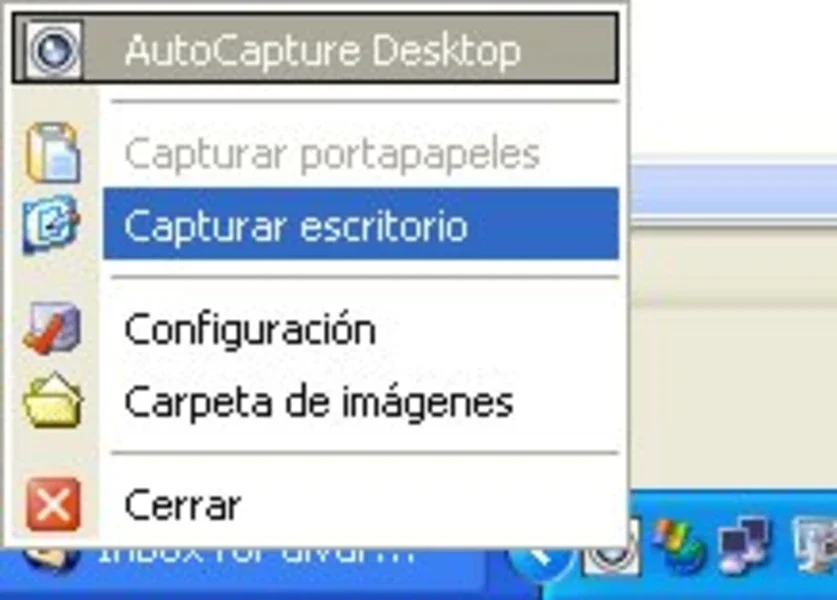
Press a hotkey to grab a window, a region, or the whole screen
All ages
Age rating
Screenshots
Description
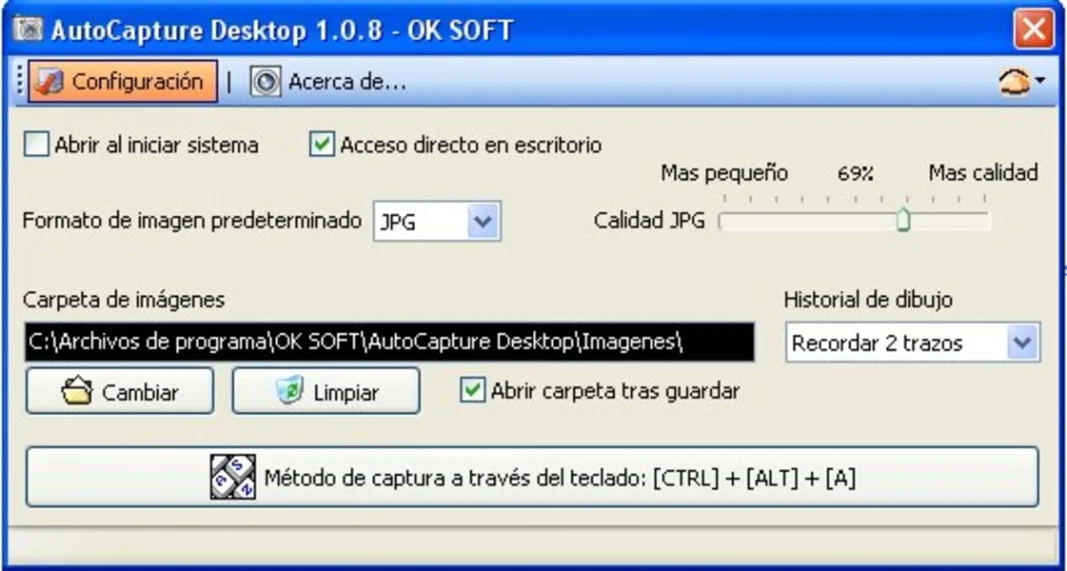
AutoCapture Desktop turns what is shown on the screen into pictures. Which kind of capture you get depends on the key combination you press: the active window, an area you select, or the full screen.
The image can then be drawn on, for example to highlight something, and saved as BMP, JPG, or PNG. It can also be sent by e-mail.
The program is free.
Download files
File1.2.0EXE
Version1.2.0
ReleasedJun 26, 2006
Size1.1 MB
SHA-256
Get
6ef29c9e60e83355ccc0254b0d493a852dd642a4f029260f5b0b10e08dd105c1
No digital signatureSystem requirements
Available on:
Additional information
Developer
Latest release
1.2.0 · Jun 26, 2006
Size
1.1 MB
Category
File type
EXE
SHA-256
6ef29c9e60e83355ccc0254b0d493a852dd642a4f029260f5b0b10e08dd105c1
Digital signature
No digital signature





