
Automatic Screenshot Capture 1.1.0 for Windows
Captures desktop screenshots on a set interval or in bursts
Screenshots
Description
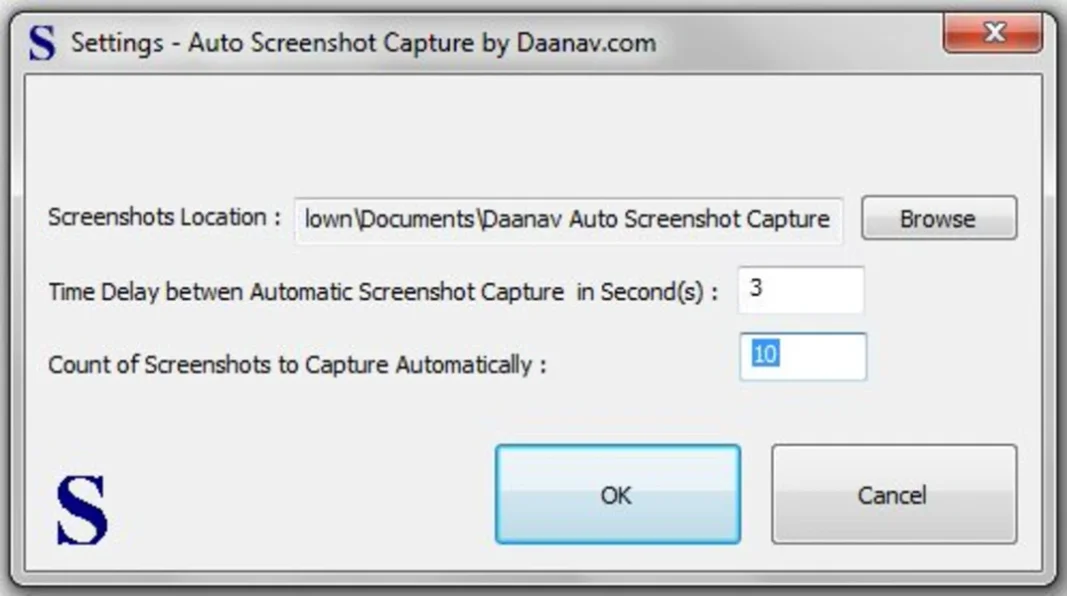
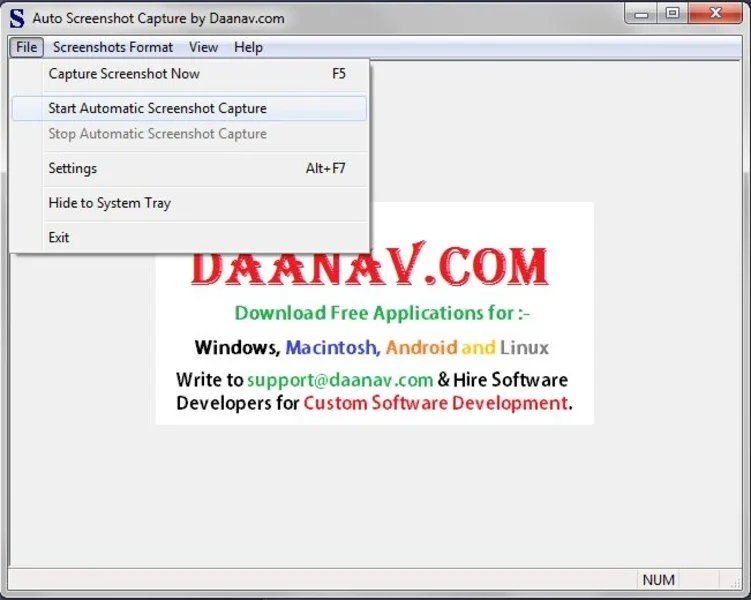
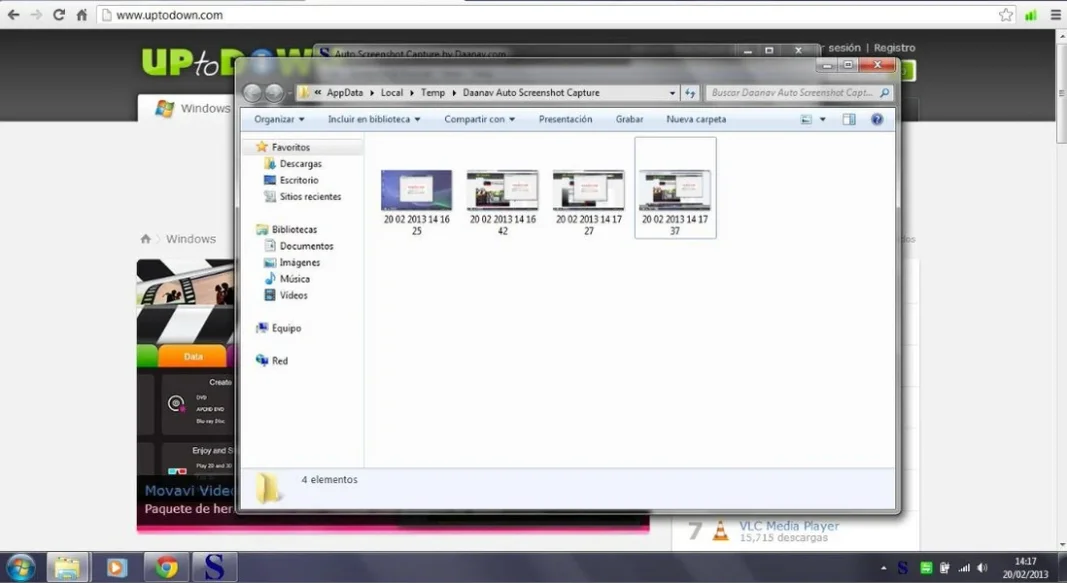
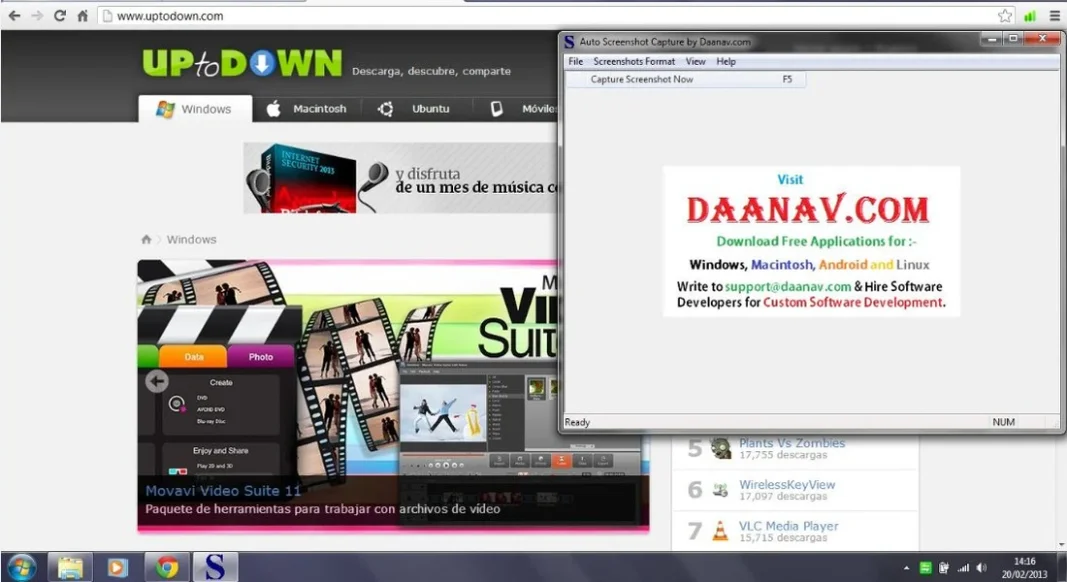
Automatic Screenshot Capture takes desktop screenshots on a schedule you set. You choose the interval between shots and the total number you want, then let it run. Capture works one at a time or in burst mode, which is handy when you need to catch a fast-changing process and pick the best shot afterward. A stop button ends the run whenever you like.
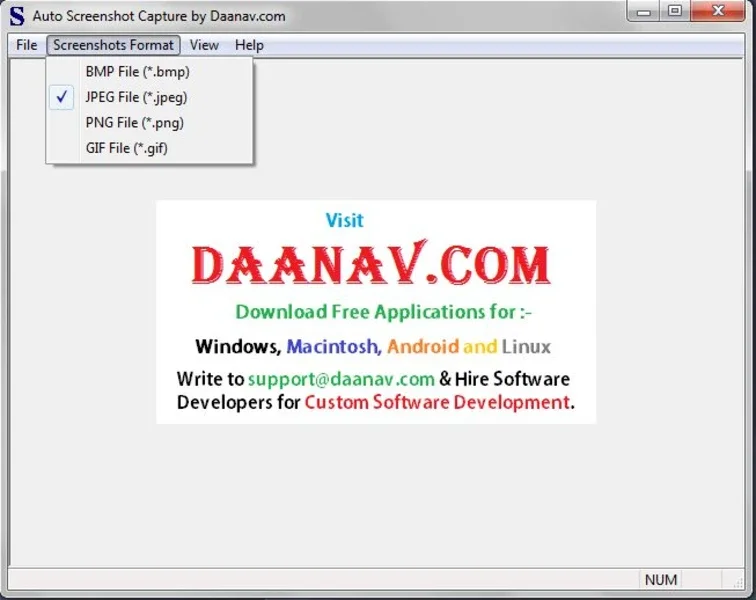
Images are saved as JPEG by default and land in the Automatic Screen Capture folder. You can switch the output format to PNG, BMP, or GIF, and the Screenshots Folder icon opens that folder from inside the program. Image size follows your screen resolution.
It suits repeatedly capturing the same computer process, and it can watch a PC while you are away. Version 1.1.0 is free and runs on Windows.
Download files
6570f4b0da9efb9bf4b8d1dc956ebd9b0b5c706dbb9e6ff5538758bfb6a11d0b
Signed by Daanav Softwares · valid until Aug 3, 2026d6ef66b7719c77c443b0cee13eac7103c4854c494ee43e5303ccf5c7e704e8b5
System requirements
Available on:
Minimum OS:
Windows XP or later
Additional information
Developer
Latest release
Size
Category
File type
SHA-256
6570f4b0da9efb9bf4b8d1dc956ebd9b0b5c706dbb9e6ff5538758bfb6a11d0b





