
AutoScreenShot 1.0.5.10 for Windows
SHA-256 listed
Captures screenshots at set intervals to record desktop activity
All ages
Age rating
Screenshots
Description
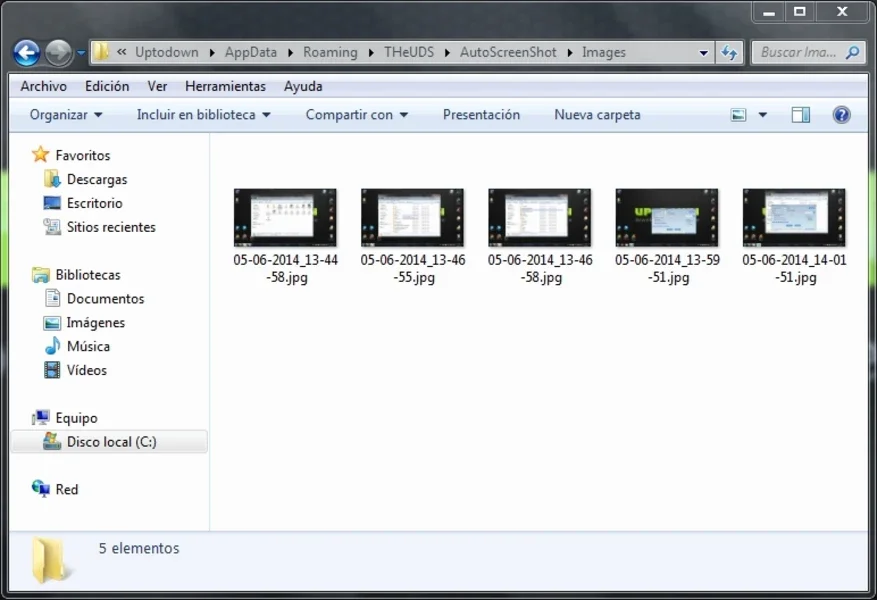
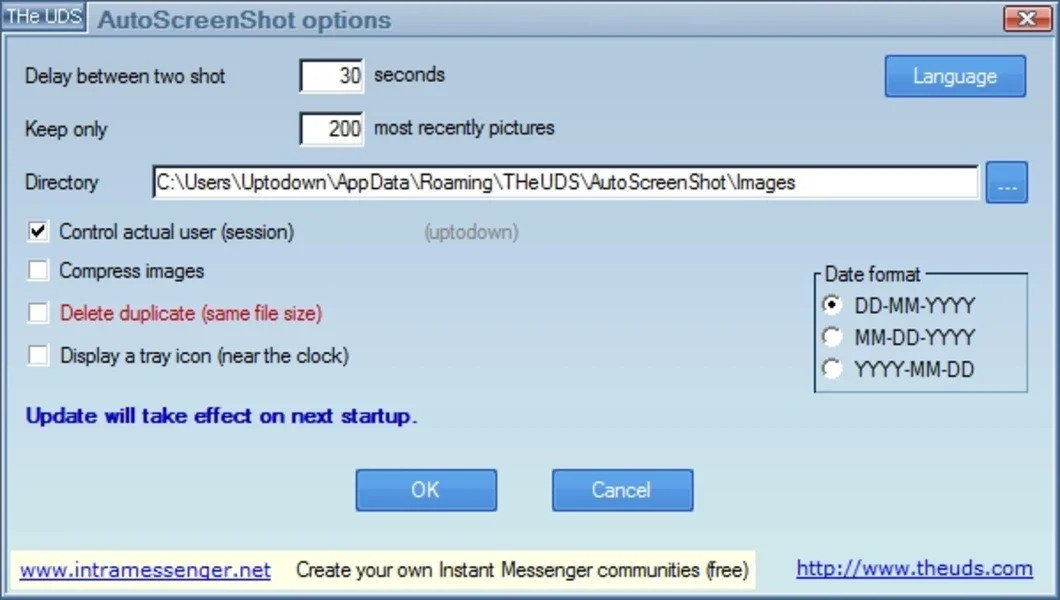
AutoScreenShot takes a screenshot at regular intervals so you have a record of what happened on the desktop. It runs in the background, and the only setting you configure is how often it captures.
Capture interval and saved files
The interval can be set from 1 second to 9,999 seconds. Saved image names can include the date they were captured.
You can pick the save folder instead of using the default one the program creates. An option limits storage to the 20 or 200 most recent screenshots, deleting older ones automatically.
Download files
File1.0.5.10EXE
Version1.0.5.10
ReleasedNov 17, 2026
Size2.0 MB
SHA-256
Get
07ec9e5d8cef8a1777565258b1b517610ea58cfdb8f4b4807db40953c1a19a6e
No digital signatureFileautoscreenshot-en-fr-it-win.exeEXE
Version
ReleasedJun 19, 2014
Size2.0 MB
SHA-256
Get
07ec9e5d8cef8a1777565258b1b517610ea58cfdb8f4b4807db40953c1a19a6e
No digital signatureFileautoscreenshot-1.0.3.1.exeEXE
Version1.0.3.1
ReleasedUnknown
Size2.0 MB
SHA-256
Get
948d7bbbe702453e8560fb7b7ece4446de249a6a947d69e4f13d6fa21cd1b570
No digital signatureSystem requirements
Available on:
Minimum OS:
Windows Windows NT or later
Additional information
Developer
Latest release
1.0.5.10 · Nov 17, 2026
Size
2.0 MB
Category
File type
EXE
SHA-256
07ec9e5d8cef8a1777565258b1b517610ea58cfdb8f4b4807db40953c1a19a6e
Digital signature
No digital signature





