CapturePlus 3.2.0.0 for Windows
SHA-256 listed
Screenshot capture tool with an editor, filters and over twenty formats
All ages
Age rating
Screenshots
Description
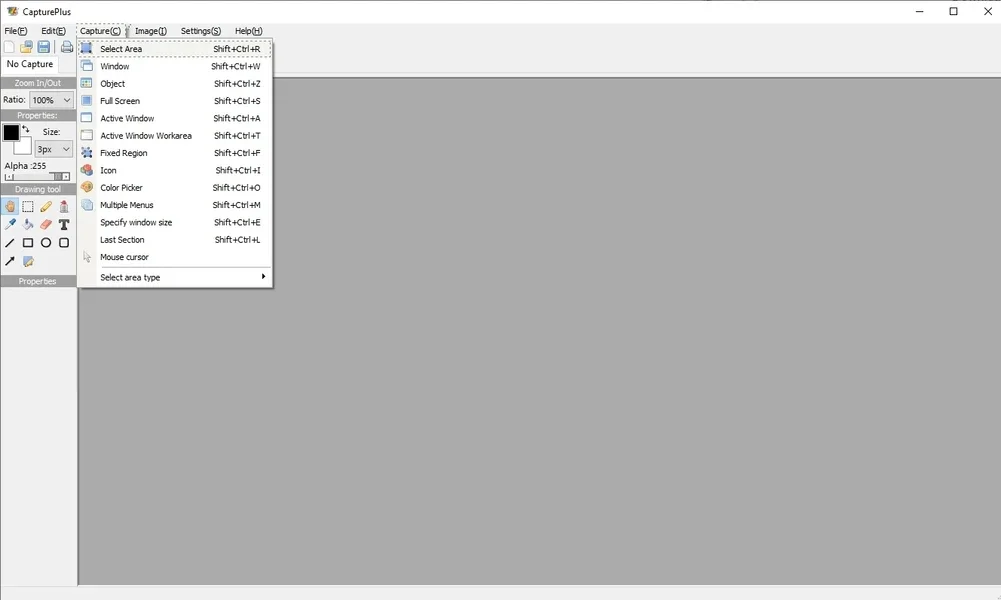
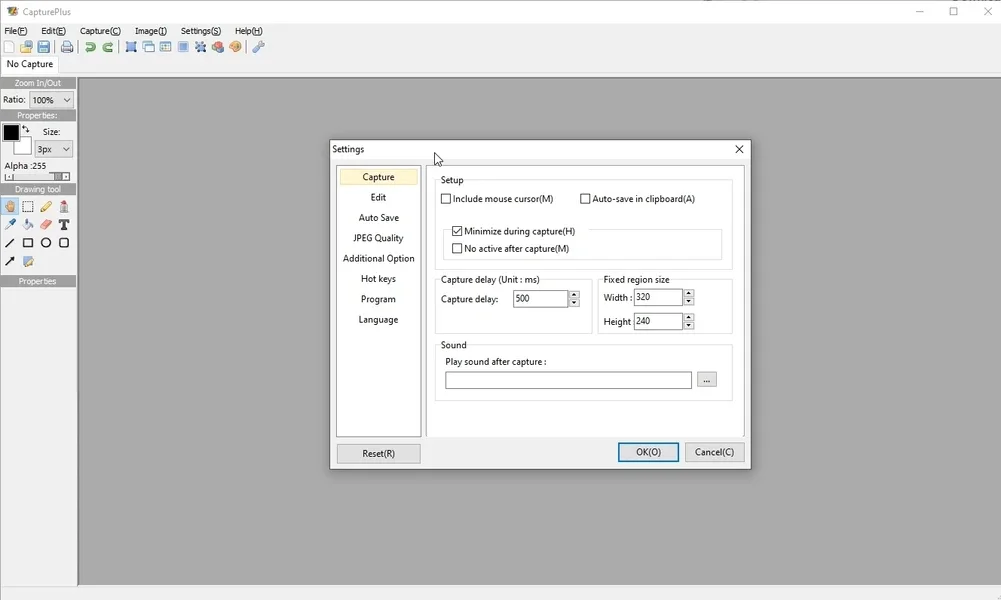
CapturePlus is a screenshot tool for Windows. It has about half a dozen capture modes: select an area by hand, grab a whole window, pick a single object inside a window, take the entire screen, take a fixed area, or hide the icons first. You can set a default file name and the folder where screenshots go, and choose whether the mouse cursor shows up. A plain PNG is the default save format.
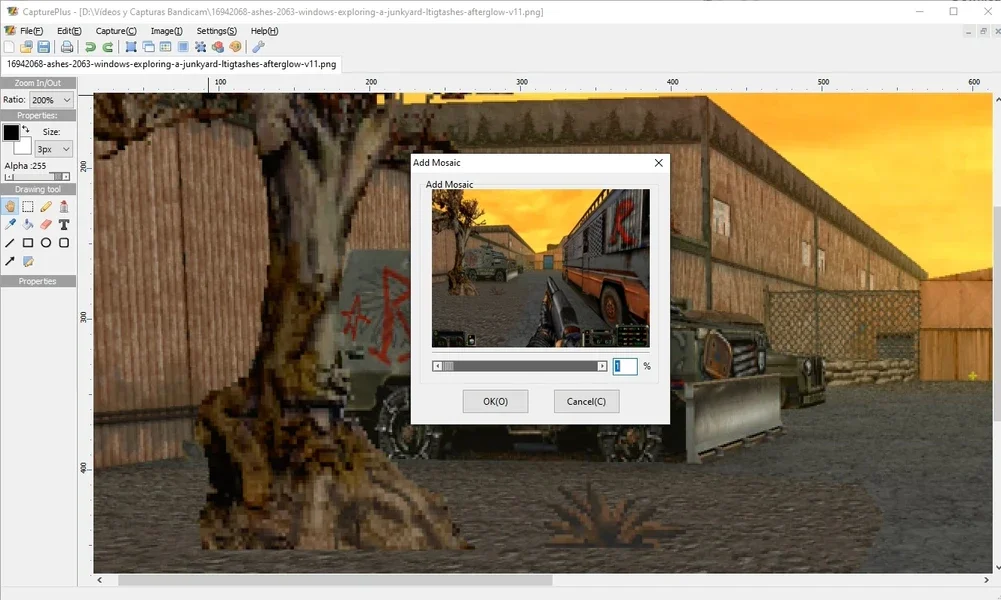
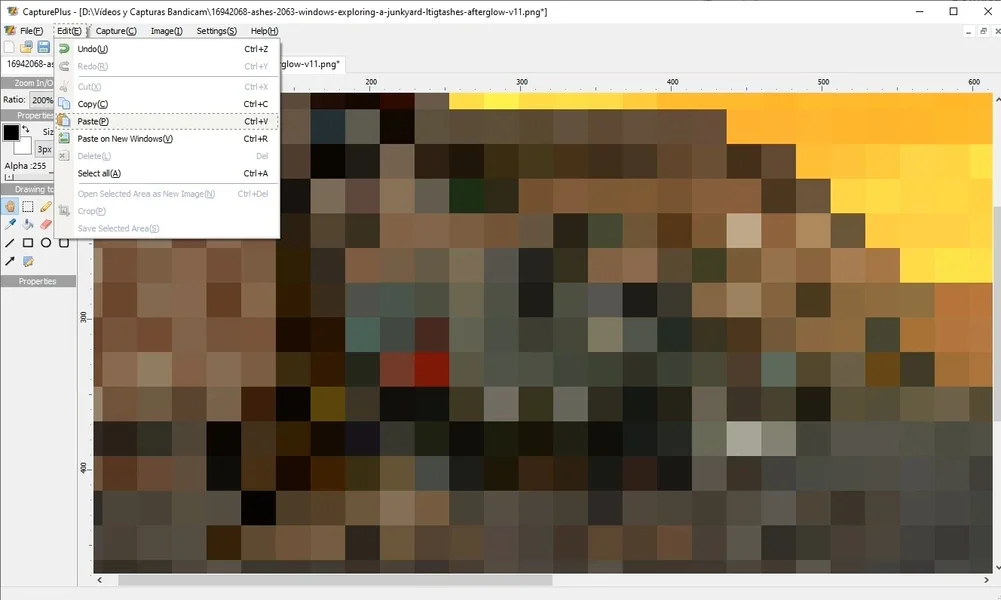
- Filters that pixelate the image or blur parts of the canvas
- Editor tools including a brush, eraser and geometric shapes
- More than twenty image formats, among them PNG, JPG, GIF, BMP, PSD and PDF
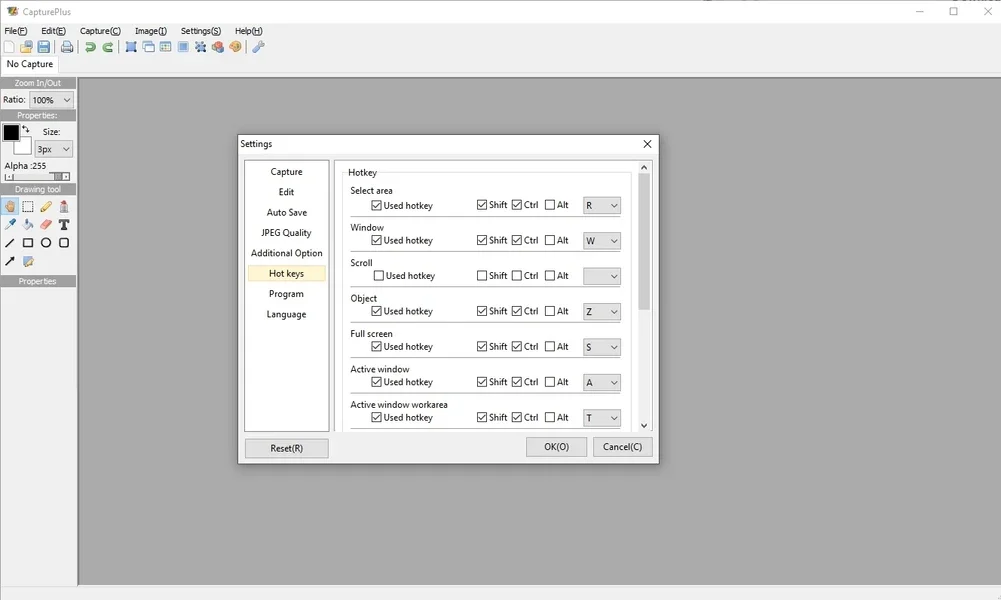
- Keyboard shortcuts you can create for each function
Saving to the clipboard is a setting you can turn on or off, not a given. The same editor opens any image on the computer, not only fresh captures. The installer is just under 4MB, so it installs fast. It is meant for home and office use both.
Download files
File3.2.0.0EXE
Version3.2.0.0
ReleasedJun 11, 2024
Size4.0 MB
SHA-256
Get
b2e5845c3f14a1b406f03fab9907d3df30ceb19b52913b0cf8c2ec0b2eb56229
Signed by OORT Inc. · valid until May 21, 2024System requirements
Available on:
Minimum OS:
Windows XP or later
Additional information
Developer
Latest release
3.2.0.0 · Jun 11, 2024
Size
4.0 MB
Category
File type
EXE
SHA-256
b2e5845c3f14a1b406f03fab9907d3df30ceb19b52913b0cf8c2ec0b2eb56229
Digital signature
Signed by OORT Inc. · valid until May 21, 2024





