
Clip2Net 3.3.2.409 for Windows
Captures the screen, uploads it, and emails the link
Screenshots
Description
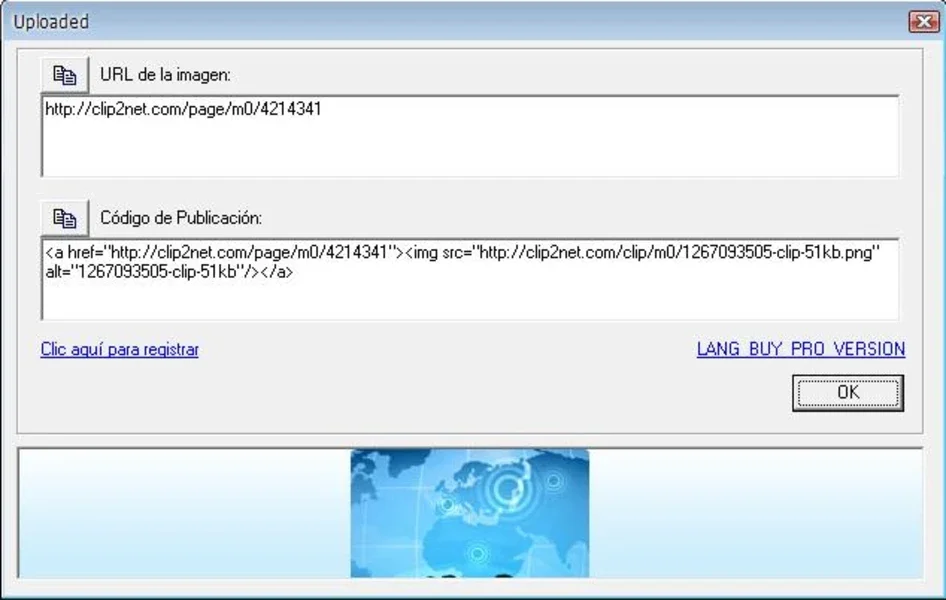
Clip2Net takes screenshots and shares them. It is a lightweight Windows application in the screenshot tools category, and it handles images, clipboard text, files held in the clipboard, and video. Captured files are uploaded automatically.
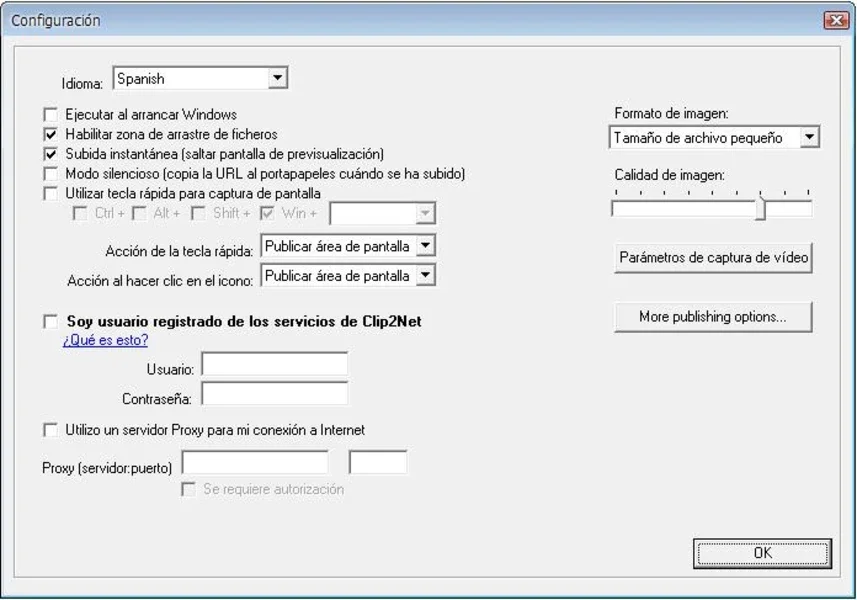
The sharing part is mostly about email. You can send a capture to your own address or to friends' addresses, so the recipient gets a link without you attaching anything. Clip2Net also keeps an eye on clipboard contents: whatever text or file copies sit there can be captured along with the screen. For someone who takes screenshots often and passes them around, that routine of capture, upload, send stays short. The Internet options go beyond what a common user needs, and most people will leave them alone.
The program is free, and the latest build is 3.3.2.409.
Download files
3b0158378805dea1d1f815e7854b4a0b2ecdcb3c3e2aa86c19626447f87dfb06
No digital signature7bd26d6d0eac5eee618c5f5e51735198067149c60d1439fb95453286b3088373
030eff001c23ea51e30ac8d4ea498f2af3f0ea3e236b0b993ebdbc383ecb1367
612f6bc914c9e724de67d3062433a03fae35bacb50fafe6c28dd0b4bc4d797c6
568fc24171acc47e5e1c8f94760290092c0901eeb6b07597a58a9bae863c9d0d
System requirements
Available on:
Minimum OS:
Windows Windows 11 or later
Additional information
Developer
Latest release
Size
Category
File type
SHA-256
3b0158378805dea1d1f815e7854b4a0b2ecdcb3c3e2aa86c19626447f87dfb06





