
Coolmuster Screen Recorder 1.1.66 for Windows
Records screen, game, or region video and captures screenshots
Screenshots
Description
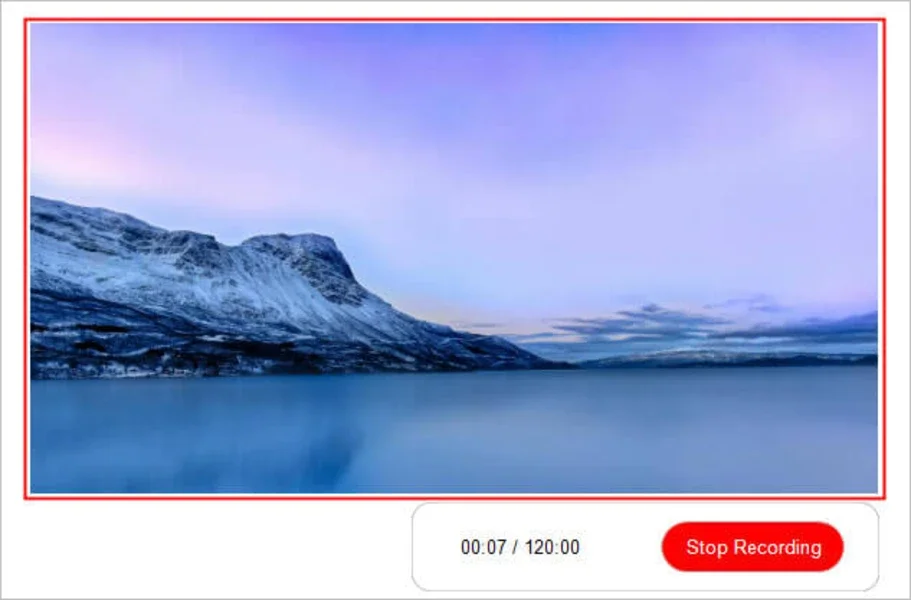
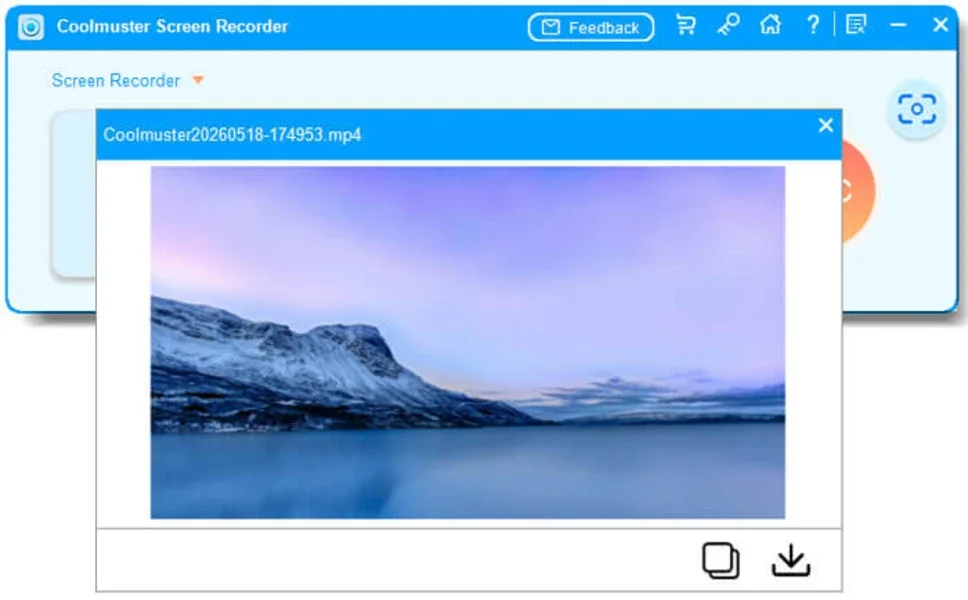
Coolmuster Screen Recorder captures what happens on a Windows screen, either as video or as still screenshots. Recordings are MP4 at HD quality and lossless. There is no time limit on a recording, and no cap on how many you make once the program is registered. Registered copies also leave no watermark on the output.
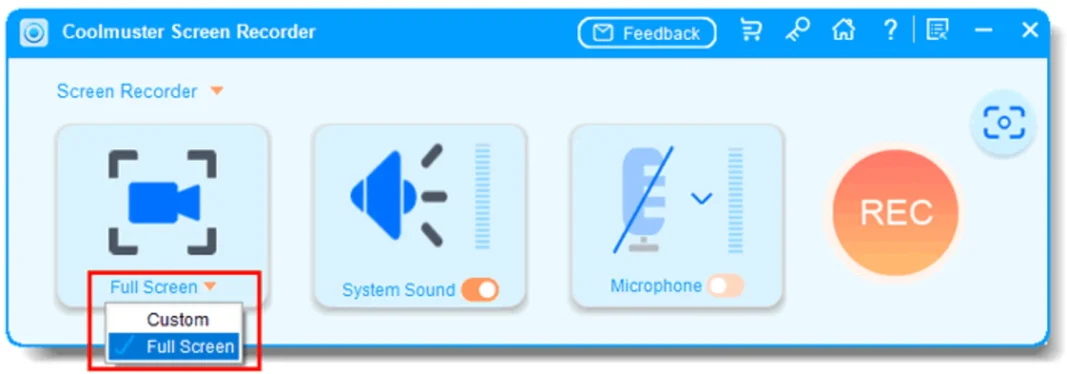
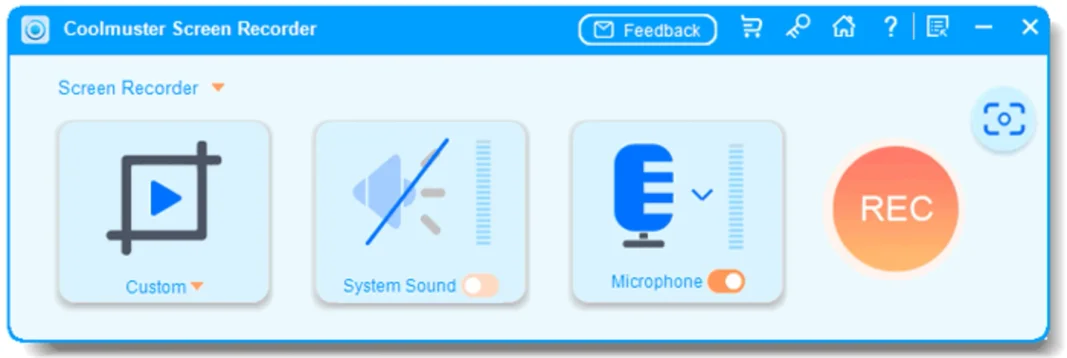
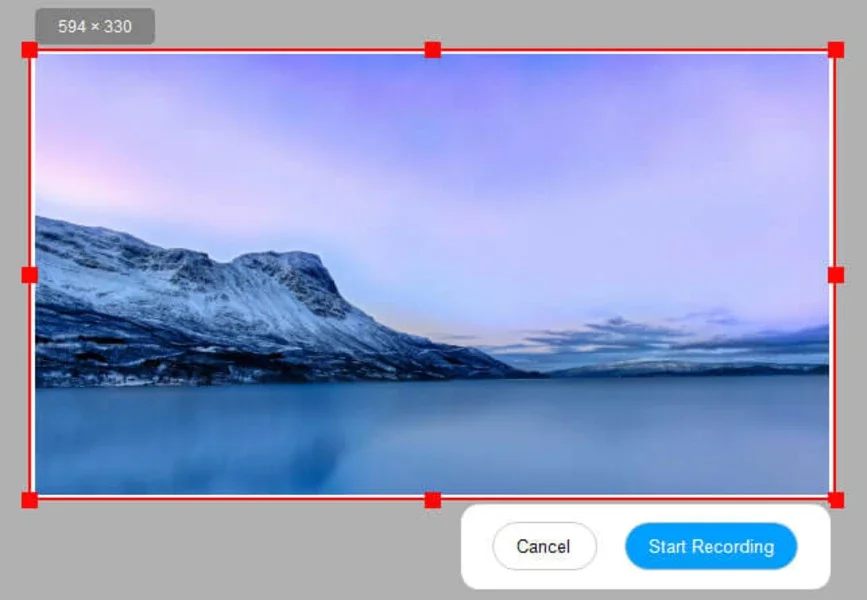
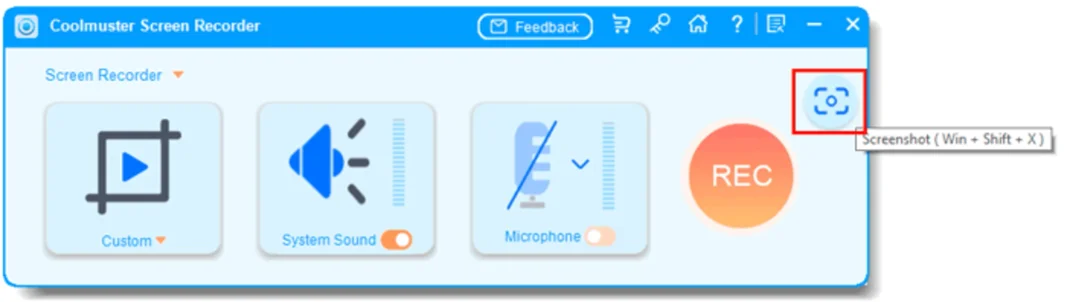
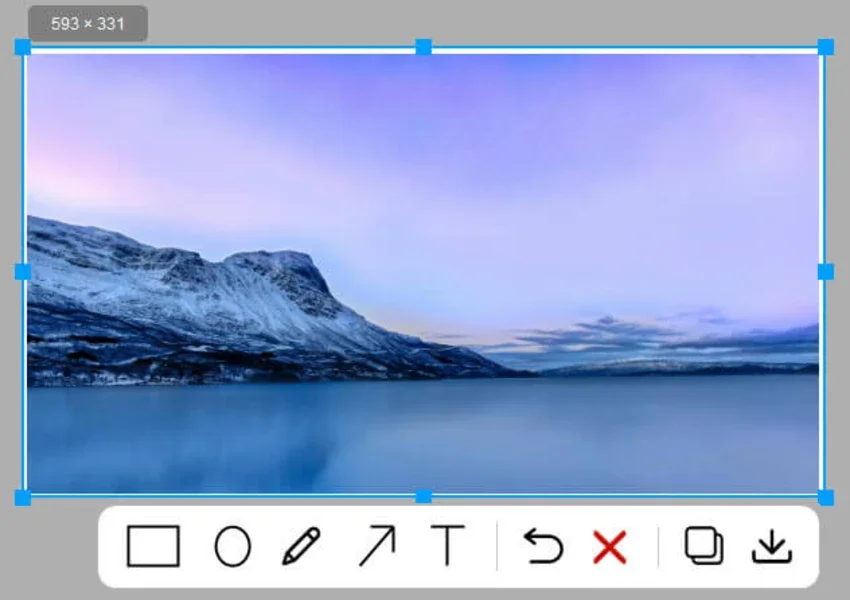
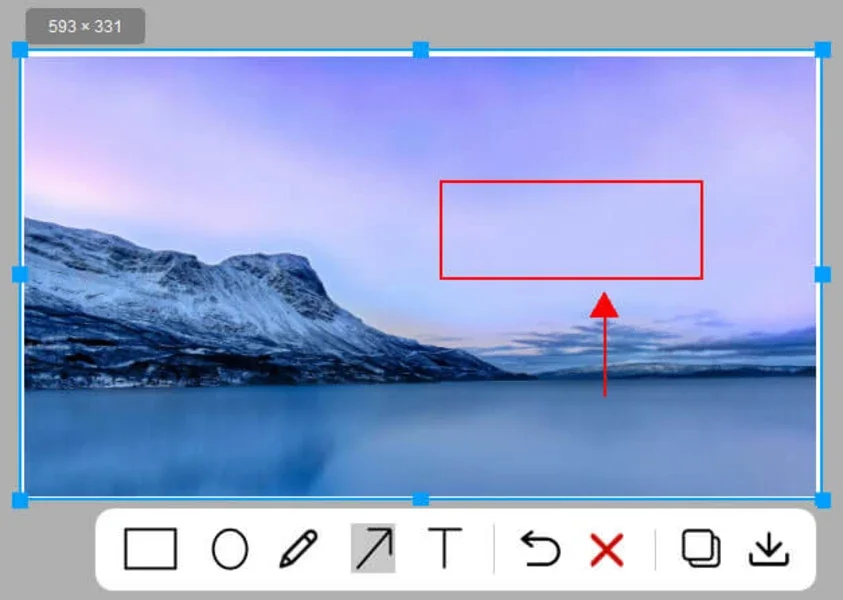
You can record the whole screen, a custom region, or a game. Screenshots work the same way: grab the full screen or drag a selection box over any area, and the box shows exact pixel dimensions as you size it. Save shots as PNG, JPG, JPEG, or BMP. For audio, pick system audio or the microphone. Everything is processed locally on the machine, so the data never leaves the computer.
The program is proprietary, sold by Coolmuster, and runs on Windows. A trial is available. The current build is 1.1.66.
Download files
22f1577c755c3499ae2d06a661da5fba1b35959aba5d2cd51feff39e6bb028ab
Signed by SHENZHEN QIXINGSHI TECHNOLOGY CO.,LTD · valid until Jan 8, 2029System requirements
Available on:
Minimum OS:
Windows 7 or later
Additional information
Developer
Latest release
Size
Category
File type
SHA-256
22f1577c755c3499ae2d06a661da5fba1b35959aba5d2cd51feff39e6bb028ab





