
DuckLink Screen Capture 2.7 for Windows
SHA-256 listed
Takes screenshots of an area, window or full desktop, saved as JPG, BMP or PNG
All ages
Age rating
Screenshots
Description
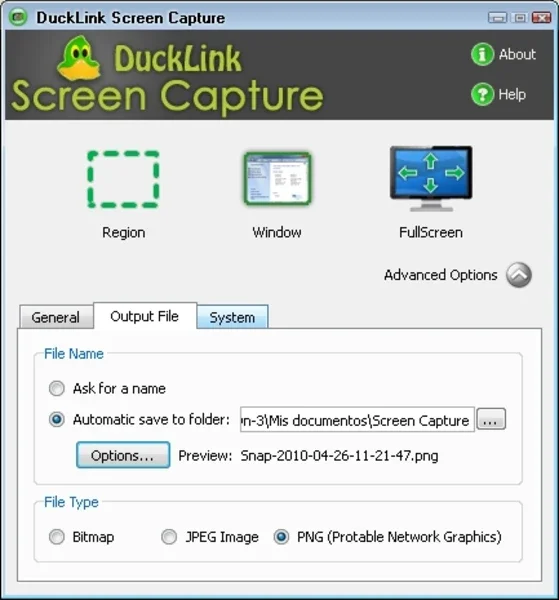
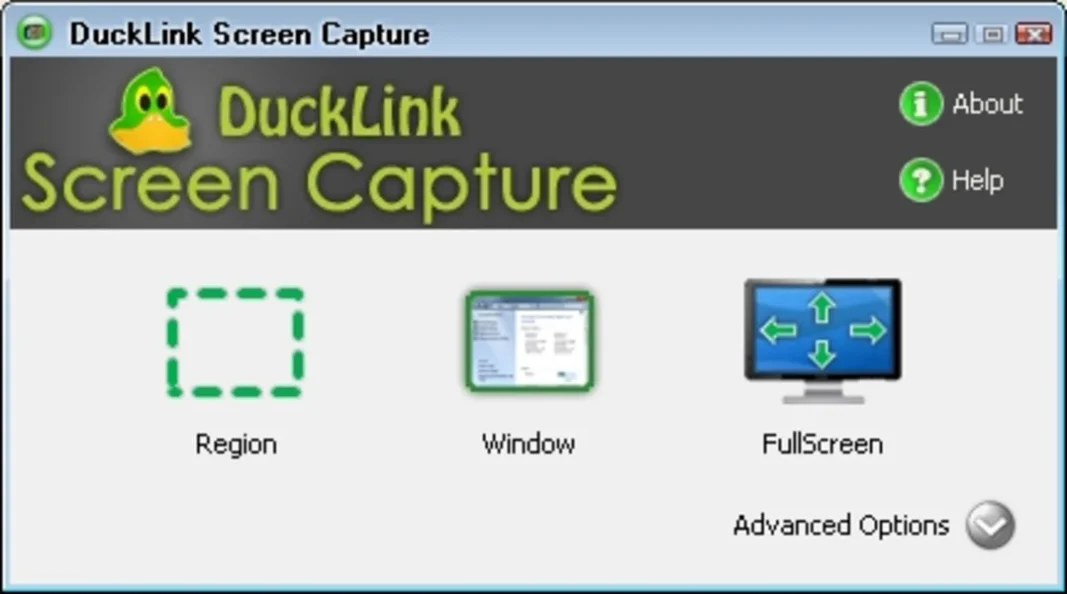
DuckLink Screen Capture captures a selected desktop area, a specific window, or the whole desktop. Each of the three modes can be triggered from the program window or through its own keyboard shortcut. When saving, the program can be set to prompt for a name and location for each capture. Output is JPG, BMP or PNG.
Saving and footprint
The program takes up little space on the system, and its interface is relatively user-friendly. It has no features that similar programs lack.
Download files
File2.7EXE
Version2.7
ReleasedNov 29, 2011
Size5.9 MB
SHA-256
Get
f5d1c24f7e230fad988533e42f7f3c579922a0929e35bbc9f583dc9d3fa49dd7
No digital signatureSystem requirements
Available on:
Additional information
Developer
Latest release
2.7 · Nov 29, 2011
Size
5.9 MB
Category
File type
EXE
SHA-256
f5d1c24f7e230fad988533e42f7f3c579922a0929e35bbc9f583dc9d3fa49dd7
Digital signature
No digital signature





