
Easy Screen OCR 2.6.0 for Windows
SHA-256 listed
Windows screenshot tool that also saves captures as PDF
All ages
Age rating
Screenshots
Description
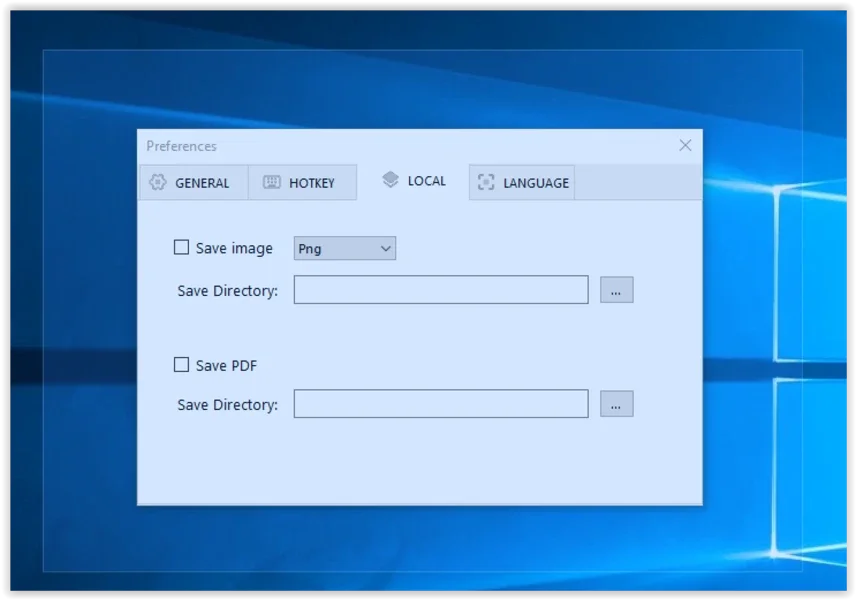
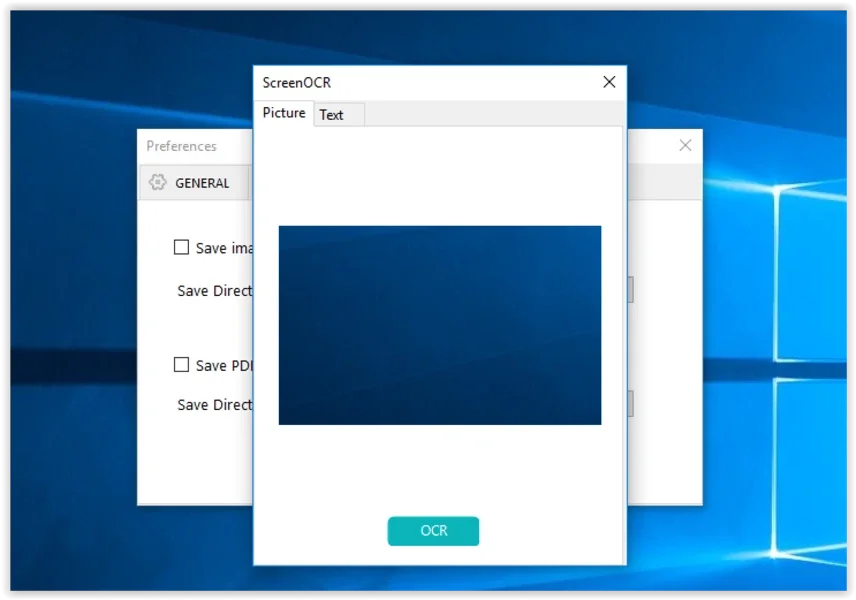
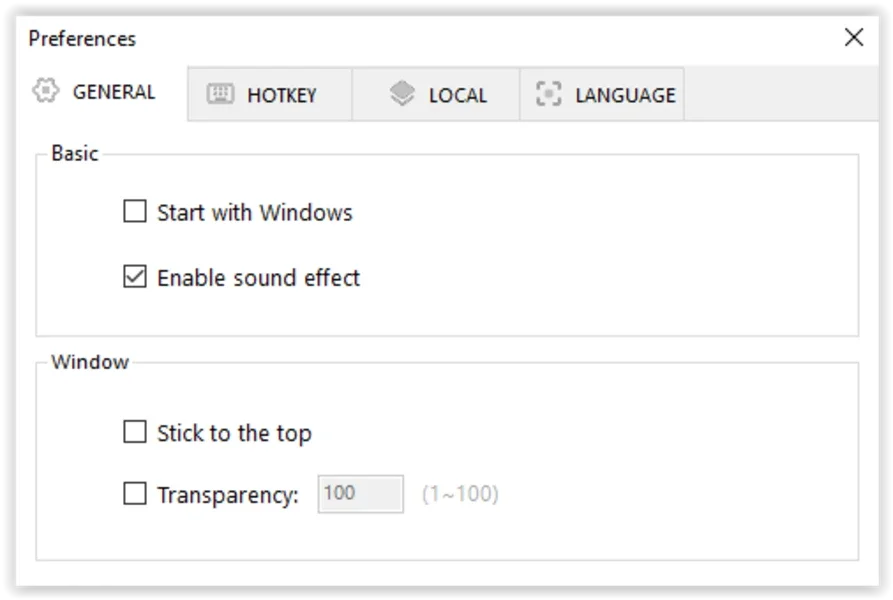
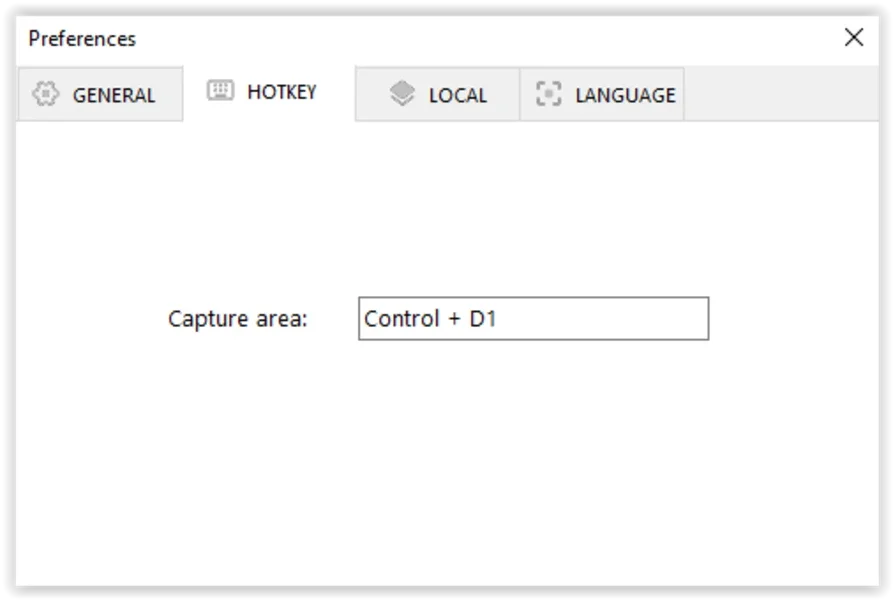
Easy Screen OCR is a Windows tool for taking screenshots. After installation its icon sits in the PC toolbar, and right-clicking that icon opens the options menu. There you can set a keyboard shortcut to run a screenshot.
Saving and output
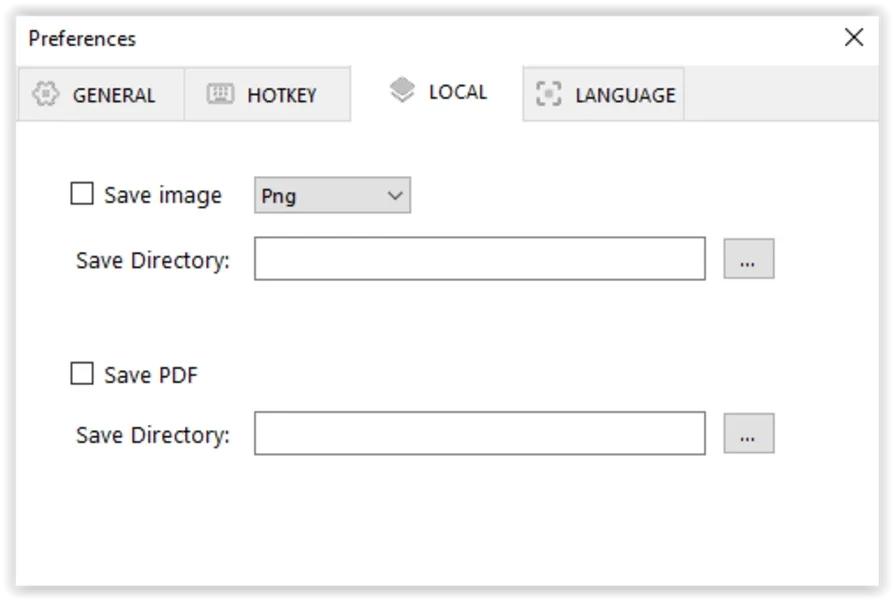
The user picks the format and destination file path for stored screenshots. Captures can be saved in jpeg, png, gif, or bmp, and they can also be saved in PDF format. It does not require external programs to save the output.
Download files
File2.6.0EXE
Version2.6.0
ReleasedOct 17, 2023
Size7.3 MB
SHA-256
Get
0933ce4e5e67e6dd0fadd12f45c9d849195df3a2e51d6f76c7f711a6d661b3ed
No digital signatureFileeasy-screen-ocr-2.1.2.exeEXE
Version2.1.2
ReleasedOct 17, 2023
Size7.7 MB
SHA-256
Get
e33a47fa3ccc1dadbebe11f394c45b174fd1cb9b6e3758ddf7bee992d33abc86
Fileeasy-screen-ocr-1.9.2.exeEXE
Version1.9.2
ReleasedNov 12, 2019
Size7.4 MB
SHA-256
Get
9323e4d0a9530abd5948be0a81070337eab58ee63bf1ddacb8fca1cdcc4afbee
Fileeasy-screen-ocr-1.2.0.exeEXE
Version1.2.0
ReleasedSep 24, 2018
Size7.0 MB
SHA-256
Get
85434abeeffabe4e5c85ea220d694a3baf30987e04f71478069b426fa49d9bcb
System requirements
Available on:
Minimum OS:
Windows XP or later
Additional information
Developer
Latest release
2.6.0 · Oct 17, 2023
Size
7.3 MB
Category
File type
EXE
SHA-256
0933ce4e5e67e6dd0fadd12f45c9d849195df3a2e51d6f76c7f711a6d661b3ed
Digital signature
No digital signature





