
Easy Screenshot 0.12.1 for Windows
Pins screenshots on screen as floating reference, with annotation editor
Screenshots
Description
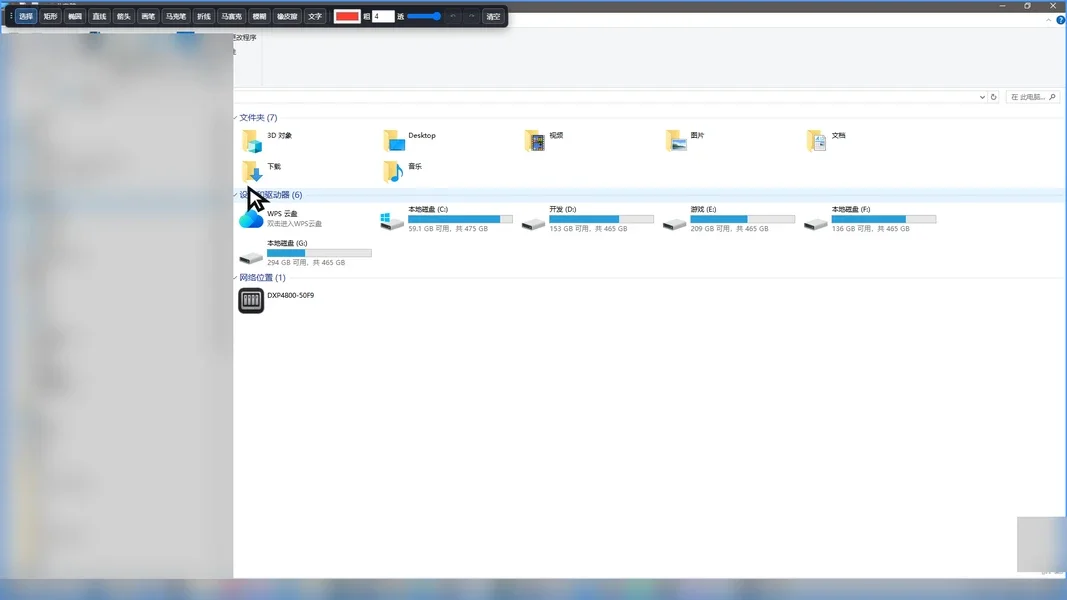
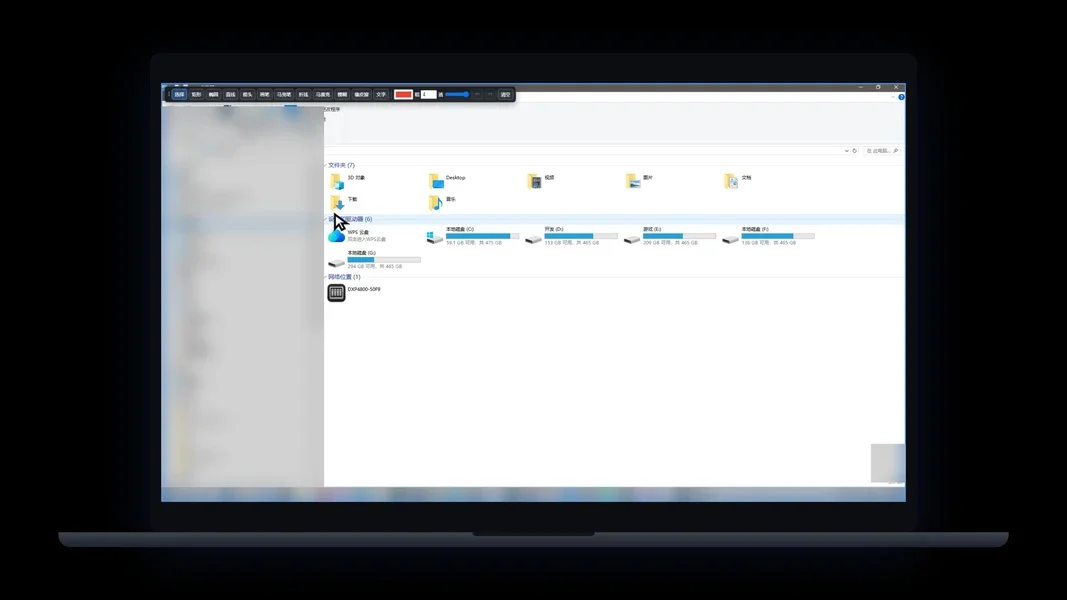
Easy Screenshot takes screenshots on Windows and brings up an annotation editor in the same step. Drag a region after hitting the shortcut, and the toolbar appears with the capture. Window and monitor shots work the same way, and the region tool has a magnifier for precise edges.
Annotating and sharing
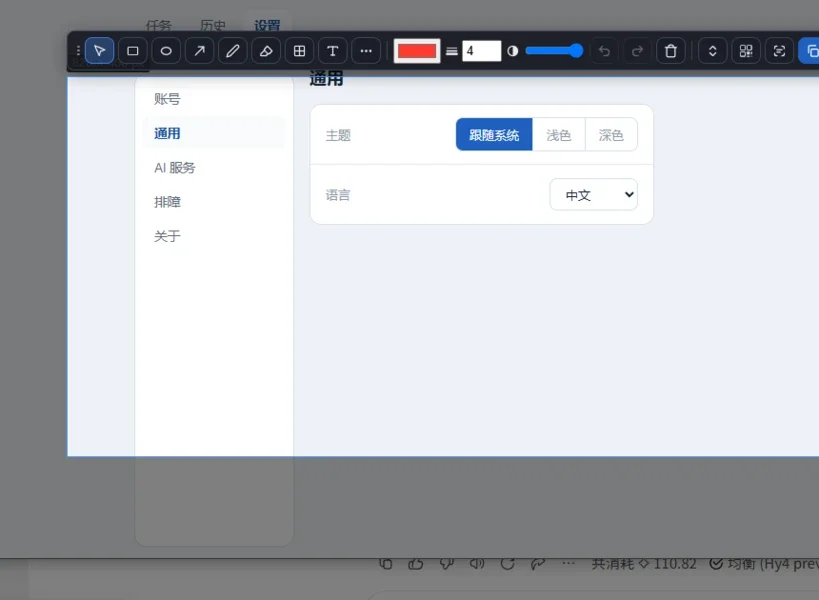
Arrows, boxes, text, highlights, blur and markers sit in the toolbar. Marks land exactly where you point. Send the result to the clipboard or save it to a file.
Captures can be pinned to float above other windows as reference. A history keeps recent shots in case a save is missed. Hotkeys can be changed for flows you repeat.
It stays light on system resources and is quick to learn. The program is meant for bug reports, documentation, support replies and everyday sharing, built to go from hotkey to shared image quickly.
Download files
9b69d9e61f152a16294884846b94d13599505c2e5a97c9293b6b5946eb36c3e0
No digital signaturea55a5839e41a8e94584e6ab92195ab4f5ce8391b21a79202db87f96ba3ffcb80
No digital signatureSystem requirements
Available on:
Minimum OS:
Windows XP or later
Additional information
Developer
Latest release
Size
Category
File type
SHA-256
9b69d9e61f152a16294884846b94d13599505c2e5a97c9293b6b5946eb36c3e0





